Current sales News My Tracked Assets Login

Learn to Make Games in Unity 2026 Bundle

Humble Bundle Ended deal
Assets
35
Recorded price from
$5
Recorded full bundle
$25
Check availability

-

Prices and availability may change.

About this bundle

Take your first steps into game development with one of the world’s most popular game engines, Unity. Whether you’re completely new to coding and game creation or ready to build bigger and more advanced projects, this bundle gives you the tools to grow your skills through hands-on learning. Start with beginner-friendly courses like Create Your First 2D Game in Unity and Create Your First 3D Game in Unity, then continue into larger projects like Complete Action RPG, Farming RPG, Tower Defense, and Construct a First Person Shooter. Along the way, you’ll learn C# programming, game systems, debugging, optimization, multiplayer, VR, and more. Pay what you want for a complete Unity learning bundle that can help turn your passion for games into real development skills and help support Alzheimer's Research UK with your purchase. Keys expire. Please redeem your keys before July 30th, 2027.

Recorded bundle tiers

Each tier includes the assets in the tiers below it.

Tier 3

Includes lower tiers, plus 30 additional assets:

35 assets total

$25

Debugging Foundations for Unity
Details
Master debugging principles for Unity games! Nobody codes perfectly every time, so knowing how to debug projects is an important skill. You'll explore common mistakes and methodologies you can use to debug Unity projects through a series of challenges. These debugging skills will give you the knowledge you need to quickly fix issues with your Unity games and get them to the publishing stage. You will learn: Common syntax issues, how to spot logic problems, solving structure and function calls, error and no error workflows, user input nuances, editor-related solutions, and more!
UV Mapping in Blender for Beginners
Details
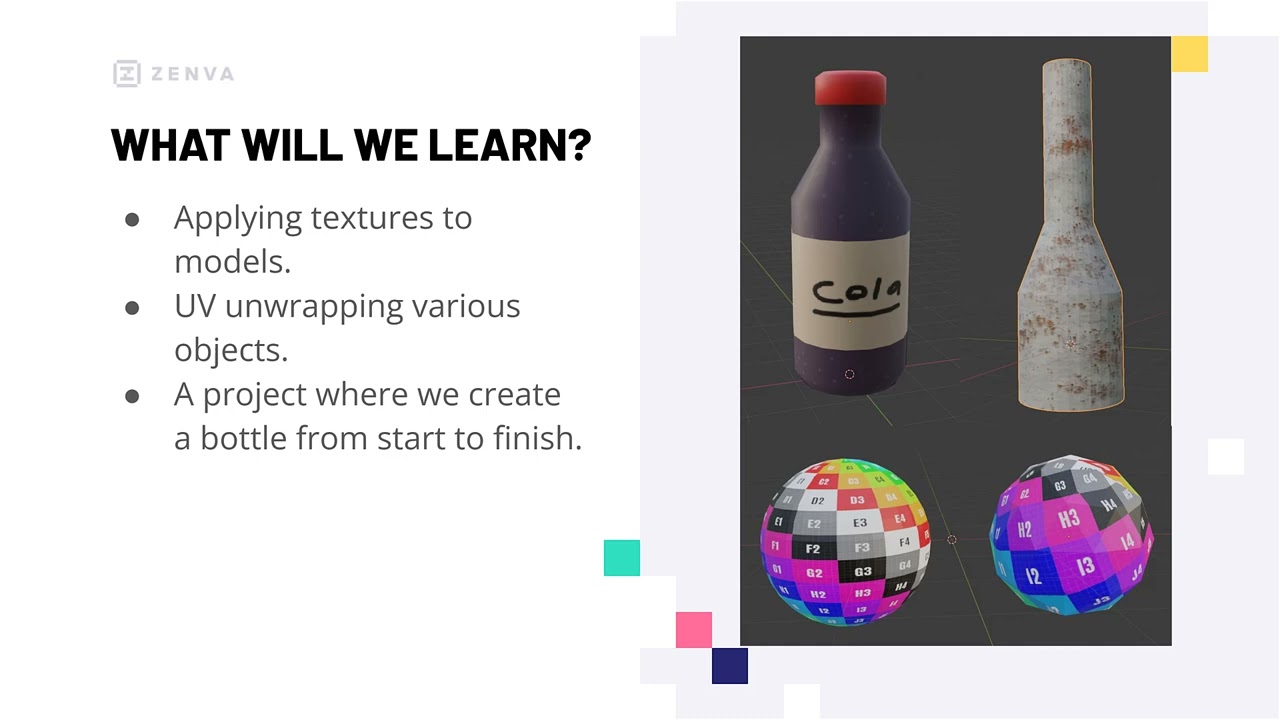
Master texturing in Blender by learning how to use UV maps! UV mapping - a process by which you "unwrap" a 3D model into a flat surface - offers creators an easy way to paint complex textures and apply them to 3D models. You'll explore creating and applying UV maps to primitive objects, as well as complex. Regardless of the sort of model you're making, skills in UV mapping will provide you with key skills to customize your 3D graphics to your exact specifications and allow you to go beyond flat colors for your textures. You will learn how to: Apply textures to an object, create UV maps for primitive shapes, build models suitable for UV mapping, combine techniques to unwrap complex objects, and export UV maps for 2D graphic's software, and paint textures onto a flattened UV map.
Intermediate Design Patterns in C# with Unity 6
Details
Unlock the power of coding design patterns to enhance your Unity games. Using coding design patterns can simplify game development projects by making your code more maintainable and reusable. In this course, you'll dive deep into essential coding patterns, starting with the SOLID principles and learning four pivotal coding patterns found across many games. After mastering these patterns, you'll be equipped to tackle complex Unity games with efficient solutions from start to finish no matter the size of the project. You'll learn how to: Implement SOLID design principles, Utilize the Singleton pattern, Apply the Observer pattern, Execute the Command pattern, Integrate Object Pooling, Develop flexible, maintainable code, and more.
Resource Gathering and Crafting in Survival Unity Games
Details
Master crafting systems for Unity survival games!Crafting is a core mechanic of survival games - and useful in other genres as well. Using a Unity project with player, items, and inventory ready, you'll learn how to add additional resources and crafting recipes to take your survival game to the next level. These skills and systems cannot only be expanded to suit your needs, but used throughout many future Unity projects.You will learn how to:Implement equipable itemsCreate first-person item animationsMake trees and rocks into resourcesSet up a crafting UIUse Scriptable Objects for crafting recipesTrigger crafting with a crafting table... and more!
Create a Tower Defense Game in Unity
Details
Dive into strategy game development by one of its most popular subgenres: tower defense games. Using the powerful Unity engine, you'll build a tower defense game from scratch while exploring a variety of core features needed for the genre, including tower placement, enemy wave spawning, and more. You'll gain skills in creating expandable and adaptable systems for any sort of tower defense project, along with fundamental programming skills in Unity (such as Scriptable Objects) that can easily be translated into other strategy games. You will learn how to: Create paths for enemies to follow, Spawn enemies in customizable waves, Place towers with UI indicators, Track health and money for gameplay control, Implement different towers and attack types, Set up win and defeat game over conditions... and more!
2D Procedural Maps in Unity for Beginners
Details
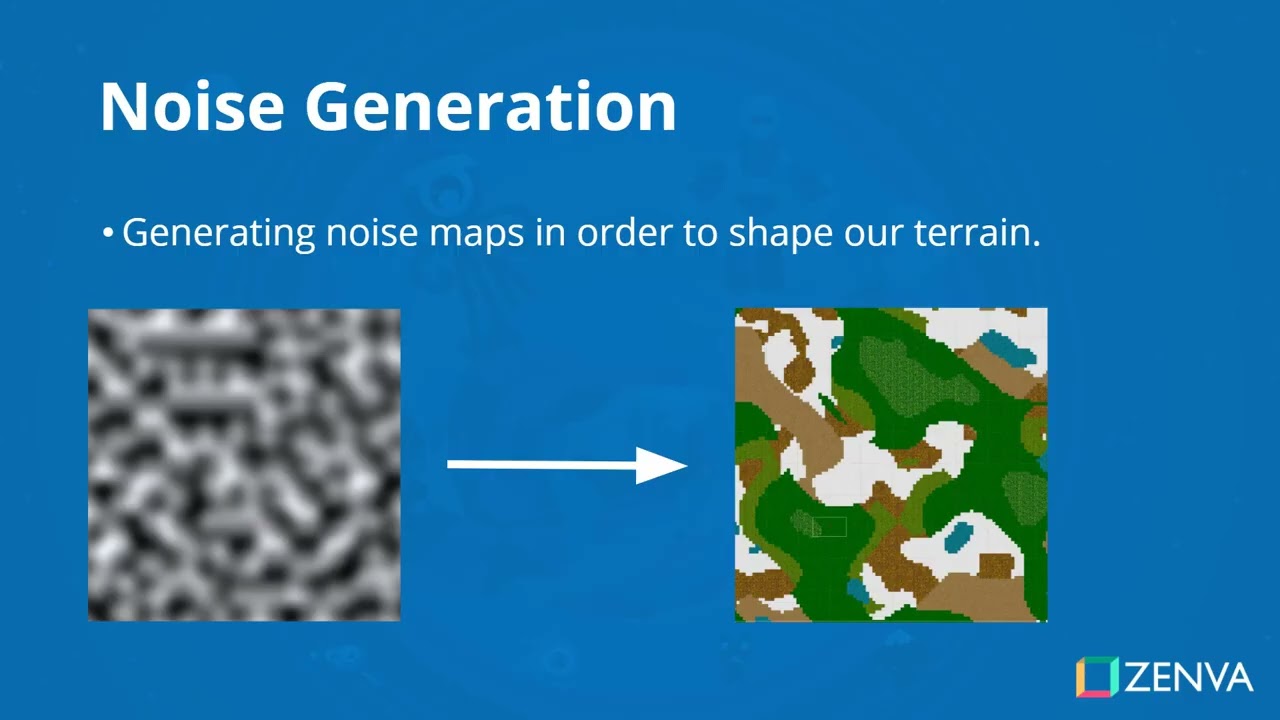
Automate the process of building 2D, tile-based game maps with code! Exploring Unity and the powerful C# language, you'll master expandable programming logic to procedurally generate 2D terrain tiles based on various noise maps. Not only will you vastly expand your skills with C#, but also learn fundamental ways to add variety and replayability to your own game maps, roguelike projects, and more. You will learn how to: Generate noise maps in Unity, Understand noise settings for different effects, Calculate biomes based on noise map data, Organize biome data with Scriptable Objects, Instantiate 2D tiles based on biome data, Implement a player controller.
Create Your First 2D Game in Unity
Details
Build your first fully-fledged 2D Unity game step by step!2D platformers continue to shape the world of indie and classic games, making them a must-learn genre for every aspiring developer. In this course, you’ll construct a 2D platformer from start to finish using Unity, covering essential topics like input controls, enemy AI, collectibles, and level management. By mastering these concepts, you’ll be ready to customize, expand, and design your own platforming experiences - as well as apply key techniques to future 2D game projects.You’ll learn how to:Set up and slice sprite sheetsImplement player movement and inputWork with 2D physics and collisionsAdd animations, sounds, UIs, and moreDesign multi-level worlds with tilemapsManage scoring systems... and more!
The Complete 2D Action RPG Unity Course
Details
Create your own 2D action RPG in Unity! Action combat systems are considered a staple of the video game industry, and have become ever more popular for 2D RPGs. This comprehensive course will show you how to construct a top-down, action RPG complete with different styles of combat, UI elements, loot drops, tilemaps, and inventory. These action mechanics will vastly expand your skills and allow you to easily integrate this form of gameplay into your systems! You will learn how to: Move characters and enemies in 2D, implement melee and ranged weapons, set up different, functional items, track player items with an inventory, manage cameras, UIs, and more, handle audio and audio managers, and more!
Bullet Hell in Unity - Unit 1 - Base Game
Details
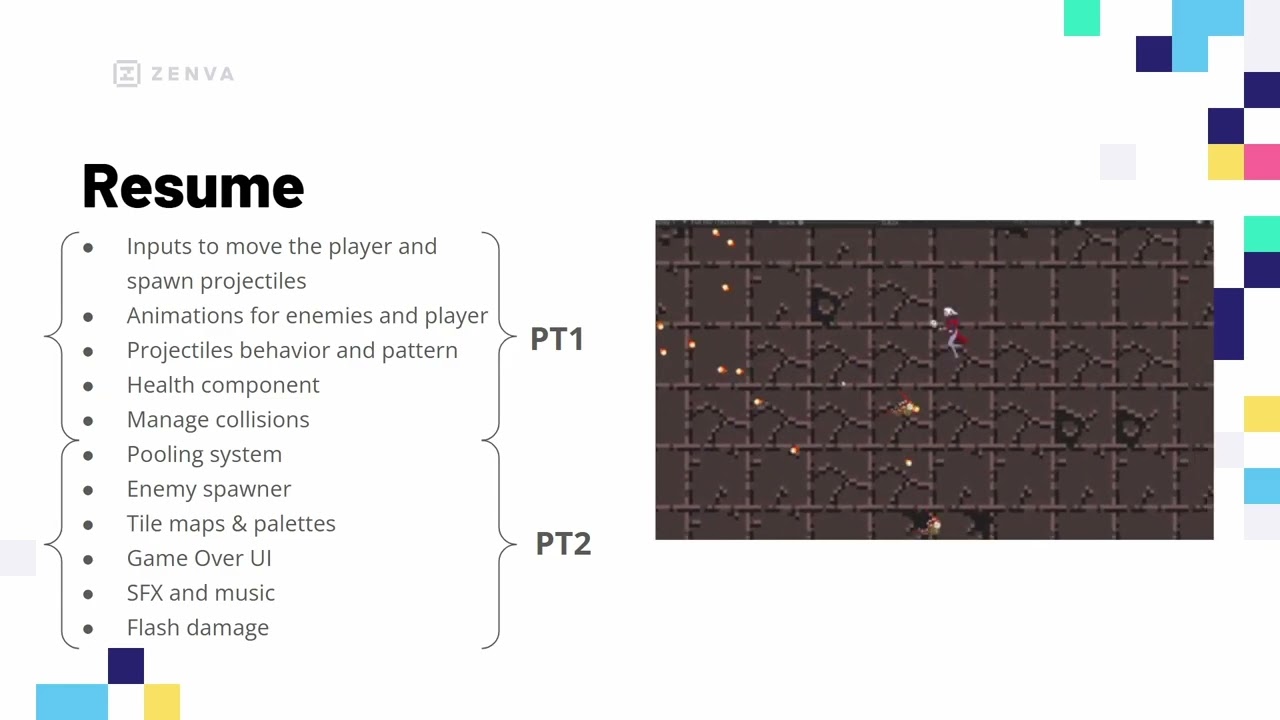
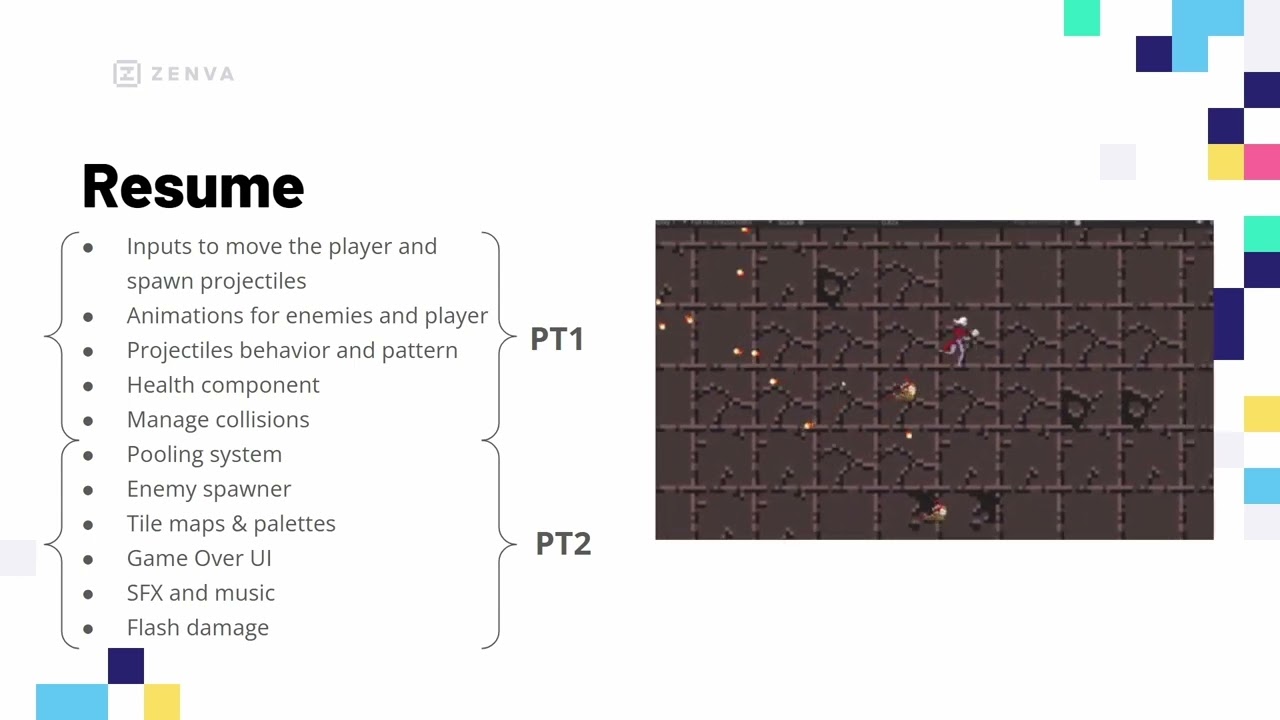
Master the action-packed mechanics of 2D bullet hells in Unity! Bullet hell games demand precise controls and complex projectile patterns, teaching you to balance intense action with responsive design. In this course, you will build the foundations of a bullet hell game in Unity - creating custom inputs, modular character components, and core combat logic. This foundation prepares you to expand your bullet hell project with professional-level polish required for commercial-quality development. You will learn how to: Build custom player input systems, Program dynamic projectile movement logic, Animate characters using sprite sheets, Create reusable health management components, Manage precise entity collision detection, Architect modular enemy behavior systems, and more!
Bullet Hell in Unity - Unit 2 - Game Polish
Details
Elevate your bullet hell games to professional levels in Unity! Polish and performance are the defining traits that separate action game prototypes from commercial-grade titles. Through this course, you will enhance the foundations of a bullet hell project in Unity by implementing an efficient object pooling system, improved game feel elements, and more. These advanced optimization techniques will empower you to scale your game projects and handle complex mechanics in even the most demanding bullet hell titles. You’ll learn how to: Improve performance with object pooling, construct levels with Unity Tilemaps, manage audio with centralized systems, develop game over game loops, create dynamic damage flash effects, build responsive UI elements, and more!
Create a Micro Turn-Based RPG in Unity
Details
Explore turn-based combat systems for 2D RPGs! Turn-based combat remains a popular staple around the world for many 2D RPGs. Through this course, you'll build a micro project in Unity focused specifically on how to build a turn-based combat system with different styles of attack and the Unity UI system. No matter how complex a turn-based system you want to make, this course will make sure you have the fundamentals to create and expand your system however you need for your 2D games! You will learn how to: Set up 2D turn-based-ready scenes, manage player and enemy turns, build dynamic UIs for combat, implement attack and healing actions, construct enemy AI, and render movement and projectiles.
Intro to ECS for Unity 6
Details
Revolutionize your Unity projects with ECS! The Entity Component System (ECS) transforms game development in Unity by providing modern techniques to enhance performance and modularity. In this course, you'll explore the setup, usage, and benefits of ECS within Unity, enabling you to make complex projects with streamlined, efficient code. These skills will empower you to create games and apps that integrate high numbers of objects and calculations for large-scale projects. You'll learn how to: Set up ECS in Unity, create a massive ball spawner, develop a basic player controller, utilize multi-threading for performance, implement modular programming concepts, understand ECS structure... and more!
Intro to VR with Unity's XR Interaction Toolkit
Details
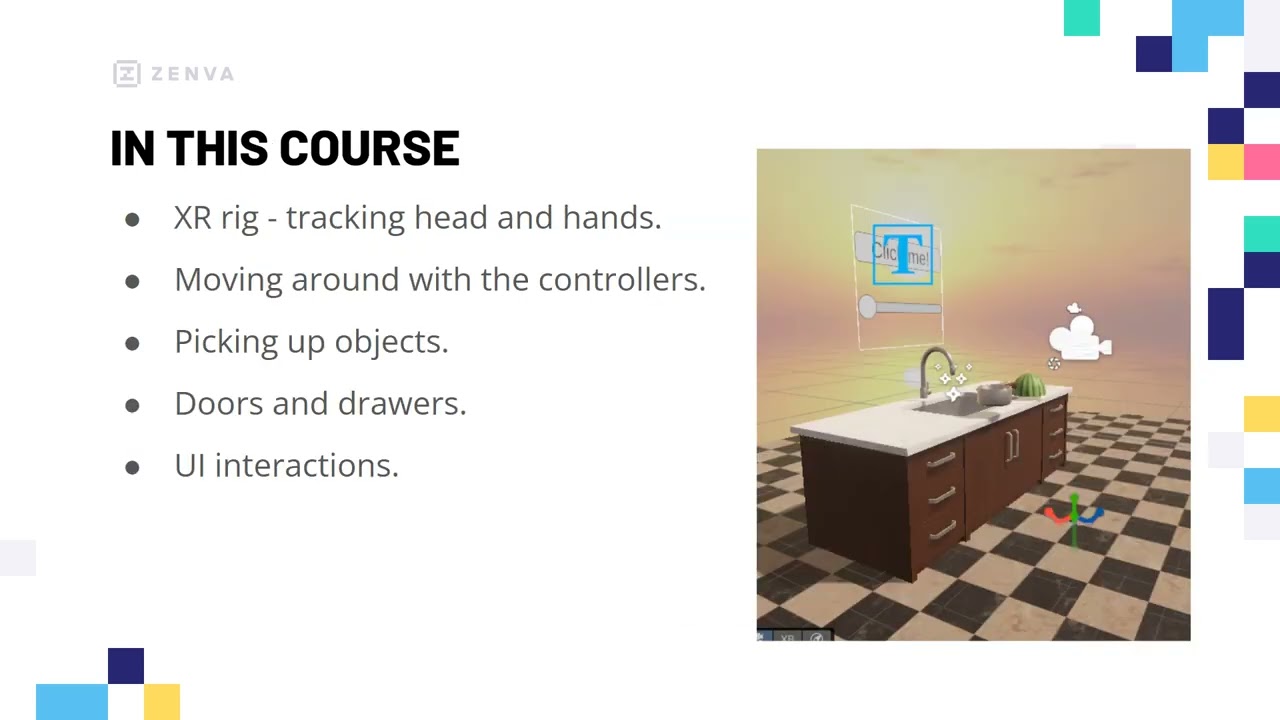
Build interactive VR worlds with Unity's XR Interaction Toolkit!Virtual Reality is revolutionizing how we experience games and applications, making immersive, interactive environments a sought-after skill in modern development. In this course, you'll create a fully-fledged VR kitchen scene - from configuring your XR rig to crafting rich player interactions - using Unity's drag-and-drop XR components. These foundational techniques will help you master the real-world skills needed to bring any of your own VR ideas to life on any compatible headset.You’ll learn how to:Set up a universal XR rigImplement smooth locomotion and rotationEnable object grabbing and manipulationCreate interactive doors and drawersIntegrate VR-friendly UI controlsAdd a custom scripted interaction... and more!
Develop a Puzzle Platformer Game in Unity
Details
Create a simple Unity platformer with obstacles, keys, and locked doors. Set up player controllers for walking, jumping, and item collection. Use Tilemaps and collision systems to build interesting levels. Implement hazards, ladders, and color-coded key mechanics to encourage exploration. Develop save, load, and scene transition systems for connected gameplay, and include a UI to track player progress such as key counts.
Construct a Mobile Physics Game in Unity
Details
Embrace the unique aspects of mobile touch gestures to build a physics-based Unity game. You'll explore various uses of gravity, drag, collisions, and more to create a game where players are slingshotted at enemies via dragging touch gestures. With the help of the Unity Device Simulator, you'll also learn how to tailor your project to various mobile devices - all skills which can be applied to other mobile and non-mobile game projects! You will learn how to: Simulate various mobile devices Manipulate Unity's physics Code drag gestures to launch players Improve the camera with parallax Set up enemies and levels with collisions Create a mobile-friendly UI
Develop a City-Building Game with Unity
Details
Master strategy game mechanics for city-building games - all while creating your own from scratch! Step-by-step, you'll develop an isometric, turn-based city-builder where you can place various buildings and calculate the resources that they generate. You'll learn powerful systems to deal with resource management, and master other crucial game techniques that can be applied to many other types of strategy games. You will learn how to: Implement a camera that can pan and zoom, set up a grid-based building placement system, detect mouse clicks in 3D space, add different buildings that can be selected, calculate resources based on buildings constructed, and relay game information with a UI.
Unity Associate Programmer Certification Practice Exam
Details
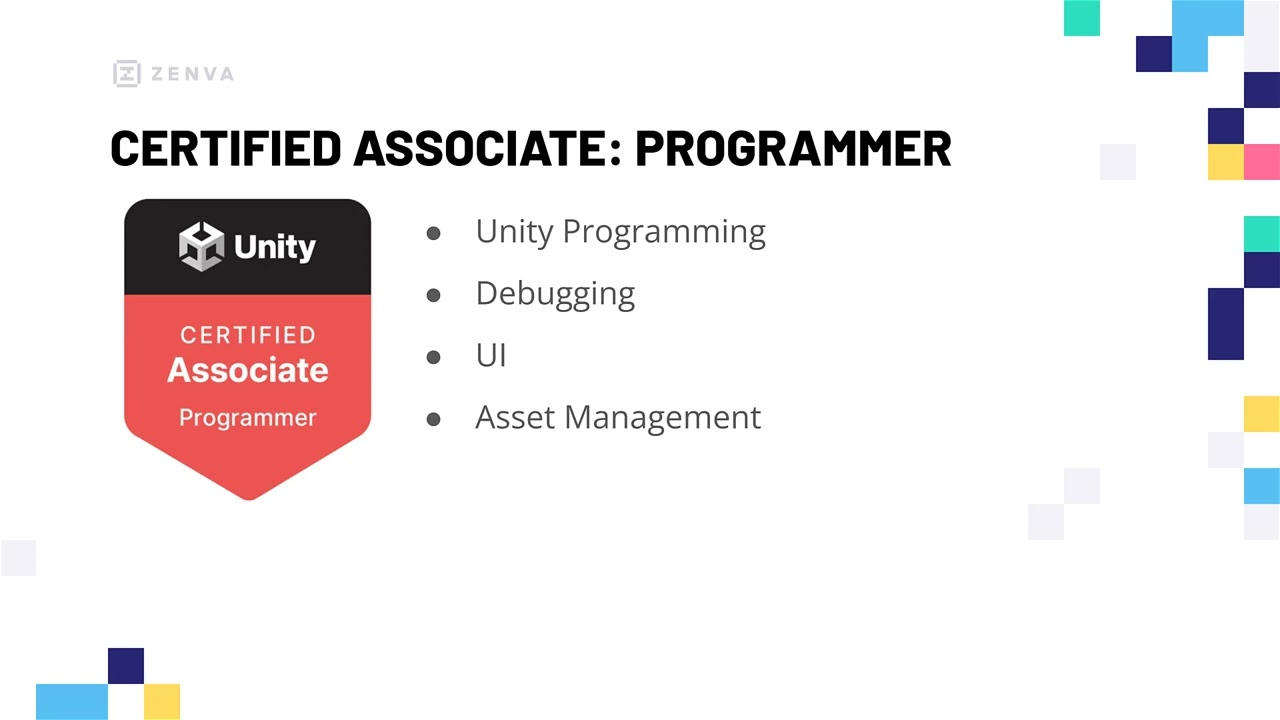
Practice for the Unity Associate Programmer Certification exam!Unity Certification can open new doors of opportunity, so making sure you're ready for the exam is vital to getting industry-recognized credentials. You'll take a series of quizzes aimed at testing your knowledge of C#, asset management, and more to pass the Associate Programmer Certification exam. These quizzes will ensure you're not only ready to pass the exam but are able to program a variety of Unity and C# projects!You will test yourself on:Using Unity ComponentsDebugging techniquesUI systemsC# fundamentalsManaging scenes & assetsPractical programming applications... and more!
Unity Mini-Projects - C# Fundamentals
Details
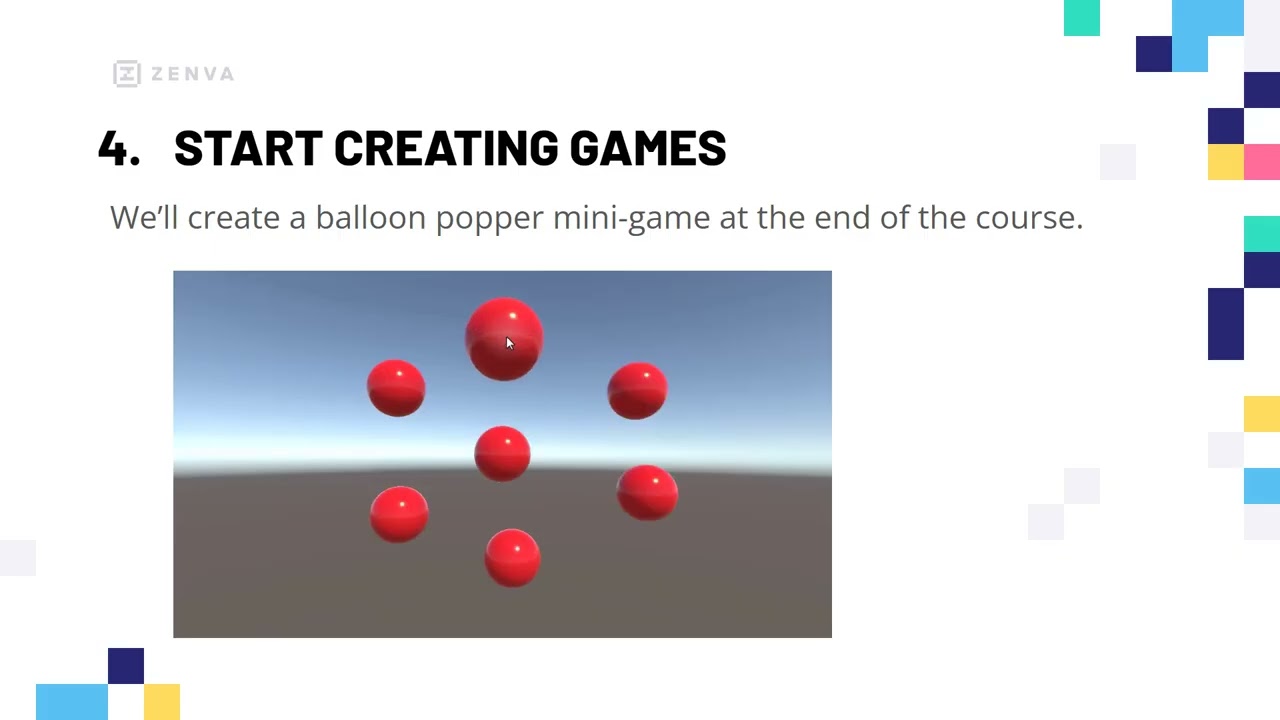
Kickstart your Unity C# journey with playable mini-projects. Unity powers some of the world's most popular games, and mastering its fundamentals opens doors to a wide array of creative opportunities in game development. In this course, you'll build four mini-games - each focused on core topics like user interaction, physics, and collision detection. By completing these real-world projects, you'll be ready to prototype your own interactive experiences, expand into more advanced Unity scripting, and create gameplay features with confidence. You'll learn how to: Design interactive Unity user interfaces, Implement responsive click-based mechanics, Apply for loops and optimize code, Work with 3D textures and materials, Harness Unity's physics for gameplay, Detect and handle collisions via code.
Survival Game Player Mechanics in Unity for Beginners
Details
Learn to build survival games in Unity - starting with the player and environment! From underwater realms to medieval lands, survival games have become a popular staple among developers. You'll explore fundamental mechanics such as movement, needs, health, and a day-night cycle as you construct the beginnings of your very own survival game. These skills will form the core of your survival game projects and teach you universally relevant skills for all games. You will learn how to: Implement player movement, make a first-person camera, create needs (hunger, thirst, and sleep), manage health and damage, build a 3D terrain, construct a day-night cycle... and more!
Unity 3D Micro-Project - Point and Click RPG
Details
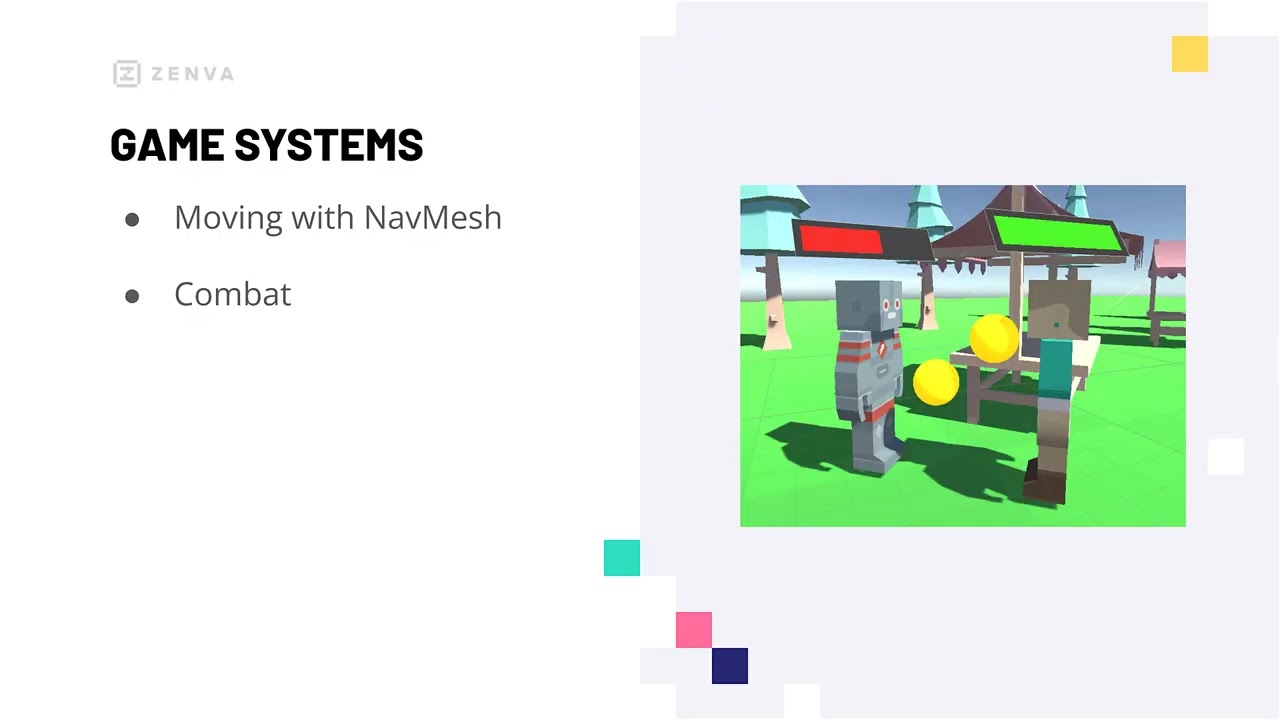
Build a 3D micro-RPG controlled by your mouse. Using mouse input is not only a popular way to handle movement in RPGs, but also one with accessibility and cross-platform benefits. In this course, you'll explore the foundations of 3D RPG development in Unity by creating a simple micro-project where players can move around and attack enemies by clicking. These baseline mechanics will provide you with the fundamental knowledge you need to expand and build more complex 3D mechanics in the future. You will learn how to: Code players and enemies efficiently, Detect and process click events, Use Unity's NavMesh for auto navigation, Make State Machines for enemy AI, Implement basic combat and RPG UIs, Use Cinemachine to follow players and more!
Construct a First Person Shooter in Unity
Details
Develop your own FPS game in Unity! First-person shooters are not only immensely popular, but also one of the oldest genres in all of video game history. Through this course, you'll build your own FPS game in Unity while learning core mechanics for shooting, player movement, and similar. No matter how complex your planned features are, these FPS essentials will help put you on the path to building your dream FPS project! You will learn how to: Create a moveable player character, Master shooting mechanics with object pooling, Implement pathfinding enemies with Unity NavMesh, Add health and ammo pickups, Set up audio and particle effects, Develop FPS-appropriate UIs... and more!
Learn Version Control in Unity 6
Details
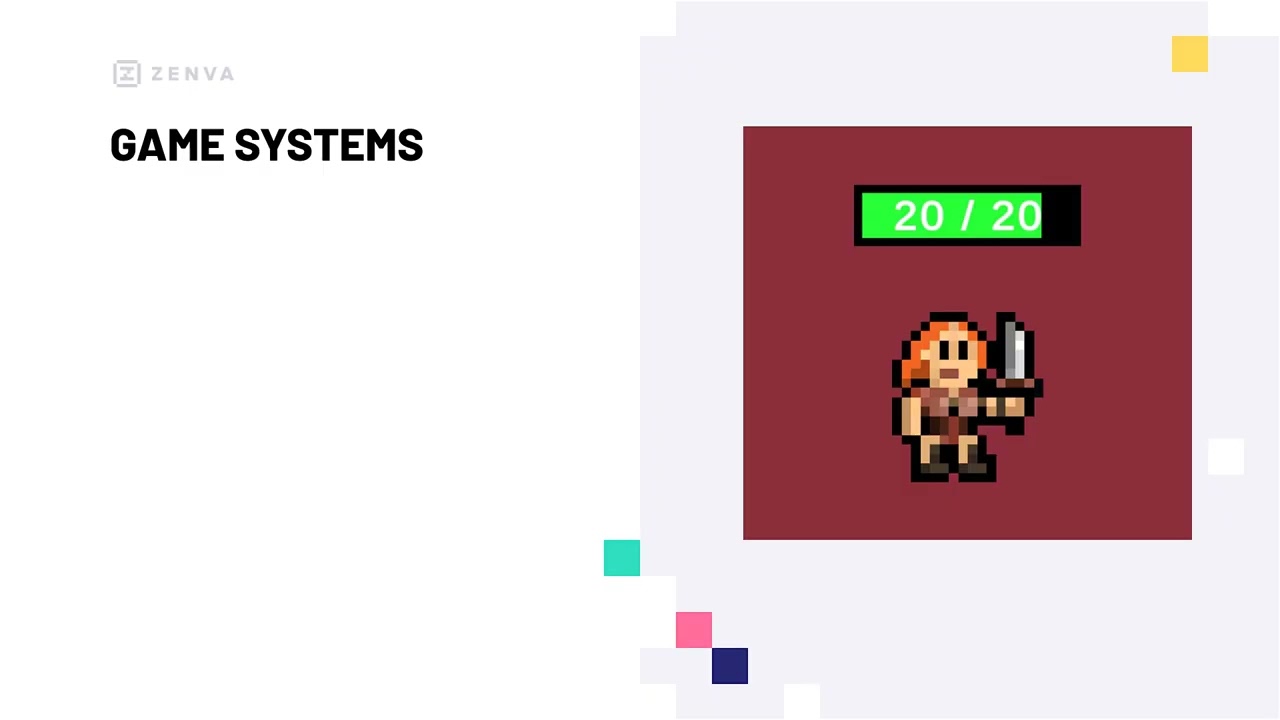
Transform your Unity development with expert version control techniques! Version control is an essential skill for developers, allowing seamless collaboration and secure backups for projects. In this course, you'll dive into Unity's built-in version control system and GitHub while learning to manage your projects from start to finish effectively. With these skills, you'll be able to collaborate smoothly on complex Unity projects, ensuring your work is protected at every step.

You'll learn how to:

Set up Unity Version Control
Navigate the Unity Version Control interface
Integrate Unity with GitHub
Create and manage repositories
Collaborate with multiple users
Pull, push, and commit changes
Intro to Rigging Models in Blender
Details
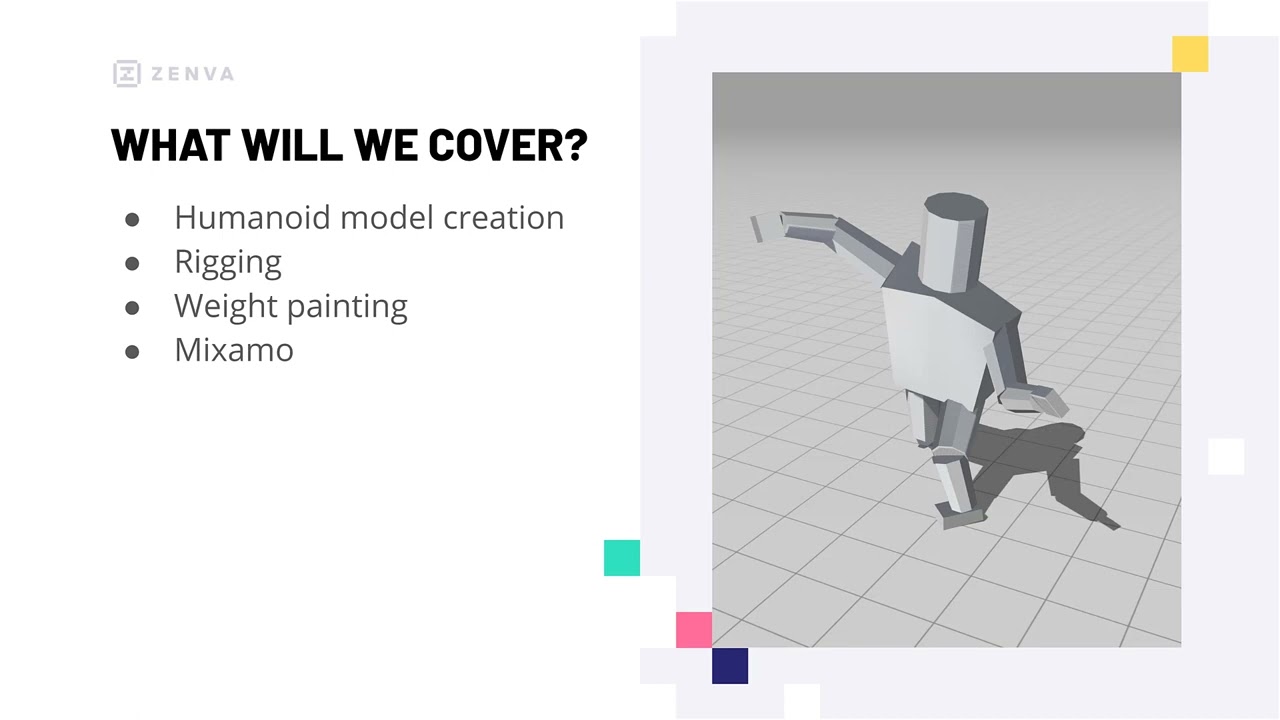
Prepare your 3D models for animation by learning the fundamentals of rigging! Rigging is a key animation technique that involves creating a skeletal armature to manipulate a 3D mesh and streamline the animation process. In this course, you'll discover everything required for rigging - from setting up the "bones" to weight painting and controlling which parts of the mesh are affected by each bone. By the end, you'll have the foundations you'll need to master rigging any kind of 3D model and expand your skills in creating custom assets. You will learn how to: Create bones to build an armature, connect your armature and 3D mesh, control affected vertices with weight painting, export rigged models, and apply Mixamo animations to your models.
Create a 3D Turn-Based RPG in Unity
Details
Master turn-based RPG combat - one of the most fundamental styles for the RPG genre. Turn-based combat is a mainstay for many RPGs due to its familiarity for players and the ease of implementation for developers. In this course, you'll master this combat style by building your own 3D RPG from scratch that features different kinds of attacks, customizable enemy encounters, and more. These skills will help you learn transferable skills in creating combat systems for many genres of projects. You will learn how to: Set up player and enemy sets, manage turns and action displays, implement different attacks & skills, create a simple, combat-ready enemy AI, add UI feedback for gameplay, and build a map board with encounters.
Explore Game Optimization in Unity 6
Details
Boost your Unity game performance by exploring optimization techniques. Game optimization is critical for delivering smooth and efficient gaming experiences, especially in larger-scale projects. In this course, you'll learn how to enhance game performance in Unity by leveraging analysis tools and applying advanced optimization techniques. You'll learn how to utilize Unity's Profiler effectively, analyze scenes with the Frame Debugger, implement static and real-time lighting, apply static batching techniques, optimize with Level of Detail (LOD), and master occlusion culling strategies.
Learn 3D Modeling with Blender from Scratch
Details
Master the foundations of Blender and 3D modeling! 3D modeling, the process of creating digital 3D objects, is a robust field of study with real-world applications for animation, game development, and more. In this course, you'll explore the free and open-source Blender software and learn the fundamental techniques for manipulating meshes and creating custom assets. These skills will form the basis for expanding your 3D modeling skills and open up opportunities to create unique assets for your projects. You will learn how to: Understand how 3D objects work, Move, rotate, and scale objects, Edit vertices, edges, and faces, Work with Blender's modifiers, Apply materials to meshes, Export models for other programs, and more!
Intro to Unity Services
Details
Discover built-in development tools for Unity projects! Unity Services are not only easy to use but save developers time with a variety of useful features for making games. You'll explore four different services offered by Unity that allow you to quickly monetize, analyze, and build your projects. This knowledge will offer you new ways to approach developing your games - whether you're working solo, in a team, or as part of a company. You'll learn all about: Ads for revenue streams, Analytics for tracking key metrics, Building to the cloud, Adding version control... and more!
Unity Associate Game Developer Certification Practice Exam
Details
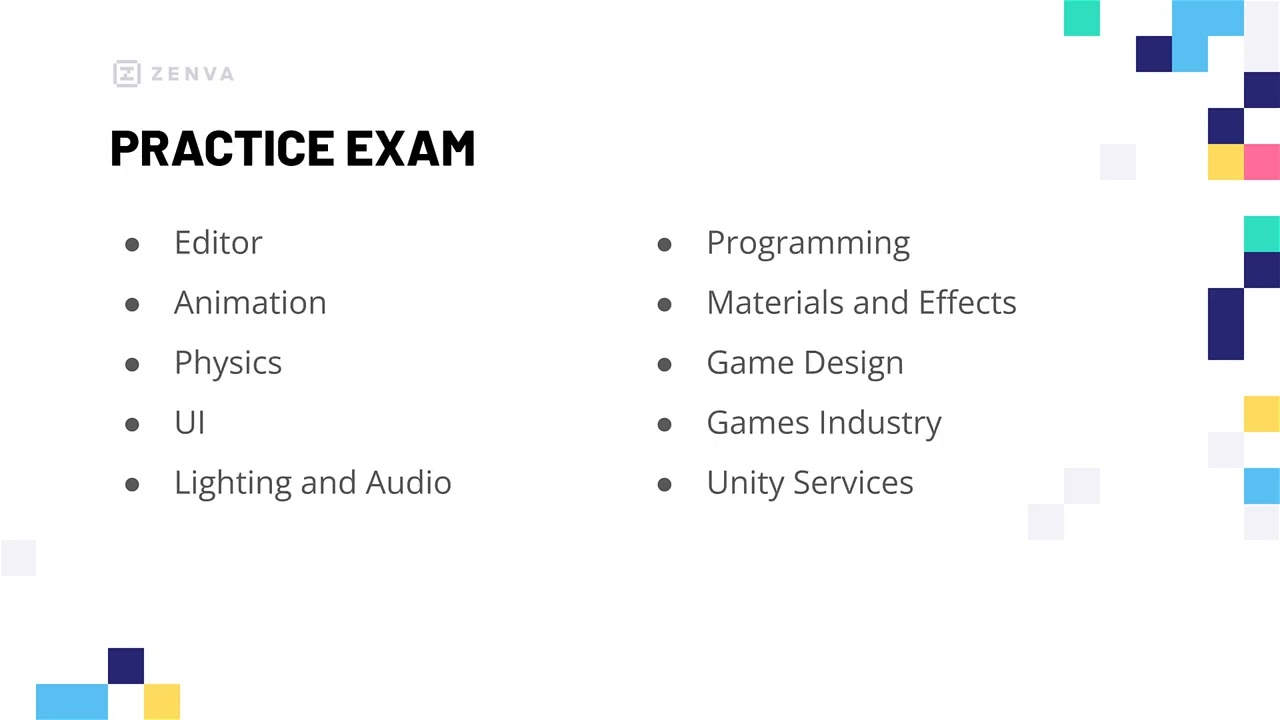
Prepare for the Unity Associate Game Developer Certification exam!As one of the few industry-recognized credentials, Unity Certification can help boost your opportunities as a developer. You'll test your knowledge through a series of quizzes on Unity tools and the game development process - topics necessary for the Associate Game Developer Certification exam. These quizzes will both make sure you're ready for the exam and showcase your preparedness to build Unity games!You will test yourself on:Game design & industryUsing the EditorMaterials and animationC# foundationsPhysics, lighting, & audioUnity Services... and more!
Unity Survival Project - Inventory System
Details
Enhance your survival game projects by mastering items and inventories. Collecting items is an integral aspect of not just survival games, but many other genres as well. Working from an existing Unity project with player mechanics ready, you'll explore how to add survival-related items and manage them with an inventory. The systems you build will allow you to expand them to suit your story - and even adapt them to other kinds of Unity projects! You will learn how to: Create items as Scriptable Objects Set up collectible, in-scene objects Craft an inventory UI Add and select inventory items Manage stackable items Interact with inventory items ... and more!
Create Your First 3D Game in Unity
Details
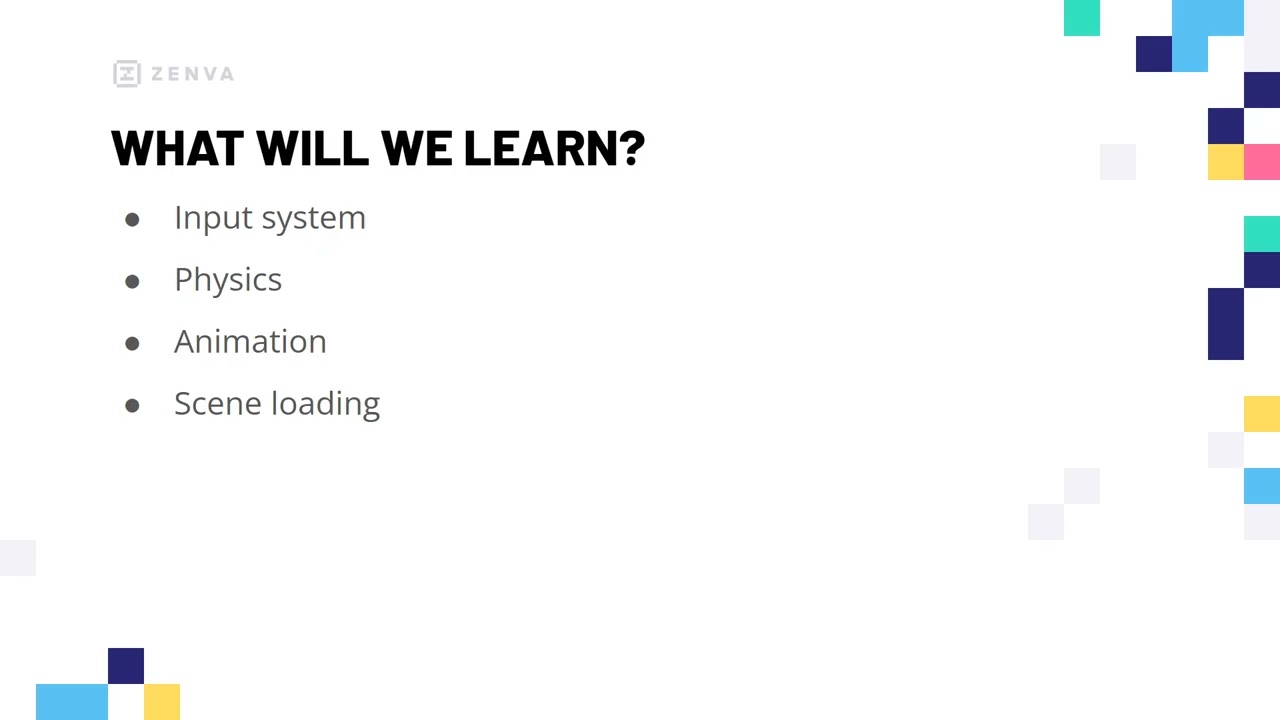
Build a complete 3D platformer in Unity from start to finish. As a foundational genre that has delighted players for decades, 3D platformers offer some of the best real-world opportunities for aspiring developers to master core mechanics. Through this course, you'll develop a fully-fledged 3D platformer with all the fundamental systems that make these games so engaging. These skills will not only give you a finished Unity game for your portfolio but also provide a comprehensive framework for designing your own unique 3D levels and gameplay challenges. You'll learn how to: Process player input, Implement physics-based movement, Create enemies and collectibles, Set up character animations, Build multiple game levels, Manage scene loading and transitions, and more!

Tier 2

Includes lower tiers, plus 3 additional assets:

5 assets total

$15

Intro to Game Design
Details
Discover how the core concepts of game design can help you to create fun and intuitive games! Game design is a fundamental process needed when creating any game - from the smallest platformer to the largest MMORPG. In this course, you'll start mastering the foundations of game design by examining each core component and how they apply to real-world games. By the end, you'll understand both why game design is important and, more crucially, how to apply the concepts to your own games and create a stunning portfolio. You will learn how to: Plan a game around a core mechanic or experience Engage players by providing tangible goals Structure game actions Guide players through the game Understand game feel and its effects Show players how to play in different ways ... and more!
Construct a Remote Control Car for AR in Unity
Details
Build a virtual remote control car and then bring it to life with the power of augmented reality using your mobile device's camera. You will learn how to set up the movement and UI controls for a 3D modeled car, and how to use Unity and the AR Foundation package for cross-platform development to place and drive your car in the physical world. You will also take the first steps into occlusion - the process of hiding virtual objects with real-world physical objects - to further blur the line between the virtual and real-world space. You will learn how to: Create and place a 3D modeled car in AR, script a car model for typical car movement, detect AR planes for your car to drive on, implement UI elements to control your AR car, and set up basic occlusion.
Construct a Micro-Farming RPG in Unity
Details
Master farming simulation mechanics for RPGs! Since the SNES era, farming has been a popular addition to games, particularly RPGs. In this course, you'll explore crop-growing mechanics related to this sub-genre, as well as general Unity game development principles with singleton programming patterns, pseudo-state machines, and more. No matter the type of RPG you want to build, these farming mechanics will help you round out your Unity skills and allow you to add variety to your current and future game projects. You will learn how to: Set up 4-direction player movement, create tilemaps with interactable tiles, store crop data as Scriptable Objects, implement crop growing and watering mechanics, control resources such as money, display information with a UI, and more!

Tier 1

one-time unlock

2 assets total

$5

Intro to the Game Development Industry
Details
Learn how the video game industry works! Video games are a well-established, profitable industry with unique characteristics that support the development process. You'll explore the industry's structure by learning the overall stages of development, how work is divided by role, and more. This information will help you interact with the game industry with solid footing and have a greater understanding of how games are made. No prior experience with the game industry is needed. You'll learn all about: Job roles & responsibilities, large vs. small companies, the development cycle, IP copyrights, NDAs, and more!
Intro to Game Development with Unity
Details
Get started with Unity and unlock limitless game creation possibilities. Unity is the powerful, cross-platform engine behind some of the world’s most popular games and interactive experiences. Through this course, you’ll gain a solid foundation in Unity’s core systems, essential tools, and C# scripting - empowering you to bring your creative ideas to life across any genre or platform. By learning best practices and real-world workflows from start to finish, you’ll be ready to tackle your own projects with confidence and clarity. You'll learn how to: Install and set up Unity, Navigate the Unity Editor interface, Manage and manipulate GameObjects, Work with lighting, physics, and more, Write and integrate basic C# scripts, Create your first interactive project and more!