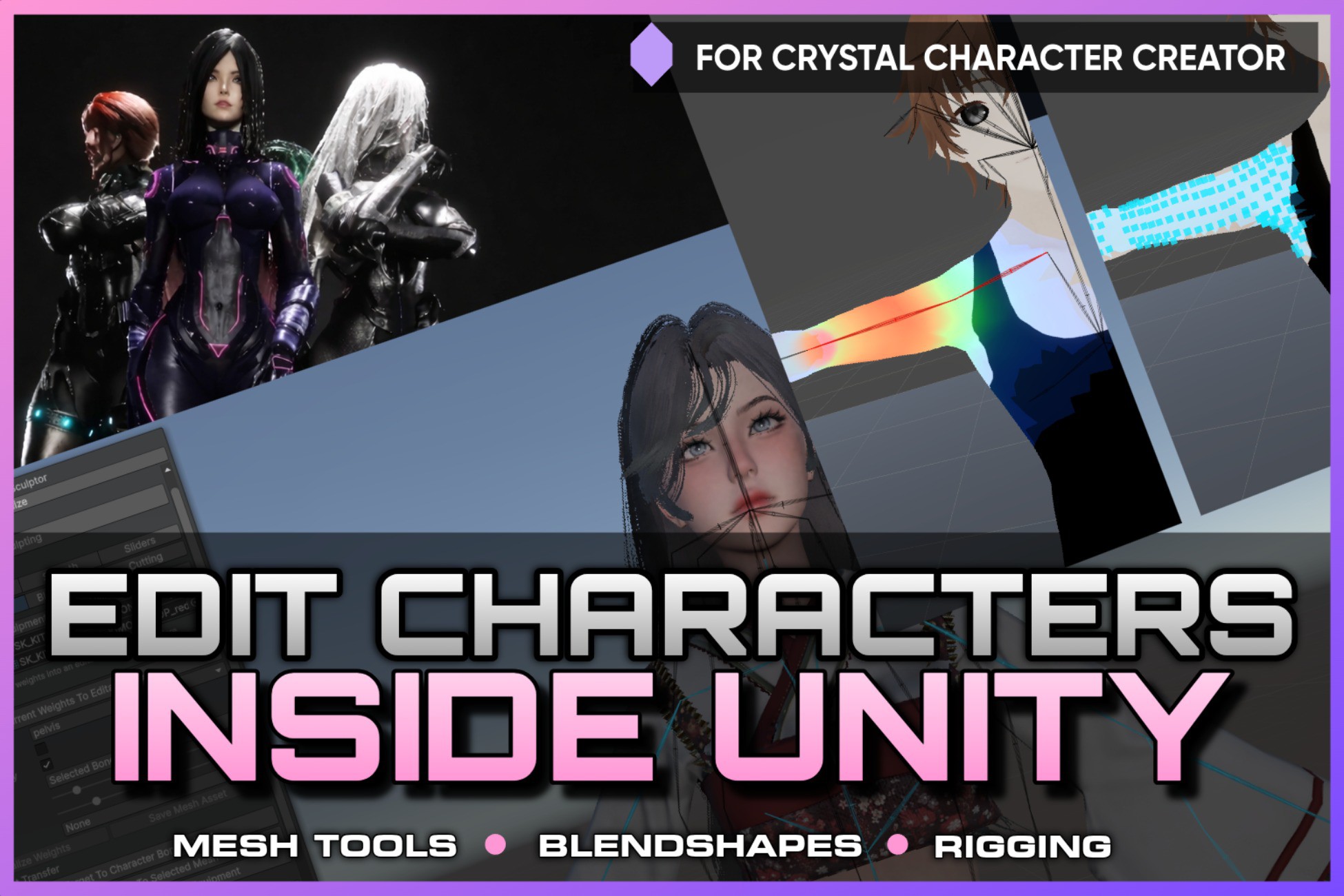
Screenshots and videos
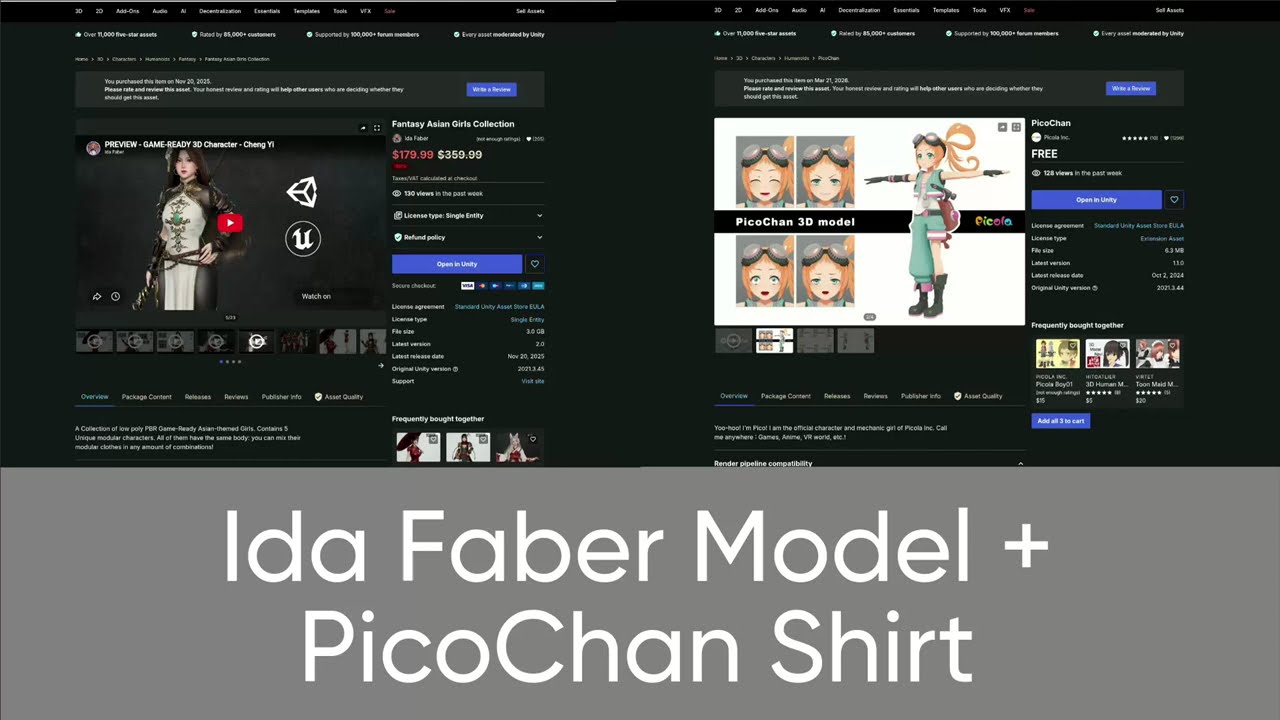 1 / 4


Price history
Lowest recorded standalone price: $29.50. Recorded observations span to . This is our available history, not a guaranteed all-time low. Bundle package prices are separate.
Standalone price
Last three months, in USD. Bundle prices cover the whole package.
Sales and bundles
No active sales or bundles recorded.
View 1 past offers
About Rigging, Mesh Editing, Blendshape Creation for Crystal Character Creator
- Tools, Systems & Learning > Development Tools & Automation
Bring character and equipment editing directly into Unity. This Crystal Character Creator Add-on extends Crystal Character Creator with an in-editor toolset for rigging, weight painting, mesh cutting, mesh splitting, mesh merging, and blendshape creation. Many character workflows still require switching between Unity and external DCC tools just to fix weights, adapt outfits, separate mesh parts, clean up equipment, or create shape variations. This add-on moves much of that work into the Unity workflow you already use for fitting, managing, and testing characters. Work directly in the Scene view. Inspect meshes, adjust rigging, paint weights, cut geometry, prepare modular clothing pieces, and create blendshapes without leaving Unity. Rigging and Weight Painting: Edit and correct skinned meshes directly inside Unity. Use the rigging and weight painting tools to inspect existing skin weights, transfer body weights to equipment, replace equipment bones with a matching character bone subset, create and edit bones, and paint weights in the Scene view with live visual overlays. This is useful for adapting outfits, fixing deformation issues, preparing equipment for characters, and reducing the need to export assets back and forth between Unity and external tools. Mesh Cutting, Splitting, and Merging: Prepare and modify mesh regions inside Unity. The mesh editing tools allow you to select, cut, split, delete, and organize parts of a mesh. This supports common modding, kitbashing, and outfit-preparation workflows where equipment needs to be cleaned up, separated, adapted, or turned into modular clothing pieces. Use it to remove unwanted mesh sections, split clothing into parts, separate accessories, prepare equipment variants, or clean up meshes before fitting them to a character. Blendshape Creation and Editing: Create new character and equipment variations from sculpted mesh changes. The blendshape tools allow you to turn edited mesh states into real blendshapes, edit existing blendshapes, rename them, and build new shape variations for character customization, body morphs, facial expressions, corrective shapes, or equipment fitting. This makes it easier to support character variation directly inside the Unity-based character pipeline. Built for Unity Character Workflows: The add-on integrates with the Equipment Fit Sculptor and expands Crystal Character Creator into a more complete authoring environment for Unity-based character and equipment pipelines. Instead of constantly switching tools, exporting meshes, importing changes, and checking results again in Unity, you can keep more of the character creation process inside one familiar editor. Less context switching. Less external tool dependency. More direct control inside Unity.
More from Arawn
- Crystal Save Professional | Save System & Save Migration $79
- Crystal Save | Game Creator 2 Save Module (requires Crystal Save) $39
- Enemy Masses (Standard) | Massive Crowds, RTS Formations for GPU Instancer Pro $59