Price history
Recorded standalone sale prices and the latest available store price, in USD. Historical dots use the sale start date and its recorded offer price. Prices can change during a sale; this is not a daily price log. Bundle prices and upcoming offers are excluded. History covers up to the 100 most recent recorded offers.
Lowest recorded standalone price in this history: $9.99. The latest store price is $9.99, matching the lowest recorded price shown here.
View 1 recorded price
| Sale start / price check | Price | Observation |
|---|---|---|
| $9.99 | Latest store price |
About Quick Icon Studio - Icon Generator
- Tools, Systems & Learning > Development Tools & Automation
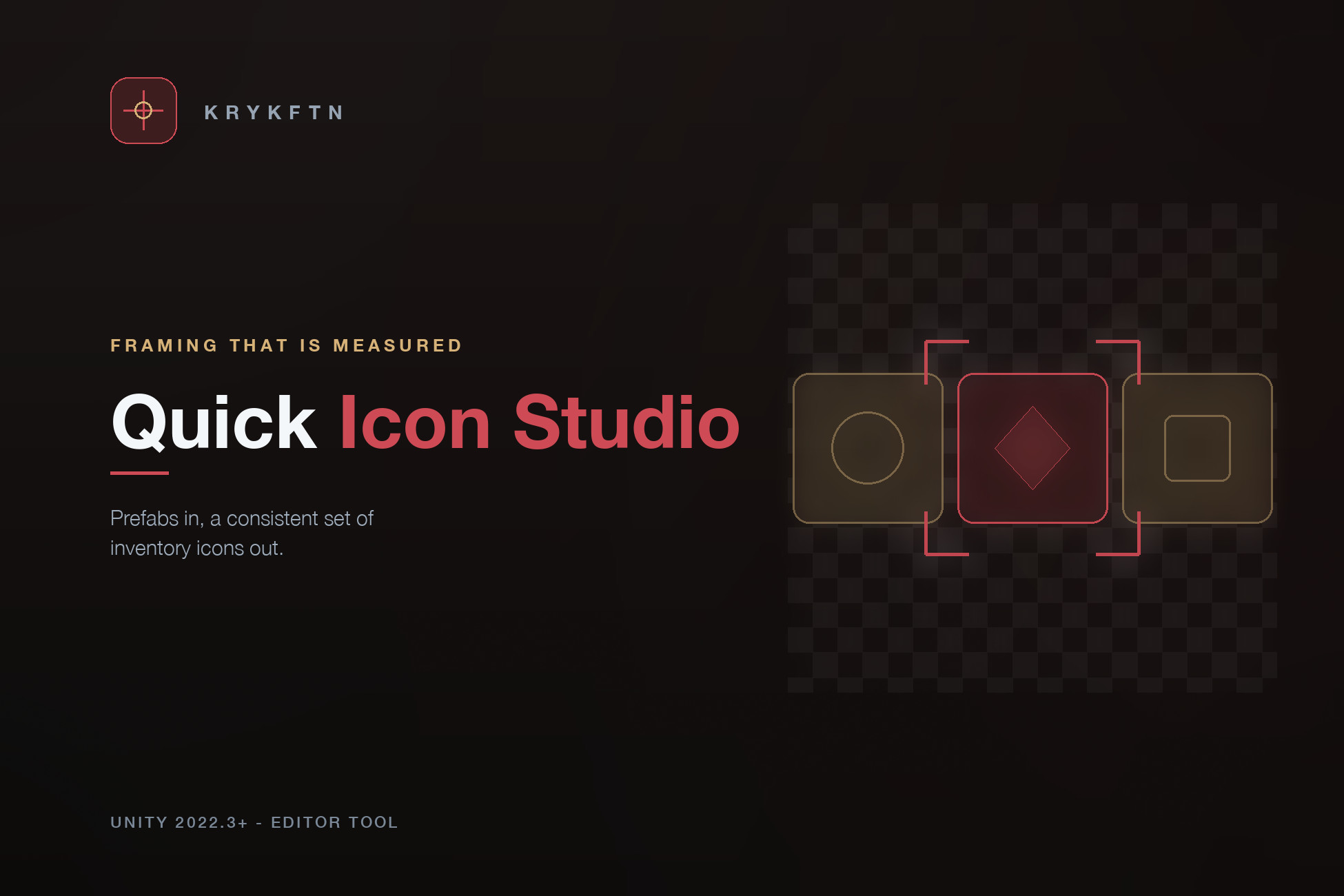
Every inventory game needs the same thing: one icon per item, all of them consistent. Rendering them by hand means redoing the lot every time an item changes, and every icon renderer that frames from the bounding box produces icons that are small, and differently small for every prop.
This studio renders the icon, measures where the pixels actually landed, corrects the camera by exactly the measured error, and renders again. The margin you set refers to the silhouette. Measured across deliberately different shapes - a tall box, a small sphere, a wide capsule - all land within a fraction of a pixel of the requested margin, and every batch prints its worst margin error so the claim is checkable on your own set.
WHAT YOU DO
Open the studio, add prefabs, tune the style against a live preview, export. The PNGs are imported as single sprites with alpha-is-transparency on and mipmaps off, ready to drop into an Image or SpriteRenderer. The preview is the real renderer at 256 pixels - what the window shows is what the batch writes.
THE STYLE LAYERS
- Outline: a contour of chosen width and colour, following the silhouette at a true pixel distance. An outline asked at six pixels measures six pixels.
- Shadow: the silhouette offset at a chosen angle and distance, with soft falloff and opacity.
- Background: transparent, solid, circle, or rounded rectangle with corner radius and inset.
- Light: a fixed key and fill rig with a flat ambient override, so a batch is lit identically whatever scene is open. Your scene's lighting is overridden for the render and restored afterwards - nothing in the scene is touched.
CONSISTENCY YOU CAN CHECK
- The same prefab with the same style produces byte-identical output.
- Rendering happens on a reserved layer far from the origin; the scene and its objects are left exactly as they were.
- A prefab with no visible renderer is reported in words - an empty file is never written silently.
FROM CODE TOO
Everything the window does is public API:
var style = new IconStyle { Size = 512, Margin = 0.12f, OutlineWidth = 6 };
IconBatch.Run(prefabs, style, "Assets/Icons");
Wire it into your build pipeline and icons regenerate with the items.
LIMITS
Orthographic camera only in 1.0. Animation is not sampled - prefabs render in their default state. Icons are square. The outline follows the alpha silhouette, including interior holes.
This studio renders the icon, measures where the pixels actually landed, corrects the camera by exactly the measured error, and renders again. The margin you set refers to the silhouette. Measured across deliberately different shapes - a tall box, a small sphere, a wide capsule - all land within a fraction of a pixel of the requested margin, and every batch prints its worst margin error so the claim is checkable on your own set.
WHAT YOU DO
Open the studio, add prefabs, tune the style against a live preview, export. The PNGs are imported as single sprites with alpha-is-transparency on and mipmaps off, ready to drop into an Image or SpriteRenderer. The preview is the real renderer at 256 pixels - what the window shows is what the batch writes.
THE STYLE LAYERS
- Outline: a contour of chosen width and colour, following the silhouette at a true pixel distance. An outline asked at six pixels measures six pixels.
- Shadow: the silhouette offset at a chosen angle and distance, with soft falloff and opacity.
- Background: transparent, solid, circle, or rounded rectangle with corner radius and inset.
- Light: a fixed key and fill rig with a flat ambient override, so a batch is lit identically whatever scene is open. Your scene's lighting is overridden for the render and restored afterwards - nothing in the scene is touched.
CONSISTENCY YOU CAN CHECK
- The same prefab with the same style produces byte-identical output.
- Rendering happens on a reserved layer far from the origin; the scene and its objects are left exactly as they were.
- A prefab with no visible renderer is reported in words - an empty file is never written silently.
FROM CODE TOO
Everything the window does is public API:
var style = new IconStyle { Size = 512, Margin = 0.12f, OutlineWidth = 6 };
IconBatch.Run(prefabs, style, "Assets/Icons");
Wire it into your build pipeline and icons regenerate with the items.
LIMITS
Orthographic camera only in 1.0. Animation is not sampled - prefabs render in their default state. Icons are square. The outline follows the alpha silhouette, including interior holes.