Unity
NodeFlow Dialogue | Game Creator 2
$29.99
Rated 0.0/5 from 2 ratings on Unity.
About NodeFlow Dialogue | Game Creator 2
- Tools, Systems & Learning > Development Tools & Automation
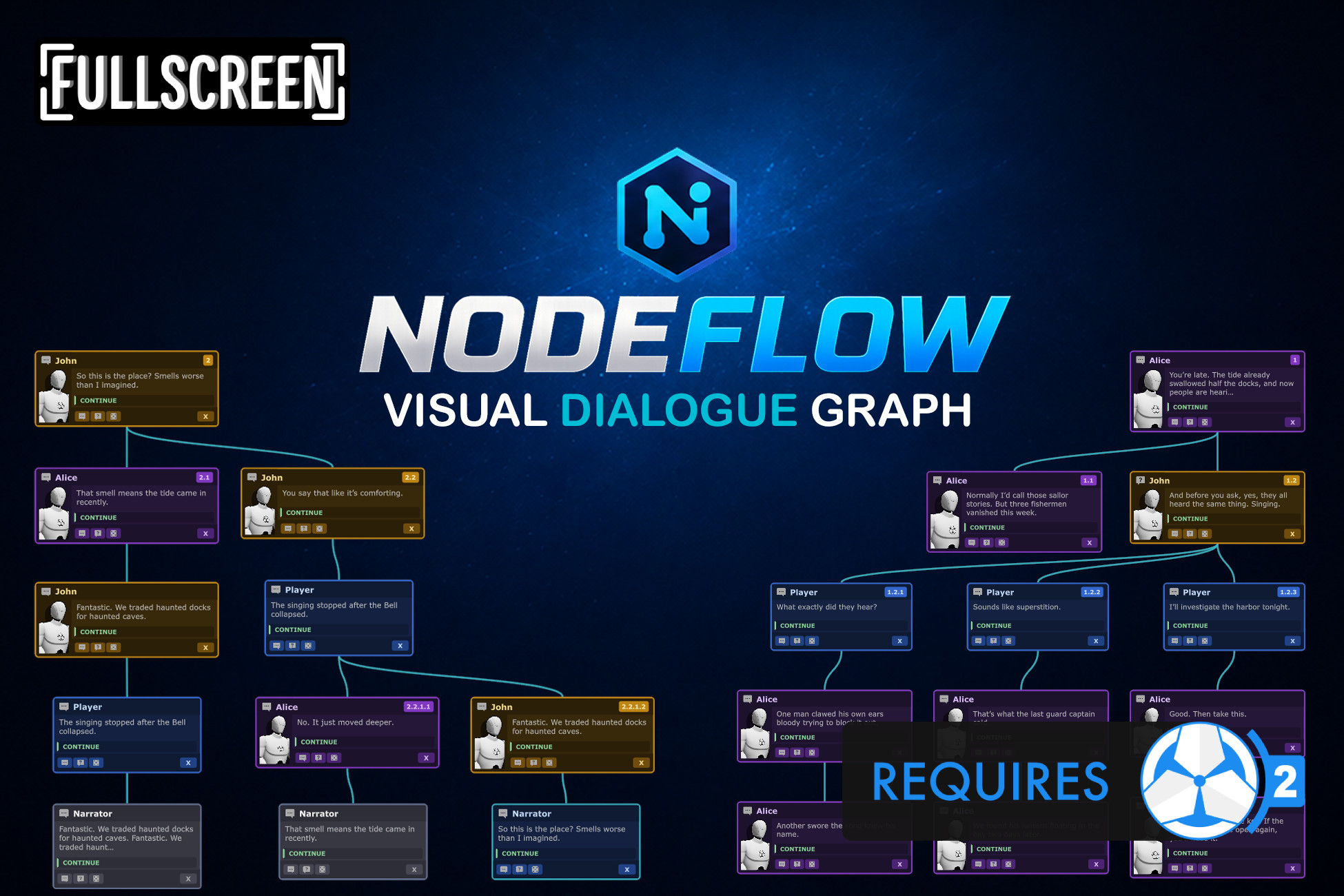
NodeFlow Dialogue adds a visual node graph editor to Dialogue 2 in Game Creator 2, letting you create, organize, and navigate branching dialogues with connected nodes instead of nested lists. It provides an at‑glance overview of story structure, improves readability for large conversations, and lets you organize dialogue visually. Node types include Text, Choice, and Random nodes, and flow types such as Continue, Exit, and Jump. Jump nodes show preview lines, auto‑focus the target, and display tags for easy tracking. A search field finds node titles or content, highlighting matches in the graph and minimap, and lets you cycle through results. Sticky notes let you add comments or planning notes. The minimap offers a full overview with highlighted selections and search matches, and clicking it jumps the view. Layout tools include automatic top‑down, left, or right arrangements, snapping guidelines, and color‑coded node themes. Navigation uses mouse drag, Alt‑drag, zoom, and home reset; selection supports single, multi, box, and select‑all modes. Editing actions let you add subnodes, delete, link, unlink, rearrange flow, and tag nodes. NodeFlow integrates seamlessly with Dialogue 2, requiring no core file changes and opening via the Window menu or by selecting a Dialogue component.