
Screenshots and videos
 1 / 11




Price history
Lowest recorded standalone price: $25. Recorded observations span to . This is our available history, not a guaranteed all-time low. Bundle package prices are separate.
Standalone price
Last three months, in USD. Bundle prices cover the whole package.
About MozaicWheelMenuUI RBG 3 in 1 Pack
- Art & Visuals > UI & GUI
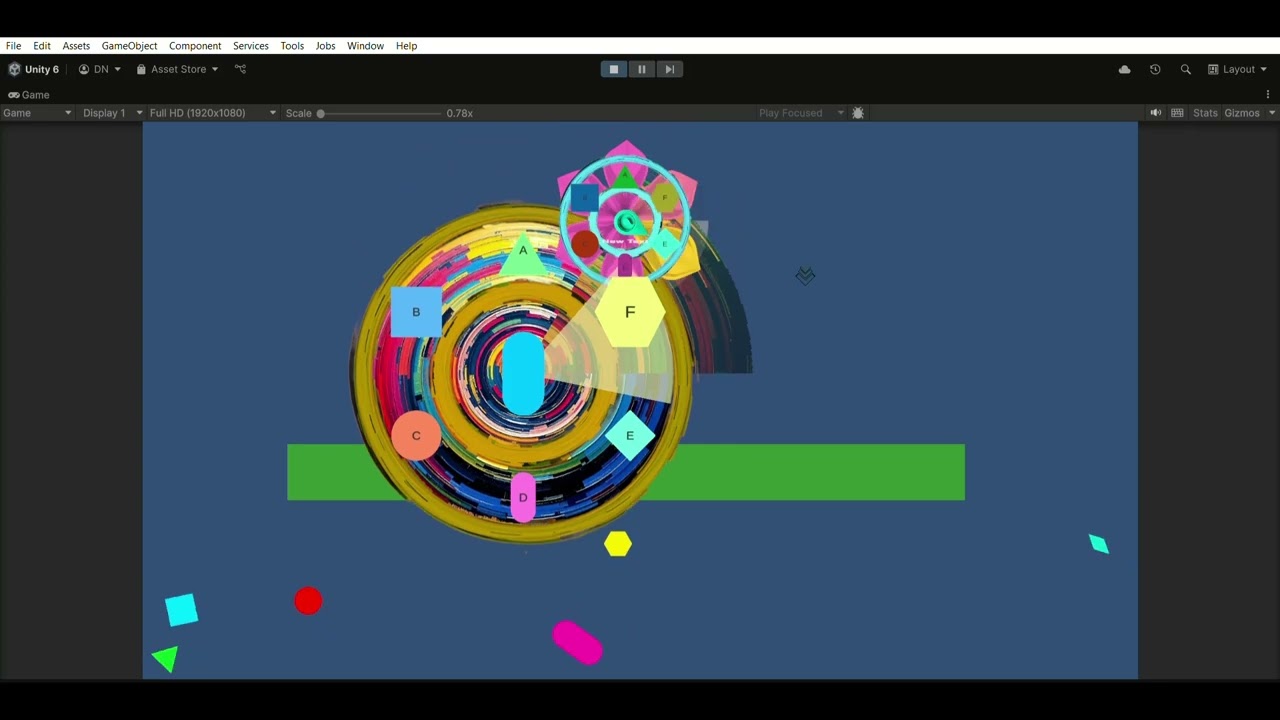
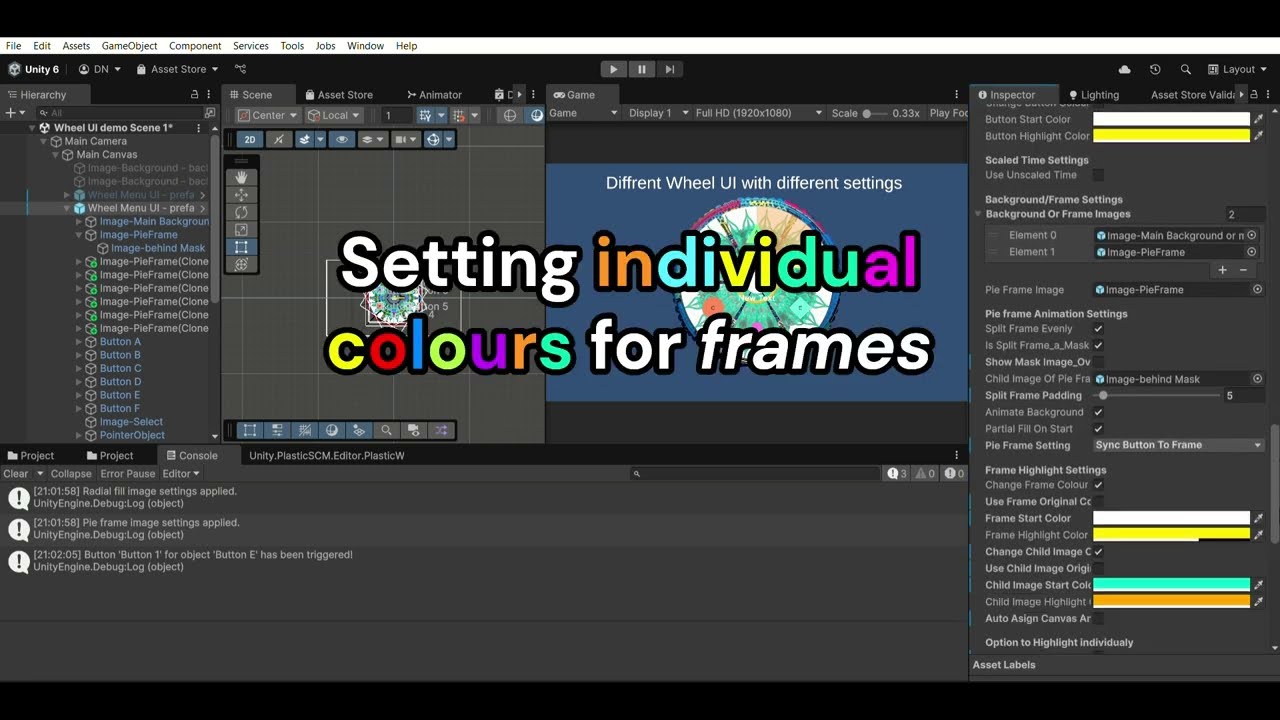
This pack contains 3 distinct & useful assets. 1. Dynamic Radial Wheel Menu System: Create immersive, highly customizable radial menus with WheelMenuUI_RBG! Perfect for inventory systems, ability wheels, context-sensitive actions, and more. Designed for seamless integration in both 2D and 3D projects, this asset offers unparalleled flexibility and visual polish. Key Features: Toggle menus with a keybind or mouse wheel button. Multi-Control Support: Use mouse or joystick/controller input (Unity Input System integrated). Selector Types: Choose between radial fill indicators or pointer images. Customizable Visuals: Partial or Full Wheel Layouts, Auto-Arrange Buttons, Split Frames. Fan Animation: Buttons spread out when activated. Smooth Animations with scale/fade transitions and highlight effects on hover. Works in 2D and 3D environments with auto-billboarding for 3D. Mouse proximity-based selection with adjustable influence radius. Adaptive UI. Customizable design & colour options. Customizable audio triggers (SFX for selection, clicks, etc.). Event-Driven Design with UnityEvents for menu open/close actions. Real-time preview of angle/radius adjustments. Editor-Friendly Tools with in-scene buttons/frame arrangement tools. Technical Highlights: Compatibility with Unity 2019.4+ (requires Unity's Input System for joystick support). Lightweight and optimized for UI canvases. Includes commented code, API reference, and demo scenes. Use Cases: Skill wheels, weapon selectors, dialogue choices, context menus, radial toolbars, settings panels, immersive 3D interfaces with billboarding. Highly Modular with inspector tweaks. Pixel-Perfect Customization. Built for Extensibility with event hooks. Included Demo Scenes with 2D/3D examples. 2. CustomCursor_RBG: A robust, fully customizable solution for replacing the default system cursor in Unity projects. Supports static and animated cursors with standard looping or mirror (ping-pong) animations. Dynamic Animation with multiple frames, adjustable frame rate, and optional mirror animation mode. Customizable Properties via ScriptableObject with editor tools. Input Integration for runtime cursor switching. Editor Enhancements with drag-and-drop reordering and real-time preview. Easy Integration for both 2D and 3D projects. 3. SetImageUI_RBG: Elevates in-game images and overlays with dynamic fill, fade, and resize animations. Dynamic Image Transitions with fluid fill and fade effects. Customizable Animations with adjustable fill methods, origins, scale multipliers, and timing. Enhanced User Experience with sound effects on transitions. Intuitive Integration with serialized fields and simple methods.