About Zion Animation Setup & Diagnostics
- Tools, Systems & Learning > Development Tools & Automation
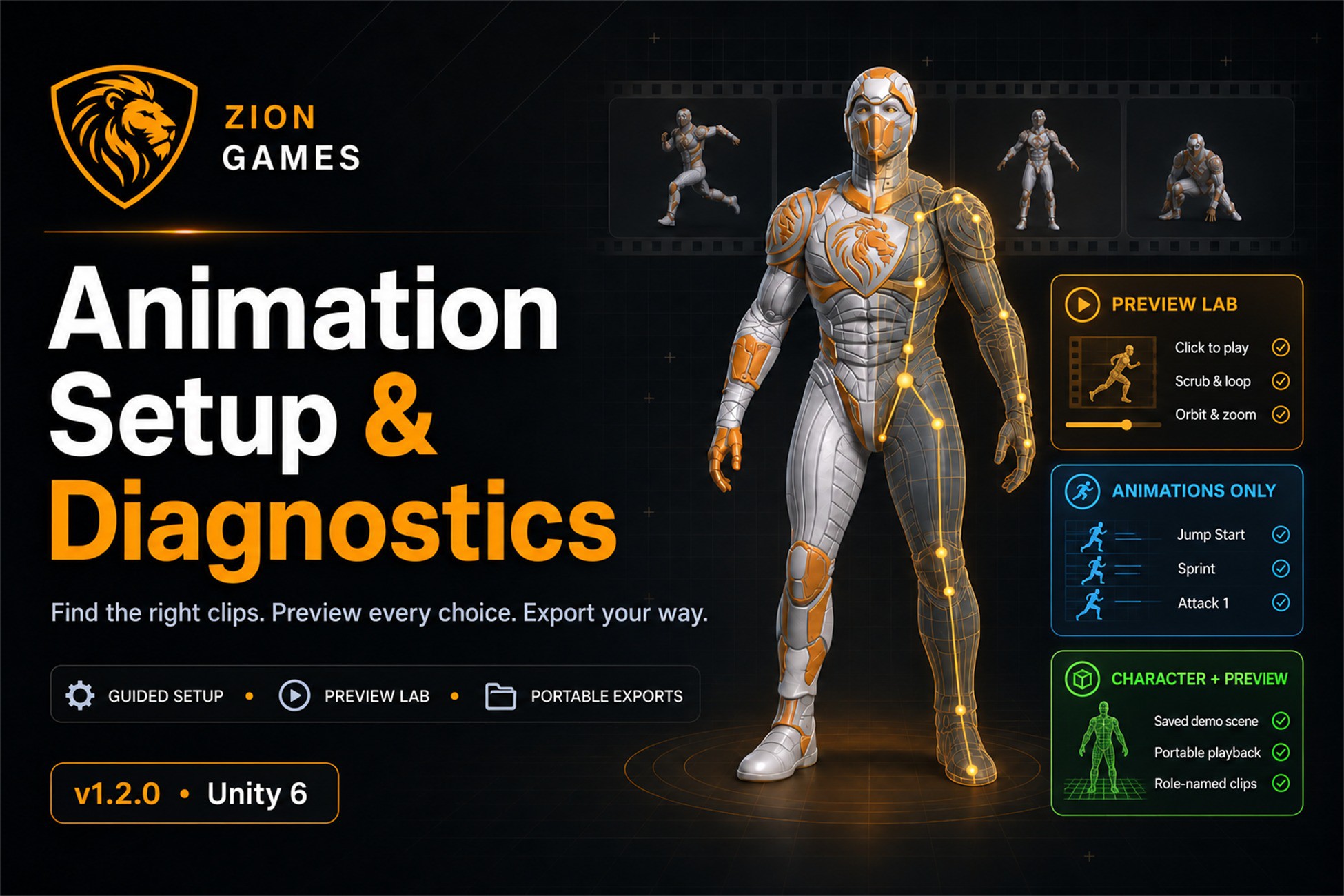
Zion Animation Setup & Diagnostics 1.2 brings your imported animation packs together into one searchable library. Discover standalone clips and animations embedded in FBX files, review ranked matches and choose the best fit for each character role. Preview before you choose by clicking a ranked match to play it immediately in the new Preview Lab, without entering Play Mode. Compare alternatives before confirming your selection. Pause, restart, scrub the timeline, adjust playback speed and compare root motion. Inspect the character using orbit, pan, zoom and camera presets, with adjustable lighting, background and floor controls. Export your way with Animations Only or Character + Preview. Exported animation copies use readable role names such as Jump Start, Sprint and Attack 1. Generated libraries and preview scenes default to the character’s folder, with versioned outputs. Guided Setup and Compatibility Checks take you through character readiness, animation folders, role selection, ranked recommendations, compatibility testing and curated-library creation. Templates cover locomotion, third-person characters, combat, RPG and ZionTPS workflows. Required, Recommended and Optional roles keep missing animations visible without making every role essential. Diagnostics provide evidence for Avatar and rig problems, playback, looping, grounding, possible foot sliding and root-motion conflicts. Visual inspection remains part of choosing suitable animations. Selected source assets and required Avatar dependencies are copied into a separate curated library. Generic-to-Humanoid conversion is attempted on copied FBX files and requires visual approval. Reports identify unresolved dependencies; source packs are never deleted automatically. Includes a Zion Sentinel demo with ZionTPS demo animations, plus updated Quick Start and Full Tutorial guides. ZionTPS is not required. Use the exported clips with a standard Unity Humanoid Animator and your own gameplay controller. Zion helps you discover, preview, organise and troubleshoot animations. It does not edit animation curves, generate missing animations or automatically repair foot sliding.
Current offers including this asset
-
View offer
Unity New Release Discount 2026-10-21 2026-11-04
Ends Nov 4, 2026
-
View offer
Unity New Release Discount 2026-10-21 2026-11-04
Ends Nov 4, 2026