Unity
WeatherNode HDRP – Dynamic Time & Weather
$4.99
Rated 0.0/5 from 1 ratings on Unity.
Price history
Recorded standalone sale prices and the latest available store price, in USD. Historical dots use the sale start date and its recorded offer price. Prices can change during a sale; this is not a daily price log. Bundle prices and upcoming offers are excluded. History covers up to the 100 most recent recorded offers.
Lowest recorded standalone price in this history: $4.99. The latest store price is $4.99, matching the lowest recorded price shown here.
View 2 recorded prices
| Sale start / price check | Price | Observation |
|---|---|---|
| $4.99 | Latest store price | |
| $4.99 | Unity Permanent Decrease 2026-09-05 2026-09-12 |
Sale and bundle history
The 1 most recent recorded offers including this asset. Past offers may no longer be available. Bundle prices cover a package, not this asset alone.
About WeatherNode HDRP – Dynamic Time & Weather
- Audio > Sound Effects & Ambience
- Theme > Nature & Countryside
- Art & Visuals > VFX
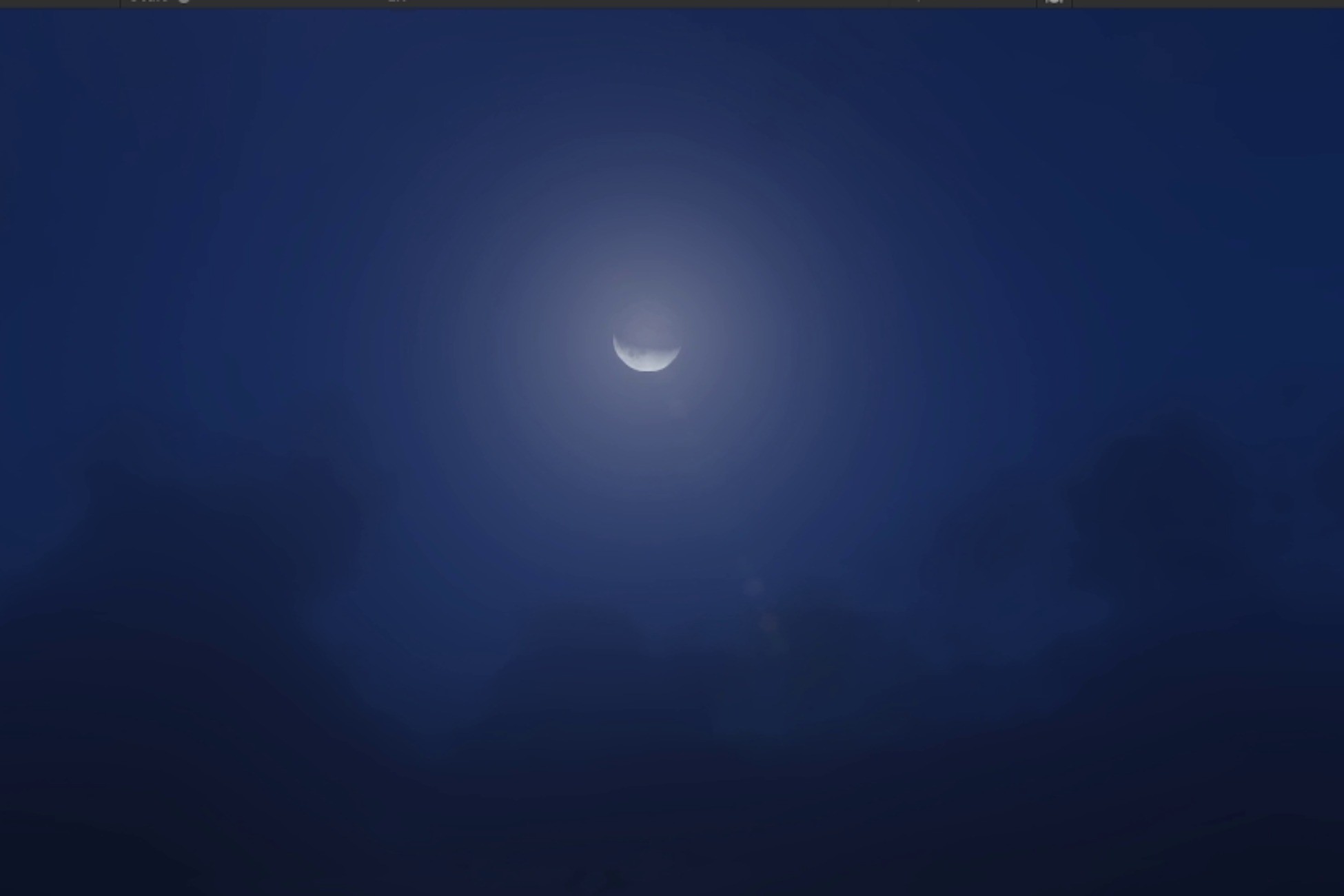
Simple Time & Weather. The package was initially created for a game I was working on but I could not finish it as I was hired to work full time as a Print Designer, but it has a good foundation so I made some changes are released it so you guys can use it on your game. Features: Customizable Day & Night Cycle; Moon Phases; Milky Way During New Moon; Fog, Cloudy, Rain & Thunder Storm Weathers (Only foundation). The package features day & night cycle, it is really customizable, just drag the Environment & Night Light prefab to your scene. Environment has all the Time & Weather Scripts and Effects while Night Lights is a filler light while neither the sun or the moon are lighting the scenes. Note: The lightning looks good at night. DayNight Cycle Script: You can play with the variables that are on the script DayNightCycle on the object Sun&Moon to adjust time and time scale. Volume: Reference to the global volume to tamper with the exposure as the Moon and Sun are rotating. TimeScale: Determines how quickly time passes, 1 = real time increment 1 second = 1 second in-game. Day Float: Tracks the moon phases 0 or 29 means new moon. HourFloat, Minute Float and Second Float: Lets you tamper with the time, change time of the day and positions of the sun & moon. Sun: The directional light that represent sun, actually I made it the parent of moon so that the moon rotates with the sun while having it is on rotation to simulate moon phases. Moon: The directional light that represent moon, has rotation of its own to simulate moon phases, but also it has to rotate with the sun so make it a child of Sun if you are to put it together from scratch. WeatherSystem: Reference to the weather system to tamper with the temperature as the sun and moon rotate around. WeatherSystem Script: The weather system was initially too complicated so had to cut down few things, I created the script to simulate real time weather, but it was too complex and messy so now it is more like a foundation or a framework you can build up on. Player: Tracking the player position so the effects happens within range (Note: due to the this may not work with multiplayer games unless you are keeping the weather system client sided). Foggy: Determines whether it is a foggy weather or not. Raining: Starts raining if true, and if the cloud intensity is high enough and really cloudy, lightning effects starts with an interval of 50 seconds by default. Fog Increment: Determines how quickly it gets foggy or fog goes away. Cloud Shape: Gives you access to control the shape of the cloud, you can use this to control shape of the cloud directly without any hassle of learning the volumetric cloud API. Cloud Intensity: Decides the intensity of the clouds and the chances of lightning bolts appearing during raining, it is not controllable directly but you can change intensity by changing the wind speed, lower the wind speed higher the intensity. Wind Speed: If you ask me if this accurate, I think so, I did some research at the time, but Wind Speed in this system is inversely proportional to Cloud Intensity. Profile: Reference to the global volume profile that has Visual Environment, Physical Based Sky, Volumetric Clouds and Fog (Just the base fog), priority of this profile should not be higher than the Fog profile. Fog: Separate volume profile to control the fog during foggy weather, Fog in the game controlled by adjust the weight value of this profile. Rain & Ripple: Reference to the particle effects, you can swap it with your custom effects or even VFX for better performance just change the variable type to GameObject and make it play on awake and on loop. Lightning: This is the object that spawns during rain, it is randomly spawn and destroyed after a few seconds, from the prefab this looks like an empty object but it actual spawns with the sfx and particle effects. Lightning Interval: Determines how often lightning Strikes. Movement & FreeLook Scripts are simple first person scripts that you can attach to any objects with a camera parented to it to turn it into a first person controller, pretty self explanatory variables. Lightning System Script: The script that attaches the object spawned in WeatherSystem with the sfx and the particle effects, by choosing randomly between the three effects I already created for the system along with the sound effects. DestroyObject Script: WeatherSystem uses this script to destroy the lightning object after spawning.