Price history
Recorded standalone sale prices and the latest available store price, in USD. Historical dots use the sale start date and its recorded offer price. Prices can change during a sale; this is not a daily price log. Bundle prices and upcoming offers are excluded. History covers up to the 100 most recent recorded offers.
Lowest recorded standalone price in this history: $6.99. The latest store price is $6.99, matching the lowest recorded price shown here.
View 1 recorded price
| Sale start / price check | Price | Observation |
|---|---|---|
| $6.99 | Latest store price |
About Vfx Particles-Portal vfx Urp
- Theme > Fantasy & Mythology
- Art & Visuals > 2D
- Art & Visuals > VFX
- Art & Visuals > Textures & Materials
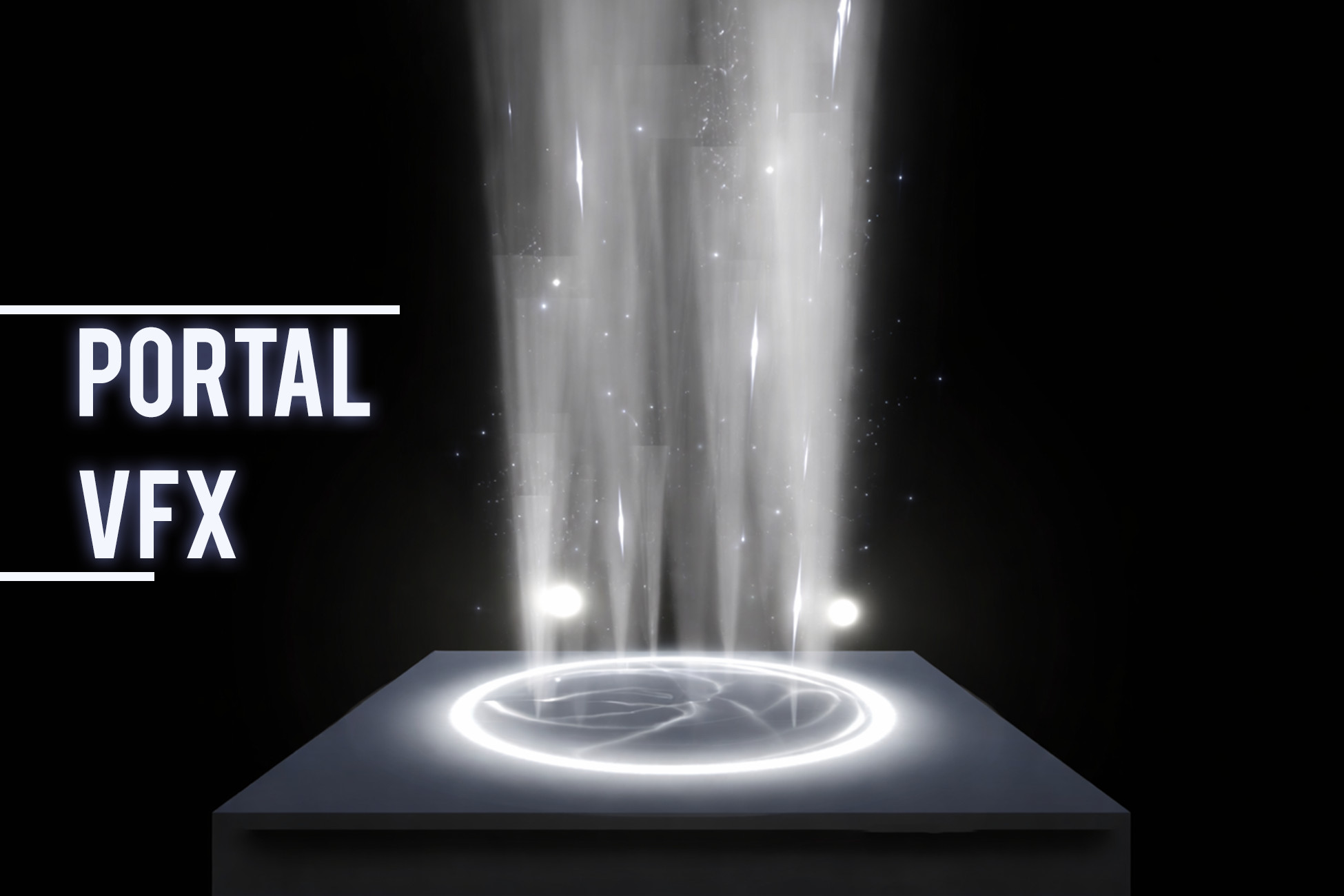
The effects are created using a combination of Unity Particle Systems, Shader Graph materials, and Post Processing applied globally on the camera to enhance visual depth, glow, and impact. All teleport effects are fully customizable through the Inspector, making them easy to adapt without advanced technical knowledge.
Package Contents
This pack includes:
· Unique teleport effects.
· Variants per teleport effect.
· Ready to use teleport prefabs.
Each teleport is designed to be modular and easy to integrate into gameplay scenarios such as teleportation, level transitions, or magical gateways.
Folder Structure
1. Prefabs: All teleport Effects Prefabs each with 2 variants.
2. Textures: All textures.
3. Materials: All materials.
4. Scripts: Script used in demo scene.
5. Shaders: Shaders that are used for the teleport effects.
1. Import the package in your unity project.
2. Open the Demo Scene to preview the effects.
3. Use the Left Mouse Button in the demo scene to switch between the teleport effects.
4. Drag and Drop: Drag any teleport effect prefab from the Prefabs folder into your scene.
5. Positioning: Position, rotate, and scale the effect as required.
6. Triggering: Trigger the teleport effect via scripts, animation events, or gameplay logic.
Package Contents
This pack includes:
· Unique teleport effects.
· Variants per teleport effect.
· Ready to use teleport prefabs.
Each teleport is designed to be modular and easy to integrate into gameplay scenarios such as teleportation, level transitions, or magical gateways.
Folder Structure
1. Prefabs: All teleport Effects Prefabs each with 2 variants.
2. Textures: All textures.
3. Materials: All materials.
4. Scripts: Script used in demo scene.
5. Shaders: Shaders that are used for the teleport effects.
1. Import the package in your unity project.
2. Open the Demo Scene to preview the effects.
3. Use the Left Mouse Button in the demo scene to switch between the teleport effects.
4. Drag and Drop: Drag any teleport effect prefab from the Prefabs folder into your scene.
5. Positioning: Position, rotate, and scale the effect as required.
6. Triggering: Trigger the teleport effect via scripts, animation events, or gameplay logic.