Price history
Recorded standalone sale prices and the latest available store price, in USD. Historical dots use the sale start date and its recorded offer price. Prices can change during a sale; this is not a daily price log. Bundle prices and upcoming offers are excluded. History covers up to the 100 most recent recorded offers.
Lowest recorded standalone price in this history: FREE. The latest store price is FREE, matching the lowest recorded price shown here.
View 2 recorded prices
| Sale start / price check | Price | Observation |
|---|---|---|
| FREE | Latest store price | |
| FREE | Unity First Price 2026-09-07 2026-09-07 |
Sale and bundle history
The 1 most recent recorded offers including this asset. Past offers may no longer be available. Bundle prices cover a package, not this asset alone.
About UITweenKit
- Tools, Systems & Learning > Development Tools & Automation
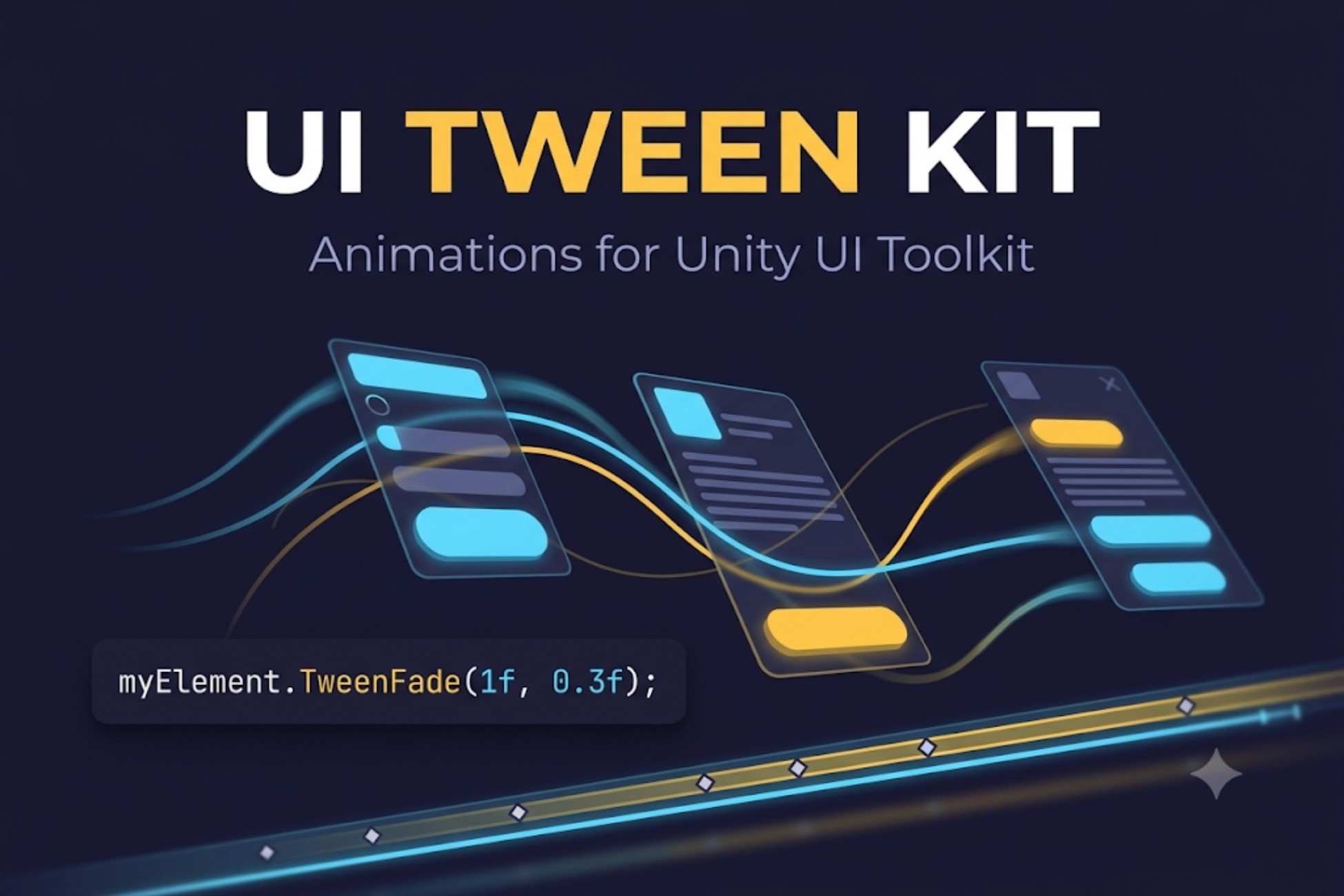
UI Tween Kit brings smooth, expressive animation to Unity UI Toolkit — with a concise C# API and a full visual keyframe editor.
ONE LINE TO ANIMATE
myElement.TweenFade(1f, 0.3f);
Add "using UITweenKit;" and you're done. No managers, no prefabs, nothing to configure.
CHAINABLE API
Every tween chains in any order:
button.TweenScale(1.2f, 0.2f).SetEase(Ease.OutBack).SetDelay(0.1f).OnComplete(...);
Animate opacity, position, scale, rotation, size, colors, margins, borders — or anything at all through a getter/setter, including your own values.
SEQUENCES
Append, Join, Insert, intervals and callbacks - build entrance choreographies that read like sentences.
JUICE, READY TO USE
Shake, punch, pop, slide in/out, pulse, flash, typewriter text, path movement along curves - one call each.
VISUAL CLIP EDITOR
Build animations without code. Create a clip, see your UXML rendered live inside the editor window with a full element tree, and animate by hand:
- Click any element to select it and add tracks — no typing names
- Move, Scale and Rotate tools (W/E/R) — drag elements and keys are recorded at the playhead
- Record panel for position, scale, rotation, opacity and colors, with Unity-style drag-to-scrub fields
- Timeline with draggable keys, per-key easing, markers, frame snapping
- Play your animation right in the editor, no Play mode needed
- Ready-made templates: Fade In, Pop In, Pulse, Slide In
- Full undo support
PLAY CLIPS WITHOUT CODE
Drop a UITweenPlayer component next to your UIDocument, assign a clip, and wire onStarted, onCompleted and onMarker events in the inspector like you would with Buttons.
LIVE PREVIEW
Drive a scene UIDocument straight from the timeline — scrub and watch your real UI move, with every style restored when you're done.
PERFORMANCE
Tweens are pooled and reused for a light GC footprint on mobile, clean themselves up automatically, and smooth out frame-time spikes so animations never jump.
INCLUDED
- Complete runtime API and visual editor
- 31 easing curves plus AnimationCurve support
- Six sample scenes including a full game menu showcase
- README and full documentation
Unity 2022.3+ (Unity 6 ready). Built-in, URP and HDRP.
ONE LINE TO ANIMATE
myElement.TweenFade(1f, 0.3f);
Add "using UITweenKit;" and you're done. No managers, no prefabs, nothing to configure.
CHAINABLE API
Every tween chains in any order:
button.TweenScale(1.2f, 0.2f).SetEase(Ease.OutBack).SetDelay(0.1f).OnComplete(...);
Animate opacity, position, scale, rotation, size, colors, margins, borders — or anything at all through a getter/setter, including your own values.
SEQUENCES
Append, Join, Insert, intervals and callbacks - build entrance choreographies that read like sentences.
JUICE, READY TO USE
Shake, punch, pop, slide in/out, pulse, flash, typewriter text, path movement along curves - one call each.
VISUAL CLIP EDITOR
Build animations without code. Create a clip, see your UXML rendered live inside the editor window with a full element tree, and animate by hand:
- Click any element to select it and add tracks — no typing names
- Move, Scale and Rotate tools (W/E/R) — drag elements and keys are recorded at the playhead
- Record panel for position, scale, rotation, opacity and colors, with Unity-style drag-to-scrub fields
- Timeline with draggable keys, per-key easing, markers, frame snapping
- Play your animation right in the editor, no Play mode needed
- Ready-made templates: Fade In, Pop In, Pulse, Slide In
- Full undo support
PLAY CLIPS WITHOUT CODE
Drop a UITweenPlayer component next to your UIDocument, assign a clip, and wire onStarted, onCompleted and onMarker events in the inspector like you would with Buttons.
LIVE PREVIEW
Drive a scene UIDocument straight from the timeline — scrub and watch your real UI move, with every style restored when you're done.
PERFORMANCE
Tweens are pooled and reused for a light GC footprint on mobile, clean themselves up automatically, and smooth out frame-time spikes so animations never jump.
INCLUDED
- Complete runtime API and visual editor
- 31 easing curves plus AnimationCurve support
- Six sample scenes including a full game menu showcase
- README and full documentation
Unity 2022.3+ (Unity 6 ready). Built-in, URP and HDRP.