Unity
Translucent Image - Fast UI Background Blur
By Tai's Assets
$24.99
Rated 5.0/5 from 93 ratings on Unity.
About Translucent Image - Fast UI Background Blur
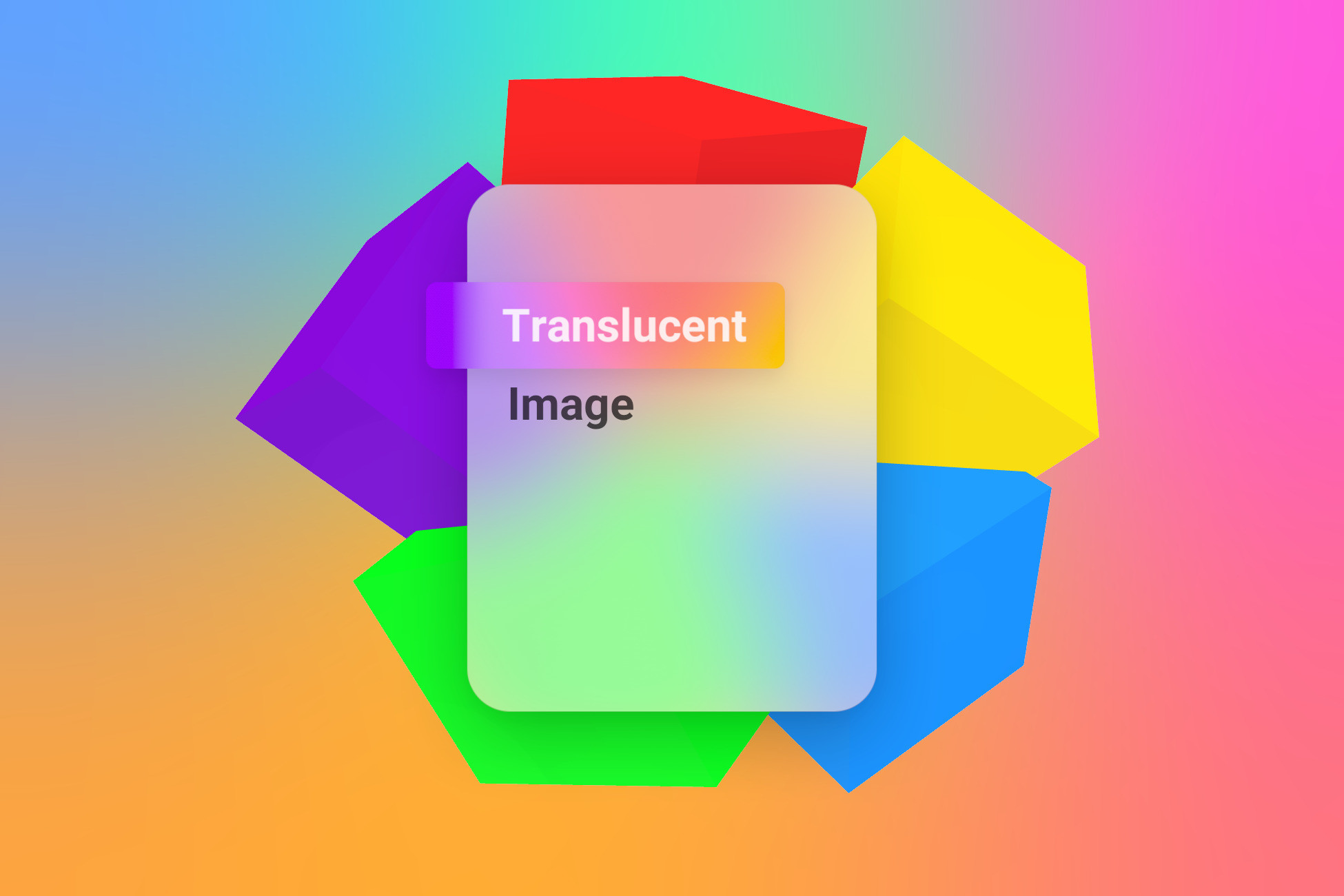
Translucent Image is a high performance solution for beautiful blurred background UI, like those found in iOS, macOS, and Windows 10+ design.
Unlike many other background blurring solutions, Translucent Image employs an extremely efficient algorithm, so your user can enjoy higher framerates and longer battery life. Not only that, it can produce a smooth effect when you tune the blur up high, unlike many others that would degrade to blocky artifacts.
Features:
- Fastest blur effect on the Asset Store
- High-quality, smooth blur effect that remains fast even if you blur the whole screen to a single color
- Simple single number control that ensures optimal performance and quality trade-off without low level knowledge
- Fully customizable, not only blurriness, but also includes many more effects to make your UI even more delightful to use
- Advanced, customizable blending ensures sufficient contrast on any background, without washing out background colors
- Support normal UI features you expect, like Sliced sprite, Masking, Canvas Group
- Support Single Pass Instanced Stereo Rendering
- Maintain similar looks across different resolutions
- Fully documented, source code included
- Continuous free updates with new features, supporting the latest non-preview Unity releases since 2017
Performance:
Translucent Image achieves exceptional performance through a holistic optimization strategy: combining advanced fast blur algorithm with an automatic optimizer that selects the optimal blurring configuration from a single blur strength number, sharing the same blur texture across many different Images, blurring only the area of the screen you need with threaded culling that stays fast even with many dynamic UIs, and low-level hook into URP to avoid additional screen copy.
Compatibility:
- Support VR in Single Pass Instanced and Multiview Stereo Rendering mode
- Support the Built-in Render Pipeline
- Support the Universal Render Pipeline in Unity 2021.3+
- Does not support High Definition Render Pipeline
- Does not support VisionOS
Unlike many other background blurring solutions, Translucent Image employs an extremely efficient algorithm, so your user can enjoy higher framerates and longer battery life. Not only that, it can produce a smooth effect when you tune the blur up high, unlike many others that would degrade to blocky artifacts.
Features:
- Fastest blur effect on the Asset Store
- High-quality, smooth blur effect that remains fast even if you blur the whole screen to a single color
- Simple single number control that ensures optimal performance and quality trade-off without low level knowledge
- Fully customizable, not only blurriness, but also includes many more effects to make your UI even more delightful to use
- Advanced, customizable blending ensures sufficient contrast on any background, without washing out background colors
- Support normal UI features you expect, like Sliced sprite, Masking, Canvas Group
- Support Single Pass Instanced Stereo Rendering
- Maintain similar looks across different resolutions
- Fully documented, source code included
- Continuous free updates with new features, supporting the latest non-preview Unity releases since 2017
Performance:
Translucent Image achieves exceptional performance through a holistic optimization strategy: combining advanced fast blur algorithm with an automatic optimizer that selects the optimal blurring configuration from a single blur strength number, sharing the same blur texture across many different Images, blurring only the area of the screen you need with threaded culling that stays fast even with many dynamic UIs, and low-level hook into URP to avoid additional screen copy.
Compatibility:
- Support VR in Single Pass Instanced and Multiview Stereo Rendering mode
- Support the Built-in Render Pipeline
- Support the Universal Render Pipeline in Unity 2021.3+
- Does not support High Definition Render Pipeline
- Does not support VisionOS