Unity
Super Virtual Joysticks – Dual On-Screen Joystick System for Unity
FREE
Price history
Recorded standalone sale prices and the latest available store price, in USD. Historical dots use the sale start date and its recorded offer price. Prices can change during a sale; this is not a daily price log. Bundle prices and upcoming offers are excluded. History covers up to the 100 most recent recorded offers.
Lowest recorded standalone price in this history: FREE. The latest store price is FREE, matching the lowest recorded price shown here.
View 1 recorded price
| Sale start / price check | Price | Observation |
|---|---|---|
| FREE | Latest store price |
About Super Virtual Joysticks – Dual On-Screen Joystick System for Unity
- Tools, Systems & Learning > Game Templates & Systems
- Art & Visuals > 2D
- Art & Visuals > UI & GUI
This asset is provided as a starter template.
It includes core systems, example gameplay, and a clean project structure intended to help developers prototype faster and build their own games.
This package is not a finished or content-complete game.
Users are expected to:
Modify visuals, gameplay rules, and balance
Add additional features, polish, and content
Adapt the template to their own design goals
If you are looking for a ready-to-publish game with final art, progression systems, monetization, or full content, this package may not be suitable.
If you want a clear, extendable starting point that saves development time and encourages customization, this template is built for that purpose.
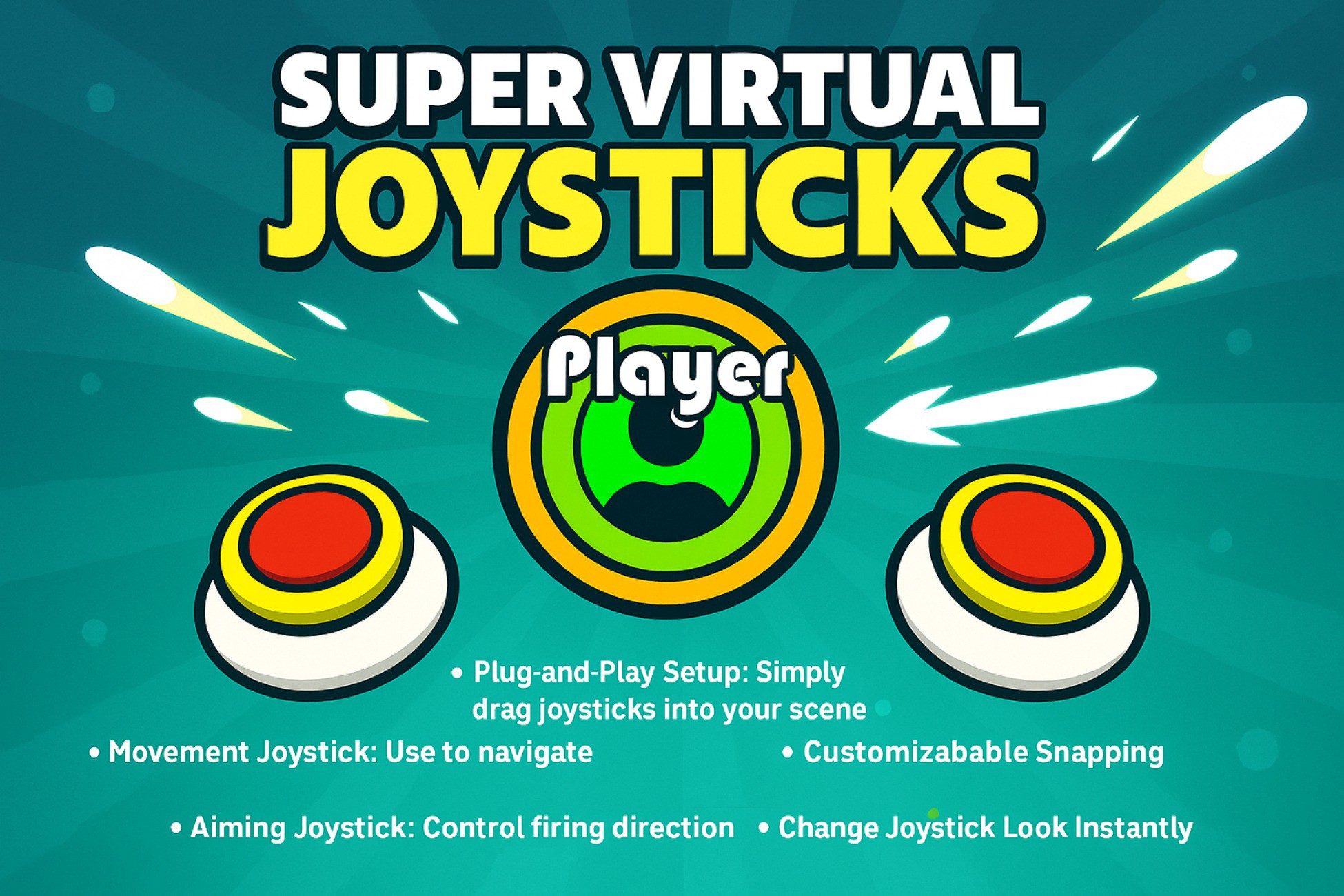
Super Virtual Joysticks - Dual On-Screen Joystick System for Unity
A complete plug-and-play mobile joystick system for Unity. Smooth, customizable, and ready for twin-stick shooters, platformers, and any 2D mobile game.
Core Features
- Dual joystick system - move + aim independently
- Snap modes: None (360°), 4-direction, or 8-direction
- Bullet firing with optional trail FX
- Squishy knob scaling for juicy feedback
- Mobile-ready touch input (portrait or landscape)
- Fully themeable joystick sprites (knob + base)
- Clean, modular C# code for easy customization
- Plug-and-play - drop into any 2D project
Tech Specs
- Unity 2022.3.6f1 or newer
- Built-in Render Pipeline (URP compatible)
- Canvas → Screen Space – Overlay recommended for UI accuracy
- Adjustable radius, dead zone, and smoothing speed
Included
- Demo scene with ready-to-play example
- Prefabs for joysticks, bullets, and player
- C# scripts: VirtualJoystick.cs, PlayerController.cs, Bullet.cs
- PNG sprites for knobs, bases, and demo visuals
- Documentation with setup steps and customization tips
Use Cases
- Twin-stick shooters
- 2D action/platformer games
- Mobile-friendly arcade projects
- Quick prototype controls for mobile demos