
Screenshots and videos
 1 / 6

Price history
Lowest recorded standalone price: FREE. Recorded observations span to . This is our available history, not a guaranteed all-time low. Bundle package prices are separate.
Standalone price
Last three months, in USD. Bundle prices cover the whole package.
About Starred
- Tools, Systems & Learning > Development Tools & Automation
A favorites tray and selection-history extension for the Unity Editor.
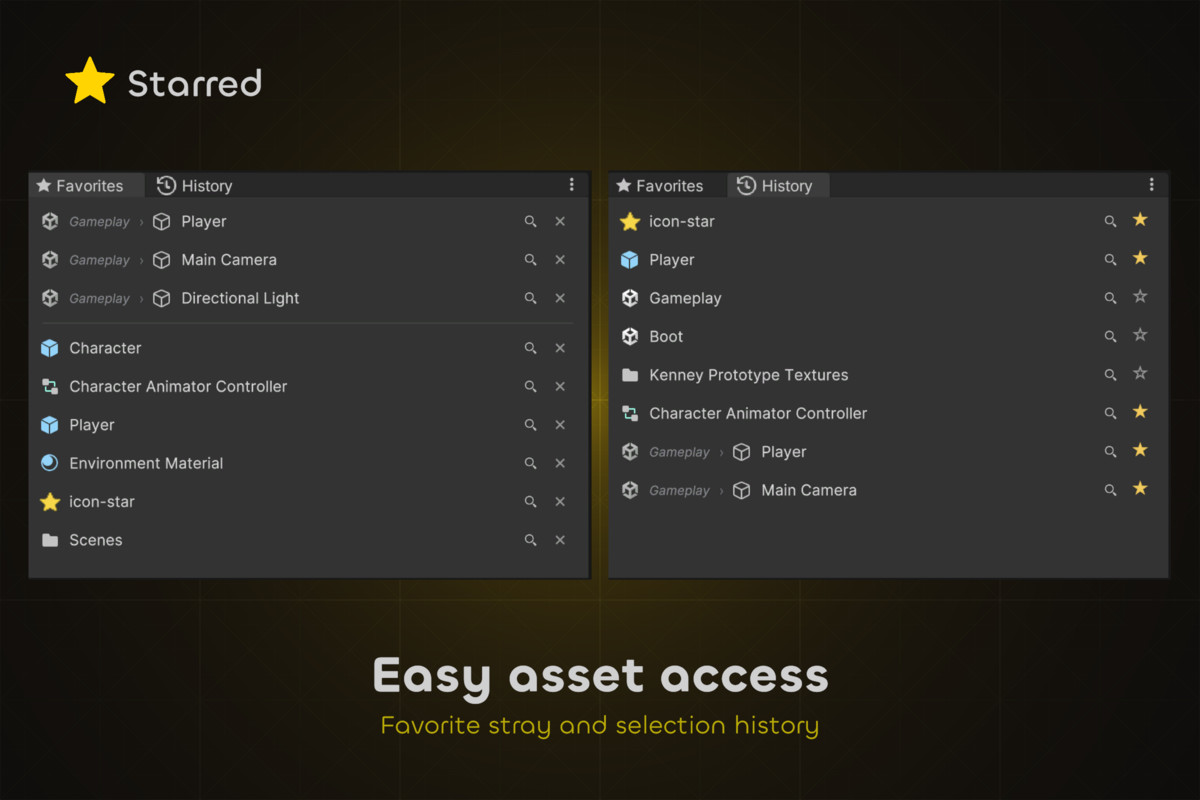
Pin the assets and scene objects you reach for. Jump back through your recent selections. Star overlays in the Project and Hierarchy windows. Flat, fast, and out of the way.
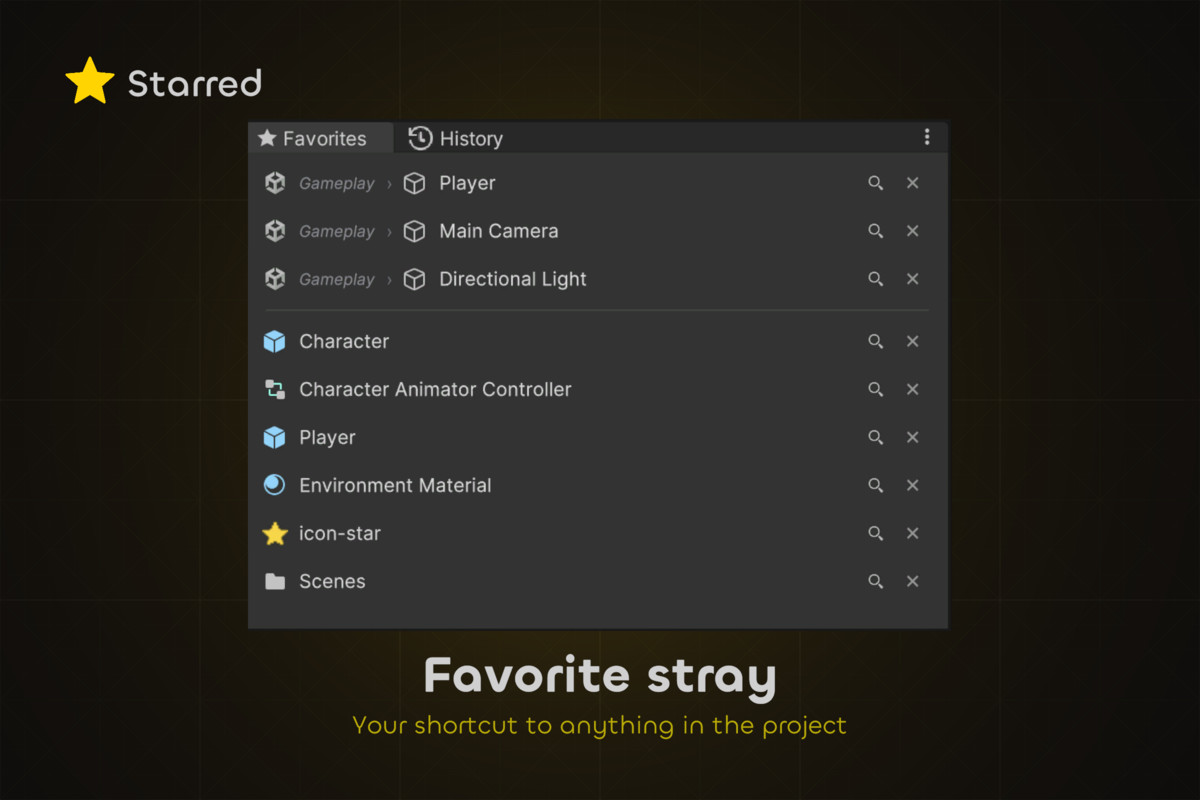
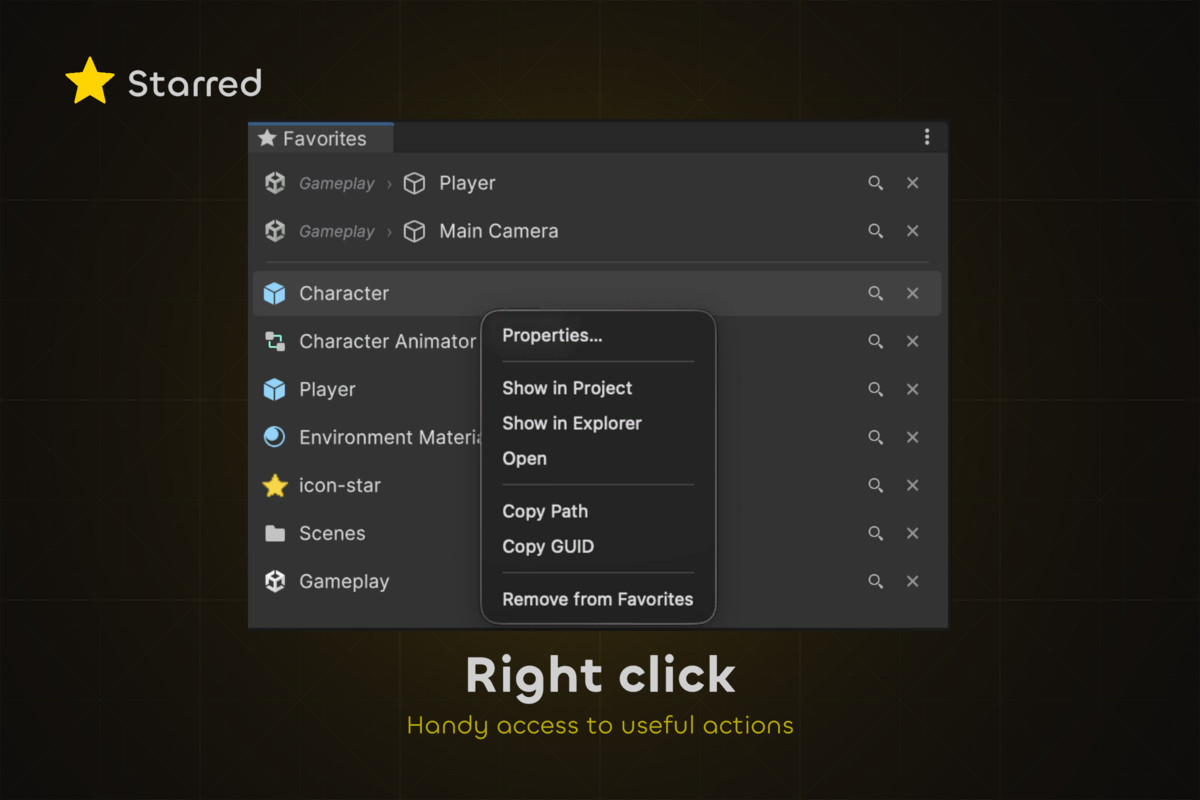
Favorites
Drop in project assets or GameObjects from the Hierarchy / Prefab Stage.
Click once to select. Double-click to open a file, or frame an object in Scene View.
Drag any entry out onto an Inspector field.
Reorder by drag. Ping in Project / Hierarchy with one click.
Scene objects only show up while their scene or prefab is open. If you rename or delete one, the row turns red so you notice.
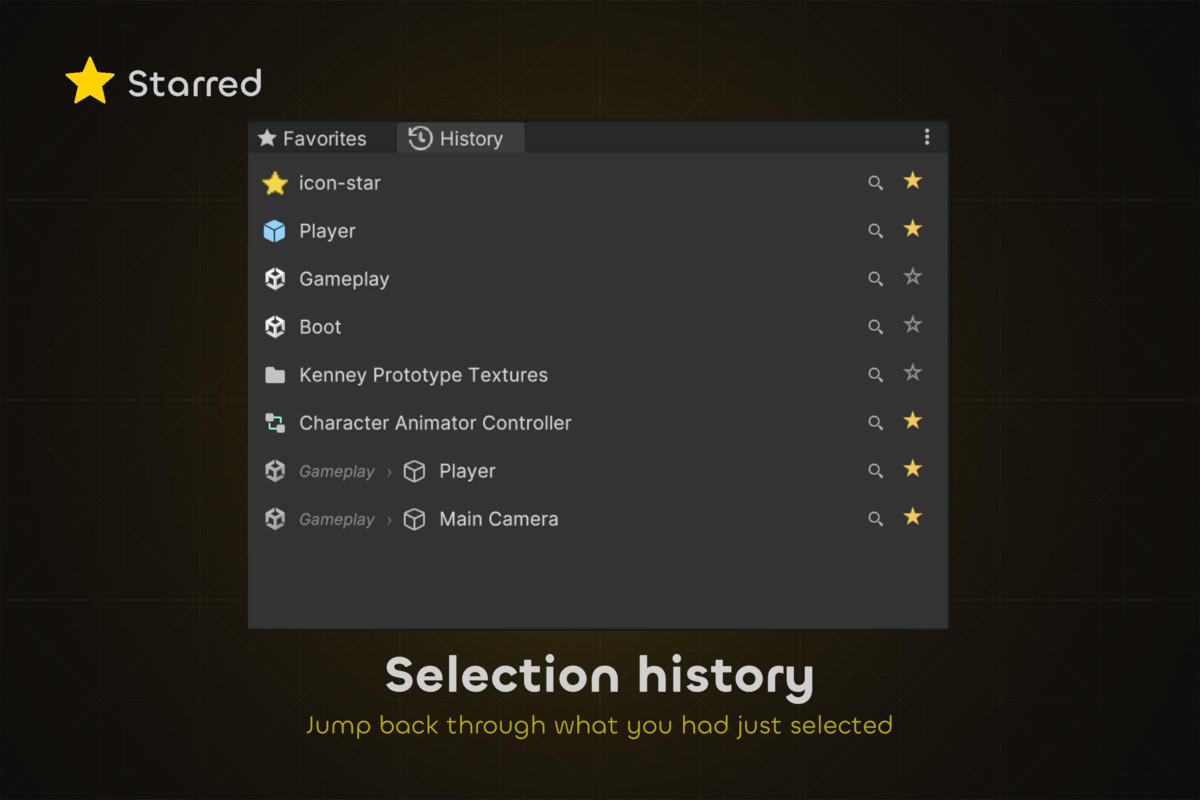
Selection History
Every file and object you click, newest first.
Click something again and it jumps to the top. One click turns any entry into a favorite.
Pick the size you want: 4, 8, 16, or 32 entries.
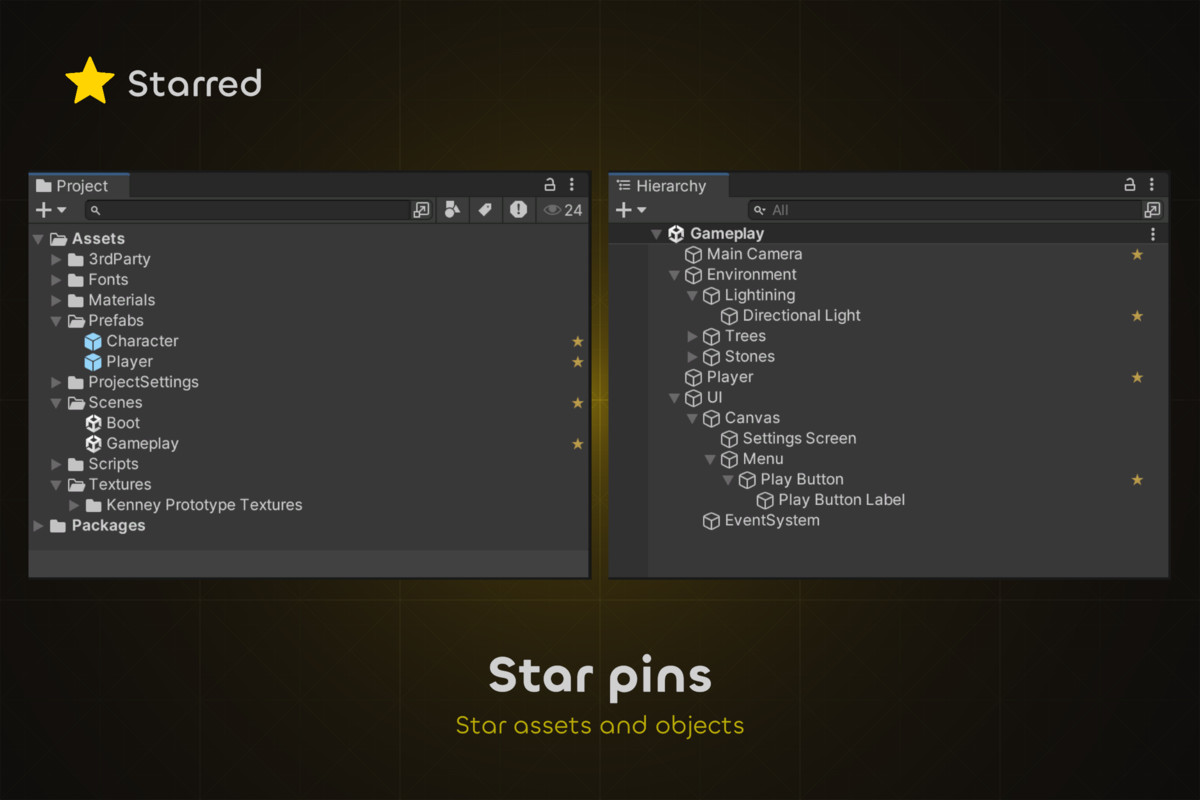
Star marks
A small gold ★ sits on favorited rows in the Project window (list and grid) and the Hierarchy.
Click the star to unfavorite — no need to open Starred.
Each overlay can be turned on or off on its own.
Small by design
Small. Fits a docked panel. Nothing extra on screen.
Quiet. Editor-only. Nothing runs in your game.
Safe. Your list is saved in UserSettings/, not Assets/, so it never ends up in Git by mistake.
Works with
Unity 6000.0 LTS and 2022.3 LTS — both tested.
macOS and Windows.
Full C# source included.
Pin the assets and scene objects you reach for. Jump back through your recent selections. Star overlays in the Project and Hierarchy windows. Flat, fast, and out of the way.
Favorites
Drop in project assets or GameObjects from the Hierarchy / Prefab Stage.
Click once to select. Double-click to open a file, or frame an object in Scene View.
Drag any entry out onto an Inspector field.
Reorder by drag. Ping in Project / Hierarchy with one click.
Scene objects only show up while their scene or prefab is open. If you rename or delete one, the row turns red so you notice.
Selection History
Every file and object you click, newest first.
Click something again and it jumps to the top. One click turns any entry into a favorite.
Pick the size you want: 4, 8, 16, or 32 entries.
Star marks
A small gold ★ sits on favorited rows in the Project window (list and grid) and the Hierarchy.
Click the star to unfavorite — no need to open Starred.
Each overlay can be turned on or off on its own.
Small by design
Small. Fits a docked panel. Nothing extra on screen.
Quiet. Editor-only. Nothing runs in your game.
Safe. Your list is saved in UserSettings/, not Assets/, so it never ends up in Git by mistake.
Works with
Unity 6000.0 LTS and 2022.3 LTS — both tested.
macOS and Windows.
Full C# source included.