Price history
Recorded standalone sale prices and the latest available store price, in USD. Historical dots use the sale start date and its recorded offer price. Prices can change during a sale; this is not a daily price log. Bundle prices and upcoming offers are excluded. History covers up to the 100 most recent recorded offers.
Lowest recorded standalone price in this history: $9. The latest store price is $9, matching the lowest recorded price shown here.
View 2 recorded prices
| Sale start / price check | Price | Observation |
|---|---|---|
| $9 | Latest store price | |
| $9 | Unity First Price 2026-08-26 2026-08-26 |
Sale and bundle history
The 1 most recent recorded offers including this asset. Past offers may no longer be available. Bundle prices cover a package, not this asset alone.
About Snailfish
- Theme > Nature & Countryside
- Theme > Realistic
- Art & Visuals > 3D
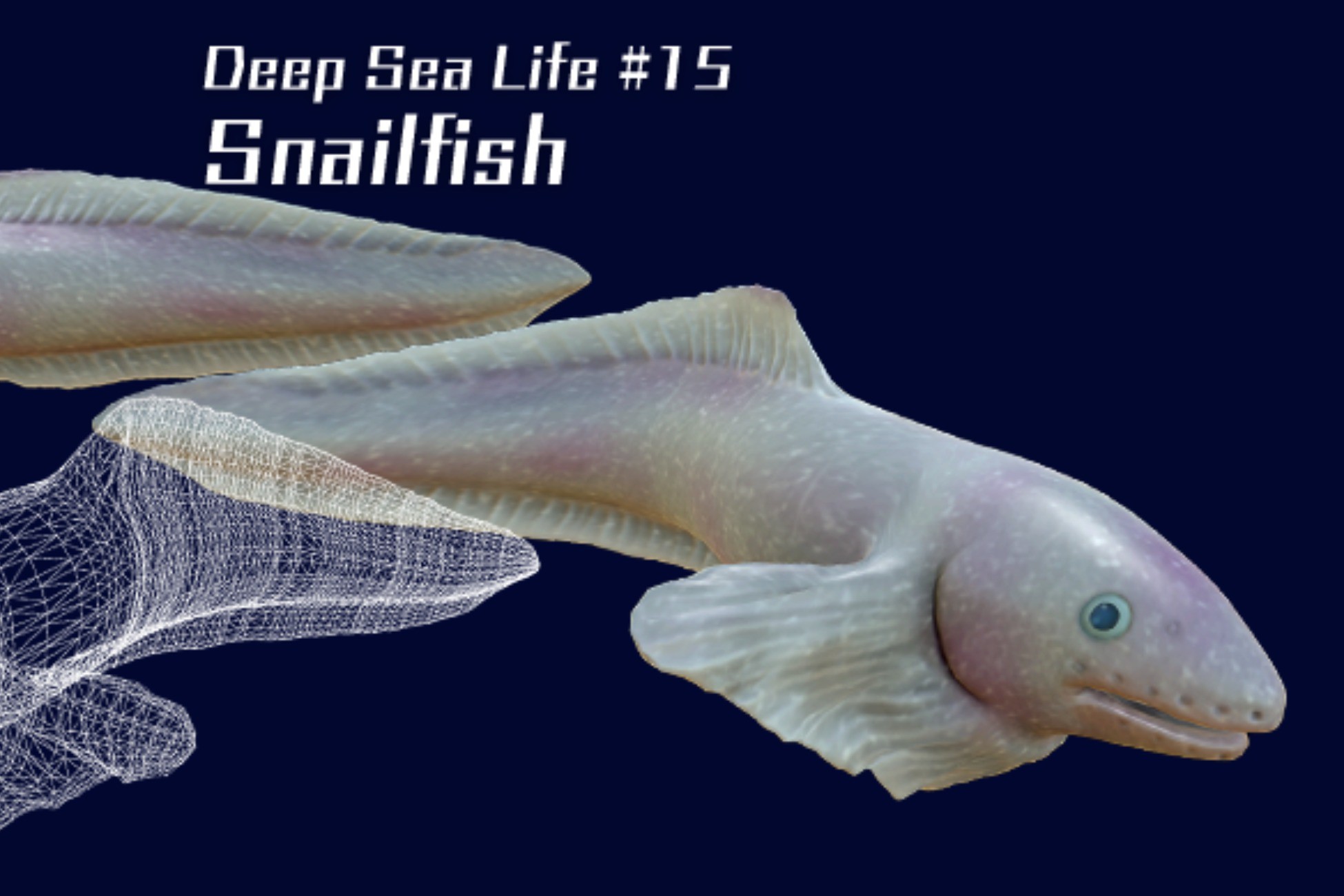
This package includes a fully animated and textured 3D model suitable for deep-sea scenes and projects that require unique or unusual creatures.
It is designed for use in game development, cinematic production, and VR/AR projects, offering realistic surface details and animations that help create immersive underwater environments.
Three levels of LOD are included, enabling performance optimization across a wide range of hardware configurations.
Requirements:
- Unity 2022.3.62f2 or later
- Universal Render Pipeline (URP) package
Important:
Please install Universal RP before importing this asset package.
Supported Render Pipeline:
- Universal Render Pipeline (URP)
Not supported:
- Built-in Render Pipeline
- High Definition Render Pipeline (HDRP)
Installation:
For Unity 6 URP template projects, no additional Render Pipeline configuration should be necessary.
1. Open Window > Package Manager.
2. Select Unity Registry.
3. Install Universal RP.
4. Import this asset package.
5. Open Edit > Project Settings > Graphics.
6. Assign the following asset to Default Render Pipeline: Settings/Snailfish_URP_Asset
7. Open Edit > Project Settings > Quality.
8. If a Render Pipeline Asset is assigned to the active Quality Level, assign Settings/Snailfish_URP_Asset there as well, or remove the override.
9. Open the Demo Scene.
The Demo Scene may appear pink until the URP Asset is assigned.
It is designed for use in game development, cinematic production, and VR/AR projects, offering realistic surface details and animations that help create immersive underwater environments.
Three levels of LOD are included, enabling performance optimization across a wide range of hardware configurations.
Requirements:
- Unity 2022.3.62f2 or later
- Universal Render Pipeline (URP) package
Important:
Please install Universal RP before importing this asset package.
Supported Render Pipeline:
- Universal Render Pipeline (URP)
Not supported:
- Built-in Render Pipeline
- High Definition Render Pipeline (HDRP)
Installation:
For Unity 6 URP template projects, no additional Render Pipeline configuration should be necessary.
1. Open Window > Package Manager.
2. Select Unity Registry.
3. Install Universal RP.
4. Import this asset package.
5. Open Edit > Project Settings > Graphics.
6. Assign the following asset to Default Render Pipeline: Settings/Snailfish_URP_Asset
7. Open Edit > Project Settings > Quality.
8. If a Render Pipeline Asset is assigned to the active Quality Level, assign Settings/Snailfish_URP_Asset there as well, or remove the override.
9. Open the Demo Scene.
The Demo Scene may appear pink until the URP Asset is assigned.