
Screenshots and videos
 1 / 6
Price history
Lowest recorded standalone price: FREE. Recorded observations span to . This is our available history, not a guaranteed all-time low. Bundle package prices are separate.
Standalone price
Last three months, in USD. Bundle prices cover the whole package.
About Free Simple Shooting
- Theme > Military & Combat
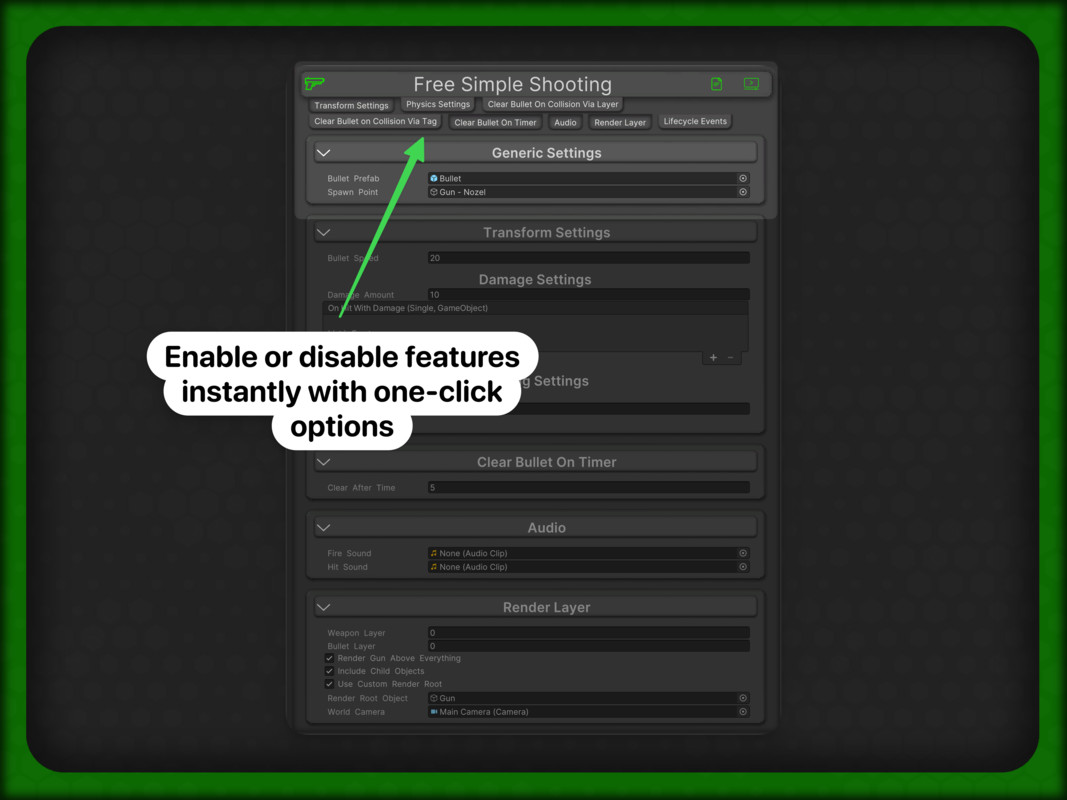
Free Simple Shooting is a lightweight, production-ready shooting toolkit for Unity. Add projectile firing in minutes with clear inspector controls, demo scenes, and documentation links directly in the custom editor.
What You Get
This package includes both:
- Free_Simple_Shooting (3D)
- TMC_Free_Simple_Shooting_2D (2D)
You can configure shooting using:
- Transform-based projectile movement
- Physics-based projectile movement (Rigidbody / Rigidbody2D)
Bullet Clear Modes
Choose how bullets are cleared:
- Collision via Layer
- Collision via Tag
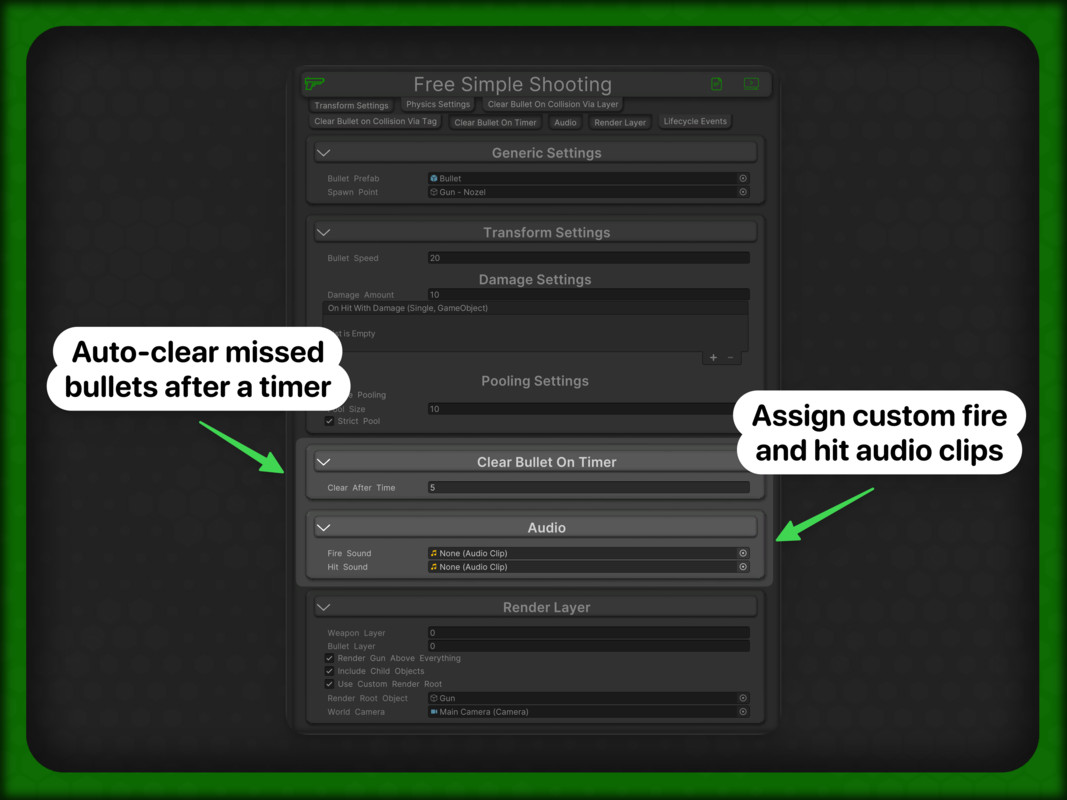
- Timer-based clear
Built for Real Projects
Free Simple Shooting also includes:
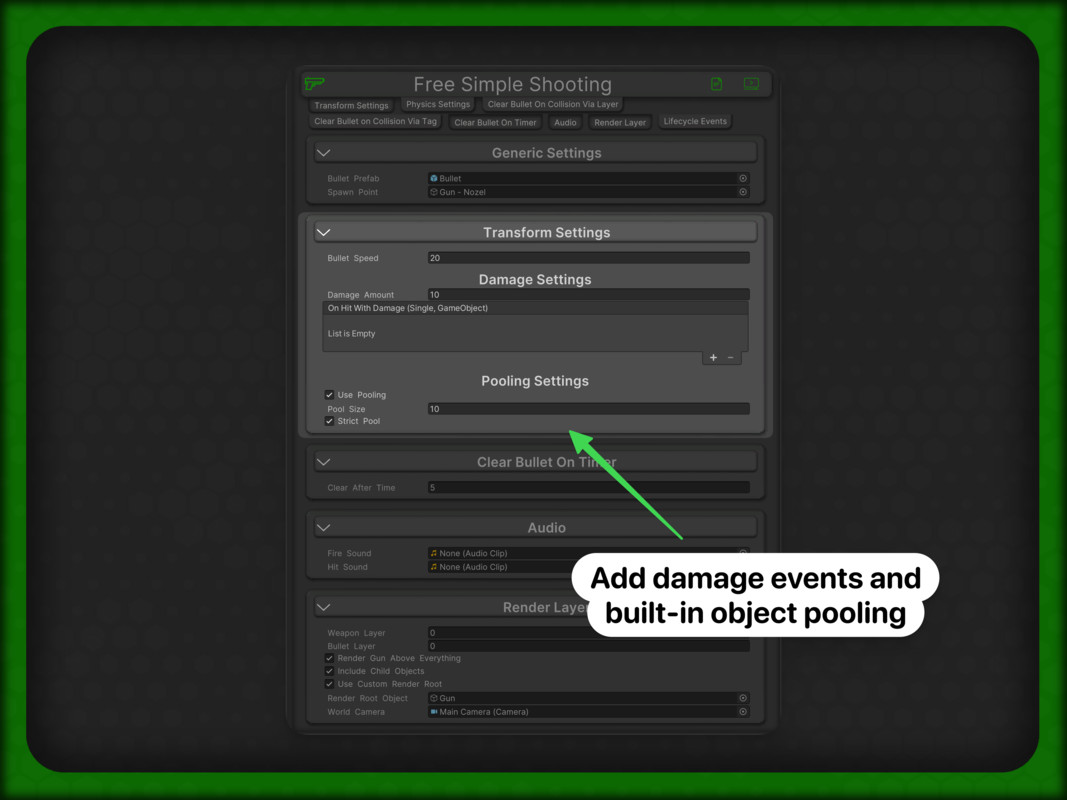
- Optional object pooling (including strict pool behavior)
- Damage + hit events (UnityEvent)
- Audio hooks for fire/hit feedback
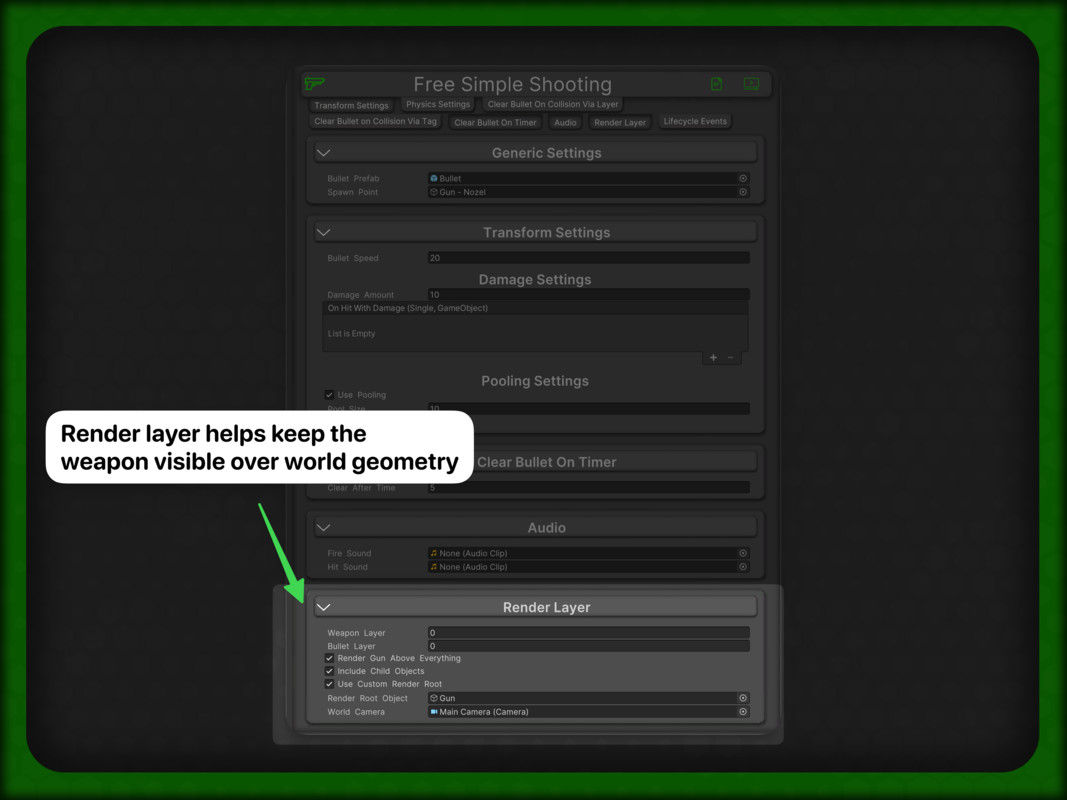
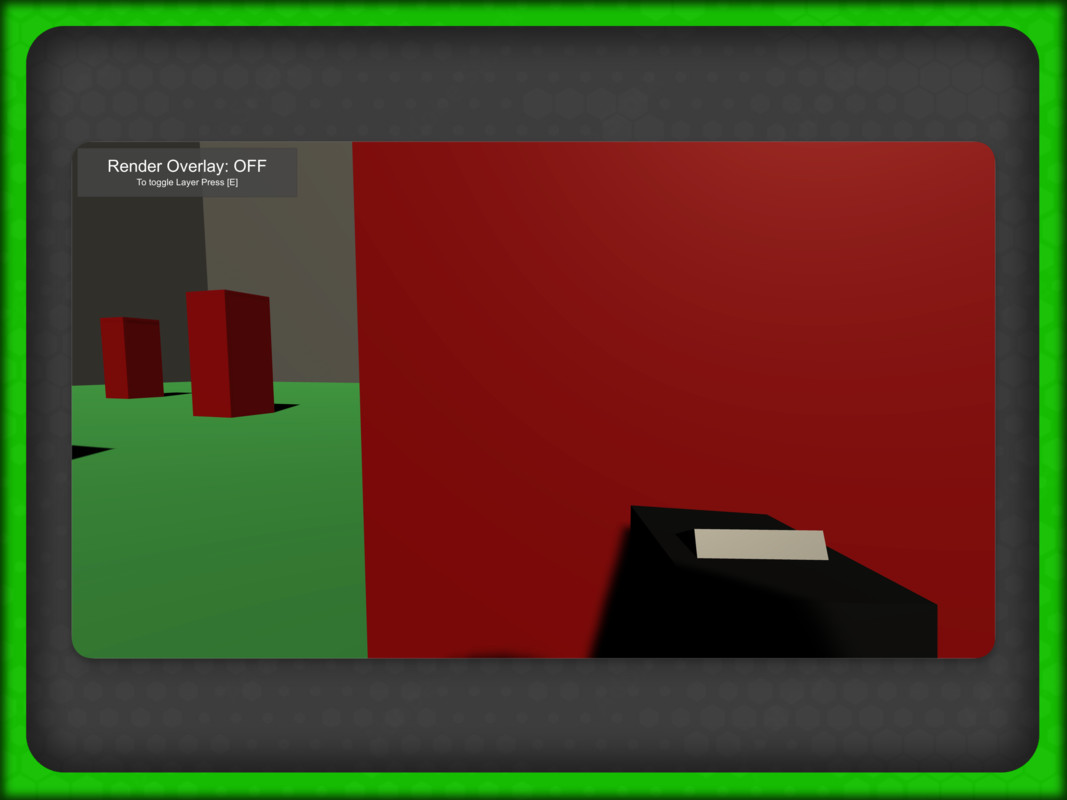
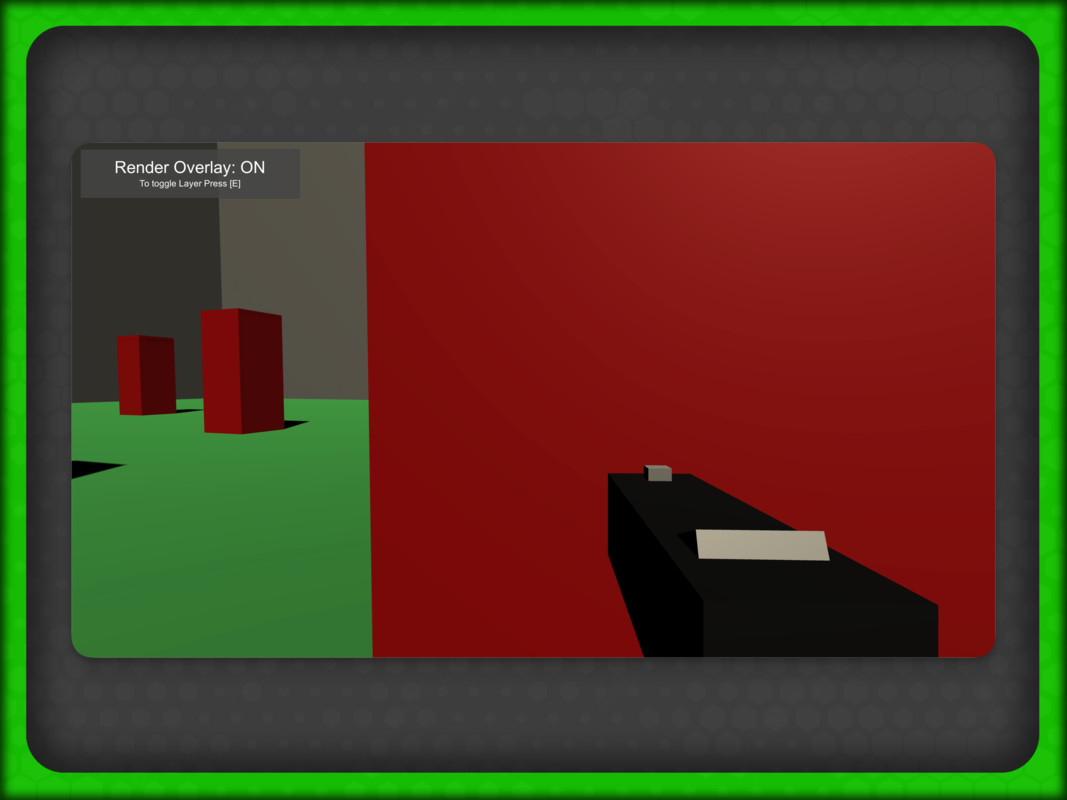
- Render-layer support for FPS weapon visibility
- Lifecycle events for custom integrations
- Demo scenes for quick onboarding
Requirements
- Unity 2021.3 or newer
- Taylor Made Code Core (free dependency)
Quick Start
1. Add a shooting component (3D or 2D) to a GameObject.
2. Assign Bullet Prefab + Spawn Point.
3. Select Transform or Physics mode.
4. Configure clear behavior and optional pooling/events.
5. Press Play and iterate.
Free Simple Shooting is designed to be simple for beginners and flexible enough for advanced workflows.
What You Get
This package includes both:
- Free_Simple_Shooting (3D)
- TMC_Free_Simple_Shooting_2D (2D)
You can configure shooting using:
- Transform-based projectile movement
- Physics-based projectile movement (Rigidbody / Rigidbody2D)
Bullet Clear Modes
Choose how bullets are cleared:
- Collision via Layer
- Collision via Tag
- Timer-based clear
Built for Real Projects
Free Simple Shooting also includes:
- Optional object pooling (including strict pool behavior)
- Damage + hit events (UnityEvent)
- Audio hooks for fire/hit feedback
- Render-layer support for FPS weapon visibility
- Lifecycle events for custom integrations
- Demo scenes for quick onboarding
Requirements
- Unity 2021.3 or newer
- Taylor Made Code Core (free dependency)
Quick Start
1. Add a shooting component (3D or 2D) to a GameObject.
2. Assign Bullet Prefab + Spawn Point.
3. Select Transform or Physics mode.
4. Configure clear behavior and optional pooling/events.
5. Press Play and iterate.
Free Simple Shooting is designed to be simple for beginners and flexible enough for advanced workflows.
More from Taylor Made Code
- 8 in 1 Cursor Movement $4.99
- Free Sound Manager FREE
- Zero Code Patrolling AI $4.99