Price history
Recorded standalone sale prices and the latest available store price, in USD. Historical dots use the sale start date and its recorded offer price. Prices can change during a sale; this is not a daily price log. Bundle prices and upcoming offers are excluded. History covers up to the 100 most recent recorded offers.
Lowest recorded standalone price in this history: $4.99. The latest store price is $4.99, matching the lowest recorded price shown here.
View 2 recorded prices
| Sale start / price check | Price | Observation |
|---|---|---|
| $4.99 | Latest store price | |
| $4.99 | Unity First Price 2026-09-24 2026-09-24 |
Sale and bundle history
The 1 most recent recorded offers including this asset. Past offers may no longer be available. Bundle prices cover a package, not this asset alone.
About Segmented Progress Indicator
- Art & Visuals > UI & GUI
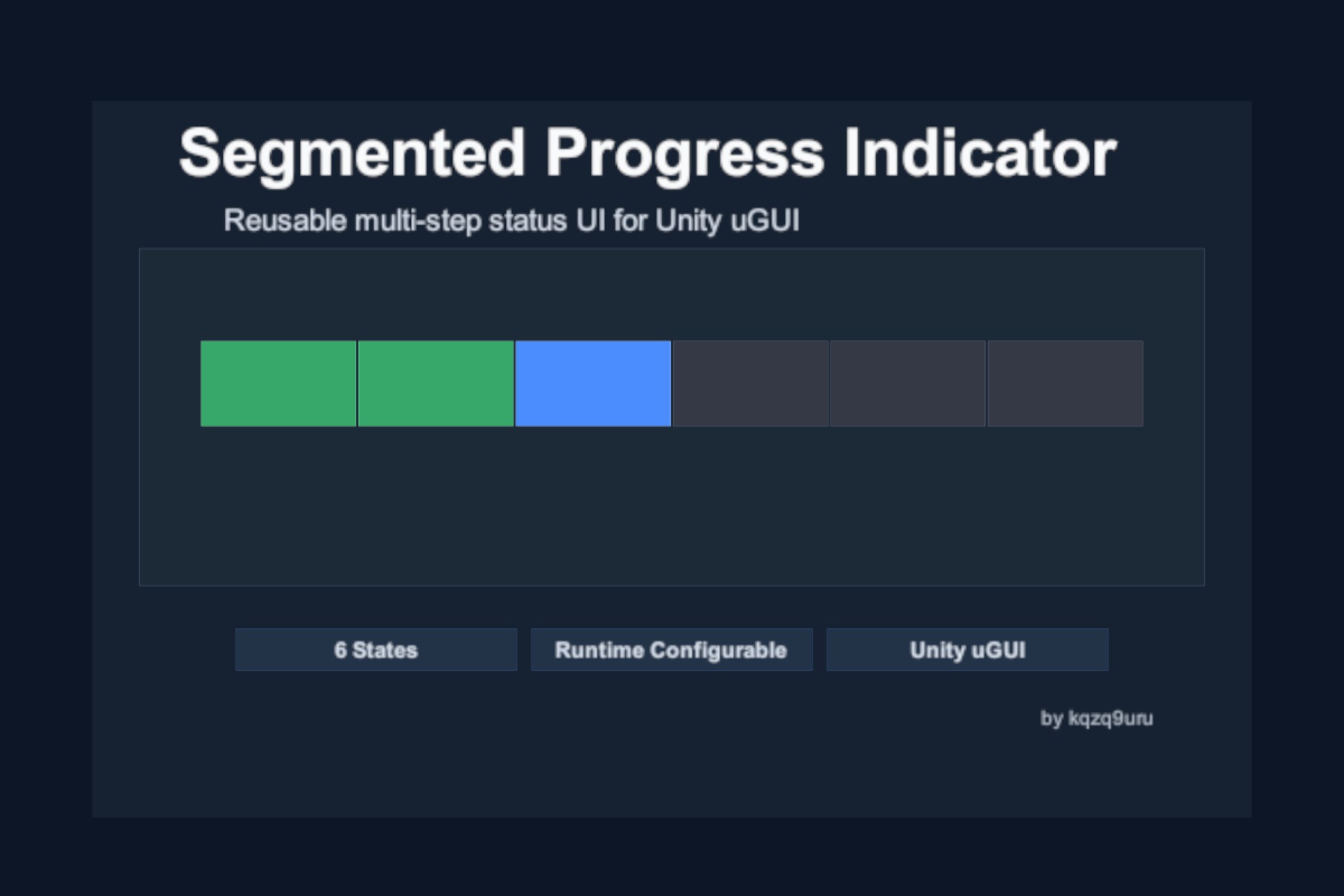
Segmented Progress Indicator is a reusable Unity uGUI component for displaying staged progress or multiple independent status slots.
Use it for startup initialization, scene loading, content preparation, quest or mission stages, multiplayer ready checks, player or device connection states, crafting queues, and batch task results.
The component supports six explicit states: Pending, Active, Completed, Warning, Failed, and Skipped. Multiple segments can be Active at the same time. Active segments use a gentle alpha pulse based on Time.unscaledDeltaTime.
Create the indicator directly from GameObject > UI > Segmented Progress Indicator, configure the initial segment count and state in the custom Inspector, or control it at runtime through SetSegmentCount, SetSegmentState, and SetStates.
The included Basic Usage sample demonstrates practical progress-step and status-slot presets, runtime segment-count changes, individual and batch state updates, multiple Active segments, Reset, Clear, and width changes.
The indicator uses a simple instance pool. Increasing the segment count creates only missing segments, while decreasing the count or calling Clear retains generated instances for reuse.
Use it for startup initialization, scene loading, content preparation, quest or mission stages, multiplayer ready checks, player or device connection states, crafting queues, and batch task results.
The component supports six explicit states: Pending, Active, Completed, Warning, Failed, and Skipped. Multiple segments can be Active at the same time. Active segments use a gentle alpha pulse based on Time.unscaledDeltaTime.
Create the indicator directly from GameObject > UI > Segmented Progress Indicator, configure the initial segment count and state in the custom Inspector, or control it at runtime through SetSegmentCount, SetSegmentState, and SetStates.
The included Basic Usage sample demonstrates practical progress-step and status-slot presets, runtime segment-count changes, individual and batch state updates, multiple Active segments, Reset, Clear, and width changes.
The indicator uses a simple instance pool. Increasing the segment count creates only missing segments, while decreasing the count or calling Clear retains generated instances for reuse.