Unity
Second Brain Pro - Hierarchy for Anything
By SecretZauce
$15
Rated 0.0/5 from 2 ratings on Unity.
Price history
Recorded standalone sale prices and the latest available store price, in USD. Historical dots use the sale start date and its recorded offer price. Prices can change during a sale; this is not a daily price log. Bundle prices and upcoming offers are excluded. History covers up to the 100 most recent recorded offers.
Lowest recorded standalone price in this history: $7.50. The latest store price is $15.
View 4 recorded prices
| Sale start / price check | Price | Observation |
|---|---|---|
| $15 | Latest store price | |
| $7.50 | Unity New Release Discount 2026-09-08 2026-09-22 | |
| $7.50 | Unity New Release Discount 2026-09-08 2026-09-22 | |
| $15 | Unity First Price 2026-09-08 2026-09-08 |
Sale and bundle history
The 3 most recent recorded offers including this asset. Past offers may no longer be available. Bundle prices cover a package, not this asset alone.
About Second Brain Pro - Hierarchy for Anything
- Tools, Systems & Learning > Development Tools & Automation
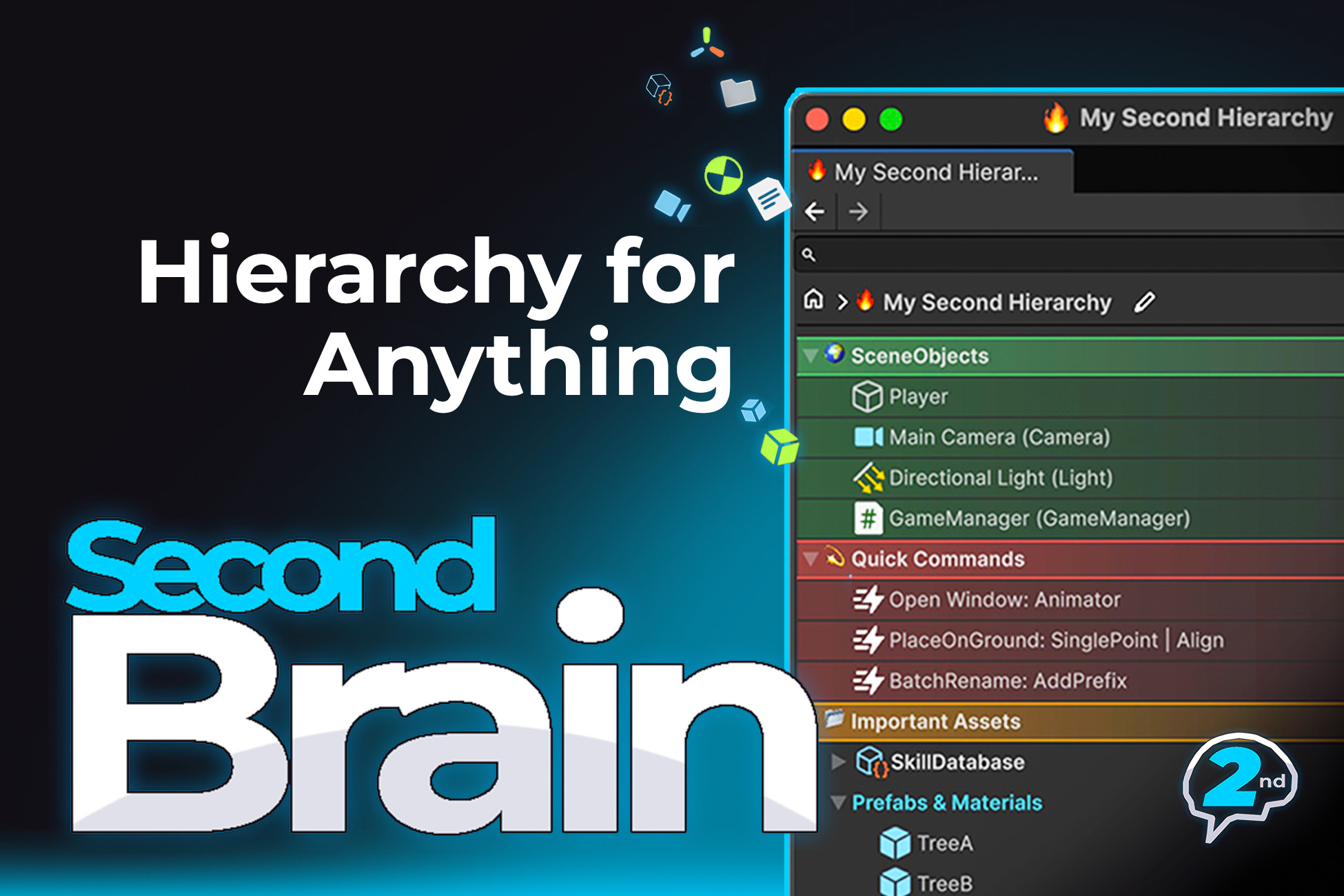
Second Brain Pro adds a powerful Second Hierarchy Window to the Unity Editor, giving you a structured, searchable workspace for organizing Assets, Prefabs, Scenes, GameObjects, Components, and more.
Keep Everything You Need
- Add anything from your project to the Second Brain window to create a persistent reference.
- GameObjects & Components (persist even when their scene is closed)
- Assets & Folders
- ScriptableObject containers
- Executable Editor actions
- Copied text and URLs (paste directly with Ctrl+V / ⌘V)
Work Faster
- Quick Peek — Hover over the left or right edge of any item to instantly preview it in a floating Inspector.
- Quick Browse — Press Alt+W (Windows/Linux) or ⌥W (macOS) to open a floating search window from anywhere in the Editor.
- Scene Linking — Automatically switch to a Base whenever its linked scene is opened.
- Smart Enter Actions — Press Return or double-click to open Scenes, Prefabs, URLs, inspect GameObjects and Components, or automatically open their scene and focus the object.
- Full Keyboard Navigation
- Undo & Redo Support
- Multiple Tabs
Organize Your Way
Second Brain uses a simple three-level hierarchy: Profiles → Bases → Containers.
- Profiles — Personal workspaces stored per device. Each team member can maintain their own independent hierarchy.
- Bases — The root of a hierarchy. Create multiple workspace trees within a single Profile.
- Containers — Flexible groups that can contain assets, objects, or nested Containers.
Customize Your Workspace
- Visual Styling — Personalize items with emojis, Unity icons, labels, gradients, font colors, colored dots, and background colors.
- Customizable Settings — Adjust creation workflow, row height, double-click behavior, and many other editor preferences.
Keep Everything You Need
- Add anything from your project to the Second Brain window to create a persistent reference.
- GameObjects & Components (persist even when their scene is closed)
- Assets & Folders
- ScriptableObject containers
- Executable Editor actions
- Copied text and URLs (paste directly with Ctrl+V / ⌘V)
Work Faster
- Quick Peek — Hover over the left or right edge of any item to instantly preview it in a floating Inspector.
- Quick Browse — Press Alt+W (Windows/Linux) or ⌥W (macOS) to open a floating search window from anywhere in the Editor.
- Scene Linking — Automatically switch to a Base whenever its linked scene is opened.
- Smart Enter Actions — Press Return or double-click to open Scenes, Prefabs, URLs, inspect GameObjects and Components, or automatically open their scene and focus the object.
- Full Keyboard Navigation
- Undo & Redo Support
- Multiple Tabs
Organize Your Way
Second Brain uses a simple three-level hierarchy: Profiles → Bases → Containers.
- Profiles — Personal workspaces stored per device. Each team member can maintain their own independent hierarchy.
- Bases — The root of a hierarchy. Create multiple workspace trees within a single Profile.
- Containers — Flexible groups that can contain assets, objects, or nested Containers.
Customize Your Workspace
- Visual Styling — Personalize items with emojis, Unity icons, labels, gradients, font colors, colored dots, and background colors.
- Customizable Settings — Adjust creation workflow, row height, double-click behavior, and many other editor preferences.