Unity
Scene Notes - Tasks, Issues, Annotations
$29.99
Rated 5.0/5 from 21 ratings on Unity.
Price history
Recorded standalone sale prices and the latest available store price, in USD. Historical dots use the sale start date and its recorded offer price. Prices can change during a sale; this is not a daily price log. Bundle prices and upcoming offers are excluded. History covers up to the 100 most recent recorded offers.
Lowest recorded standalone price in this history: $29.99. The latest store price is $29.99, matching the lowest recorded price shown here.
View 2 recorded prices
| Sale start / price check | Price | Observation |
|---|---|---|
| $29.99 | Latest store price | |
| $29.99 | Unity Permanent Decrease 2026-09-12 2026-09-19 |
Sale and bundle history
The 1 most recent recorded offers including this asset. Past offers may no longer be available. Bundle prices cover a package, not this asset alone.
About Scene Notes - Tasks, Issues, Annotations
- Tools, Systems & Learning > Development Tools & Automation
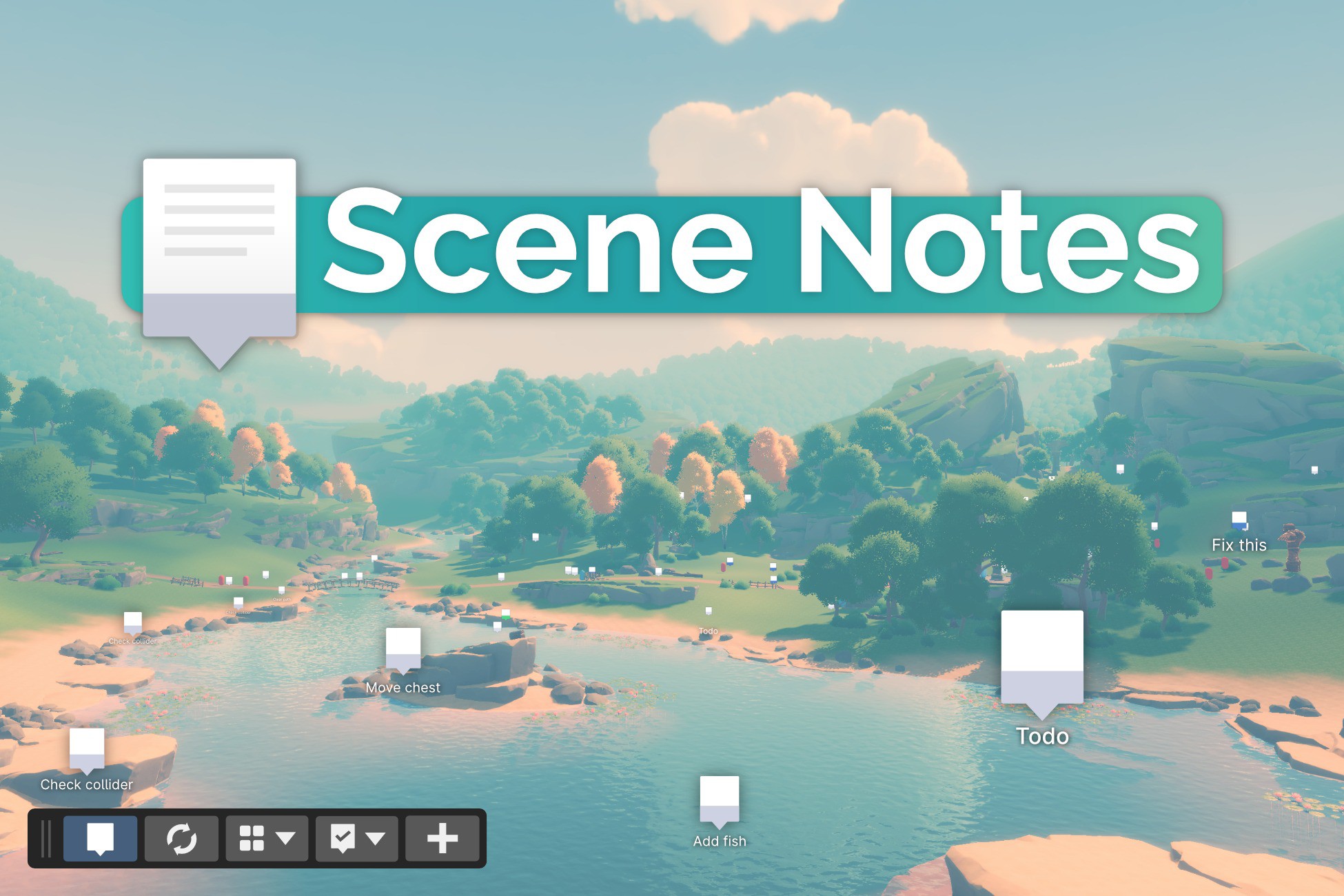
Scene Notes allows to add tasks, docs or notes; directly inside Unity scenes. This enables better communication within the team, without even leaving the Scene View.
Programmers can request changes to level designers, or the design team can communicate internally by placing tasks exactly where they belong, next to the object or geometry to be changed.
Notes can have an absolute position, or be linked to a GameObject so they follow it when it moves around. No more lost annotations!
Notes are stored locally as ScriptableObjects and not as part of the scene. This means that adding, modifying or deleting a note won't dirty the scene. This makes Scene Notes version control friendly, as it reduces the possibility of conflicts.
Scene Notes is a productivity boost for all games with 3D or 2D spaces, so you will never again hear the phrase: "Where is the thing I need to change?"
Create and edit Scene Notes
Card properties include:
- Title and Contents
- Status (Not Started, In Progress, Done)
- Category
- Associated scene
- Position in space
- Linked GameObject + an offset from its pivot
- Screenshot(s)
- Author, creation date, last modified date
- Comments
A practical toolbar
Scene Notes comes as a "Scene Overlay". You can dock the toolbar to a corner of the Scene View, and use it to:
- Hide/Show notes
- Filter them by category
- Filter them by status (To do, Done, ...)
- Create new Scene Notes
- Hide all other gizmos
Notes Browser window
Browse notes quickly as a list. You can filter them by:
- Name
- Author
- Category
- Status
- By open scenes
This way you'll immediately find what you need!
Documentation
You can preview the documentation and learn all about the functionality before you get the asset.
CJK languages support
Scene Notes supports CJK languages for notes title and content, comments, author names, and note category names.
Save some money
Scene Notes is part of our All Editor Tools bundle. By getting that, you effectively get this package at 25% off. If instead you already purchased this package, you will get a discount on the bundle.
Feedback
I'd like to hear from you how I can make Scene Notes better. You can write to [email protected] or hop on my Discord to have a chat.
If you're looking for a powerful solution backed by a web interface, also consider checking out the Codecks version of Scene Notes. If you already purchased this package, you'll get a discount on that version.
Programmers can request changes to level designers, or the design team can communicate internally by placing tasks exactly where they belong, next to the object or geometry to be changed.
Notes can have an absolute position, or be linked to a GameObject so they follow it when it moves around. No more lost annotations!
Notes are stored locally as ScriptableObjects and not as part of the scene. This means that adding, modifying or deleting a note won't dirty the scene. This makes Scene Notes version control friendly, as it reduces the possibility of conflicts.
Scene Notes is a productivity boost for all games with 3D or 2D spaces, so you will never again hear the phrase: "Where is the thing I need to change?"
Create and edit Scene Notes
Card properties include:
- Title and Contents
- Status (Not Started, In Progress, Done)
- Category
- Associated scene
- Position in space
- Linked GameObject + an offset from its pivot
- Screenshot(s)
- Author, creation date, last modified date
- Comments
A practical toolbar
Scene Notes comes as a "Scene Overlay". You can dock the toolbar to a corner of the Scene View, and use it to:
- Hide/Show notes
- Filter them by category
- Filter them by status (To do, Done, ...)
- Create new Scene Notes
- Hide all other gizmos
Notes Browser window
Browse notes quickly as a list. You can filter them by:
- Name
- Author
- Category
- Status
- By open scenes
This way you'll immediately find what you need!
Documentation
You can preview the documentation and learn all about the functionality before you get the asset.
CJK languages support
Scene Notes supports CJK languages for notes title and content, comments, author names, and note category names.
Save some money
Scene Notes is part of our All Editor Tools bundle. By getting that, you effectively get this package at 25% off. If instead you already purchased this package, you will get a discount on the bundle.
Feedback
I'd like to hear from you how I can make Scene Notes better. You can write to [email protected] or hop on my Discord to have a chat.
If you're looking for a powerful solution backed by a web interface, also consider checking out the Codecks version of Scene Notes. If you already purchased this package, you'll get a discount on that version.