Price history
Recorded standalone sale prices and the latest available store price, in USD. Historical dots use the sale start date and its recorded offer price. Prices can change during a sale; this is not a daily price log. Bundle prices and upcoming offers are excluded. History covers up to the 100 most recent recorded offers.
Lowest recorded standalone price in this history: $10.50. The latest store price is $21.
View 4 recorded prices
| Sale start / price check | Price | Observation |
|---|---|---|
| $21 | Latest store price | |
| $21 | Unity First Price 2026-06-19 2026-06-26 | |
| $10.50 | Unity New Release Discount 2026-06-08 2026-06-22 | |
| $10.50 | Unity New Release Discount 2026-06-08 2026-06-22 |
Sale and bundle history
The 3 most recent recorded offers including this asset. Past offers may no longer be available. Bundle prices cover a package, not this asset alone.
About RimGui2
- Art & Visuals > UI & GUI
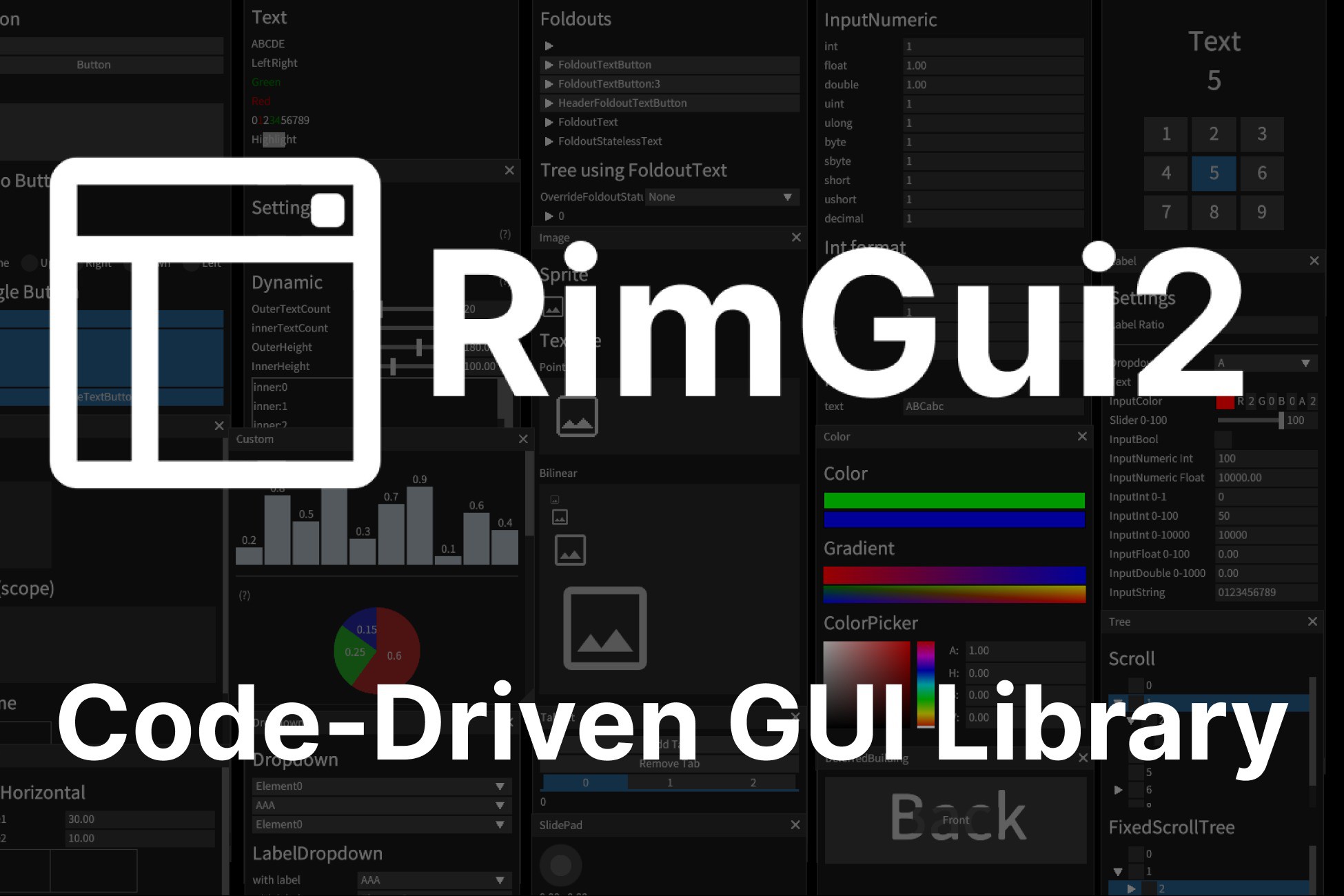
RimGui is an easy-to-use, code-driven Immediate Mode GUI library built from scratch for rapid iteration, rather than extending existing UI Toolkit or uGUI.
I’ve often found existing GUI libraries frustrating to use:
- Building UIs usually involves tedious drag-and-drop operations
- Even simple UI can involve a lot of boilerplate code
- Adding, removing, and managing UI elements like buttons can be a hassle
- Registering and unregistering events like click handlers takes unnecessary effort
With RimGui, there's no need to build UIs with drag-and-drop or manually manage the lifecycle of UI elements.
You can render them with very concise code, like Gui.Button().
Works with all Unity versions 2021+ including 2021, 2022, 2023 & Unity 6.
Render Pipeline Support
- Supports Built-in Render Pipeline, URP, and HDRP.
Customizable
- Easily tweak various parameters to fit your needs.
- You can even render freely from the triangle mesh level for complete control.
Cross-platform Support
- Works not only on PC but also on WebGL and mobile platforms.
Font Support
- Supports custom fonts and texture atlas generation.
Optimized Immediate Mode GUI (ImGui)
- Designed with minimized GC (Garbage Collection) allocation.
- Draw calls are reduced by using a single Shader and Material, and by consolidating all images, including text, into one Texture.
Flexible Scalability:
- You can easily change the size and scale of UI widgets, making it simple to support multiple resolutions. This enables optimal UI display across various screen sizes.
Features
- Box
- Button
- ToggleButton
- RadioButton
- CheckBox
- ColorPreview
- Custom
- Foldout
- Frame
- InputText
- Scroll
- Separator
- Slider
- Sprite
- Text
--- Various numeric types
--- bool
--- char
- Texture
- Window
- Heading
- Spacing
- InteractiveItem
- Drag and Drop
- SliderNumeric
- Splitter
- VerticalBarHandle
- SnapVerticalBarHandle
- RectInnerPointHandle
- SnapRectInnerPointHandle
- Hyperlink
- Label
- ComboBoxButton
- SlidePad
- EditableText
- Dropdown
- InputDropdown
- DragInput
- Input
--- Various numeric types
--- char
--- bool
--- Vector2
--- Vector3
--- Vector4
--- Vector2Int
--- Vector3Int
--- Rect
--- RectInt
--- Bounds
--- BoundsInt
--- Color
--- Color32
--- HsvColor
- Utilities for drawing tree
- And many more!
Rendering
- Line, Anti-Aliased Line,Closed Anti-Aliased Line
- Triangle
- Rectangle
- Circle
- Grid
- Anti-Aliased Convex Polygon
- BezierCurve
- Text
- Texture
- And many more!
I’ve often found existing GUI libraries frustrating to use:
- Building UIs usually involves tedious drag-and-drop operations
- Even simple UI can involve a lot of boilerplate code
- Adding, removing, and managing UI elements like buttons can be a hassle
- Registering and unregistering events like click handlers takes unnecessary effort
With RimGui, there's no need to build UIs with drag-and-drop or manually manage the lifecycle of UI elements.
You can render them with very concise code, like Gui.Button().
Works with all Unity versions 2021+ including 2021, 2022, 2023 & Unity 6.
Render Pipeline Support
- Supports Built-in Render Pipeline, URP, and HDRP.
Customizable
- Easily tweak various parameters to fit your needs.
- You can even render freely from the triangle mesh level for complete control.
Cross-platform Support
- Works not only on PC but also on WebGL and mobile platforms.
Font Support
- Supports custom fonts and texture atlas generation.
Optimized Immediate Mode GUI (ImGui)
- Designed with minimized GC (Garbage Collection) allocation.
- Draw calls are reduced by using a single Shader and Material, and by consolidating all images, including text, into one Texture.
Flexible Scalability:
- You can easily change the size and scale of UI widgets, making it simple to support multiple resolutions. This enables optimal UI display across various screen sizes.
Features
- Box
- Button
- ToggleButton
- RadioButton
- CheckBox
- ColorPreview
- Custom
- Foldout
- Frame
- InputText
- Scroll
- Separator
- Slider
- Sprite
- Text
--- Various numeric types
--- bool
--- char
- Texture
- Window
- Heading
- Spacing
- InteractiveItem
- Drag and Drop
- SliderNumeric
- Splitter
- VerticalBarHandle
- SnapVerticalBarHandle
- RectInnerPointHandle
- SnapRectInnerPointHandle
- Hyperlink
- Label
- ComboBoxButton
- SlidePad
- EditableText
- Dropdown
- InputDropdown
- DragInput
- Input
--- Various numeric types
--- char
--- bool
--- Vector2
--- Vector3
--- Vector4
--- Vector2Int
--- Vector3Int
--- Rect
--- RectInt
--- Bounds
--- BoundsInt
--- Color
--- Color32
--- HsvColor
- Utilities for drawing tree
- And many more!
Rendering
- Line, Anti-Aliased Line,Closed Anti-Aliased Line
- Triangle
- Rectangle
- Circle
- Grid
- Anti-Aliased Convex Polygon
- BezierCurve
- Text
- Texture
- And many more!