Price history
Recorded standalone sale prices and the latest available store price, in USD. Historical dots use the sale start date and its recorded offer price. Prices can change during a sale; this is not a daily price log. Bundle prices and upcoming offers are excluded. History covers up to the 100 most recent recorded offers.
Lowest recorded standalone price in this history: $7.50. The latest store price is $15.
View 4 recorded prices
| Sale start / price check | Price | Observation |
|---|---|---|
| $15 | Latest store price | |
| $7.50 | Unity New Release Discount 2026-07-28 2026-08-11 | |
| $7.50 | Unity New Release Discount 2026-07-28 2026-08-11 | |
| $15 | Unity First Price 2026-07-28 2026-08-04 |
Sale and bundle history
The 3 most recent recorded offers including this asset. Past offers may no longer be available. Bundle prices cover a package, not this asset alone.
About Rig Transfer Tool
- Tools, Systems & Learning > Development Tools & Automation
RIG TRANSFER TOOL
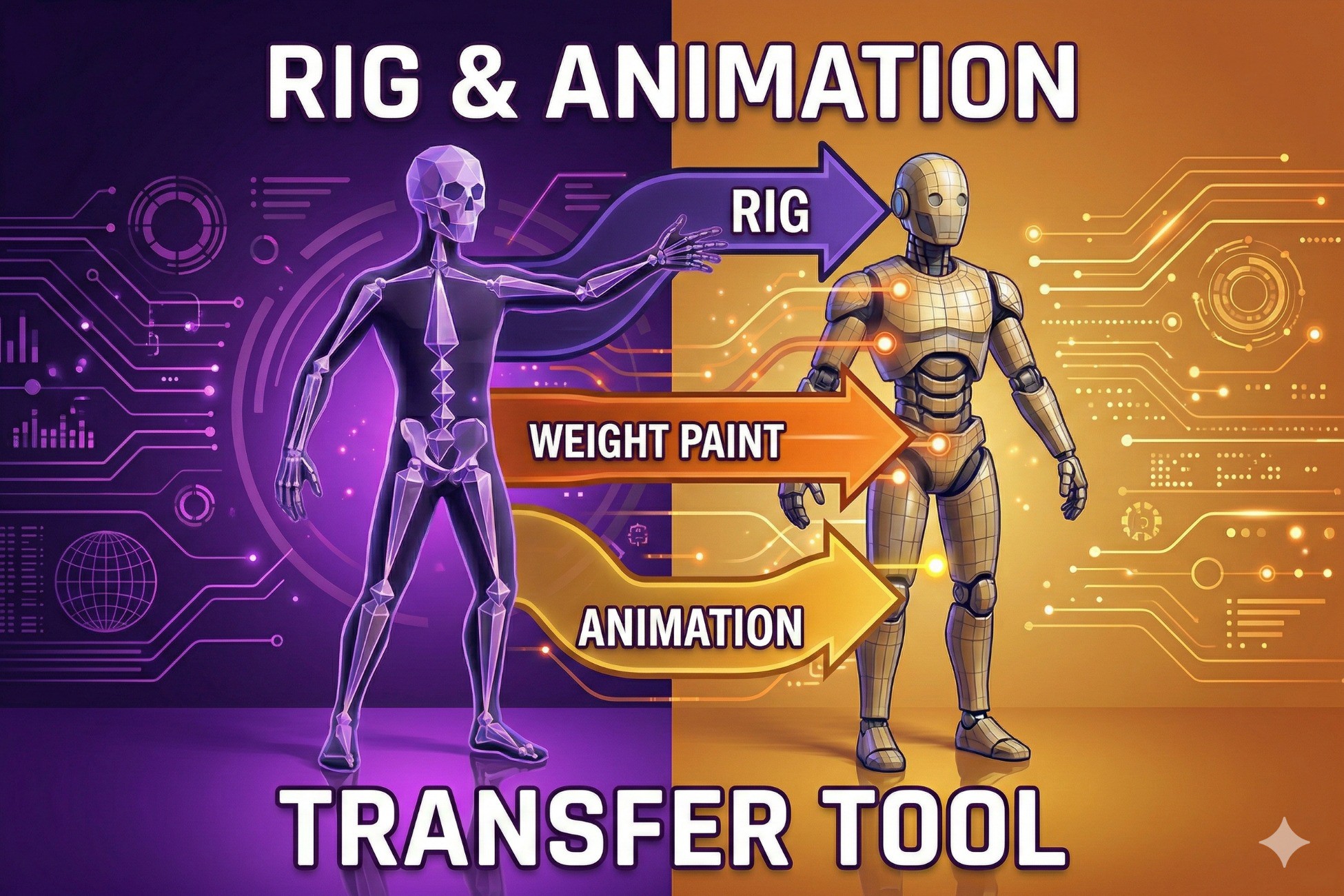
Transfer rig and animations from one FBX to another with a single click!
PERFECT FOR:
• Retargeting Mixamo animations to custom characters
• Applying mocap data to game-ready models
• Transferring rigs between similar meshes
• Quick character animation setup
FEATURES:
✓ One-click rig and animation transfer
✓ Transfers ALL animation clips (not just one!)
✓ Automatic facial animation removal
✓ Facial bone weights merged to head bone
✓ Works with similar topology meshes
✓ Clean Unity Editor integration
✓ Real-time progress logging
✓ Auto-detects Blender installation
HOW IT WORKS:
1. Open Tools > Rig Transfer Tool
2. Select Source FBX (with rig and animations)
3. Select Target FBX (mesh only)
4. Click "Transfer Rig & Animation"
5. Done! Your new rigged model is ready
REQUIREMENTS:
• Unity 2020.3 or later
• Blender 3.0+ (free download from blender.org)
• Windows, macOS, or Linux
WHY BLENDER?
This tool uses Blender's powerful FBX processing in the background. Blender is free, open-source, and handles complex rig transfers reliably.
SUPPORT:
Email: [email protected]
Created by CodingCannon
Transfer rig and animations from one FBX to another with a single click!
PERFECT FOR:
• Retargeting Mixamo animations to custom characters
• Applying mocap data to game-ready models
• Transferring rigs between similar meshes
• Quick character animation setup
FEATURES:
✓ One-click rig and animation transfer
✓ Transfers ALL animation clips (not just one!)
✓ Automatic facial animation removal
✓ Facial bone weights merged to head bone
✓ Works with similar topology meshes
✓ Clean Unity Editor integration
✓ Real-time progress logging
✓ Auto-detects Blender installation
HOW IT WORKS:
1. Open Tools > Rig Transfer Tool
2. Select Source FBX (with rig and animations)
3. Select Target FBX (mesh only)
4. Click "Transfer Rig & Animation"
5. Done! Your new rigged model is ready
REQUIREMENTS:
• Unity 2020.3 or later
• Blender 3.0+ (free download from blender.org)
• Windows, macOS, or Linux
WHY BLENDER?
This tool uses Blender's powerful FBX processing in the background. Blender is free, open-source, and handles complex rig transfers reliably.
SUPPORT:
Email: [email protected]
Created by CodingCannon