Price history
Recorded standalone sale prices and the latest available store price, in USD. Historical dots use the sale start date and its recorded offer price. Prices can change during a sale; this is not a daily price log. Bundle prices and upcoming offers are excluded. History covers up to the 100 most recent recorded offers.
Lowest recorded standalone price in this history: FREE. The latest store price is FREE, matching the lowest recorded price shown here.
View 1 recorded price
| Sale start / price check | Price | Observation |
|---|---|---|
| FREE | Latest store price |
About realvirtual.io MCP Server
- Tools, Systems & Learning > Development Tools & Automation
- Tools, Systems & Learning > Level & World Building
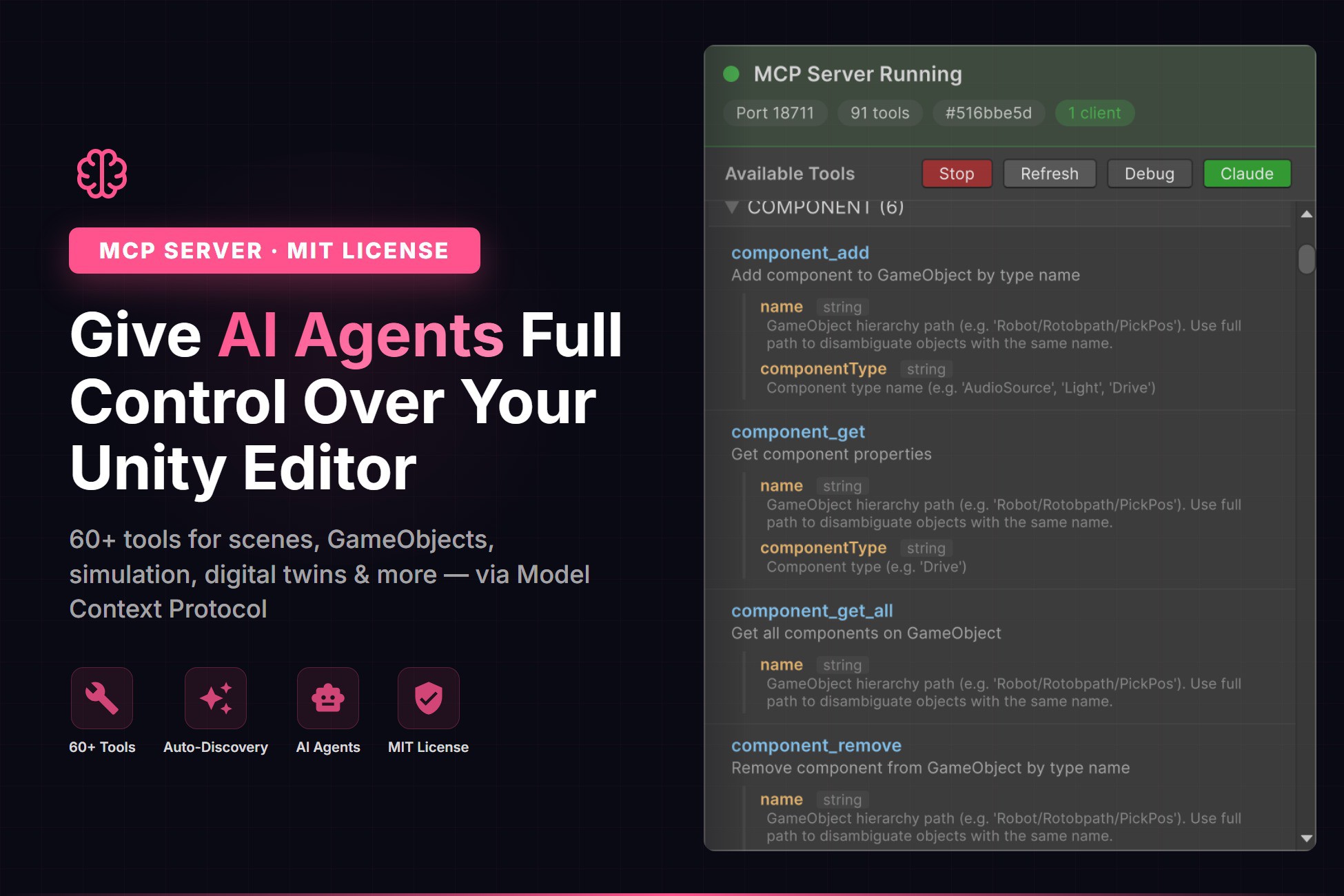
realvirtual MCP Server brings the Model Context Protocol (MCP) to Unity, allowing AI agents to interact directly with your Unity Editor.
With 60+ pre-configured tools, AI agents can create and modify scenes, manage GameObjects, control transforms, handle physics, work with materials, and much more — all through natural language.
The server runs as a WebSocket server inside Unity and is fully domain reload safe. Setup takes just one click: open the MCP Server window and start the server.
The package includes an embedded Python 3.12 runtime — no system Python installation required. A Python MCP bridge forwards AI agent tool calls over WebSocket to Unity. The bridge can be downloaded directly from the Unity toolbar popup.
Extend the tool set with a single line of code: just add the [McpTool] C# attribute to any method — no Python, no external scripts needed.
Built for industrial digital twins and simulation: includes tools for drives, sensors, signals, and robot inverse kinematics via the realvirtual.io framework.
Fully open source under the MIT License.
Requires Unity 6000.0 or later. Git must be installed for downloading the Python bridge.