Price history
Recorded standalone sale prices and the latest available store price, in USD. Historical dots use the sale start date and its recorded offer price. Prices can change during a sale; this is not a daily price log. Bundle prices and upcoming offers are excluded. History covers up to the 100 most recent recorded offers.
Lowest recorded standalone price in this history: $9.99. The latest store price is $9.99, matching the lowest recorded price shown here.
View 1 recorded price
| Sale start / price check | Price | Observation |
|---|---|---|
| $9.99 | Latest store price |
About Project Folder & Naming Enforcer
- Tools, Systems & Learning > Development Tools & Automation
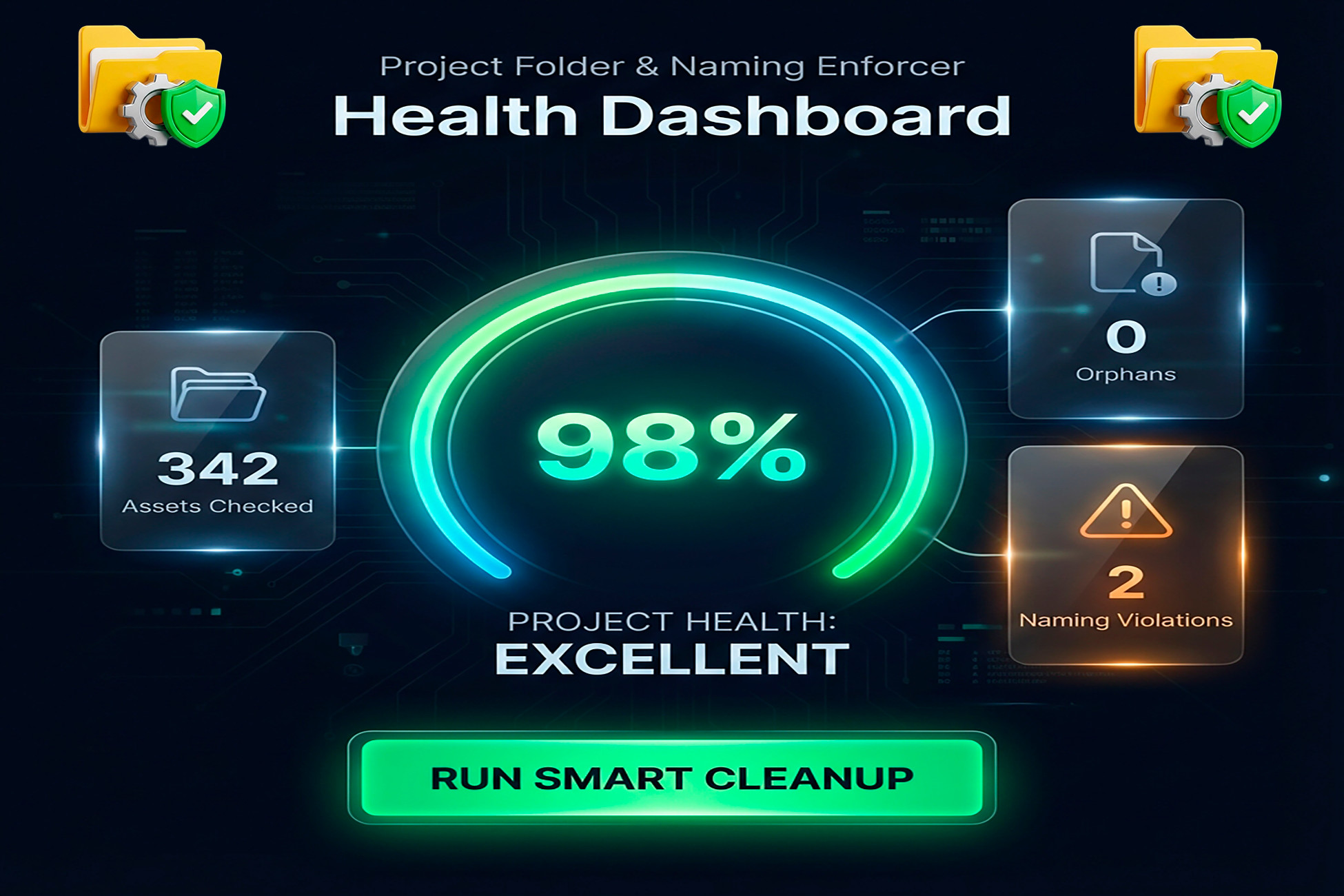
Is your Project Window a minefield of "New Folder (1)", "temp_asset", and "final_final_v2"? Managing a growing project is hard. As your asset count increases, finding files becomes a chore, naming conventions drift, and technical debt piles up. Project Folder & Naming Enforcer is the ultimate solution—a premium organization system that doesn't just "clean up" your project, but enforces a professional workflow that scales with you. ✨ Why this is a Must-Have: Vibrant Visual Feedback: Instant recognition. Color-code your project with high-end background highlights, custom folder colors, and contextual tooltips. Find your Scripts or Materials in a heartbeat. 45+ Professional Templates: Why start from scratch? Includes 15 core templates and 30 genre-specific packs for Horror, RPG, RTS, Racing, VR, and Rapid Prototyping. Health Score Dashboard: Gamify your organization. Our premium visual gauge gives you a real-time "Health Score" of your project structure, highlighting exactly what needs attention. One-Click Smart Cleanup: Instantly move misplaced assets to their correct homes and fix naming violations across your entire project with a single button. Strict Naming Enforcement: Tired of inconsistent names? Set up rules for PascalCase, specific prefixes (MAT_, SHD_), and "No Spaces" rules that keep your project clean 24/7. Advanced Exclusion System: Simply drag and drop folders (like "Plugins" or third-party assets) into the ignore list to keep your analysis focused only on your code. Professional Workflow: Select a Template, Enforce Rules, Monitor Health, Automate. Perfect For: Solo Developers, Small Teams, Technical Artists.