Price history
Recorded standalone sale prices and the latest available store price, in USD. Historical dots use the sale start date and its recorded offer price. Prices can change during a sale; this is not a daily price log. Bundle prices and upcoming offers are excluded. History covers up to the 100 most recent recorded offers.
Lowest recorded standalone price in this history: $16.64. The latest store price is $23.79.
View 4 recorded prices
| Sale start / price check | Price | Observation |
|---|---|---|
| $23.79 | Latest store price | |
| $16.64 | Unity New Release Discount 2026-09-09 2026-09-23 | |
| $16.64 | Unity New Release Discount 2026-09-09 2026-09-23 | |
| $23.79 | Unity First Price 2026-09-09 2026-09-09 |
Sale and bundle history
The 3 most recent recorded offers including this asset. Past offers may no longer be available. Bundle prices cover a package, not this asset alone.
About Asset Production Status
- Tools, Systems & Learning > Development Tools & Automation
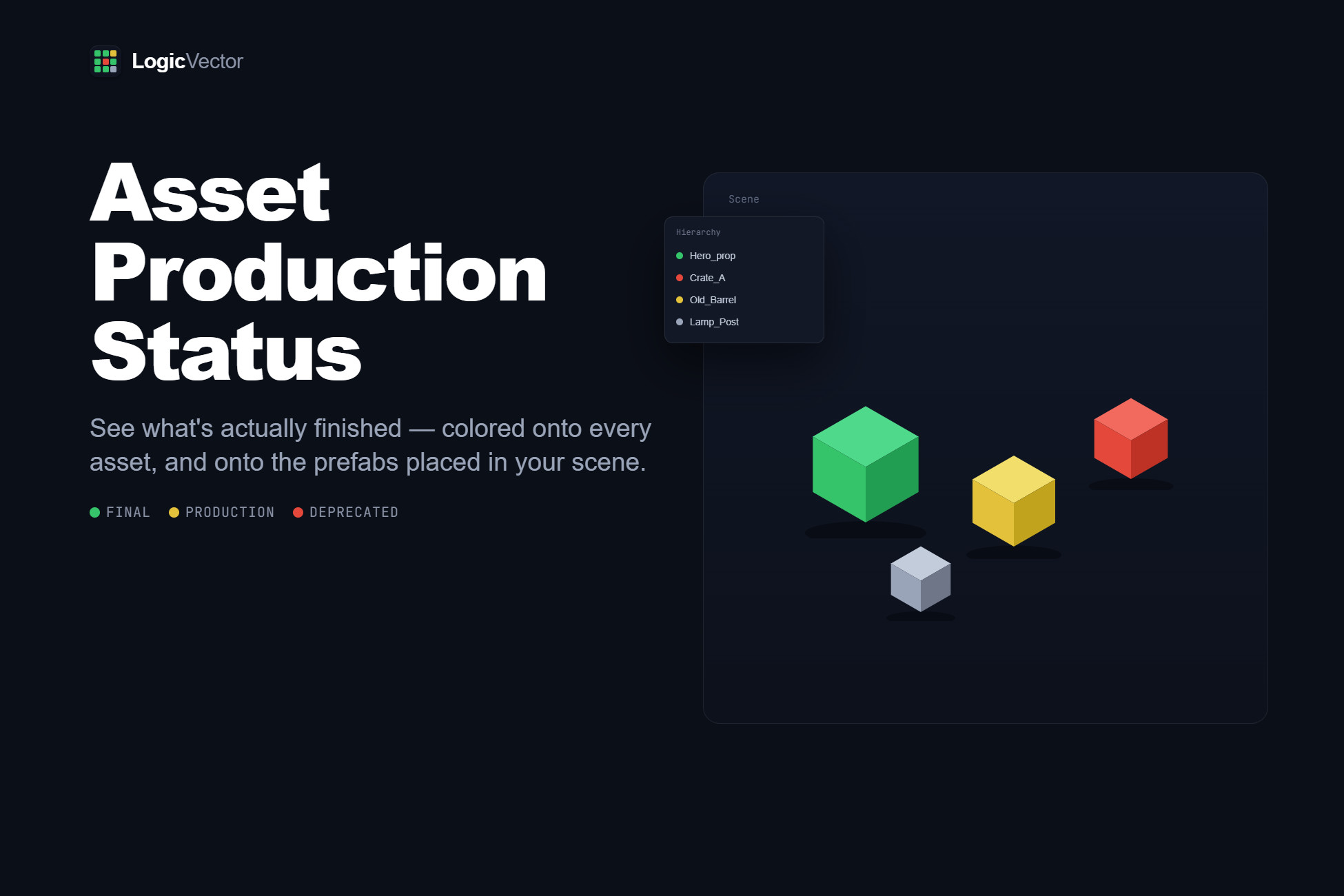
Production Status turns your Unity project into a workflow board. Tag any asset — prefab, material, texture, shader, script, model — with a state like Test, WIP, Review, Final, or Deprecated, and see it as color in the Project browser and on prefabs placed in your scenes. No more guessing which parts of a build are finished, or shipping a scene that still has placeholder art in it.
It is editor-only. Nothing compiles into your build, and no components are added to your objects.
What you get
Tag assets fast — right-click in the Project browser, or use the dropdown in the Inspector header. Multi-select works, and every change is undoable.
See status everywhere — tagged assets are washed in their status color in the Project browser; prefabs placed in scenes show a viewport tint (Scene and Game view, including Play mode) and a colored dot in the Hierarchy.
Dependency awareness — each asset answers for the assets it directly references. A material tells you when its shader is flagged; a prefab tells you when its materials are. Flagged dependencies show a warning corner in the Project browser.
Dashboard — a dockable window listing every tagged asset grouped by status. Click to ping, select all, export JSON.
Unity Search integration — hit Ctrl/Cmd+K and type pstatus:WIP to pull up everything still in progress.
Scene view overlay — toggle the tint, tune its intensity, filter to a single status, dim or hide the rest, and read the legend without leaving the viewport.
Stop unfinished work from shipping
Every status carries an On Play / Build severity. Set Deprecated to Critical and Unity will refuse to enter Play mode with a deprecated prefab in the scene, and fail the build outright. Warnings log instead of blocking. You can also validate on demand — open scenes or all build scenes — and export the report as JSON for CI. The build scan reads scene dependencies without loading scenes, so it stays fast on large projects.
Fully customizable, genre-agnostic
The five default statuses are only a starting point. Add, delete, rename, recolor, reorder, and describe your own — assignments track statuses by hidden ID, so renaming or recoloring propagates to every tagged asset instantly. The status table lives in a single ScriptableObject you commit to version control, so your whole team shares the same vocabulary. Nothing here assumes a genre or art style: it is a process layer over files, equally at home in a 2D mobile game, an archviz scene, or a large 3D production.
For co-development, tagging and status editing can optionally be restricted to a list of elevated users by Unity account email.
Requirements and compatibility
Unity 2022.3 LTS through Unity 6 (tested on 6000.5). Version-guarded for Unity 6 API renames — the same source compiles cleanly on both.
Viewport tint supports Built-in and URP (dedicated URP shader variant). Under HDRP the tint is best-effort; everything else — Project browser, Hierarchy dots, guard, Dashboard, Search — is pipeline-agnostic.
No third-party dependencies, no network access, no telemetry, no data collection.
Full C# source included. Drop-in: import, and a config asset is created on first use. No setup required.
It is editor-only. Nothing compiles into your build, and no components are added to your objects.
What you get
Tag assets fast — right-click in the Project browser, or use the dropdown in the Inspector header. Multi-select works, and every change is undoable.
See status everywhere — tagged assets are washed in their status color in the Project browser; prefabs placed in scenes show a viewport tint (Scene and Game view, including Play mode) and a colored dot in the Hierarchy.
Dependency awareness — each asset answers for the assets it directly references. A material tells you when its shader is flagged; a prefab tells you when its materials are. Flagged dependencies show a warning corner in the Project browser.
Dashboard — a dockable window listing every tagged asset grouped by status. Click to ping, select all, export JSON.
Unity Search integration — hit Ctrl/Cmd+K and type pstatus:WIP to pull up everything still in progress.
Scene view overlay — toggle the tint, tune its intensity, filter to a single status, dim or hide the rest, and read the legend without leaving the viewport.
Stop unfinished work from shipping
Every status carries an On Play / Build severity. Set Deprecated to Critical and Unity will refuse to enter Play mode with a deprecated prefab in the scene, and fail the build outright. Warnings log instead of blocking. You can also validate on demand — open scenes or all build scenes — and export the report as JSON for CI. The build scan reads scene dependencies without loading scenes, so it stays fast on large projects.
Fully customizable, genre-agnostic
The five default statuses are only a starting point. Add, delete, rename, recolor, reorder, and describe your own — assignments track statuses by hidden ID, so renaming or recoloring propagates to every tagged asset instantly. The status table lives in a single ScriptableObject you commit to version control, so your whole team shares the same vocabulary. Nothing here assumes a genre or art style: it is a process layer over files, equally at home in a 2D mobile game, an archviz scene, or a large 3D production.
For co-development, tagging and status editing can optionally be restricted to a list of elevated users by Unity account email.
Requirements and compatibility
Unity 2022.3 LTS through Unity 6 (tested on 6000.5). Version-guarded for Unity 6 API renames — the same source compiles cleanly on both.
Viewport tint supports Built-in and URP (dedicated URP shader variant). Under HDRP the tint is best-effort; everything else — Project browser, Hierarchy dots, guard, Dashboard, Search — is pipeline-agnostic.
No third-party dependencies, no network access, no telemetry, no data collection.
Full C# source included. Drop-in: import, and a config asset is created on first use. No setup required.