Screenshots and videos
 1 / 3
Price history
Lowest recorded standalone price: $9.99. Recorded observations span to . This is our available history, not a guaranteed all-time low. Bundle package prices are separate.
Standalone price
Last three months, in USD. Bundle prices cover the whole package.
About Pixel Perfect Shadow
- Theme > Retro & Arcade
Pixel Perfect Shadows URP2D
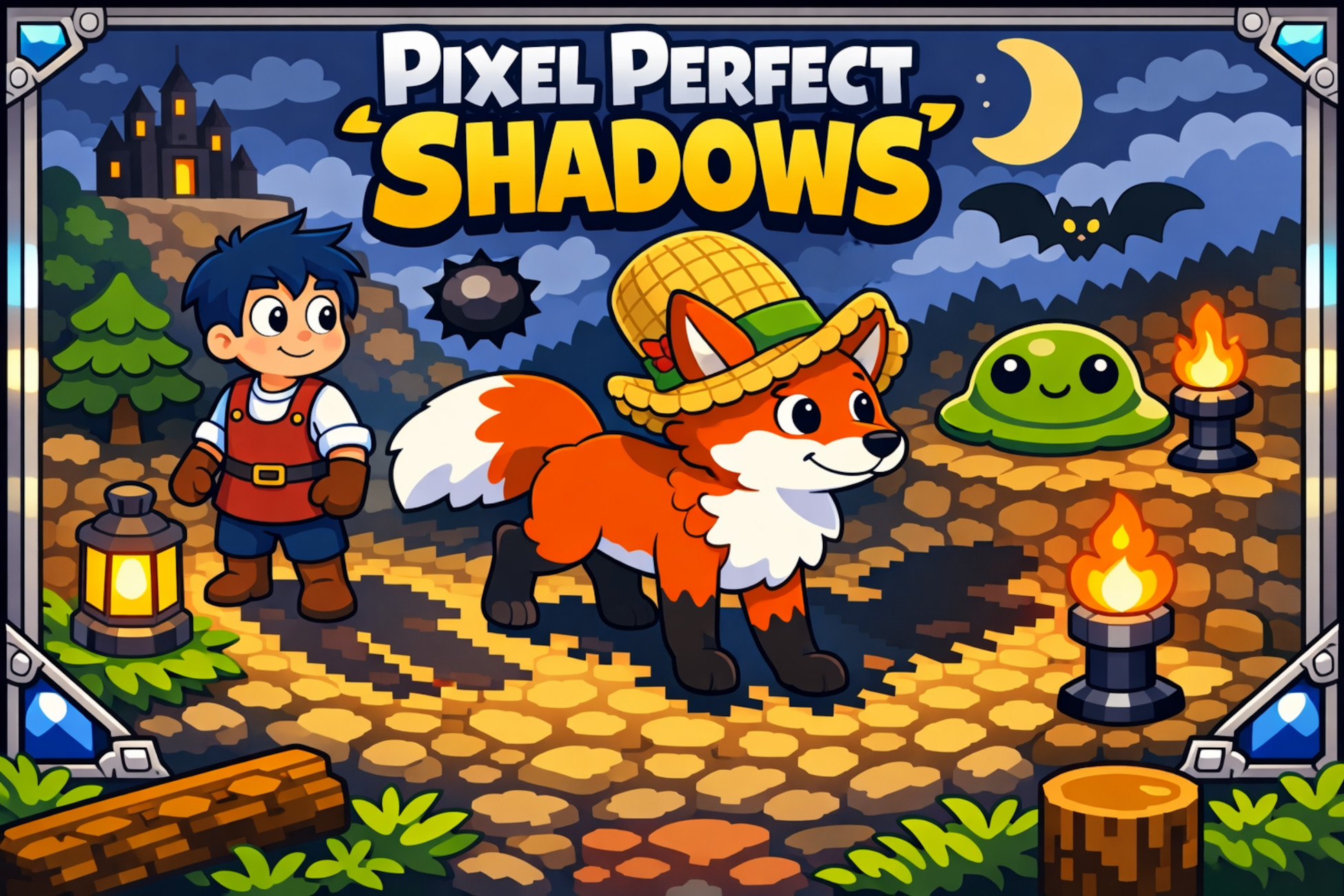
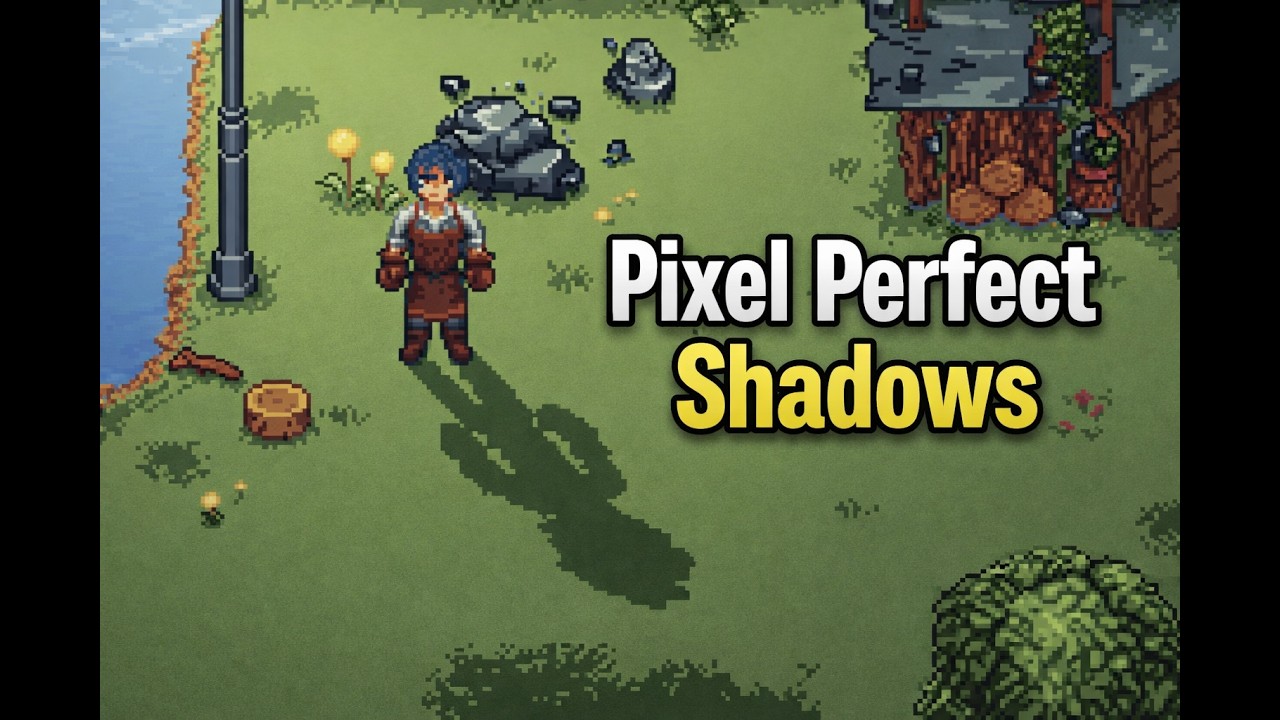
Pixel Perfect Shadows is a lightweight solution for adding crisp, pixel-aligned projected shadows to sprites. It is built around a simple workflow: drop in a prefab, assign your SpriteRenderer, and tune a few intuitive settings to match your art style and world scale.
This asset is designed for top-down / face-camera / 2D stylized games where clean, stable shadows help sprites feel grounded without breaking pixel clarity. It can also work on other settings if set up properly.
Key Features
Drop-in prefab workflow: add the shadow prefab and assign a SpriteRenderer
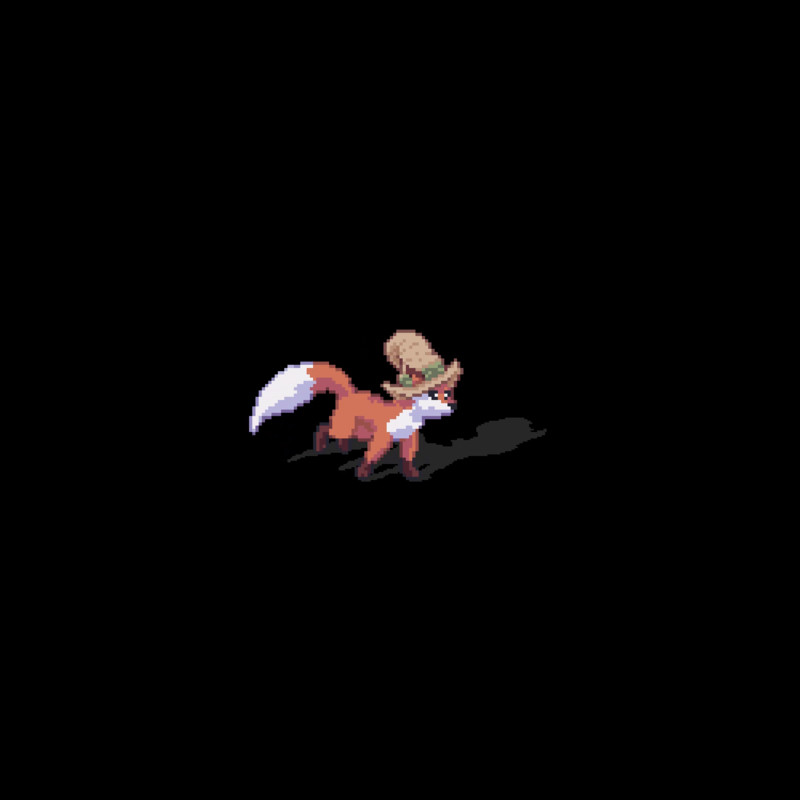
Pixel-aligned results: stable shadows designed to match pixel-art aesthetics
Directional projection controls: drive shadow direction from a light source or vector
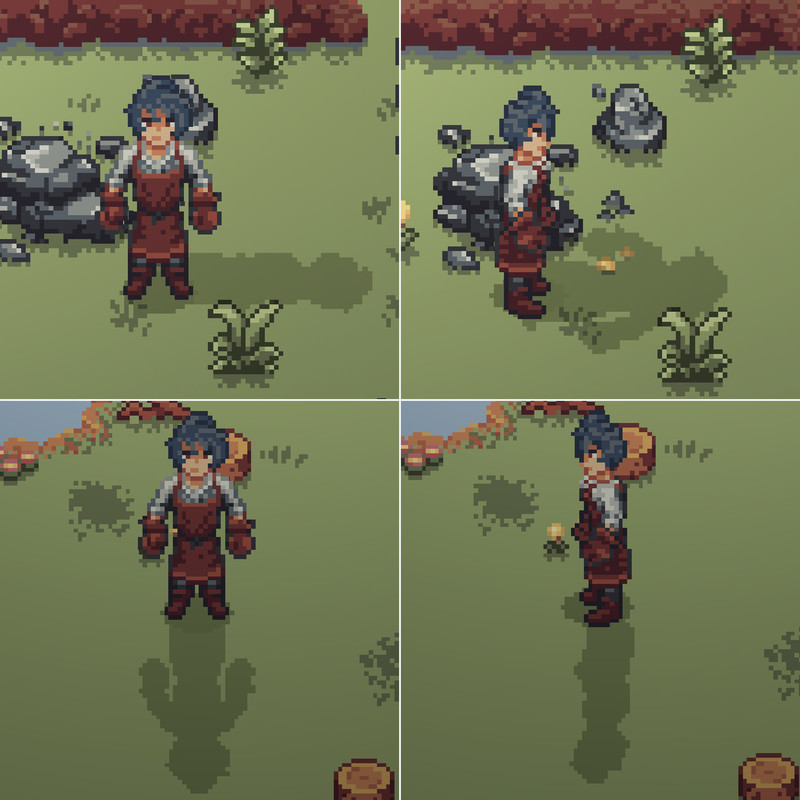
Side shadow projection: if a side secondary texture is added, the shadow will be 4 directional, showing the side projection when adequate.
Demo scene included: example setup and sample content to verify behavior quickly
Clean package structure: runtime and demo content separated for easy integration
Getting Started (30 seconds)
Import the package into a project
Drag ShadowQuad prefab into a sprite in the scene
Assign your SpriteRenderer in the ShadowQuad component and Reference light object.
Adjust direction, stretch, and opacity to match your lighting
Pixel Perfect Shadows is a lightweight solution for adding crisp, pixel-aligned projected shadows to sprites. It is built around a simple workflow: drop in a prefab, assign your SpriteRenderer, and tune a few intuitive settings to match your art style and world scale.
This asset is designed for top-down / face-camera / 2D stylized games where clean, stable shadows help sprites feel grounded without breaking pixel clarity. It can also work on other settings if set up properly.
Key Features
Drop-in prefab workflow: add the shadow prefab and assign a SpriteRenderer
Pixel-aligned results: stable shadows designed to match pixel-art aesthetics
Directional projection controls: drive shadow direction from a light source or vector
Side shadow projection: if a side secondary texture is added, the shadow will be 4 directional, showing the side projection when adequate.
Demo scene included: example setup and sample content to verify behavior quickly
Clean package structure: runtime and demo content separated for easy integration
Getting Started (30 seconds)
Import the package into a project
Drag ShadowQuad prefab into a sprite in the scene
Assign your SpriteRenderer in the ShadowQuad component and Reference light object.
Adjust direction, stretch, and opacity to match your lighting