Price history
Recorded standalone sale prices and the latest available store price, in USD. Historical dots use the sale start date and its recorded offer price. Prices can change during a sale; this is not a daily price log. Bundle prices and upcoming offers are excluded. History covers up to the 100 most recent recorded offers.
Lowest recorded standalone price in this history: $27. The latest store price is $30.
View 4 recorded prices
| Sale start / price check | Price | Observation |
|---|---|---|
| $30 | Latest store price | |
| $30 | Unity First Price 2026-06-19 2026-06-26 | |
| $27 | Unity New Release Discount 2026-06-16 2026-06-23 | |
| $27 | Unity New Release Discount 2026-06-16 2026-06-23 |
Sale and bundle history
The 3 most recent recorded offers including this asset. Past offers may no longer be available. Bundle prices cover a package, not this asset alone.
About Pixel Palette - Runtime Pixel Art Editor
- Tools, Systems & Learning > Game Templates & Systems
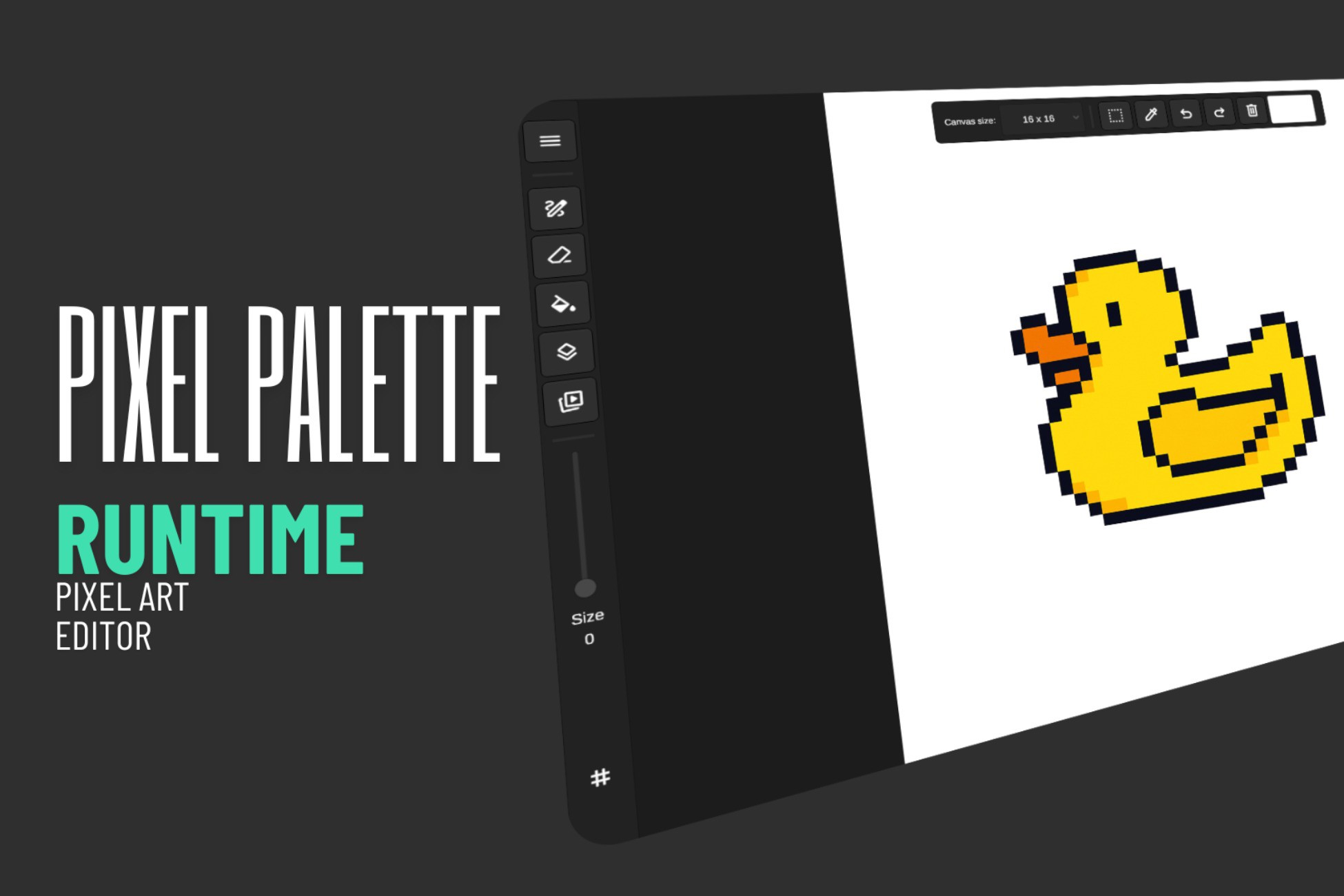
Pixel Palette is a fully-featured runtime pixel art editor built entirely in Unity. Drop the prefab into any scene and your users instantly get a professional drawing toolset - no external tools, no complicated setup, no third-party dependencies.
What's included:
Drawing tools - Pen, Eraser, Fill, Color Picker, and Selection with adjustable brush size (1-16 pixels)
Layer system - Add, delete, duplicate, reorder, and merge layers. Each layer has its own visibility toggle and opacity slider
Animation - Frame-by-frame timeline with onion skinning, add/delete/duplicate/reorder frames, and real-time playback at any FPS
Color picker - Full uGUI color picker with a color wheel, RGB sliders, grayscale strip, hex input, and an eyedropper tool that samples any pixel on the canvas
Quick shapes - Hold still to auto-detect lines, ellipses, and rectangles. Toggle between shape types and hold Shift for perfect aspect ratio
Selection - Rectangular and elliptical marquee selections with cut-and-paste move functionality and marching ants overlay
Pan and Zoom - Right-click or middle-click to pan, scroll-wheel to zoom, two-finger touch gestures for mobile
Undo and Redo - Per-stroke undo tracking that only re-renders the area that changed
Export - PNG export at any scale (1x to 8x), individual layer PNGs, horizontal spritesheets from animation frames, and full project save/load in a custom binary format (.pxl)
Multiple input support - Works with touch, mouse, and pen/stylus. Pen pressure sensitivity included
Cross-platform - Runs on desktop, tablet, and mobile out of the box
Built for developers:
Every button, panel, and tool is customizable. Wire up your own UI, lock features behind a demo mode, or trigger tools through clean C# APIs and events. The entire source code is included and well-organized - extend it with custom brushes, new export formats, or your own UI panels.
Perfect for:
Games that need an in-game drawing or painting feature
Educational apps teaching pixel art or animation
Creative tools where users need to create and edit sprites
Any app that wants to offer art creation without leaving the application
No external dependencies, no web service calls, no subscription fees. Everything runs locally in your Unity project.
What's included:
Drawing tools - Pen, Eraser, Fill, Color Picker, and Selection with adjustable brush size (1-16 pixels)
Layer system - Add, delete, duplicate, reorder, and merge layers. Each layer has its own visibility toggle and opacity slider
Animation - Frame-by-frame timeline with onion skinning, add/delete/duplicate/reorder frames, and real-time playback at any FPS
Color picker - Full uGUI color picker with a color wheel, RGB sliders, grayscale strip, hex input, and an eyedropper tool that samples any pixel on the canvas
Quick shapes - Hold still to auto-detect lines, ellipses, and rectangles. Toggle between shape types and hold Shift for perfect aspect ratio
Selection - Rectangular and elliptical marquee selections with cut-and-paste move functionality and marching ants overlay
Pan and Zoom - Right-click or middle-click to pan, scroll-wheel to zoom, two-finger touch gestures for mobile
Undo and Redo - Per-stroke undo tracking that only re-renders the area that changed
Export - PNG export at any scale (1x to 8x), individual layer PNGs, horizontal spritesheets from animation frames, and full project save/load in a custom binary format (.pxl)
Multiple input support - Works with touch, mouse, and pen/stylus. Pen pressure sensitivity included
Cross-platform - Runs on desktop, tablet, and mobile out of the box
Built for developers:
Every button, panel, and tool is customizable. Wire up your own UI, lock features behind a demo mode, or trigger tools through clean C# APIs and events. The entire source code is included and well-organized - extend it with custom brushes, new export formats, or your own UI panels.
Perfect for:
Games that need an in-game drawing or painting feature
Educational apps teaching pixel art or animation
Creative tools where users need to create and edit sprites
Any app that wants to offer art creation without leaving the application
No external dependencies, no web service calls, no subscription fees. Everything runs locally in your Unity project.