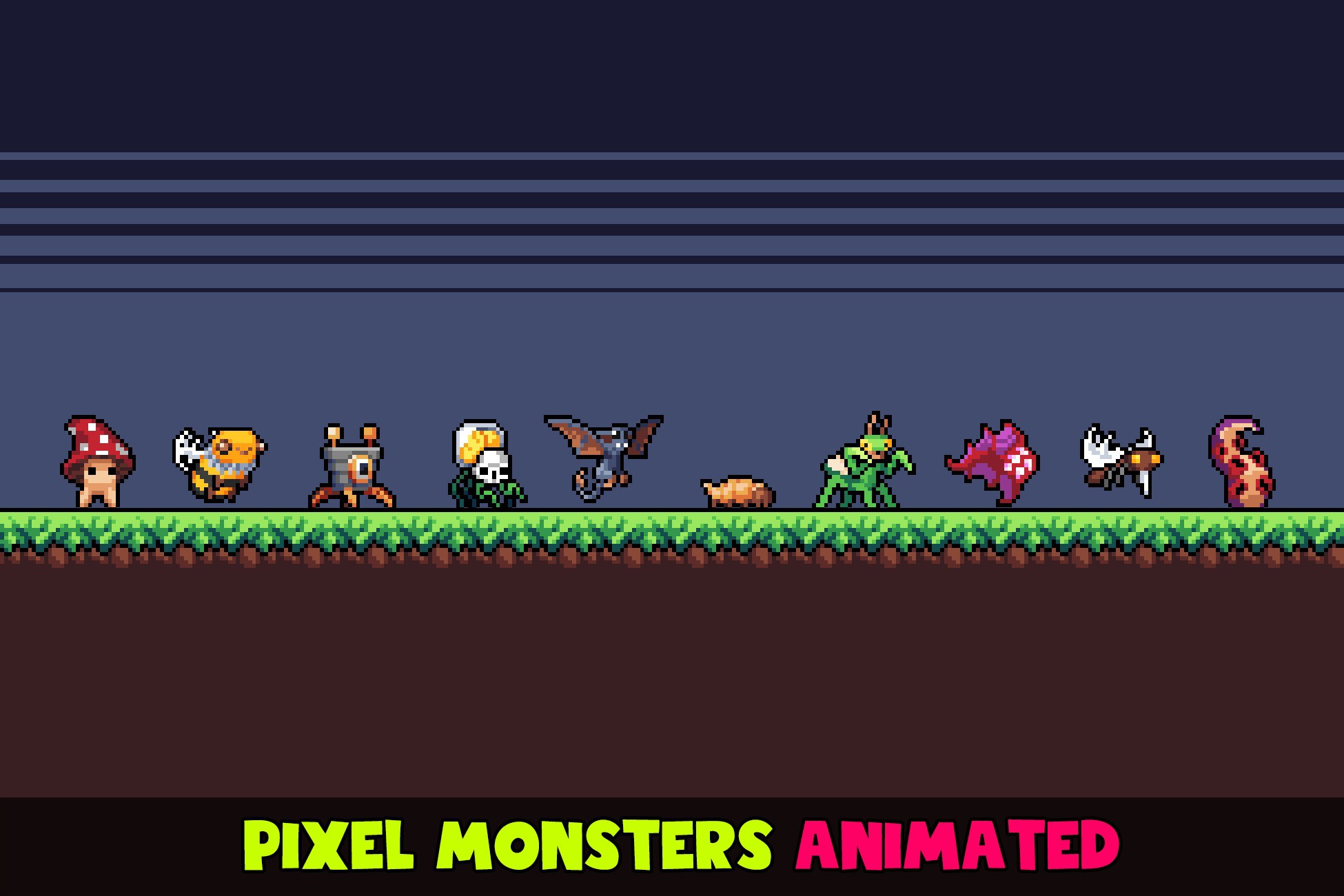
About Pixel Monsters Animated Pack #4
- Theme > Stylized
- Theme > Retro & Arcade
- Theme > Fantasy & Mythology
- Theme > Military & Combat
- Art & Visuals > 2D
- Art & Visuals > VFX
Each monster contains:
- PNG sprite sheet
- Sprite Library Asset that defines a list of animations and a list of frames for each animation
- Prefab
The full list of animations:
- Idle
- Ready
- Walk / Run / Jump
- Attack
- Hit
- Blink (via scripts)
- Death
- Fire (for some monsters)
Features:
- Unified animation controller (built-in, one for all monsters)
- We use SpriteLibrary and SpriteResolver to swap skins at runtime
- Example scripts to play animations and control monsters
- Particle examples (running and jumping dust)
- Strict palette match (ENDESGA 64)
Tech specs:
- Unity 2021+
- Clean C# source code with comments
- Mobile friendly
- Ultimate performance
- Any platform (PC, Android, iOS, WebGL)
Quick start:
- Open any demo scene with monsters
- Refer to MonsterControls.cs to learn how to control monsters
- Refer to CharacterController manual on Unity website (built-in component)
- Refer to SpriteLibrary and SpriteResolver manuals on Unity website (built-in components)
- Refer to Sprite Swap manual setup