Price history
Recorded standalone sale prices and the latest available store price, in USD. Historical dots use the sale start date and its recorded offer price. Prices can change during a sale; this is not a daily price log. Bundle prices and upcoming offers are excluded. History covers up to the 100 most recent recorded offers.
Lowest recorded standalone price in this history: $5. The latest store price is $5, matching the lowest recorded price shown here.
View 1 recorded price
| Sale start / price check | Price | Observation |
|---|---|---|
| $5 | Latest store price |
About PDF for iOS
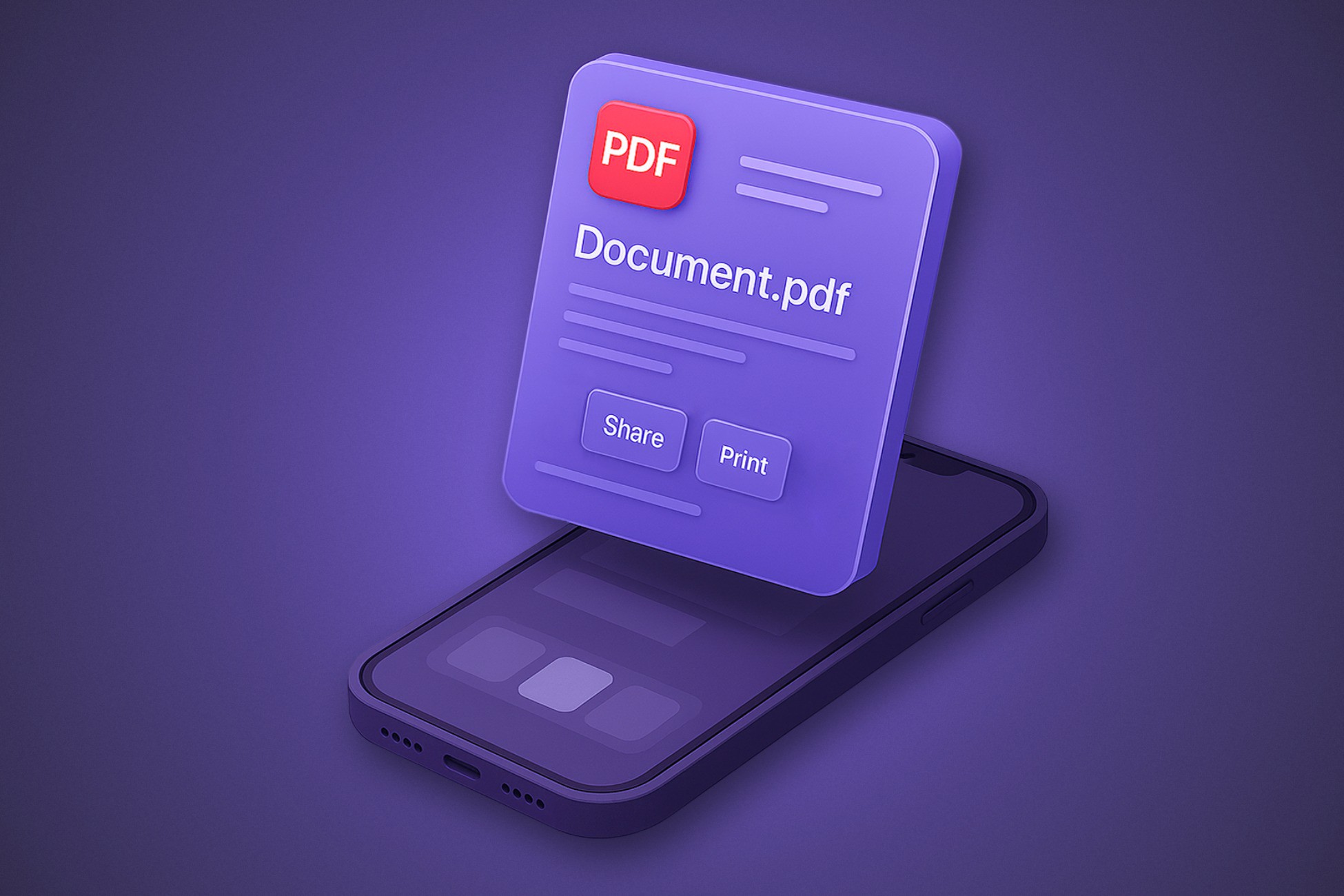
PDF for iOS provides a seamless interface for viewing and interacting with PDF documents using native iOS integration. It is designed to be lightweight, efficient, and highly customizable, offering both granular control over PDF instances and quick access for simplified PDF viewing.
PDFInstance – For advanced control over embedded PDFs
Customizable Frames – Precisely position and size the PDF viewer in your app.
Scroll Direction Control – Choose between vertical or horizontal scrolling, with optional continuous mode.
Scaling Options – Enable automatic scaling or lock the zoom for consistent display.
Auto Fit & Lock Scale – Automatically adjusts the PDF to fit the screen while maintaining zoom level.
Text Extraction – Extract text from any page programmatically.
Page Navigation – Jump to any page in the document with ease.
Page Shadows – Toggle shadows on pages for a customized look.
Scroll Bars – Show or hide scroll bars for a clean interface.
Full-Screen Mode – Instantly expand the PDF viewer for an immersive experience.
User Interaction Control – Enable or disable touch-based interactions like scrolling & zooming.
Event Handling – Detect when a PDF is shown or hidden.
Resource Management – Explicitly dispose of unused PDFs to free memory.
PDFViewer – For quick & simple PDF viewing
Quick View Mode – Open PDFs from URLs, local paths, or byte arrays with just one line of code.
Save & Share – Save PDFs locally or share them via the native iOS Share Sheet.
Animated Transitions – Add smooth opening animations for a polished experience.
Platform Compatibility – Automatically detects support for native PDF viewing.
PDFInstance – For advanced control over embedded PDFs
Customizable Frames – Precisely position and size the PDF viewer in your app.
Scroll Direction Control – Choose between vertical or horizontal scrolling, with optional continuous mode.
Scaling Options – Enable automatic scaling or lock the zoom for consistent display.
Auto Fit & Lock Scale – Automatically adjusts the PDF to fit the screen while maintaining zoom level.
Text Extraction – Extract text from any page programmatically.
Page Navigation – Jump to any page in the document with ease.
Page Shadows – Toggle shadows on pages for a customized look.
Scroll Bars – Show or hide scroll bars for a clean interface.
Full-Screen Mode – Instantly expand the PDF viewer for an immersive experience.
User Interaction Control – Enable or disable touch-based interactions like scrolling & zooming.
Event Handling – Detect when a PDF is shown or hidden.
Resource Management – Explicitly dispose of unused PDFs to free memory.
PDFViewer – For quick & simple PDF viewing
Quick View Mode – Open PDFs from URLs, local paths, or byte arrays with just one line of code.
Save & Share – Save PDFs locally or share them via the native iOS Share Sheet.
Animated Transitions – Add smooth opening animations for a polished experience.
Platform Compatibility – Automatically detects support for native PDF viewing.