Price history
Recorded standalone sale prices and the latest available store price, in USD. Historical dots use the sale start date and its recorded offer price. Prices can change during a sale; this is not a daily price log. Bundle prices and upcoming offers are excluded. History covers up to the 100 most recent recorded offers.
Lowest recorded standalone price in this history: $15.99. The latest store price is $15.99, matching the lowest recorded price shown here.
View 2 recorded prices
| Sale start / price check | Price | Observation |
|---|---|---|
| $15.99 | Latest store price | |
| $15.99 | Unity First Price 2026-06-20 2026-06-27 |
Sale and bundle history
The 1 most recent recorded offers including this asset. Past offers may no longer be available. Bundle prices cover a package, not this asset alone.
About OSL Social Token Verification - .NET Backend Starter
- Tools, Systems & Learning > Game Templates & Systems
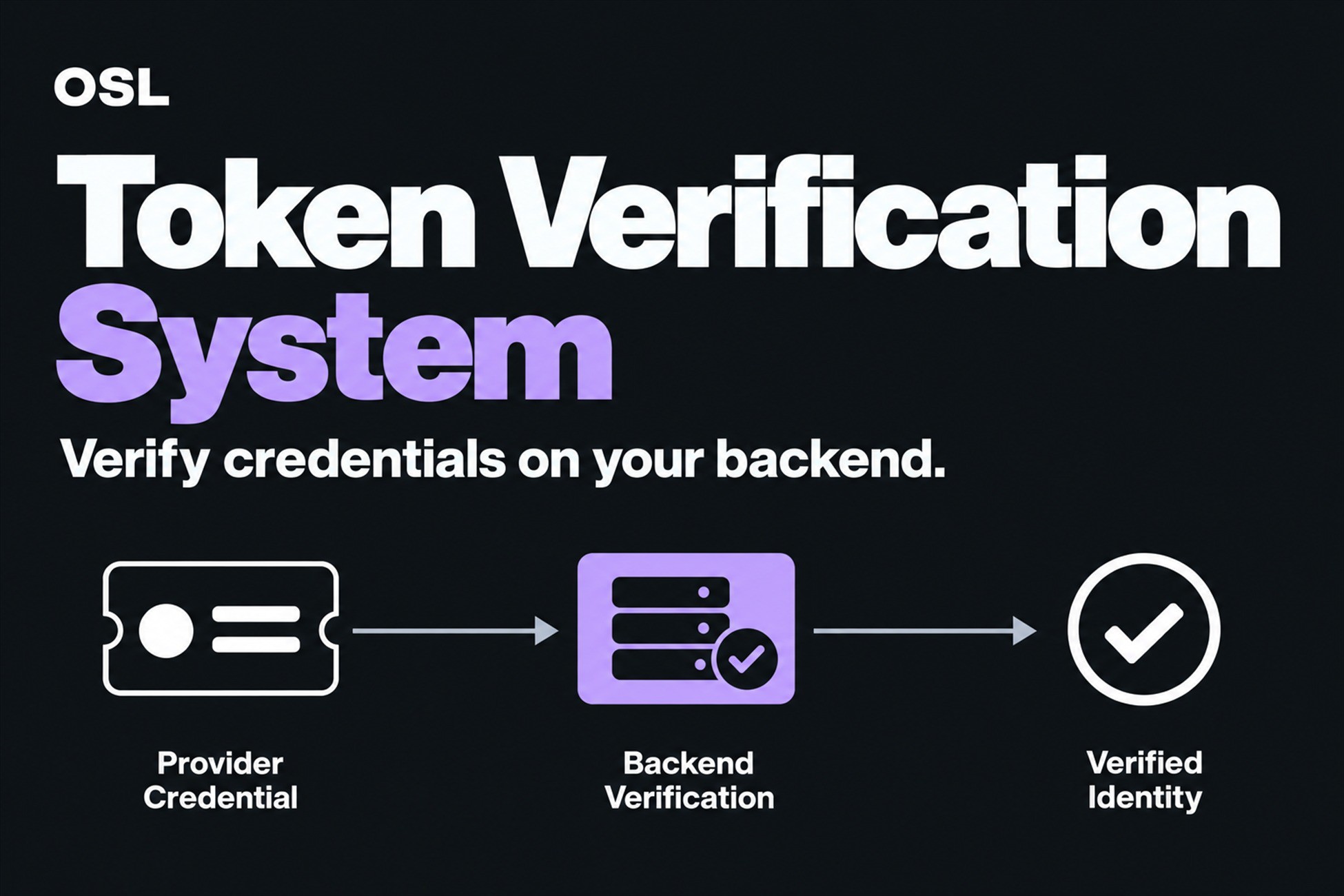
OSL Token Verification is for Unity developers who already receive social sign-in credentials but need to check them on infrastructure they control. It combines a Unity HTTP client with a .NET 10 ASP.NET Core Minimal API starter for Google, Facebook, Apple, Steam, and Discord verification flows.
Why / Key Benefits
- Move verification to your server: Do not treat a client-side login callback as proof of identity.
- Start with five provider endpoints: Connect Google, Facebook, Apple, Steam, and Discord credential flows to one backend project.
- Use the correct provider mechanism: Validate Google and Apple identity tokens, and use Facebook, Steam, and Discord provider APIs for their respective credentials.
- Keep secrets outside Unity: Store provider secrets, keys, and Web API credentials in backend configuration rather than the distributed client.
- Reduce integration boilerplate: Use `TokenVerifyManager`, request/response models, a sample scene, and the included server source archive as a starting point.
- Avoid repeated Apple key downloads: Reuse Apple's JWKS through a 12-hour in-memory cache.
- Start from safer server defaults: Use an exact CORS allowlist, Development-only Swagger, per-IP rate limiting, request-size and provider-timeout bounds, a health probe, correlation IDs, and structured redacted errors.
Typical Workflow
1. Acquire a credential from the provider's Unity or platform login flow.
2. Send it through `TokenVerifyManager` to the corresponding backend endpoint.
3. Let the .NET 10 starter validate the token, code, or ticket using the provider-specific mechanism.
4. Use the verified provider identity in your own account and session-issuing logic.
Why / Key Benefits
- Move verification to your server: Do not treat a client-side login callback as proof of identity.
- Start with five provider endpoints: Connect Google, Facebook, Apple, Steam, and Discord credential flows to one backend project.
- Use the correct provider mechanism: Validate Google and Apple identity tokens, and use Facebook, Steam, and Discord provider APIs for their respective credentials.
- Keep secrets outside Unity: Store provider secrets, keys, and Web API credentials in backend configuration rather than the distributed client.
- Reduce integration boilerplate: Use `TokenVerifyManager`, request/response models, a sample scene, and the included server source archive as a starting point.
- Avoid repeated Apple key downloads: Reuse Apple's JWKS through a 12-hour in-memory cache.
- Start from safer server defaults: Use an exact CORS allowlist, Development-only Swagger, per-IP rate limiting, request-size and provider-timeout bounds, a health probe, correlation IDs, and structured redacted errors.
Typical Workflow
1. Acquire a credential from the provider's Unity or platform login flow.
2. Send it through `TokenVerifyManager` to the corresponding backend endpoint.
3. Let the .NET 10 starter validate the token, code, or ticket using the provider-specific mechanism.
4. Use the verified provider identity in your own account and session-issuing logic.