Screenshots and videos
 1 / 4

Price history
Lowest recorded standalone price: $5.99. Recorded observations span to . This is our available history, not a guaranteed all-time low. Bundle package prices are separate.
Standalone price
Last three months, in USD. Bundle prices cover the whole package.
About Object Catalog Scene Creator
- Tools, Systems & Learning > Development Tools & Automation
Help Doc
Important Note About Support
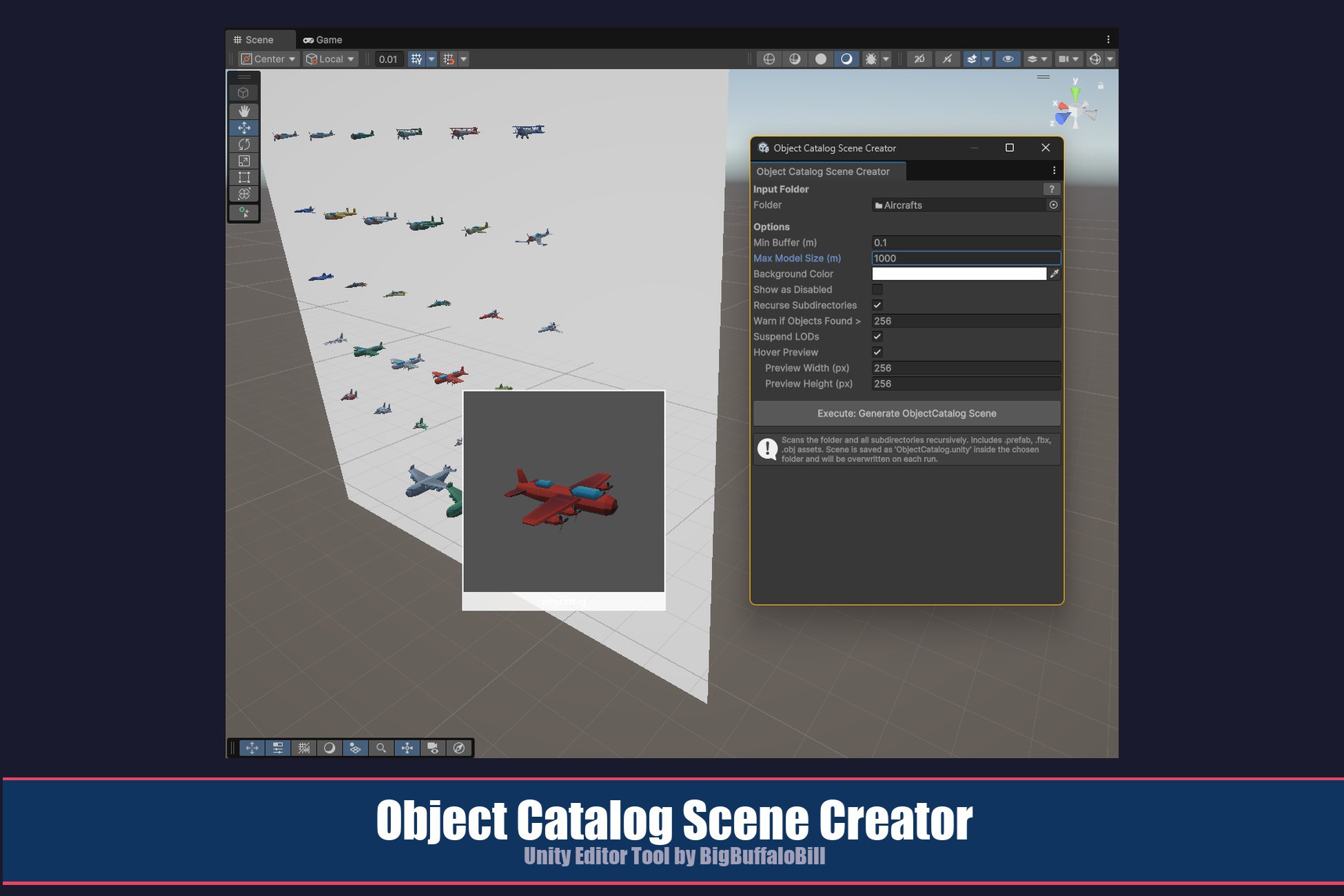
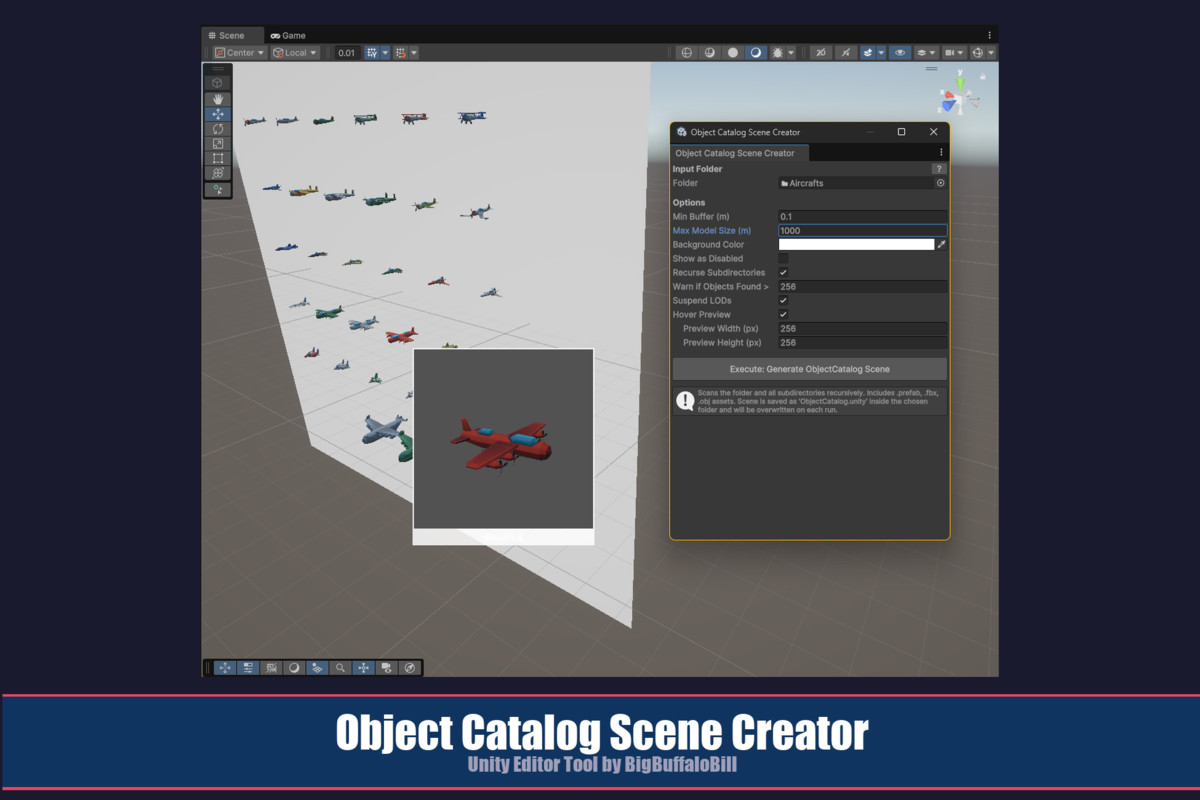
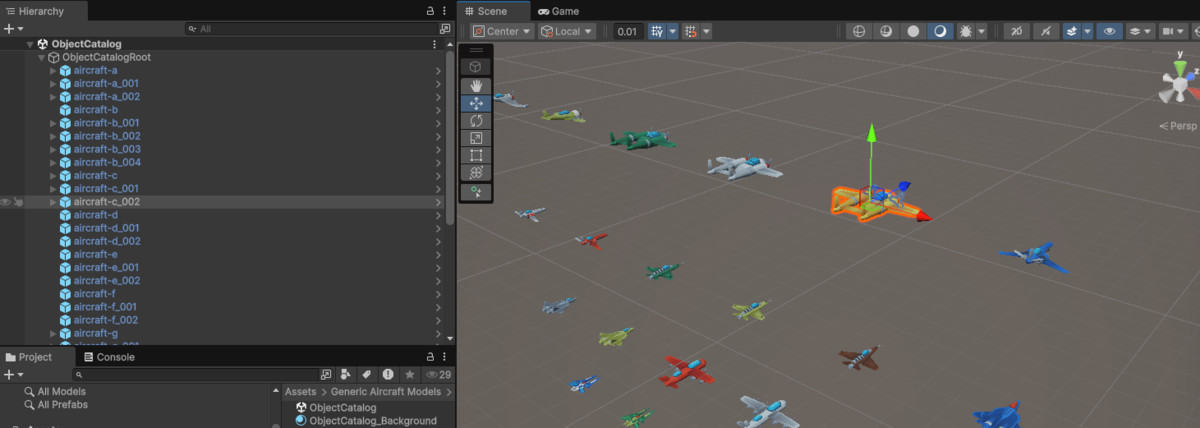
Object Catalog Scene Creator is a editor extension that takes any project folder containing Prefab, FBX, or OBJ assets and instantly generates a dedicated catalog scene — a clean, well-lit grid of every object, each named in the Hierarchy for fast identification. Instead of digging through nested project folders or hunting for the right asset among hundreds of files, you open the catalog scene and see everything at a glance.
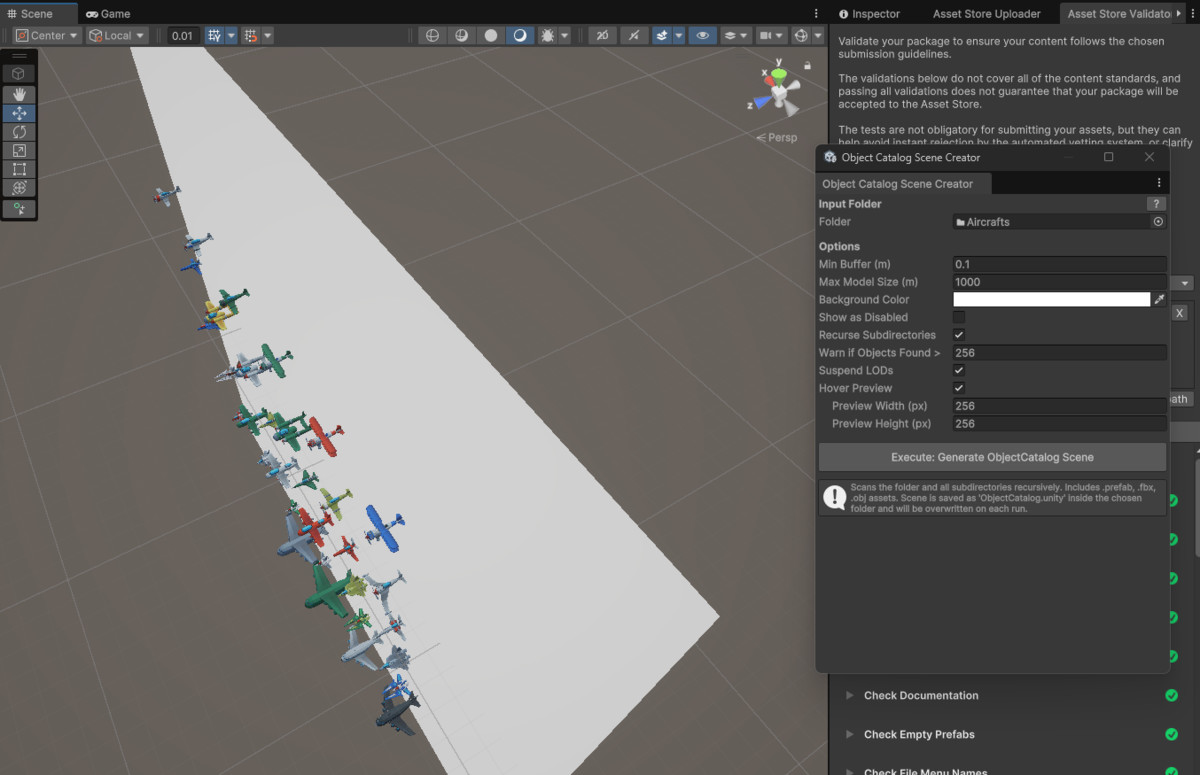
The tool scans the chosen folder (with an optional recursive mode for deep folder trees), instantiates every valid asset, filters out oversized objects, lays them out in a uniform grid with configurable spacing, adds a camera and directional light, places a coloured background quad behind the grid, and saves the entire result as a standalone scene. Each object retains its prefab link, so you can drag directly from the catalog scene’s Hierarchy or Scene tab into any other scene or Inspector field.
A built-in hover preview overlay lets you mouse over objects in the Scene view to see a magnified preview with the asset name — no clicking required.
Why This Tool Exists
This tool was born from the experience of buying object packages that did not provide a full, easy-browse scene showing the complete set of assets in the package. Sometimes a package includes a demo scene arranged artistically — objects laid out in a room or landscape to show intended usage — but no bare object catalog where you can see and access every asset individually. Other packages ship with no demo scene at all, or bury their assets in folder structures that are not obvious to navigate. In still other cases, a project accumulates a large number of object assets that were never designed for reuse, but from which you may want to cherry-pick objects anyway.
In all of these situations, the same problem arises: you own the assets, but you cannot easily see, compare, or access them.
Object Catalog Scene Creator puts object review and easy reuse squarely in your hands. Point it at any folder, click one button, and you have a browsable, named, drag-ready catalog of everything in that folder — regardless of whether the original author provided one.
Key Features
• One-click catalog scene generation from any project folder containing Prefab, FBX, or OBJ assets
• Recursive subdirectory scanning — optionally search the entire folder tree, not just the top level
• Configurable object count warning — prompts for confirmation before generating scenes with more objects than a user-defined threshold (default: 256)
• Max model size filter — automatically excludes assets whose largest bounding dimension exceeds a configurable limit
• Uniform grid layout centred at world origin with configurable minimum buffer spacing
• Background quad with user-selectable colour, sized to frame the entire grid
• Auto-generated camera and directional light positioned to frame the full grid
• Show as Disabled mode — optionally saves all objects as inactive for manual activation during review
• Suspend LODs (live toggle) — temporarily disable all LOD groups in the active scene for full-detail review without persisting changes on scene switch or reboot
• Hover Preview overlay — mouse over any prefab instance in the Scene view to see a magnified preview with the object name, with configurable overlay dimensions
• Prefab links preserved — every object in the catalog retains its prefab connection for drag-and-drop reuse
• In-window Help button — opens this documentation in your system browser directly from the tool window
• Non-destructive workflow — output is written to a dedicated ObjectCatalog subfolder inside the scanned folder; source assets are never modified
Important Note About Support
Object Catalog Scene Creator is a editor extension that takes any project folder containing Prefab, FBX, or OBJ assets and instantly generates a dedicated catalog scene — a clean, well-lit grid of every object, each named in the Hierarchy for fast identification. Instead of digging through nested project folders or hunting for the right asset among hundreds of files, you open the catalog scene and see everything at a glance.
The tool scans the chosen folder (with an optional recursive mode for deep folder trees), instantiates every valid asset, filters out oversized objects, lays them out in a uniform grid with configurable spacing, adds a camera and directional light, places a coloured background quad behind the grid, and saves the entire result as a standalone scene. Each object retains its prefab link, so you can drag directly from the catalog scene’s Hierarchy or Scene tab into any other scene or Inspector field.
A built-in hover preview overlay lets you mouse over objects in the Scene view to see a magnified preview with the asset name — no clicking required.
Why This Tool Exists
This tool was born from the experience of buying object packages that did not provide a full, easy-browse scene showing the complete set of assets in the package. Sometimes a package includes a demo scene arranged artistically — objects laid out in a room or landscape to show intended usage — but no bare object catalog where you can see and access every asset individually. Other packages ship with no demo scene at all, or bury their assets in folder structures that are not obvious to navigate. In still other cases, a project accumulates a large number of object assets that were never designed for reuse, but from which you may want to cherry-pick objects anyway.
In all of these situations, the same problem arises: you own the assets, but you cannot easily see, compare, or access them.
Object Catalog Scene Creator puts object review and easy reuse squarely in your hands. Point it at any folder, click one button, and you have a browsable, named, drag-ready catalog of everything in that folder — regardless of whether the original author provided one.
Key Features
• One-click catalog scene generation from any project folder containing Prefab, FBX, or OBJ assets
• Recursive subdirectory scanning — optionally search the entire folder tree, not just the top level
• Configurable object count warning — prompts for confirmation before generating scenes with more objects than a user-defined threshold (default: 256)
• Max model size filter — automatically excludes assets whose largest bounding dimension exceeds a configurable limit
• Uniform grid layout centred at world origin with configurable minimum buffer spacing
• Background quad with user-selectable colour, sized to frame the entire grid
• Auto-generated camera and directional light positioned to frame the full grid
• Show as Disabled mode — optionally saves all objects as inactive for manual activation during review
• Suspend LODs (live toggle) — temporarily disable all LOD groups in the active scene for full-detail review without persisting changes on scene switch or reboot
• Hover Preview overlay — mouse over any prefab instance in the Scene view to see a magnified preview with the object name, with configurable overlay dimensions
• Prefab links preserved — every object in the catalog retains its prefab connection for drag-and-drop reuse
• In-window Help button — opens this documentation in your system browser directly from the tool window
• Non-destructive workflow — output is written to a dedicated ObjectCatalog subfolder inside the scanned folder; source assets are never modified
More from BigBuffaloBill
- PlayerPrefs Viewer FREE
- Terrain Height Visualizer And Prefab Placer $8.99
- Object Reference Manager $5.99