About Asset Name Enforcer
- Tools, Systems & Learning > Development Tools & Automation
Asset Name Enforcer is a Unity Editor tool that keeps your project's asset names clean and consistent, whether you work solo or in a team.
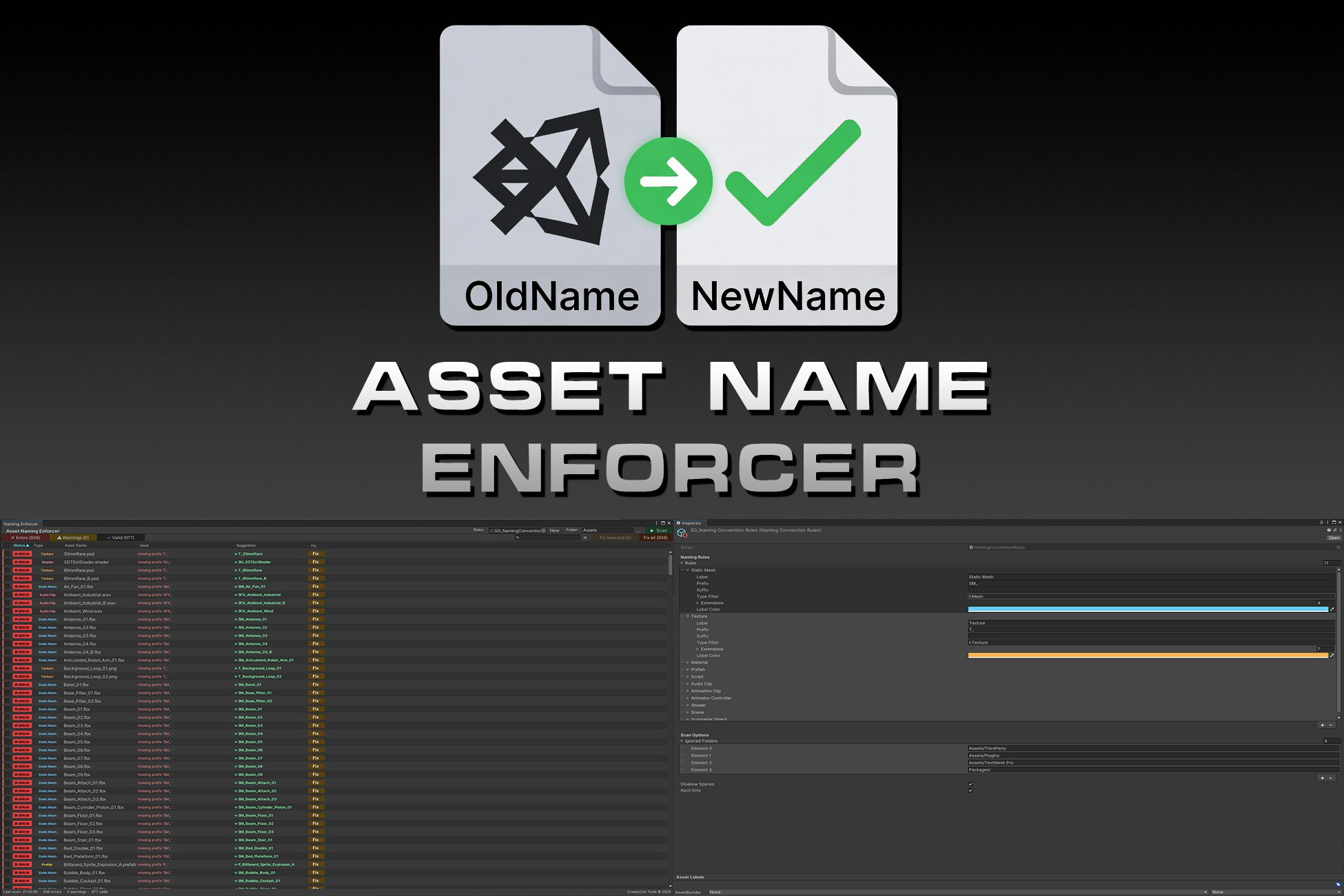
Project Scanner: Scan any folder and get a full report of every asset that violates your naming rules. Results are sorted and filterable by status (Error / Warning / Valid), asset type, or name. A search bar lets you zero in on specific assets instantly.
One-Click Fix: Fix a single asset, a selection, or the entire project in one click. Renames are applied safely outside the GUI pipeline to guarantee the file is actually renamed on disk.
Live Naming Sentinel: Hooks into Unity's import pipeline and watches every asset import, move or rename in real time. Violations are reported immediately in the Console with a suggested corrected name and an optional auto-fix on import.
Fully Configurable Rules: Rules are stored in a ScriptableObject — one per project, version-controllable. Each rule defines a prefix, a suffix, target asset types and extensions, and a display colour in the report. Out of the box covers: Static Meshes, Textures, Materials, Prefabs, Scripts, Audio Clips, Animation Clips, Animator Controllers, Shaders, Scenes and Scriptable Objects.
Extra Checks: Optional enforcement of no spaces and ASCII-only characters in all asset names.
Sortable Report: Click any column header (Status, Type, Name, Issue, Suggestion) to sort the list ascending or descending.
Project Scanner: Scan any folder and get a full report of every asset that violates your naming rules. Results are sorted and filterable by status (Error / Warning / Valid), asset type, or name. A search bar lets you zero in on specific assets instantly.
One-Click Fix: Fix a single asset, a selection, or the entire project in one click. Renames are applied safely outside the GUI pipeline to guarantee the file is actually renamed on disk.
Live Naming Sentinel: Hooks into Unity's import pipeline and watches every asset import, move or rename in real time. Violations are reported immediately in the Console with a suggested corrected name and an optional auto-fix on import.
Fully Configurable Rules: Rules are stored in a ScriptableObject — one per project, version-controllable. Each rule defines a prefix, a suffix, target asset types and extensions, and a display colour in the report. Out of the box covers: Static Meshes, Textures, Materials, Prefabs, Scripts, Audio Clips, Animation Clips, Animator Controllers, Shaders, Scenes and Scriptable Objects.
Extra Checks: Optional enforcement of no spaces and ASCII-only characters in all asset names.
Sortable Report: Click any column header (Status, Type, Name, Issue, Suggestion) to sort the list ascending or descending.