Price history
Recorded standalone sale prices and the latest available store price, in USD. Historical dots use the sale start date and its recorded offer price. Prices can change during a sale; this is not a daily price log. Bundle prices and upcoming offers are excluded. History covers up to the 100 most recent recorded offers.
Lowest recorded standalone price in this history: $34.99. The latest store price is $69.99.
View 4 recorded prices
| Sale start / price check | Price | Observation |
|---|---|---|
| $69.99 | Latest store price | |
| $34.99 | Unity New Release Discount 2026-07-02 2026-07-16 | |
| $34.99 | Unity New Release Discount 2026-07-02 2026-07-16 | |
| $69.98 | Unity First Price 2026-07-02 2026-07-09 |
Sale and bundle history
The 3 most recent recorded offers including this asset. Past offers may no longer be available. Bundle prices cover a package, not this asset alone.
About MSMotion
- Tools, Systems & Learning > Development Tools & Automation
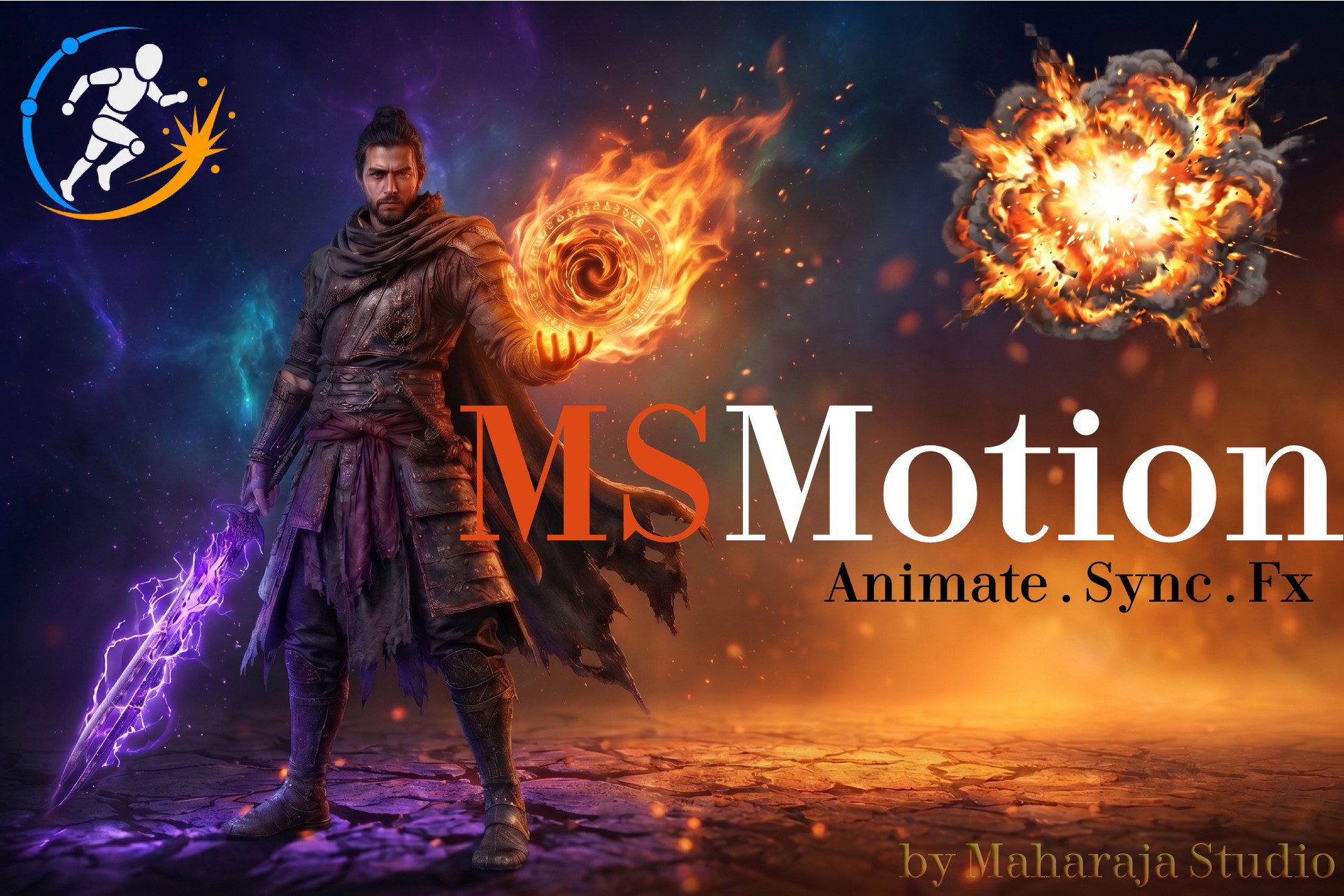
MaharajaStudio MSMotion — Animate. Simulate. React. All in One Place.
Create complex, FX-driven animations in minutes—without writing a single script.
Your game's attack has a sword trail. A footstep kicks up dust and plays a crunch. A leap follows a perfect arc and lands with a camera shake. MSMotion is built around this reality — it is the only Unity tool that connects your animations, visual effects, physics, and gameplay logic on a single shared timeline.
No more jumping between an Animator window, a Particle System, and a script. MSMotion does it all, in one editor, with real-time preview — and zero performance cost at runtime.
Why MSMotion Is Different
Most animation tools stop at the clip. MSMotion starts there and goes much further:
- Zero-Code Syncing: Drop an Audio event or VFX on the exact frame of impact—frame-perfect sync, every time.
- Live Editor Preview: Everything previews live in the Scene View, inside the Unity Editor, without entering Play Mode.
- Interactive Physics & IK: Add Jiggle Physics to a cape or an IK Override to an arm—they react to movement automatically.
- Custom Logic Triggers: Trigger your own gameplay code (hitboxes, combo windows, state changes) directly from the timeline—no polling, no guessing.
- Scene-Independent: Build your sequence once and reuse it anywhere.
The Composition Editor
This is your main workspace. Think of it like a video editor, but for character animation and gameplay events.
- Stack unlimited layers — blend full-body animations, upper-body overrides, and physics reactions all at once.
- Mix Override and Additive layers with AvatarMasks — for perfect upper/lower body blending.
- Every layer accepts Animation Clips, Pose Holds, IK Nodes, Physics Nodes, and FX Events as slots.
- Drag, trim, split, duplicate, and ripple-delete any slot — a full non-destructive editing workflow.
- Set crossfade curves per slot with 6 transition shapes.
- Place color-coded Markers to annotate combo windows, impact frames, or cutscene beats.
- Real-time IK handle dragging in the Scene View — keyframes write back automatically.
Modifier Nodes — The Power Behind the Animator
These are stackable, timeline-driven solvers that run live on top of your animation:
- IK Override Node — Keyframe a hand or foot position in world space over time. Drag interactive handles in the Scene View. Add Squash & Stretch on impact frames — all without touching the base clip.
- Foot IK Node — Automatically plants feet on uneven terrain, stairs, and slopes. Handles pelvis drop, foot locking, and toe rotation. Works out-of-the-box on Humanoid rigs, and supports Generic rigs via manual bone mapping.
- Look-At Node — Makes a character's head, spine, and eyes smoothly track a target. Includes realistic eye micro-jitter (saccades) and soft angle limits. Reusable across any character.
- Jiggle Physics Node — Secondary motion for hair, tails, capes, and chains. Add wind, turbulence, gravity, and collision bodies. Results feel physical and alive, not hand-keyed.
- Spline Trajectory Node — Draw a Bezier path in the Scene View and the character follows it during playback. Great for dashes, leaps, and cutscene movement — with ground snapping and banking.
- IK Lock Node — Freeze a hand or foot to a surface contact point while the body continues to animate freely.
FX & Gameplay Event Nodes
Place events directly on the composition timeline, in sync with your animation:
- Asset Overrides: Change the look of spawned effects without making new composition— just override the properties you need at runtime with you script or using FxRegistry.
- Audio — Trigger a sound at any frame, with volume, pitch, and 3D distance settings.
- Particle FX — Spawn particles attached to any bone, with movement paths and blend envelopes.
- VFX Graph — Drive Unity VFX Graph effects and their parameters from the timeline.
- Camera Shake — Cinemachine Impulse shakes triggered on a specific frame.
- Spawn FX — Instantiate any prefab (sword trails, decals, muzzle flashes) from the timeline.
- Transform FX — Animate any bone or object property from the timeline (great for eye blinks, wing folds, shield raises).
- Script Event — Notify your own C# code at any point in the animation, passing typed parameters (float, int, bool, string, or GameObject). Great for signalling gameplay systems, triggering sound managers, or driving UI — pair it with the runtime query API for critical logic.
Animation Editor
For when you need to go deep into a clip:
- Extract any locked FBX animation into a fully editable .anim asset in one click.
- Trim, scale, reverse, insert, and crop time ranges directly.
- Edit individual keyframes — time, value, tangents, and tangent modes.
- Mirror animations, smooth curves, remove redundant keys, and extract root motion.
- Move bones in the Scene View and Auto-Key writes the keyframes for you.
- Ghost preview — edit a clip while seeing the full composition context blended behind it.
Runtime — Zero GC. Maximum Performance.
At runtime, MSMotion uses Unity's low-level PlayableGraph API. There are no Animator Controller state machines. No GC spikes. No string lookups.
- Play, CrossFade, and sequence animations with a simple C# API.
- Unlimited animation layers, allocated only when needed.
- FX events fire frame-accurately alongside the animation, with automatic intensity scaling during crossfades.
- IK constraints activate and deactivate per animation — point a hand at a weapon target with one line of code.
- All audio and particle effects are pooled — zero Instantiate/Destroy calls during gameplay.
Compatibility
Engine: Unity 6 and above
Rig Support: Full support for both Humanoid and Generic rigs
Source Code: Full C# source included — no DLLs, no black boxes
Optional Integrations: Cinemachine · Unity VFX Graph · Unity Animation Rigging
Documentation: Full guides included in the Documentation folder and Website
Create complex, FX-driven animations in minutes—without writing a single script.
Your game's attack has a sword trail. A footstep kicks up dust and plays a crunch. A leap follows a perfect arc and lands with a camera shake. MSMotion is built around this reality — it is the only Unity tool that connects your animations, visual effects, physics, and gameplay logic on a single shared timeline.
No more jumping between an Animator window, a Particle System, and a script. MSMotion does it all, in one editor, with real-time preview — and zero performance cost at runtime.
Why MSMotion Is Different
Most animation tools stop at the clip. MSMotion starts there and goes much further:
- Zero-Code Syncing: Drop an Audio event or VFX on the exact frame of impact—frame-perfect sync, every time.
- Live Editor Preview: Everything previews live in the Scene View, inside the Unity Editor, without entering Play Mode.
- Interactive Physics & IK: Add Jiggle Physics to a cape or an IK Override to an arm—they react to movement automatically.
- Custom Logic Triggers: Trigger your own gameplay code (hitboxes, combo windows, state changes) directly from the timeline—no polling, no guessing.
- Scene-Independent: Build your sequence once and reuse it anywhere.
The Composition Editor
This is your main workspace. Think of it like a video editor, but for character animation and gameplay events.
- Stack unlimited layers — blend full-body animations, upper-body overrides, and physics reactions all at once.
- Mix Override and Additive layers with AvatarMasks — for perfect upper/lower body blending.
- Every layer accepts Animation Clips, Pose Holds, IK Nodes, Physics Nodes, and FX Events as slots.
- Drag, trim, split, duplicate, and ripple-delete any slot — a full non-destructive editing workflow.
- Set crossfade curves per slot with 6 transition shapes.
- Place color-coded Markers to annotate combo windows, impact frames, or cutscene beats.
- Real-time IK handle dragging in the Scene View — keyframes write back automatically.
Modifier Nodes — The Power Behind the Animator
These are stackable, timeline-driven solvers that run live on top of your animation:
- IK Override Node — Keyframe a hand or foot position in world space over time. Drag interactive handles in the Scene View. Add Squash & Stretch on impact frames — all without touching the base clip.
- Foot IK Node — Automatically plants feet on uneven terrain, stairs, and slopes. Handles pelvis drop, foot locking, and toe rotation. Works out-of-the-box on Humanoid rigs, and supports Generic rigs via manual bone mapping.
- Look-At Node — Makes a character's head, spine, and eyes smoothly track a target. Includes realistic eye micro-jitter (saccades) and soft angle limits. Reusable across any character.
- Jiggle Physics Node — Secondary motion for hair, tails, capes, and chains. Add wind, turbulence, gravity, and collision bodies. Results feel physical and alive, not hand-keyed.
- Spline Trajectory Node — Draw a Bezier path in the Scene View and the character follows it during playback. Great for dashes, leaps, and cutscene movement — with ground snapping and banking.
- IK Lock Node — Freeze a hand or foot to a surface contact point while the body continues to animate freely.
FX & Gameplay Event Nodes
Place events directly on the composition timeline, in sync with your animation:
- Asset Overrides: Change the look of spawned effects without making new composition— just override the properties you need at runtime with you script or using FxRegistry.
- Audio — Trigger a sound at any frame, with volume, pitch, and 3D distance settings.
- Particle FX — Spawn particles attached to any bone, with movement paths and blend envelopes.
- VFX Graph — Drive Unity VFX Graph effects and their parameters from the timeline.
- Camera Shake — Cinemachine Impulse shakes triggered on a specific frame.
- Spawn FX — Instantiate any prefab (sword trails, decals, muzzle flashes) from the timeline.
- Transform FX — Animate any bone or object property from the timeline (great for eye blinks, wing folds, shield raises).
- Script Event — Notify your own C# code at any point in the animation, passing typed parameters (float, int, bool, string, or GameObject). Great for signalling gameplay systems, triggering sound managers, or driving UI — pair it with the runtime query API for critical logic.
Animation Editor
For when you need to go deep into a clip:
- Extract any locked FBX animation into a fully editable .anim asset in one click.
- Trim, scale, reverse, insert, and crop time ranges directly.
- Edit individual keyframes — time, value, tangents, and tangent modes.
- Mirror animations, smooth curves, remove redundant keys, and extract root motion.
- Move bones in the Scene View and Auto-Key writes the keyframes for you.
- Ghost preview — edit a clip while seeing the full composition context blended behind it.
Runtime — Zero GC. Maximum Performance.
At runtime, MSMotion uses Unity's low-level PlayableGraph API. There are no Animator Controller state machines. No GC spikes. No string lookups.
- Play, CrossFade, and sequence animations with a simple C# API.
- Unlimited animation layers, allocated only when needed.
- FX events fire frame-accurately alongside the animation, with automatic intensity scaling during crossfades.
- IK constraints activate and deactivate per animation — point a hand at a weapon target with one line of code.
- All audio and particle effects are pooled — zero Instantiate/Destroy calls during gameplay.
Compatibility
Engine: Unity 6 and above
Rig Support: Full support for both Humanoid and Generic rigs
Source Code: Full C# source included — no DLLs, no black boxes
Optional Integrations: Cinemachine · Unity VFX Graph · Unity Animation Rigging
Documentation: Full guides included in the Documentation folder and Website