Price history
Recorded standalone sale prices and the latest available store price, in USD. Historical dots use the sale start date and its recorded offer price. Prices can change during a sale; this is not a daily price log. Bundle prices and upcoming offers are excluded. History covers up to the 100 most recent recorded offers.
Lowest recorded standalone price in this history: $15. The latest store price is $30.
View 4 recorded prices
| Sale start / price check | Price | Observation |
|---|---|---|
| $30 | Latest store price | |
| $30 | Unity First Price 2026-09-17 2026-09-17 | |
| $15 | Unity New Release Discount 2026-09-17 2026-10-01 | |
| $15 | Unity New Release Discount 2026-09-17 2026-10-01 |
Sale and bundle history
The 3 most recent recorded offers including this asset. Past offers may no longer be available. Bundle prices cover a package, not this asset alone.
About Motionsmith - Scene-View UI Animation
- Tools, Systems & Learning > Development Tools & Automation
Most UI animation tools ask you to type numbers into a component, or to build a timeline.
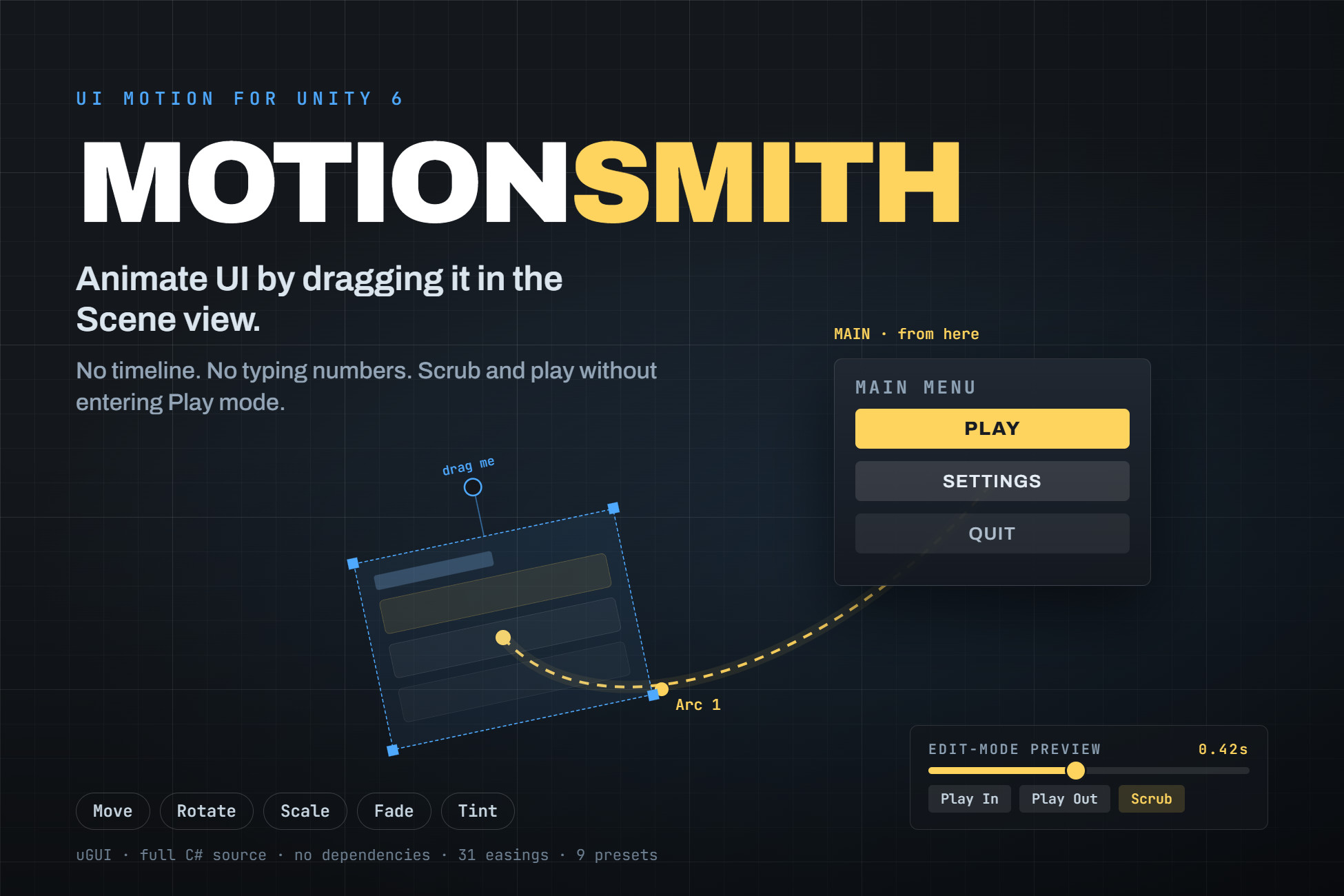
Motionsmith asks you to drag the element where you want it to come from.
Select any UI element and its starting pose appears in the Scene view as a ghost, with its real rotation and scale applied. Drag the ghost to set where the motion begins. Drag a knob for the angle it spins in from, a corner for scale, and handles to bend the path it travels along. Then scrub it, or play it, without ever entering Play mode. What you see is what runs.
Everything you author is stored as an offset from wherever your layout already puts the element, never as an absolute position. Redesign the layout, move the element, change the anchors, and the motion still works. The same clip can drive elements of completely different sizes and positions.
STATES THAT LAYER INSTEAD OF FIGHTING
Every element has four independently authored states: show/hide, highlight while hovered or selected, press while the pointer is down, and a looping idle. They are composited rather than queued, so a button can slide in, swell on hover, squash on click and breathe while idle all at once, without the states overwriting each other. Most tools make you keep those on separate channels to avoid conflicts. Here you do not have to.
Channels that no enabled state uses are never written, so your own scripts can keep driving the same element's colour or position without being fought over.
IS IT CUSTOMIZABLE?
Every value that affects how a motion feels is exposed and tunable: distance, angle, scale, opacity, colour, duration, delay, easing and overshoot, per state. Nothing is hardcoded and nothing is hidden behind a black box. Full C# source is included, no DLLs.
Reusable motions are ScriptableObject presets. Author "MenuPopIn" once, reference it from forty buttons, and retuning the whole menu is one asset instead of forty components. Nine presets are included to start from, and the Scene-view handles edit preset assets directly.
WHAT IS IT SUITABLE FOR?
Any project with a uGUI interface, in any genre. Menus, HUDs, pause screens, popups, inventory grids, dialogue boxes, level-select screens, mobile UI, tutorial callouts. It is general-purpose UI motion, not tied to a genre or an art style.
It is a tool, not an art pack, so nothing about it needs to match your visual style.
BUILT FOR REAL PROJECTS
Show and hide return a handle that works as a callback, a coroutine yield, or an await, so "fade out, then deactivate" is one line. Handles always complete, even when a motion is interrupted or the object is destroyed, so an await can never hang.
The details that usually bite are handled: raycasts stop reaching an element the moment it starts hiding, Layout Group conflicts are detected with a one-click fix, and the oversized frame delta after a scene load cannot swallow an entrance before it draws.
NO DEPENDENCIES
Motionsmith implements its own easing and its own ticking. There is no tweening library to install first, nothing to import before it compiles, and no wall of errors on a fresh import. 31 built-in easing curves plus custom AnimationCurve support.
REQUIREMENTS
Unity 2022.3 LTS or newer. uGUI (com.unity.ugui).
UI Toolkit (UXML/USS) is NOT supported.
Full manual and a demo scene included.
Motionsmith asks you to drag the element where you want it to come from.
Select any UI element and its starting pose appears in the Scene view as a ghost, with its real rotation and scale applied. Drag the ghost to set where the motion begins. Drag a knob for the angle it spins in from, a corner for scale, and handles to bend the path it travels along. Then scrub it, or play it, without ever entering Play mode. What you see is what runs.
Everything you author is stored as an offset from wherever your layout already puts the element, never as an absolute position. Redesign the layout, move the element, change the anchors, and the motion still works. The same clip can drive elements of completely different sizes and positions.
STATES THAT LAYER INSTEAD OF FIGHTING
Every element has four independently authored states: show/hide, highlight while hovered or selected, press while the pointer is down, and a looping idle. They are composited rather than queued, so a button can slide in, swell on hover, squash on click and breathe while idle all at once, without the states overwriting each other. Most tools make you keep those on separate channels to avoid conflicts. Here you do not have to.
Channels that no enabled state uses are never written, so your own scripts can keep driving the same element's colour or position without being fought over.
IS IT CUSTOMIZABLE?
Every value that affects how a motion feels is exposed and tunable: distance, angle, scale, opacity, colour, duration, delay, easing and overshoot, per state. Nothing is hardcoded and nothing is hidden behind a black box. Full C# source is included, no DLLs.
Reusable motions are ScriptableObject presets. Author "MenuPopIn" once, reference it from forty buttons, and retuning the whole menu is one asset instead of forty components. Nine presets are included to start from, and the Scene-view handles edit preset assets directly.
WHAT IS IT SUITABLE FOR?
Any project with a uGUI interface, in any genre. Menus, HUDs, pause screens, popups, inventory grids, dialogue boxes, level-select screens, mobile UI, tutorial callouts. It is general-purpose UI motion, not tied to a genre or an art style.
It is a tool, not an art pack, so nothing about it needs to match your visual style.
BUILT FOR REAL PROJECTS
Show and hide return a handle that works as a callback, a coroutine yield, or an await, so "fade out, then deactivate" is one line. Handles always complete, even when a motion is interrupted or the object is destroyed, so an await can never hang.
The details that usually bite are handled: raycasts stop reaching an element the moment it starts hiding, Layout Group conflicts are detected with a one-click fix, and the oversized frame delta after a scene load cannot swallow an entrance before it draws.
NO DEPENDENCIES
Motionsmith implements its own easing and its own ticking. There is no tweening library to install first, nothing to import before it compiles, and no wall of errors on a fresh import. 31 built-in easing curves plus custom AnimationCurve support.
REQUIREMENTS
Unity 2022.3 LTS or newer. uGUI (com.unity.ugui).
UI Toolkit (UXML/USS) is NOT supported.
Full manual and a demo scene included.