Price history
Recorded standalone sale prices and the latest available store price, in USD. Historical dots use the sale start date and its recorded offer price. Prices can change during a sale; this is not a daily price log. Bundle prices and upcoming offers are excluded. History covers up to the 100 most recent recorded offers.
Lowest recorded standalone price in this history: $22.50. The latest store price is $25.
View 4 recorded prices
| Sale start / price check | Price | Observation |
|---|---|---|
| $25 | Latest store price | |
| $22.50 | Unity New Release Discount 2026-06-25 2026-07-02 | |
| $22.50 | Unity New Release Discount 2026-06-25 2026-07-02 | |
| $25 | Unity First Price 2026-06-25 2026-07-02 |
Sale and bundle history
The 3 most recent recorded offers including this asset. Past offers may no longer be available. Bundle prices cover a package, not this asset alone.
About Motion Matching for Game Creator 2
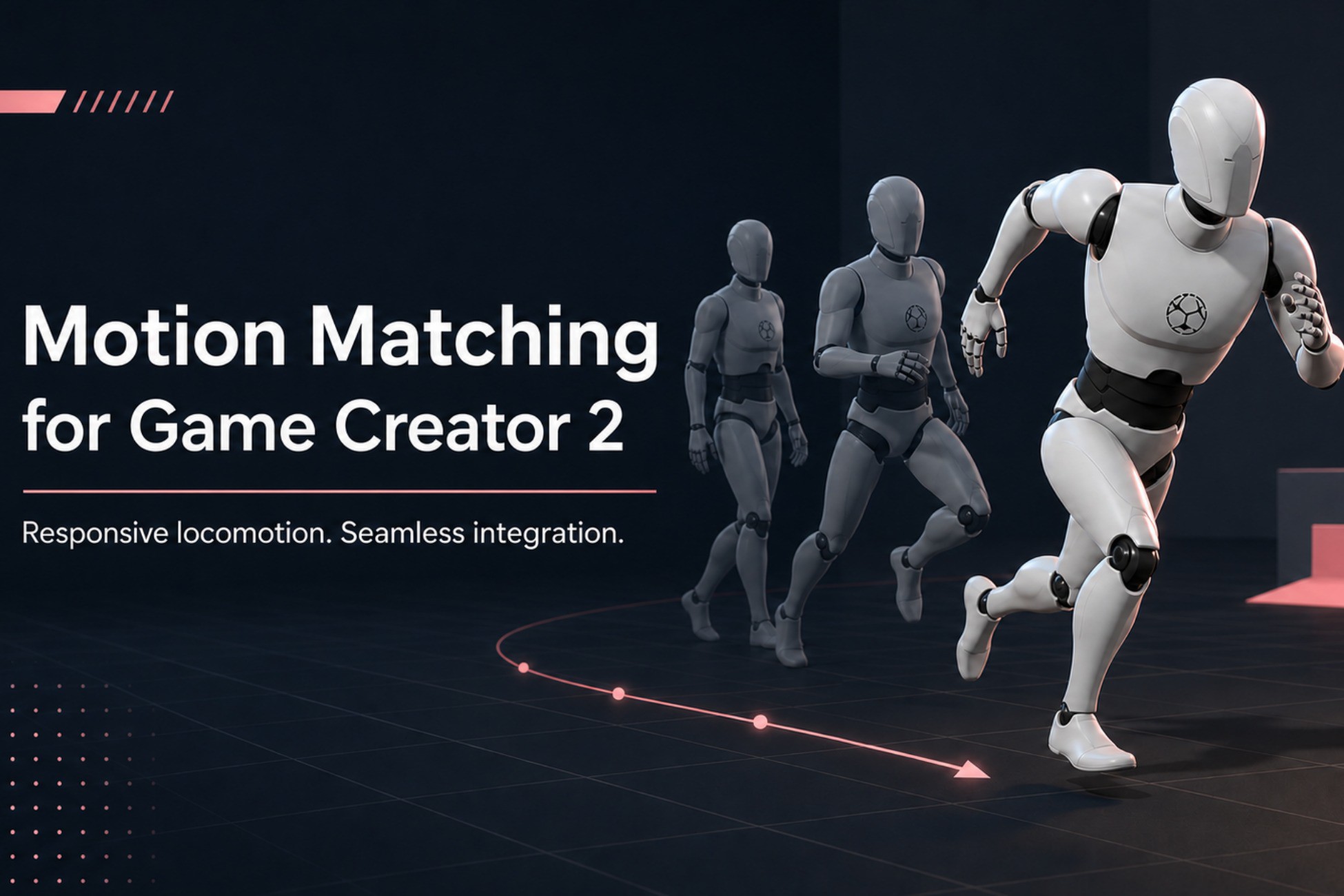
Motion Matching Integration for Game Creator 2 combines the animation quality of MxM with the modular character architecture and Visual Scripting workflow of Game Creator 2.
The integration keeps Game Creator 2 responsible for character control, input, jumping, States, Gestures and Instructions, while MxM handles locomotion animation, pose searching, trajectories and animation events.
It is designed to keep your Player hierarchy clean. Configuration is centralized inside the GC2 Character and reusable profile assets, without requiring integration components scattered across the character.
Main features
- Unified MxM and Game Creator 2 PlayableGraph
- Full support for GC2 States and Gestures
- Walk, run, sprint and strafe modes
- GC2 Visual Scripting Instructions
- Optional vault system
- Step Up, Step Over and Step Off animations
- Optional corrective hand IK during vaults
- Jump, airborne and landing integration
- Root motion handled through the GC2 Character Driver
- Automatic MxM runtime setup
- Reusable character configuration profiles
- Clean Player hierarchy
- Modular feature toggles per Character
- Compatible with custom input, AI and multiplayer workflows
- Demo scene and English documentation included
Visual Scripting
Dedicated Instructions are available under the MotionMatch category:
- Set locomotion mode
- Enable or disable optional features
- Enable or disable vault
- Enable or disable vault hand IK
- Enable or disable automatic sprint and strafe input
- Request a vault through Visual Scripting
Clean architecture
In Edit Mode, the Player only requires the standard Game Creator Character and Unity Animator setup.
MxM components are configured from a reusable runtime template and installed automatically when the character starts.
The integration does not modify the original Game Creator 2 or MxM source files.
Intended for
- Third-person games
- Action-adventure games
- RPGs
- Parkour systems
- Motion-matched character controllers
- Projects using Game Creator Visual Scripting
The integration keeps Game Creator 2 responsible for character control, input, jumping, States, Gestures and Instructions, while MxM handles locomotion animation, pose searching, trajectories and animation events.
It is designed to keep your Player hierarchy clean. Configuration is centralized inside the GC2 Character and reusable profile assets, without requiring integration components scattered across the character.
Main features
- Unified MxM and Game Creator 2 PlayableGraph
- Full support for GC2 States and Gestures
- Walk, run, sprint and strafe modes
- GC2 Visual Scripting Instructions
- Optional vault system
- Step Up, Step Over and Step Off animations
- Optional corrective hand IK during vaults
- Jump, airborne and landing integration
- Root motion handled through the GC2 Character Driver
- Automatic MxM runtime setup
- Reusable character configuration profiles
- Clean Player hierarchy
- Modular feature toggles per Character
- Compatible with custom input, AI and multiplayer workflows
- Demo scene and English documentation included
Visual Scripting
Dedicated Instructions are available under the MotionMatch category:
- Set locomotion mode
- Enable or disable optional features
- Enable or disable vault
- Enable or disable vault hand IK
- Enable or disable automatic sprint and strafe input
- Request a vault through Visual Scripting
Clean architecture
In Edit Mode, the Player only requires the standard Game Creator Character and Unity Animator setup.
MxM components are configured from a reusable runtime template and installed automatically when the character starts.
The integration does not modify the original Game Creator 2 or MxM source files.
Intended for
- Third-person games
- Action-adventure games
- RPGs
- Parkour systems
- Motion-matched character controllers
- Projects using Game Creator Visual Scripting