Price history
Recorded standalone sale prices and the latest available store price, in USD. Historical dots use the sale start date and its recorded offer price. Prices can change during a sale; this is not a daily price log. Bundle prices and upcoming offers are excluded. History covers up to the 100 most recent recorded offers.
Lowest recorded standalone price in this history: $19.99. The latest store price is $19.99, matching the lowest recorded price shown here.
View 1 recorded price
| Sale start / price check | Price | Observation |
|---|---|---|
| $19.99 | Latest store price |
About Mobile Controller Framework
- Art & Visuals > UI & GUI
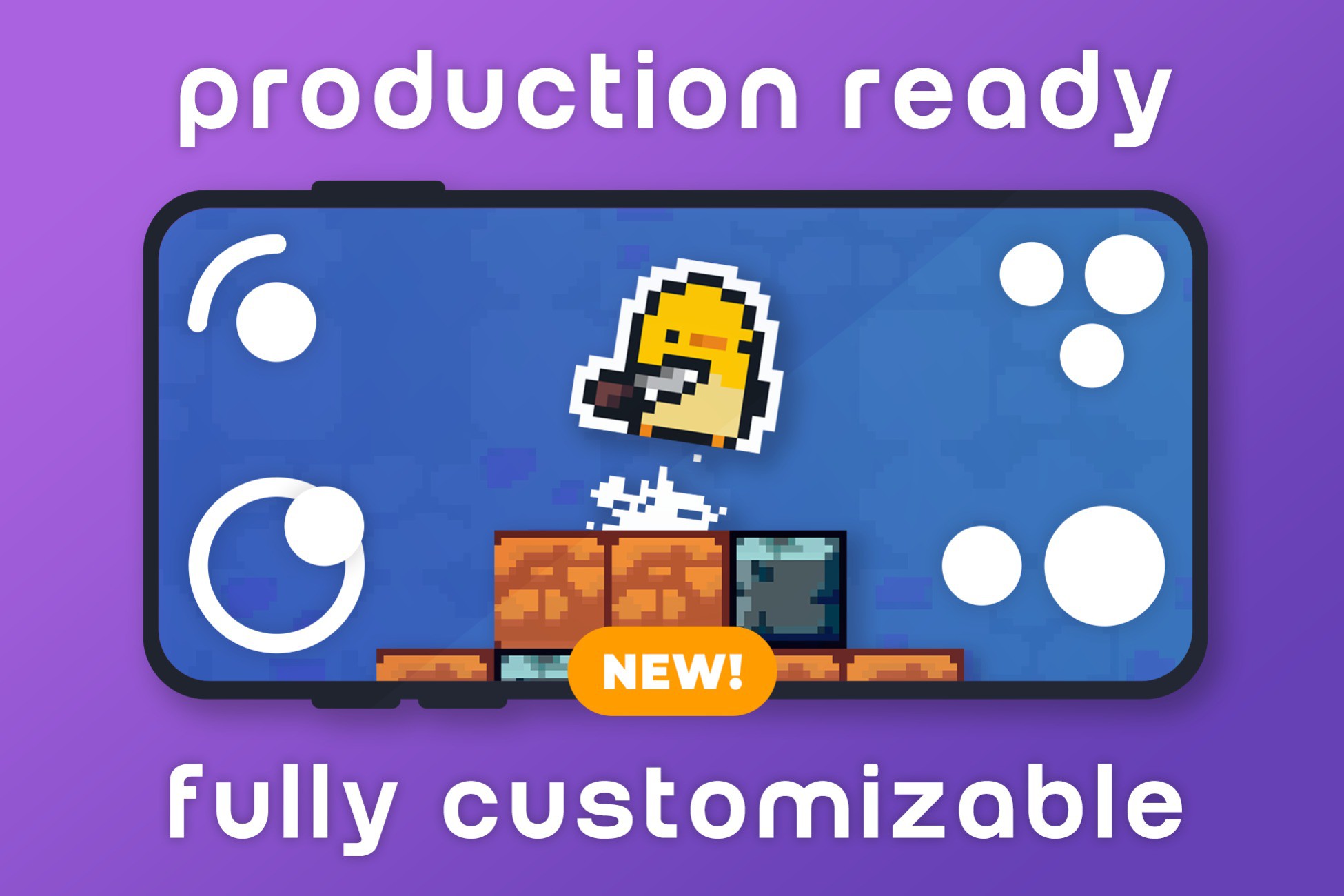
Dynamic Analog Joystick and Versatile Button System. Seamless Optimization for iOS and Android Devices. Responsive Design for All Screen Sizes. Works with Old and New Input System. Mobile Controller Toolbox is a comprehensive collection of game-ready mobile inputs designed to adapt to your requirements. This versatile package encompasses a wide spectrum of inputs, from analog controls and toggles to swap functions and cooldowns, while also featuring convenient debug menus. Simple: install the package, instantiate an event system and drag and drop the prefabs you want to use. The package accommodates anyone who wants a simple plug and play solution and also developers who want to add their own modifications on top of the existing code. Supports Unity Events: onPointerDown, onBeginDrag, onDrag, onPointerUp, onEndDrag, onActivateSkill, onCancelSkill. Analog prefab with size, dead zone, and snapping options, plus optional Heatmap for visual feedback. Arrow Keys and Dpad prefabs for precise cardinal and diagonal inputs. Action and Cooldown buttons with tap/hold, text display, and image fill. Swap prefab for cyclical or non-cyclical navigation ideal for items and weapons. Toggle button with customizable initial state. Touch Drag prefab for smooth camera panning, works on mobile and editor. Helper components: Key, Direction, and Touch Display. Multiple animations included for all Input Types. Debug Menu accessible with a double tap mobile and editor. Prefabs folder with all core components ready to use. Two sample scenes to demonstrate setup and parameters. Consistent hierarchy separating visuals from input detection. Works with both Old and New Input Systems via IPointer events. Compatible with Built-in, URP, and HDRP pipelines. Lightweight and optimized for performance.