Unity
Magic Time - Control Time per Object (Local Time Scale) [+Skills for CLI / MCP]
By Magic Pig Games / Infinity PBR
- Current price
-
$15
$3050% off - Lowest recorded
- FREE
93 likes
Screenshots and videos
 1 / 5


Price history
Lowest recorded standalone price: FREE. Recorded observations span to . This is our available history, not a guaranteed all-time low. Bundle package prices are separate.
Standalone price
Last three months, in USD. Bundle prices cover the whole package.
Sales and bundles
View 2 past offers
About Magic Time - Control Time per Object (Local Time Scale) [+Skills for CLI / MCP]
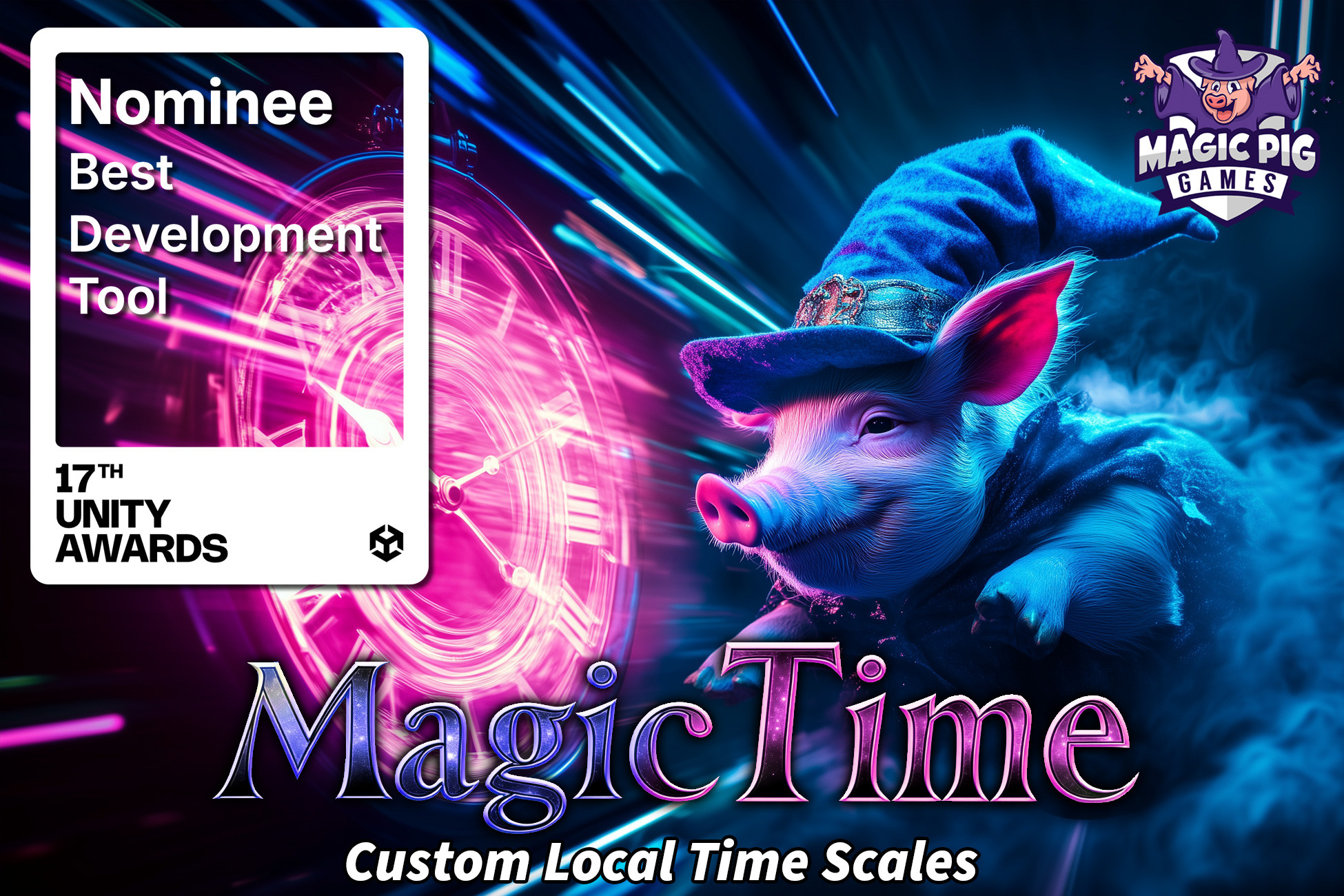
Magic Time - Local Time Scale brings per-object local time scales to your project. What does that mean?!
It means you can stack time scale influences onto a single object so that each object can have independent time from other objects, allowing you more control over how individual objects move through your project.
- Make all enemies slow down
- Change the speed of an individual object
- Create zones where time speeds up or slows down
- Take control over your timescale
- Easy to use: Replace Time.deltaTime with MagicTimeUser.DeltaTime
AI Skills — Now you can use Claude Code or other AIs, with or without Unity AI (MCP), to set up, manage, and code with Magic Time & its local time-scale system. Skills include adding the Magic Time Manager and creating Local Time Scales, making objects (and your own scripts) Magic Time Users for per-object slow-motion / bullet-time / freeze, building and managing Time Zones (slow, fast, or frozen areas the player walks through), driving audio / particles / trails to match an object's local time, and writing custom code — replacing Time.deltaTime with local time, ramping scales smoothly, and reacting to time changes.