Price history
Recorded standalone sale prices and the latest available store price, in USD. Historical dots use the sale start date and its recorded offer price. Prices can change during a sale; this is not a daily price log. Bundle prices and upcoming offers are excluded. History covers up to the 100 most recent recorded offers.
Lowest recorded standalone price in this history: $25. The latest store price is $25, matching the lowest recorded price shown here.
View 2 recorded prices
| Sale start / price check | Price | Observation |
|---|---|---|
| $25 | Latest store price | |
| $25 | Unity First Price 2026-10-13 2026-10-13 |
Sale and bundle history
The 1 most recent recorded offers including this asset. Past offers may no longer be available. Bundle prices cover a package, not this asset alone.
About Impact Shader URP
- Art & Visuals > VFX
Why ImpactShader?
Building gameplay feedback — hit flashes, dissolve deaths, outlines, elemental status effects — usually means writing a separate script and shader for every effect, then hand-wiring each one into your character controller and combat code.
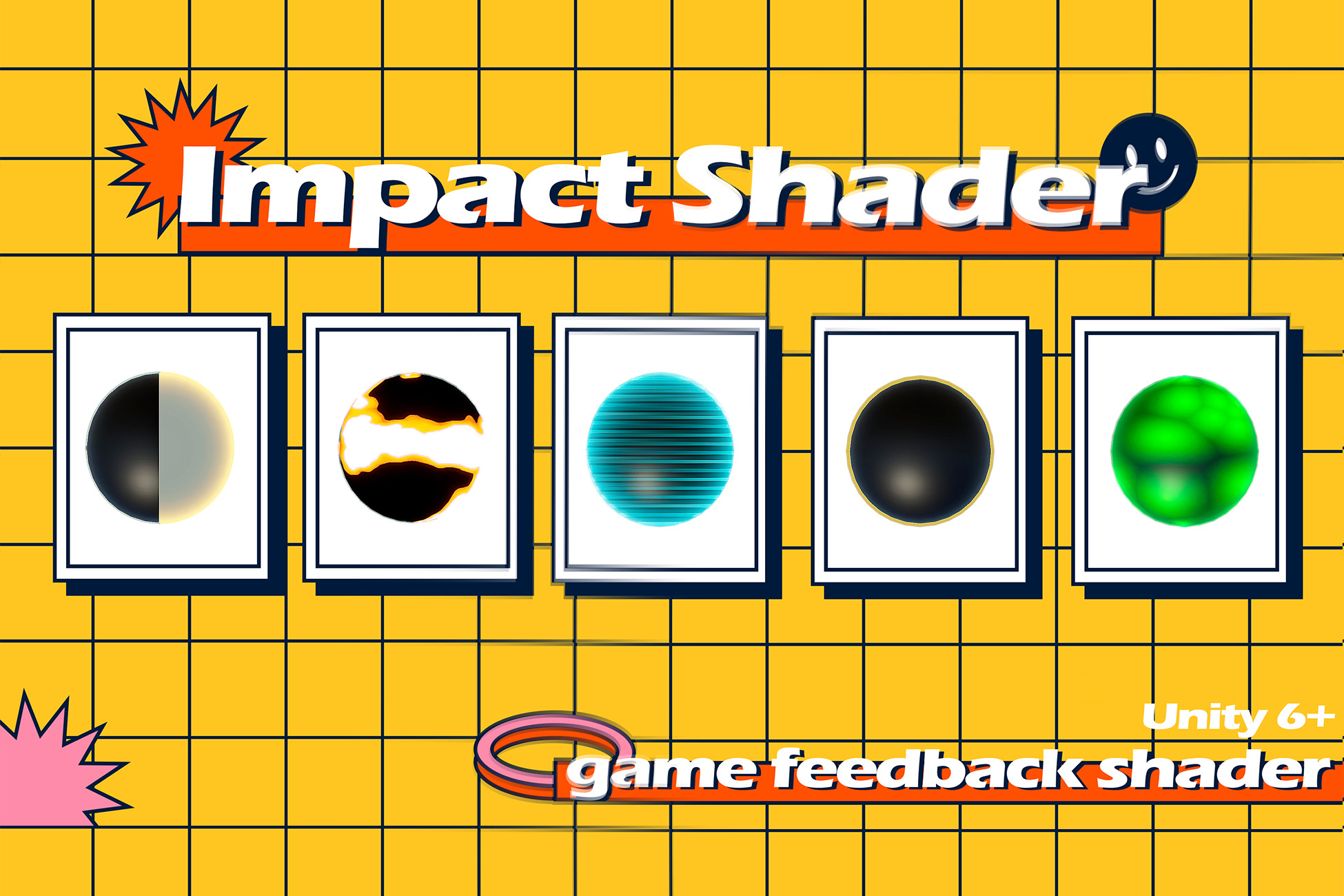
Pignition ImpactShader takes a different approach — nine effects behind a single FeedbackController API, added to any character with one Editor window, and stackable together without stepping on each other.
ImpactShader
A complete gameplay feedback toolkit for Unity 6 URP.
Open the Feedback Setup window, select your character, check the effects you want, and they're added and wired automatically. From there, call feedback.PlayHit(), feedback.SetFreeze(true), or feedback.PlayDissolve() from your own code — every parameter (color, width, duration, edge glow, scan lines, and more) stays exposed and tweakable on each effect's Inspector.
Whether you're building a top-down action game that needs snappy hit feedback or an RPG that needs elemental status telegraphing, ImpactShader gets you there without writing a single shader.
Building gameplay feedback — hit flashes, dissolve deaths, outlines, elemental status effects — usually means writing a separate script and shader for every effect, then hand-wiring each one into your character controller and combat code.
Pignition ImpactShader takes a different approach — nine effects behind a single FeedbackController API, added to any character with one Editor window, and stackable together without stepping on each other.
ImpactShader
A complete gameplay feedback toolkit for Unity 6 URP.
Open the Feedback Setup window, select your character, check the effects you want, and they're added and wired automatically. From there, call feedback.PlayHit(), feedback.SetFreeze(true), or feedback.PlayDissolve() from your own code — every parameter (color, width, duration, edge glow, scan lines, and more) stays exposed and tweakable on each effect's Inspector.
Whether you're building a top-down action game that needs snappy hit feedback or an RPG that needs elemental status telegraphing, ImpactShader gets you there without writing a single shader.