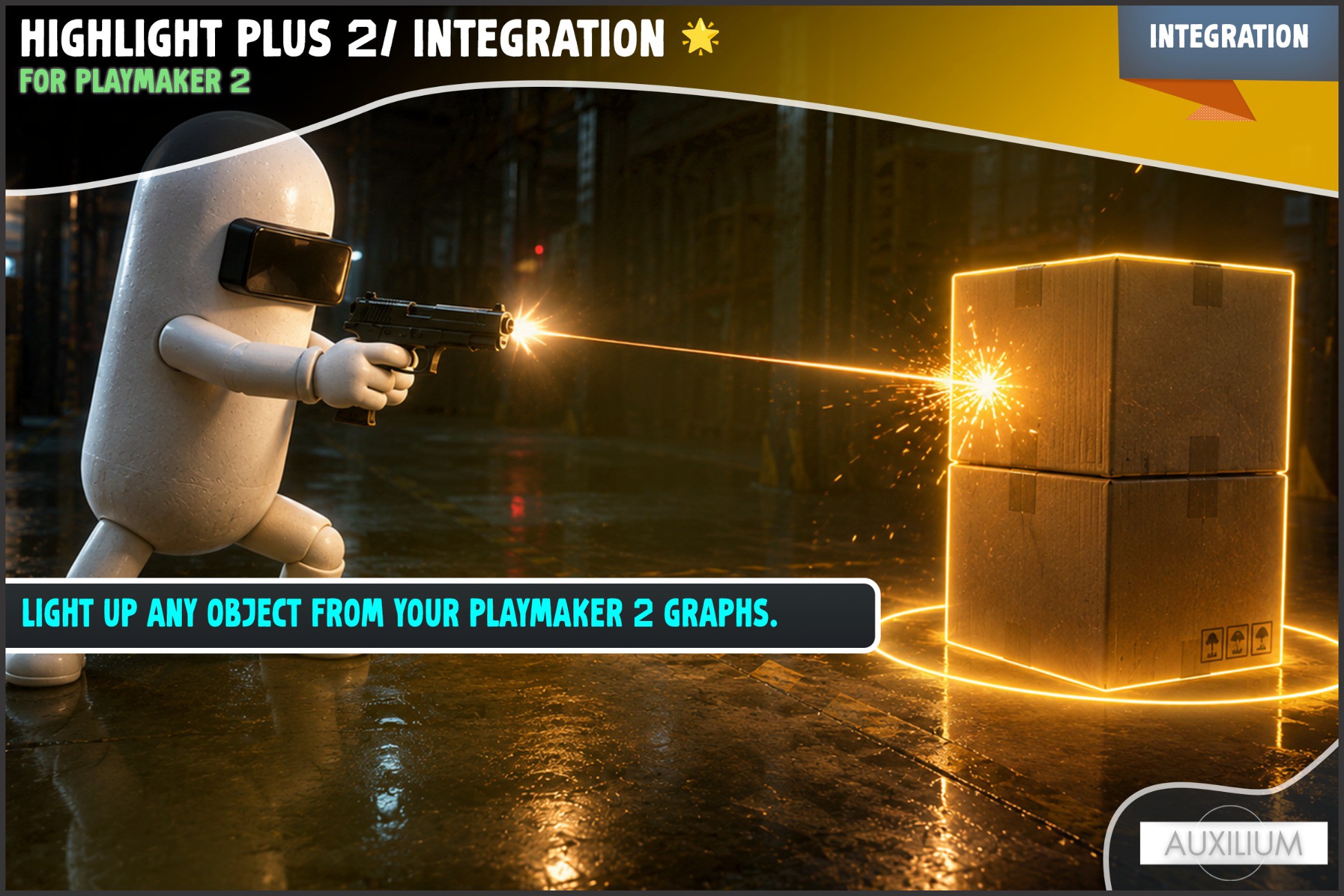
About Highlight Plus 2 Integration for PlayMaker 2
- Tools, Systems & Learning > Development Tools & Automation
WHAT YOU GET
13 DOING ACTIONS. Highlight, toggle, recolour, flash, select, label and more, all as PlayMaker actions you drop on a state.
3 CHECK ACTIONS. Send a True or False event on whether an object is highlighted, is selected, or already carries an effect, and store the result in a Bool.
3 READ ACTIONS. Store the selected object, a label's text, or a glow colour into a variable and use it anywhere in your graph.
5 EVENT ACTIONS. Send an event the moment the mouse hovers, leaves, clicks, selects or deselects an object. Each stores the object it happened to.
ONE CLICK SETUP. A button in the welcome window drops a ready made Highlight Manager into your scene, so the mouse driven events work with nothing to configure.
HIGHLIGHTING
HIGHLIGHT ANY OBJECT. Point Highlight Object at anything with a renderer and it glows, easing in and out with its own fade. An effect is added for you if the object has none.
OWNER BY DEFAULT. Every action defaults its Target to the owner of the FSM, so the common case needs no wiring. Point it at a variable or another object when you want.
RECOLOUR ANY CHANNEL. Set Color changes the outline, outer glow, inner glow or overlay of an object live, and Set Glow Color is a shortcut for the outer glow. Turn one object red for danger and green when safe from the same effect.
SWAP THE WHOLE LOOK. Set Profile changes an object from a plain outline to a gold overlay or a red glow in one action, using the profiles you saved in Highlight Plus.
THE MOUSE
HOVER TO HIGHLIGHT. With a Highlight Manager in the scene, the mouse lights up whatever it is over. No per object wiring.
CLICK TO SELECT. A click selects an object and keeps it lit after the mouse leaves, one at a time or many, your choice.
EVENTS THAT STORE THE OBJECT. On Object Clicked, On Highlight Start and the rest store the object into a variable, so the rest of your graph runs against the very thing under the cursor.
TURN IT OFF WHEN YOU NEED TO. Set Hover Enabled stops the mouse lighting things up during a cutscene or a menu, then turns it back on for play.
FEEDBACK
DAMAGE FLASH. Flash Hit FX bursts a colour over an object the moment it takes a hit, then fades on its own. No highlight needs to be on first, so it reads cleanly in combat.
TARGET RETICLE. Pulse Target FX plays the spinning target marker to call out an enemy or an objective.
FLOATING LABELS. Set Label writes a name tag over an object with your text, colour and size, and Show Label reveals it only while the player is looking.
13 DOING ACTIONS. Highlight, toggle, recolour, flash, select, label and more, all as PlayMaker actions you drop on a state.
3 CHECK ACTIONS. Send a True or False event on whether an object is highlighted, is selected, or already carries an effect, and store the result in a Bool.
3 READ ACTIONS. Store the selected object, a label's text, or a glow colour into a variable and use it anywhere in your graph.
5 EVENT ACTIONS. Send an event the moment the mouse hovers, leaves, clicks, selects or deselects an object. Each stores the object it happened to.
ONE CLICK SETUP. A button in the welcome window drops a ready made Highlight Manager into your scene, so the mouse driven events work with nothing to configure.
HIGHLIGHTING
HIGHLIGHT ANY OBJECT. Point Highlight Object at anything with a renderer and it glows, easing in and out with its own fade. An effect is added for you if the object has none.
OWNER BY DEFAULT. Every action defaults its Target to the owner of the FSM, so the common case needs no wiring. Point it at a variable or another object when you want.
RECOLOUR ANY CHANNEL. Set Color changes the outline, outer glow, inner glow or overlay of an object live, and Set Glow Color is a shortcut for the outer glow. Turn one object red for danger and green when safe from the same effect.
SWAP THE WHOLE LOOK. Set Profile changes an object from a plain outline to a gold overlay or a red glow in one action, using the profiles you saved in Highlight Plus.
THE MOUSE
HOVER TO HIGHLIGHT. With a Highlight Manager in the scene, the mouse lights up whatever it is over. No per object wiring.
CLICK TO SELECT. A click selects an object and keeps it lit after the mouse leaves, one at a time or many, your choice.
EVENTS THAT STORE THE OBJECT. On Object Clicked, On Highlight Start and the rest store the object into a variable, so the rest of your graph runs against the very thing under the cursor.
TURN IT OFF WHEN YOU NEED TO. Set Hover Enabled stops the mouse lighting things up during a cutscene or a menu, then turns it back on for play.
FEEDBACK
DAMAGE FLASH. Flash Hit FX bursts a colour over an object the moment it takes a hit, then fades on its own. No highlight needs to be on first, so it reads cleanly in combat.
TARGET RETICLE. Pulse Target FX plays the spinning target marker to call out an enemy or an objective.
FLOATING LABELS. Set Label writes a name tag over an object with your text, colour and size, and Show Label reveals it only while the player is looking.