Screenshots and videos
 1 / 12



Price history
Lowest recorded standalone price: $19.98. Recorded observations span to . This is our available history, not a guaranteed all-time low. Bundle package prices are separate.
Standalone price
Last three months, in USD. Bundle prices cover the whole package.
About Flow Of Action
- Tools, Systems & Learning > Development Tools & Automation
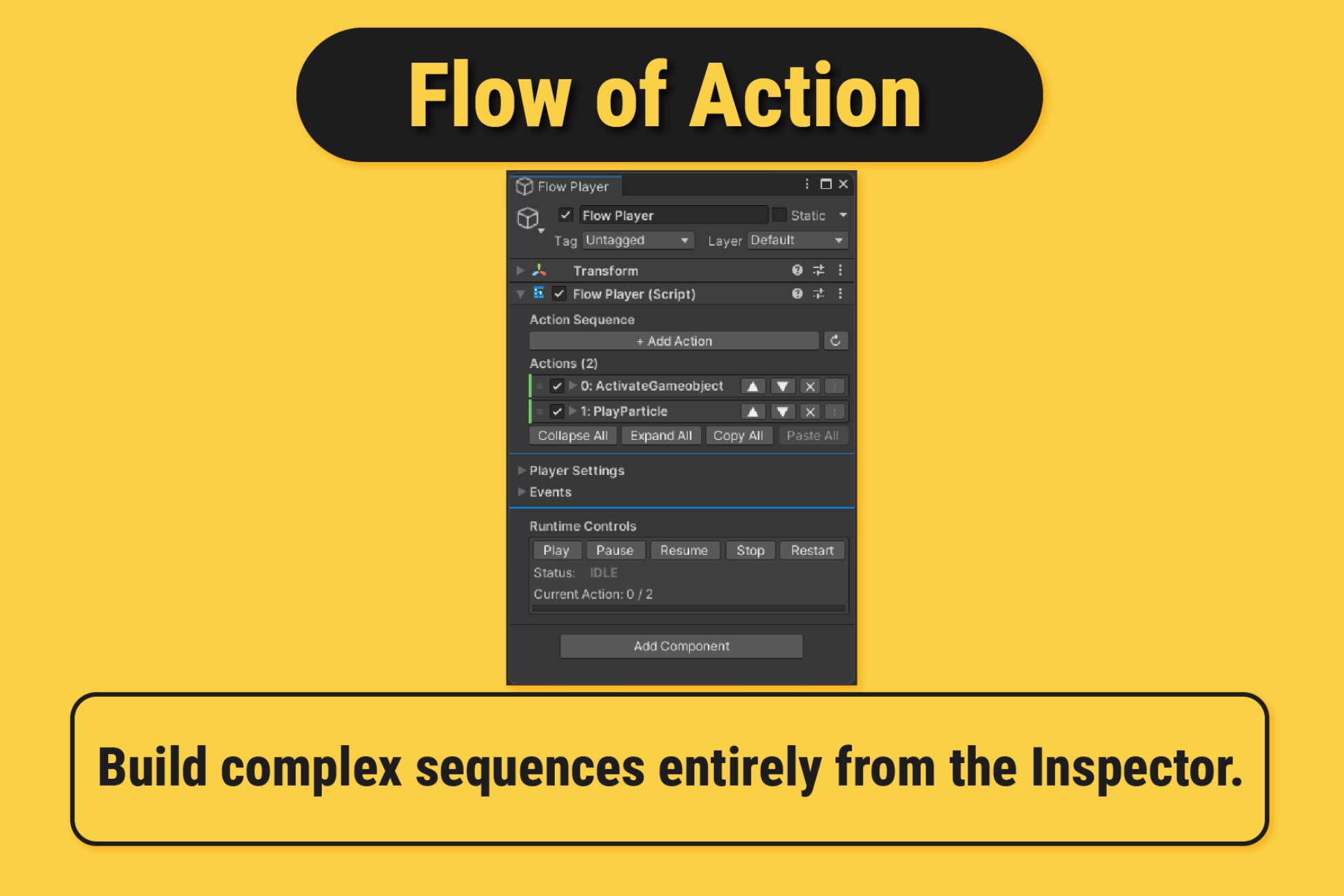
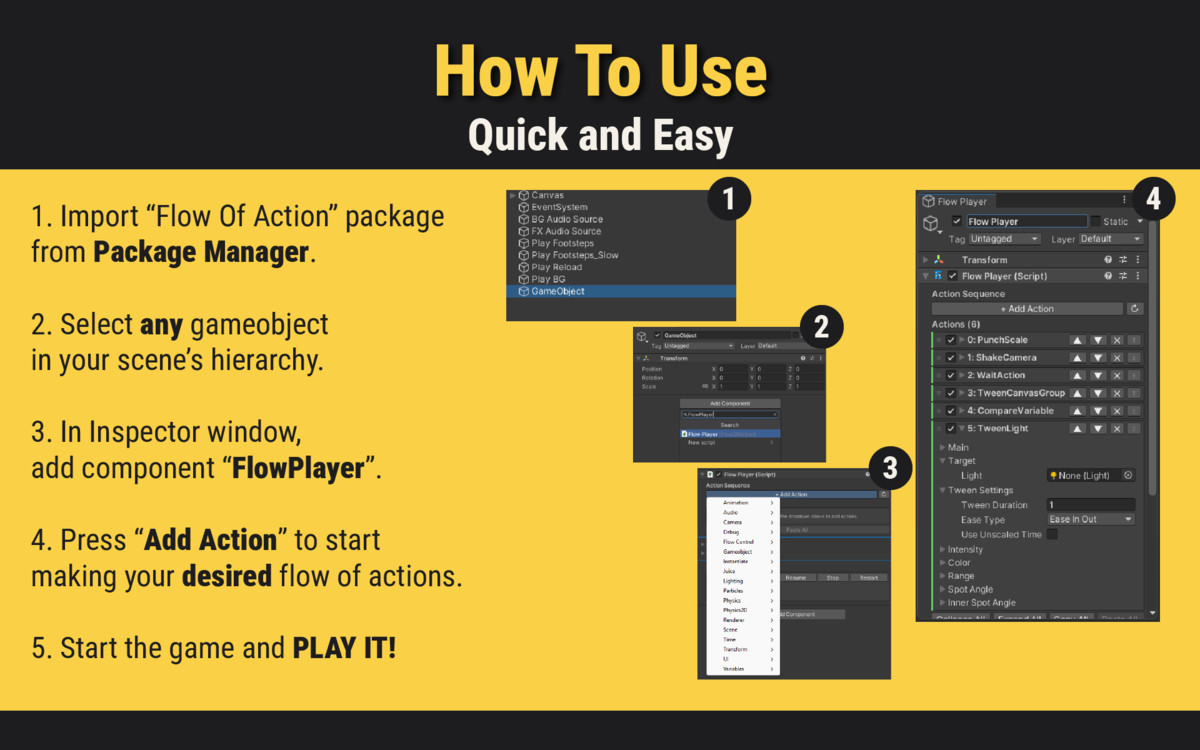
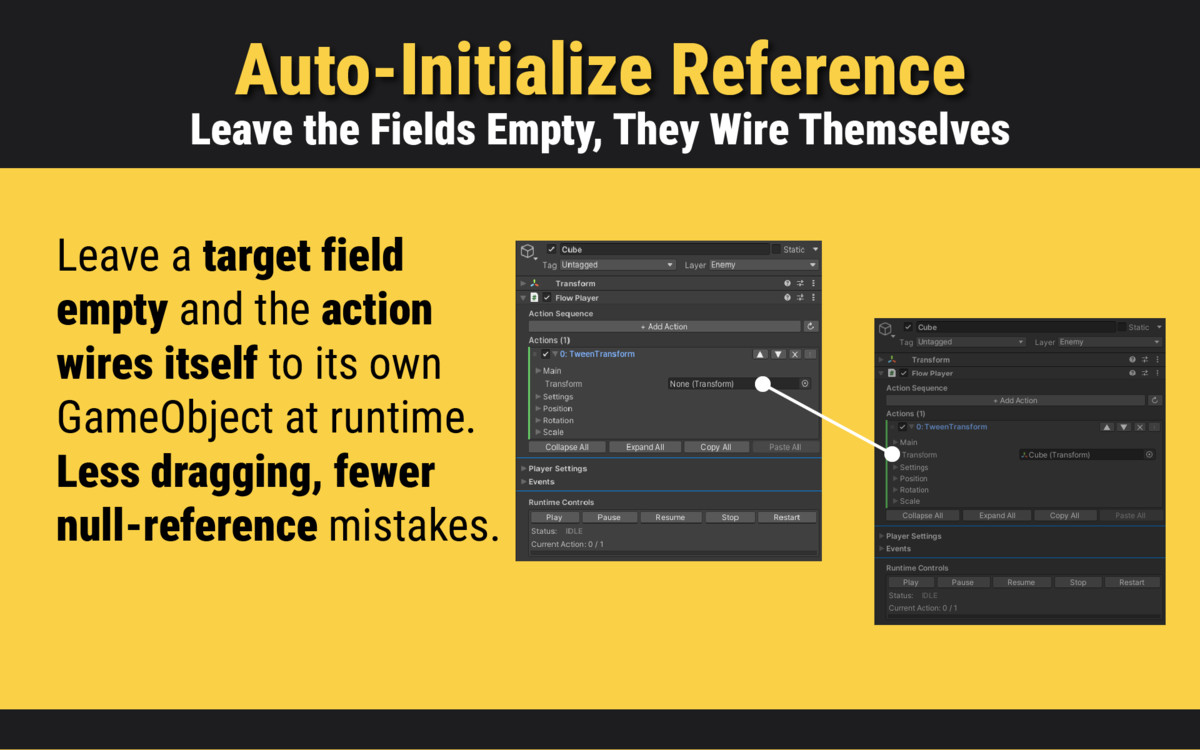
Flow Of Action is a lightweight, memory-efficient action sequencing system for Unity. Build complex sequences of animations, audio, transforms, UI effects, physics events, and more — all from the Inspector, without writing a single line of code.
WHY FLOW OF ACTION?
Unlike heavy visual scripting tools, Flow Of Action is designed to be fast, clean, and inspector-native. Each action uses [SerializeReference] polymorphic serialization — reducing per-action memory from ~440 bytes (MonoBehaviour) down to ~60–100 bytes.
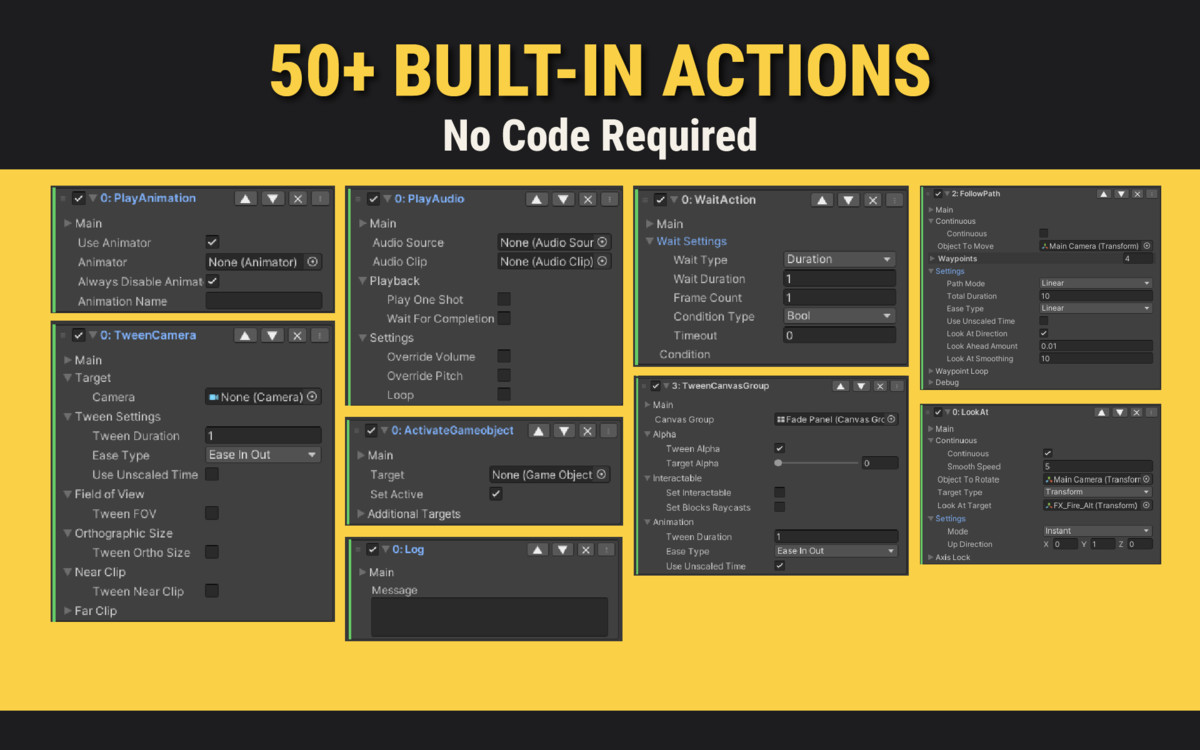
58+ BUILT-IN ACTIONS
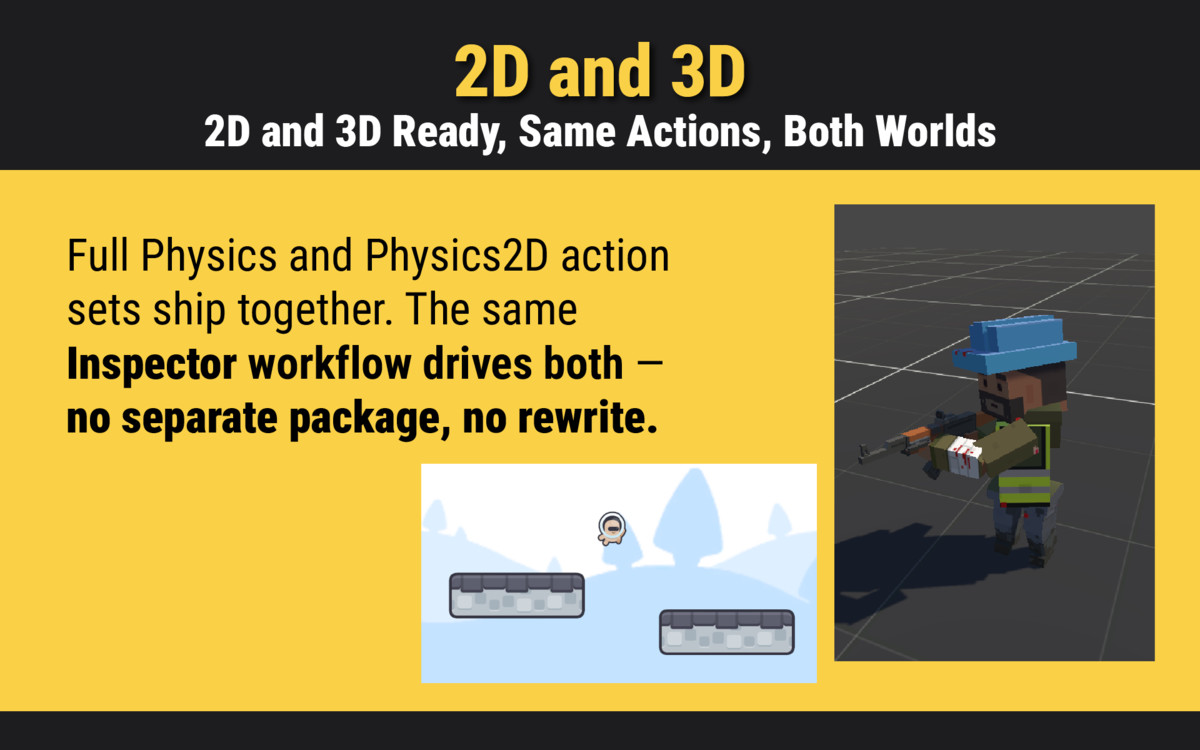
Audio · Animation · Transform · UI · Renderer · Flow Control · Physics · Physics2D · Particles · Camera · Lighting · Scene · Time · Variables · Juice · Debug
TRIGGER SYSTEM — NO CODE REQUIRED
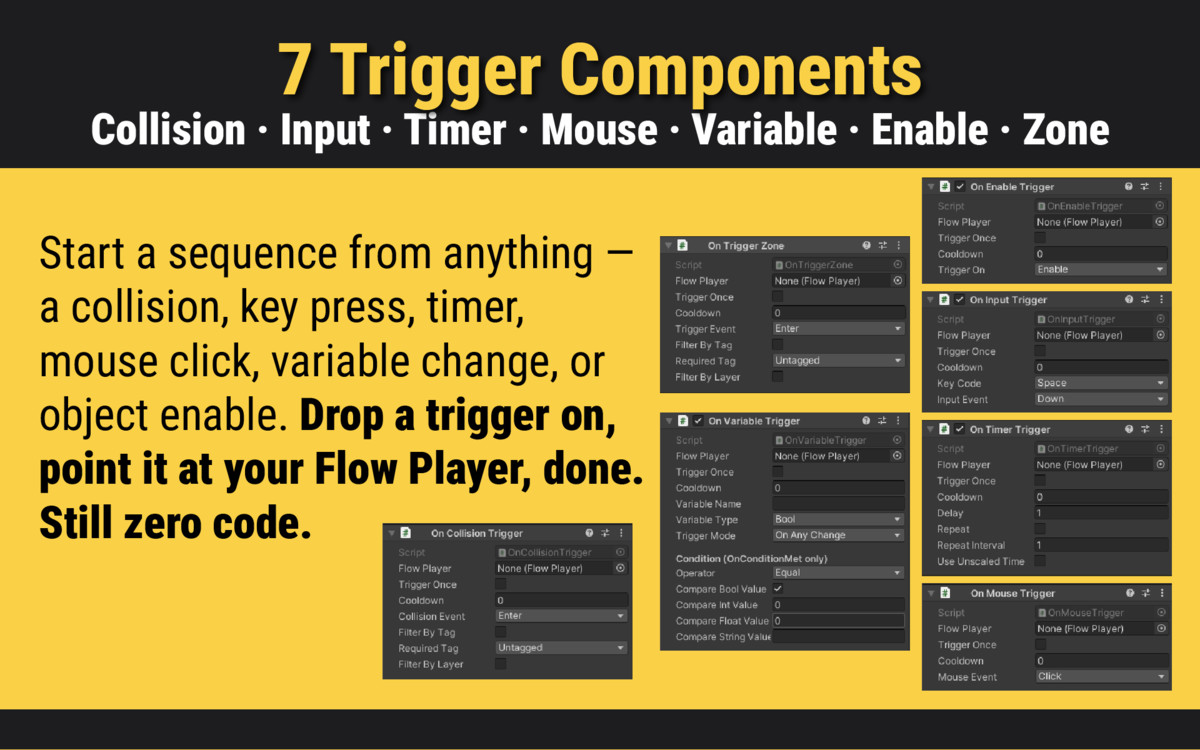
7 built-in trigger components start your sequences automatically:
- OnCollisionTrigger — physics collisions
- OnTriggerZone — enter/exit/stay zones
- OnInputTrigger — keyboard input
- OnMouseTrigger — mouse click/hover
- OnTimerTrigger — delayed or repeating
- OnVariableTrigger — react to variable changes
- OnEnableTrigger — on GameObject enable/disable
JUICE & GAME FEEL
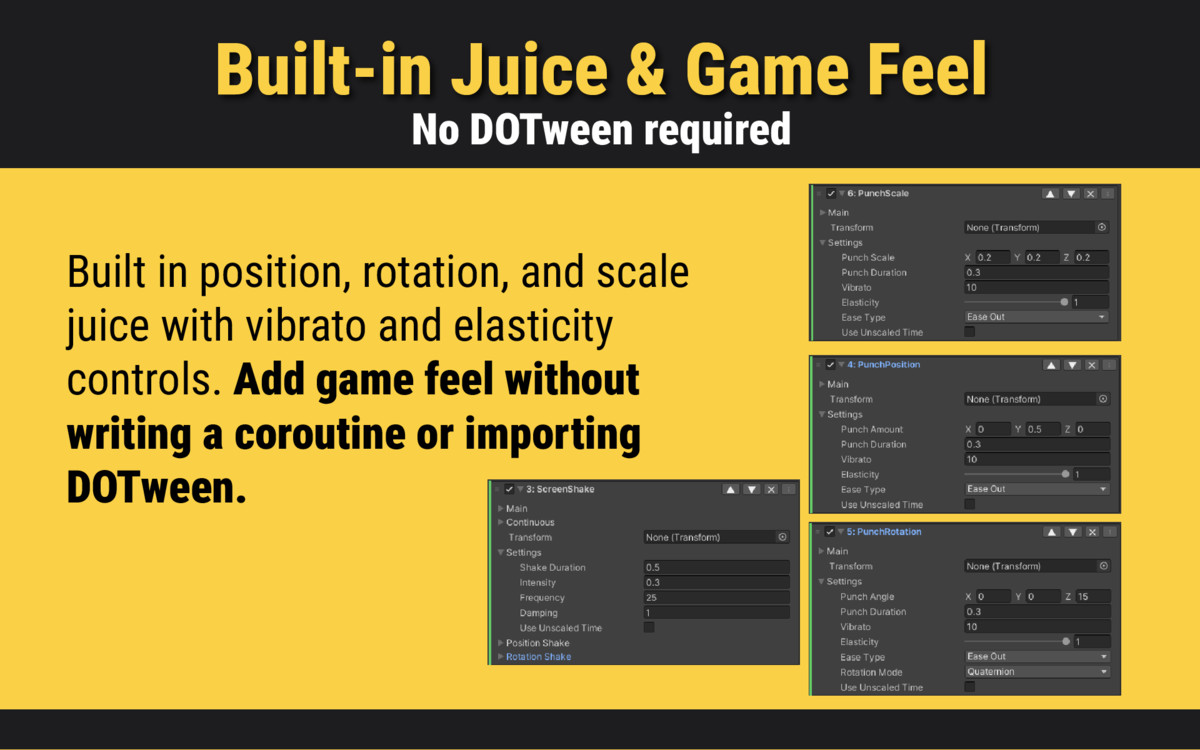
Punch Position, Punch Rotation, Punch Scale, and enhanced Screen Shake with Perlin noise, exponential damping, per-axis control, and continuous mode — all without DOTween or any third-party dependency.
VARIABLE SYSTEM
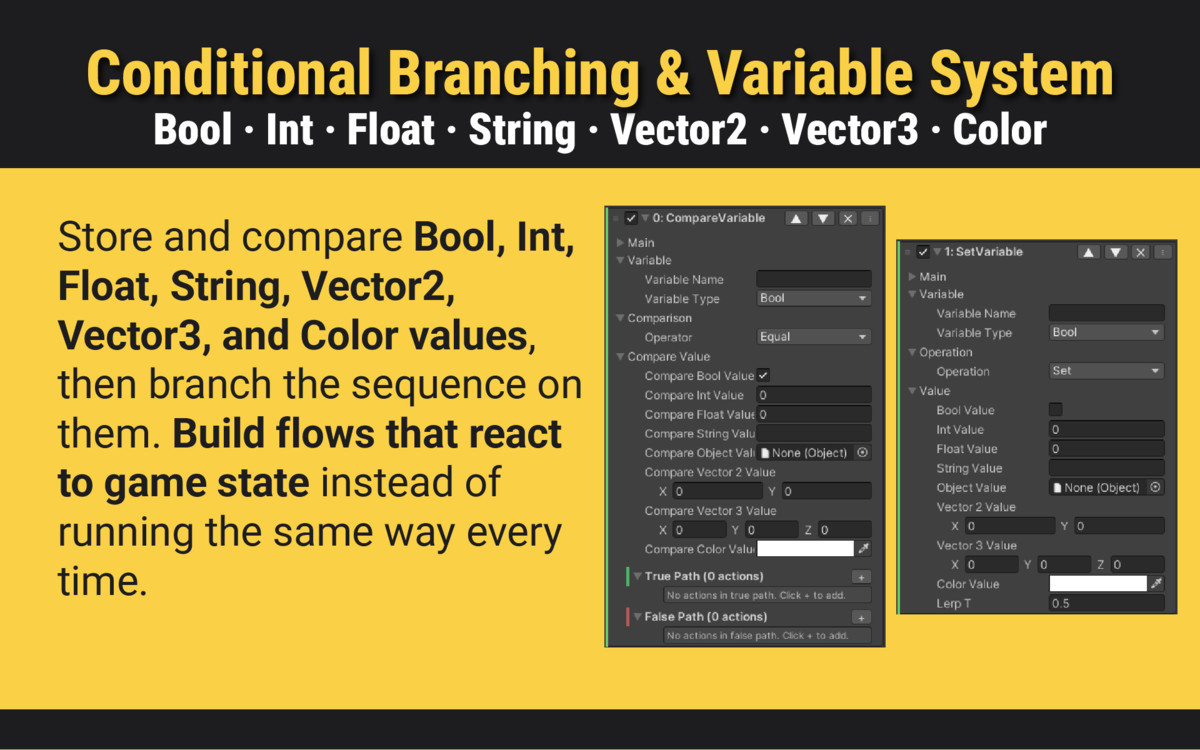
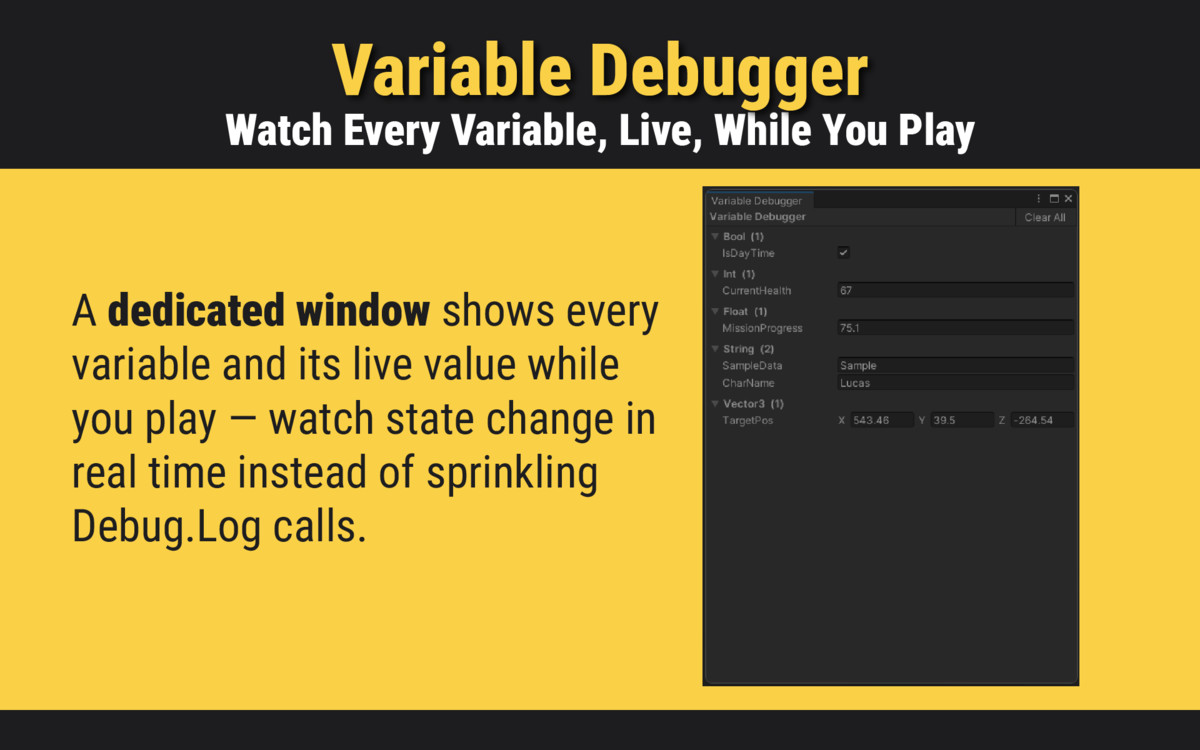
Store and compare Bool, Int, Float, String, Object, Vector2, Vector3, and Color variables. React to changes with OnVariableTrigger or drive branching logic with CompareVariable action.
CONDITIONAL BRANCHING
BranchAction and CompareVariable let you build dynamic sequences that respond to game state — health checks, flag comparisons, method predicates.
EXTENSIBLE
Create custom actions in seconds using the built-in Action Creator tool. A coroutine-based lifecycle (Initialize → DoAction → Stop) makes custom actions easy to write and maintain.
WHY FLOW OF ACTION?
Unlike heavy visual scripting tools, Flow Of Action is designed to be fast, clean, and inspector-native. Each action uses [SerializeReference] polymorphic serialization — reducing per-action memory from ~440 bytes (MonoBehaviour) down to ~60–100 bytes.
58+ BUILT-IN ACTIONS
Audio · Animation · Transform · UI · Renderer · Flow Control · Physics · Physics2D · Particles · Camera · Lighting · Scene · Time · Variables · Juice · Debug
TRIGGER SYSTEM — NO CODE REQUIRED
7 built-in trigger components start your sequences automatically:
- OnCollisionTrigger — physics collisions
- OnTriggerZone — enter/exit/stay zones
- OnInputTrigger — keyboard input
- OnMouseTrigger — mouse click/hover
- OnTimerTrigger — delayed or repeating
- OnVariableTrigger — react to variable changes
- OnEnableTrigger — on GameObject enable/disable
JUICE & GAME FEEL
Punch Position, Punch Rotation, Punch Scale, and enhanced Screen Shake with Perlin noise, exponential damping, per-axis control, and continuous mode — all without DOTween or any third-party dependency.
VARIABLE SYSTEM
Store and compare Bool, Int, Float, String, Object, Vector2, Vector3, and Color variables. React to changes with OnVariableTrigger or drive branching logic with CompareVariable action.
CONDITIONAL BRANCHING
BranchAction and CompareVariable let you build dynamic sequences that respond to game state — health checks, flag comparisons, method predicates.
EXTENSIBLE
Create custom actions in seconds using the built-in Action Creator tool. A coroutine-based lifecycle (Initialize → DoAction → Stop) makes custom actions easy to write and maintain.
More from BeeLabs
- GOAP AI Engine $39.99