About FieldNote | Debug Console for Builds
- Tools, Systems & Learning > Development Tools & Automation
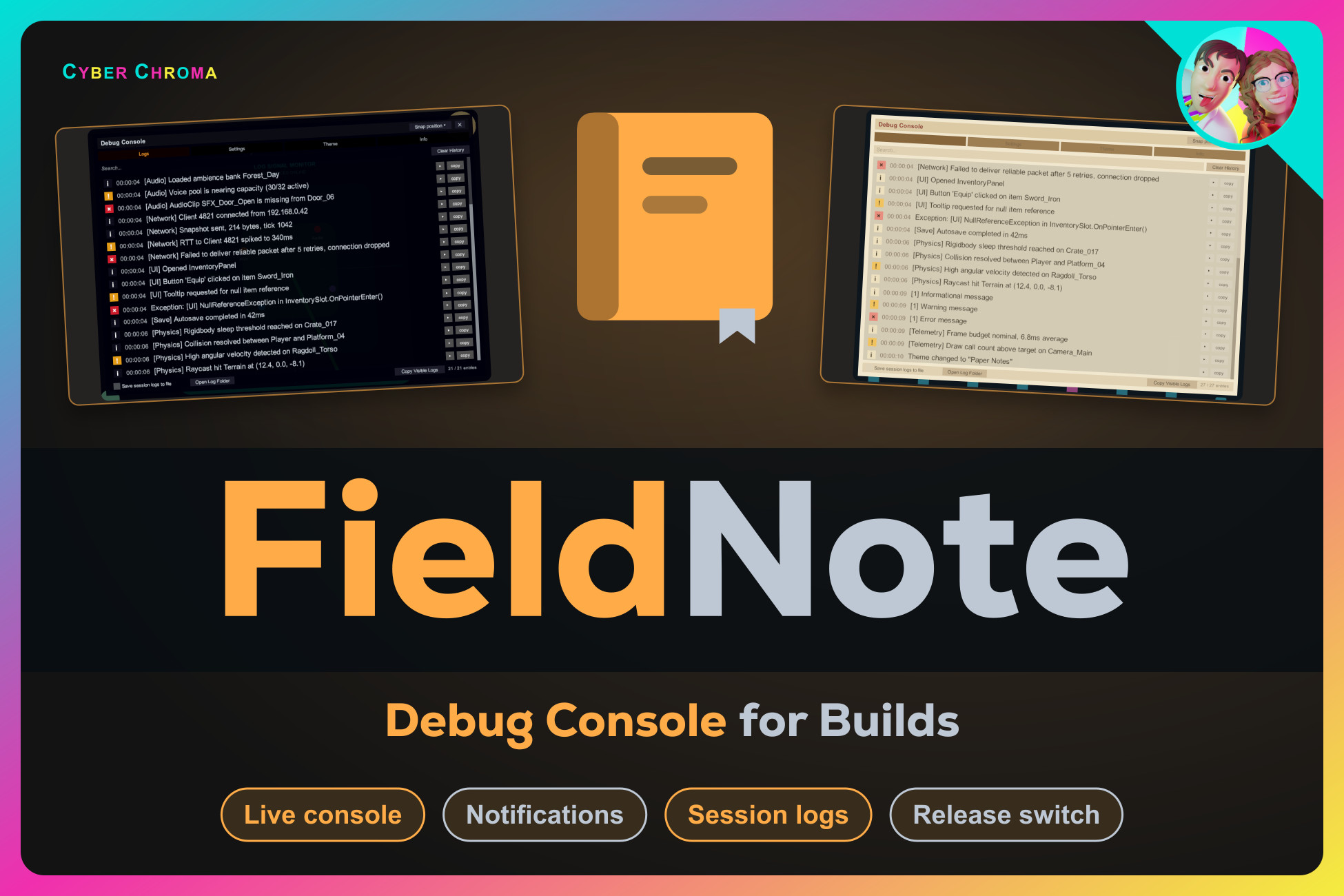
FieldNote brings Unity’s debug output into your game, so you can investigate problems in Play Mode and development builds without staying attached to the Editor.
Import the asset and press Play. FieldNote automatically captures Debug.Log, warnings, errors, assertions, and exceptions. Messages appear as configurable on-screen notifications and in a searchable in-game console, with nothing to place or wire by hand.
Built-in tools help you find the messages that matter:
Search and filter captured history by severity
Expand stack traces and copy individual or filtered entries
Silence known noise with live exclusion filters
Highlight matching messages with optional numeric watch rules
Write rotating session logs to Application.persistentDataPath
Click a notification to reveal its exact console entry
Move, resize, and snap the console anywhere on screen, or customize the entire interface with twenty included themes. Separate Editor and Build switches make it easy to keep FieldNote available during testing and disable it before release.
Import the asset and press Play. FieldNote automatically captures Debug.Log, warnings, errors, assertions, and exceptions. Messages appear as configurable on-screen notifications and in a searchable in-game console, with nothing to place or wire by hand.
Built-in tools help you find the messages that matter:
Search and filter captured history by severity
Expand stack traces and copy individual or filtered entries
Silence known noise with live exclusion filters
Highlight matching messages with optional numeric watch rules
Write rotating session logs to Application.persistentDataPath
Click a notification to reveal its exact console entry
Move, resize, and snap the console anywhere on screen, or customize the entire interface with twenty included themes. Separate Editor and Build switches make it easy to keep FieldNote available during testing and disable it before release.