Price history
Recorded standalone sale prices and the latest available store price, in USD. Historical dots use the sale start date and its recorded offer price. Prices can change during a sale; this is not a daily price log. Bundle prices and upcoming offers are excluded. History covers up to the 100 most recent recorded offers.
Lowest recorded standalone price in this history: $7.50. The latest store price is $15.
View 4 recorded prices
| Sale start / price check | Price | Observation |
|---|---|---|
| $15 | Latest store price | |
| $7.50 | Unity New Release Discount 2026-07-29 2026-08-12 | |
| $7.50 | Unity New Release Discount 2026-07-29 2026-08-12 | |
| $15 | Unity First Price 2026-07-29 2026-08-05 |
Sale and bundle history
The 3 most recent recorded offers including this asset. Past offers may no longer be available. Bundle prices cover a package, not this asset alone.
About Editor Terminal for Unity (Windows)
- Tools, Systems & Learning > Development Tools & Automation
Stop alt-tabbing between Unity and your terminal.
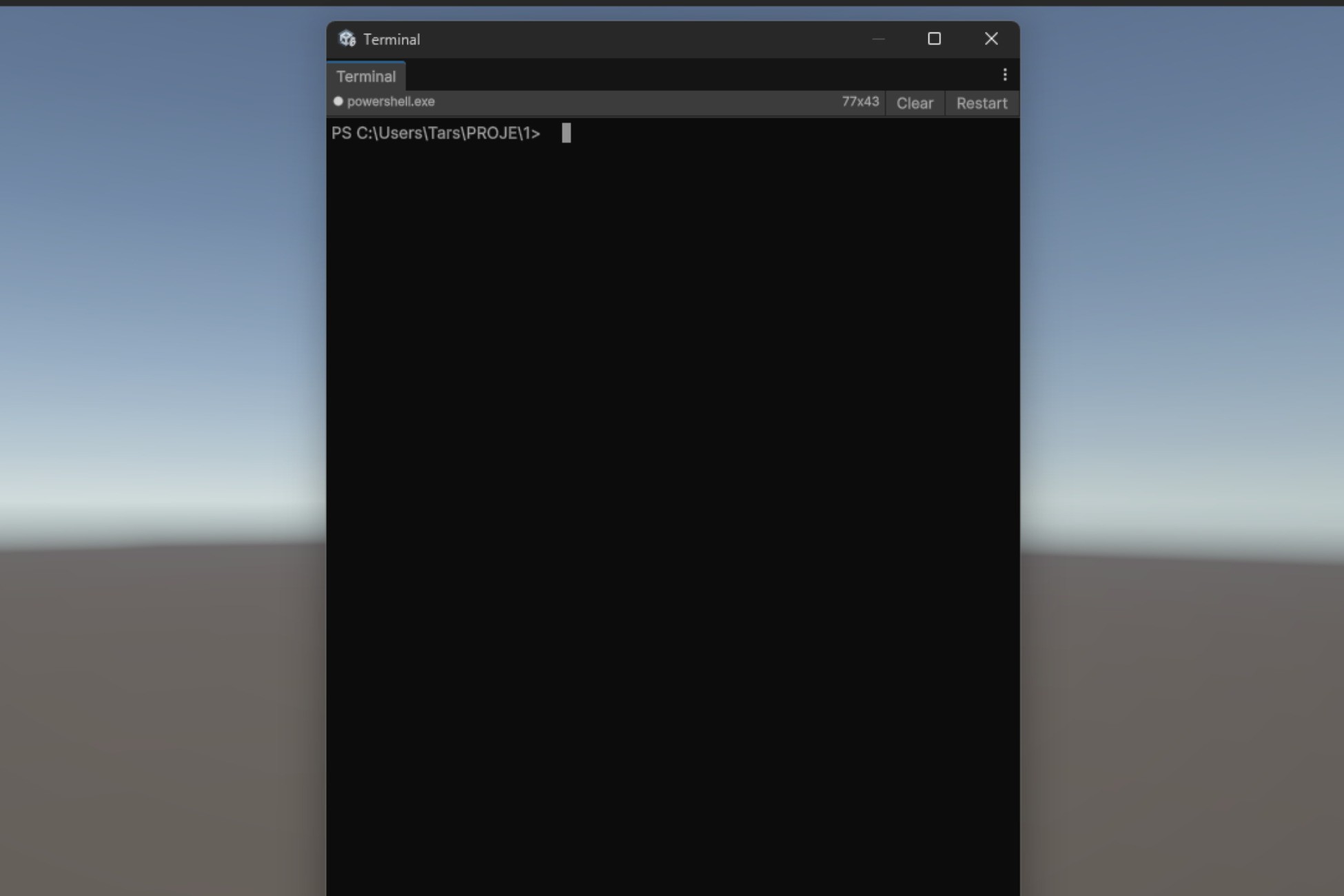
Embedded Terminal hosts a real, interactive PowerShell or cmd.exe session directly inside the Unity Editor — not a Process.Start wrapper, not a fake command runner. It uses the native Windows ConPTY API (CreatePseudoConsole), the same pseudo-terminal system used by Windows Terminal and VS Code. Your shell behaves exactly like it would in a standalone terminal: ANSI colors, interactive prompts, line editing, command history, environment variables — everything just works.
WHAT MAKES IT DIFFERENT
Most "terminal" assets on the Asset Store are thin wrappers around Process.Start that capture stdout from a one-shot command. They can't host an interactive shell, can't render colored output, break on prompts, and die the moment you recompile a script. Embedded Terminal is fundamentally different:
• A full pseudo-console (ConPTY) — not stdin/stdout piping
• ANSI/VT100/xterm escape sequence parser with 16/256/truecolor
• Compile-resilient: the shell process survives Unity domain reloads. Long-running commands keep going across script recompiles
• Persistent scrollback saved to disk and restored on next open
• Native helper process runs outside Unity's Job Object so PTY children stay healthy (this is the part nobody else gets right)
WHO IT'S FOR
• Developers who use git, npm, dotnet, python, or any CLI tool alongside Unity
• Build engineers running scripts and watching output from inside the editor
• Anyone tired of alt-tabbing to PowerShell every five minutes
HOW IT WORKS
A small native .NET Framework helper executable (12 KB, source included) is spawned with CREATE_BREAKAWAY_FROM_JOB so it lives outside Unity's process job. The helper hosts the real ConPTY and talks to Unity over TCP loopback using a tight framed binary protocol. On domain reload, the editor window reconnects to the existing helper via SessionState — your shell never dies.
WHAT'S IN THE BOX
• EmbeddedTerminalWindow.cs — dockable IMGUI editor window
• ConPty.cs — helper transport + lifecycle
• TerminalScreen.cs — cell grid + 16-color palette + scrollback
• AnsiParser.cs — VT100/xterm parser
• EmbeddedTerminalHelper.exe — pre-built native helper (12 KB)
• EmbeddedTerminalHelper.cs.txt — helper source (transparent, rebuildable)
• build.cmd — one-click rebuild of the helper
PLATFORM SUPPORT
Editor only, Windows only (Windows 10 1809 or newer, or Windows 11). The Unity editor itself can run on any platform — this package is simply a no-op outside Windows. No runtime code is included, so it does not affect your builds, build size, or target platforms.
PRIVACY
No network access except 127.0.0.1 loopback between Unity and the helper. No telemetry, no analytics, no external calls. Helper source code is shipped with the package — you can inspect it and rebuild it.
REQUIREMENTS
• Unity 2021.3 LTS or newer
• Windows 10 1809+ / Windows 11 (Editor host OS)
• No additional dependencies — uses only Windows API and .NET Framework standard library
Embedded Terminal hosts a real, interactive PowerShell or cmd.exe session directly inside the Unity Editor — not a Process.Start wrapper, not a fake command runner. It uses the native Windows ConPTY API (CreatePseudoConsole), the same pseudo-terminal system used by Windows Terminal and VS Code. Your shell behaves exactly like it would in a standalone terminal: ANSI colors, interactive prompts, line editing, command history, environment variables — everything just works.
WHAT MAKES IT DIFFERENT
Most "terminal" assets on the Asset Store are thin wrappers around Process.Start that capture stdout from a one-shot command. They can't host an interactive shell, can't render colored output, break on prompts, and die the moment you recompile a script. Embedded Terminal is fundamentally different:
• A full pseudo-console (ConPTY) — not stdin/stdout piping
• ANSI/VT100/xterm escape sequence parser with 16/256/truecolor
• Compile-resilient: the shell process survives Unity domain reloads. Long-running commands keep going across script recompiles
• Persistent scrollback saved to disk and restored on next open
• Native helper process runs outside Unity's Job Object so PTY children stay healthy (this is the part nobody else gets right)
WHO IT'S FOR
• Developers who use git, npm, dotnet, python, or any CLI tool alongside Unity
• Build engineers running scripts and watching output from inside the editor
• Anyone tired of alt-tabbing to PowerShell every five minutes
HOW IT WORKS
A small native .NET Framework helper executable (12 KB, source included) is spawned with CREATE_BREAKAWAY_FROM_JOB so it lives outside Unity's process job. The helper hosts the real ConPTY and talks to Unity over TCP loopback using a tight framed binary protocol. On domain reload, the editor window reconnects to the existing helper via SessionState — your shell never dies.
WHAT'S IN THE BOX
• EmbeddedTerminalWindow.cs — dockable IMGUI editor window
• ConPty.cs — helper transport + lifecycle
• TerminalScreen.cs — cell grid + 16-color palette + scrollback
• AnsiParser.cs — VT100/xterm parser
• EmbeddedTerminalHelper.exe — pre-built native helper (12 KB)
• EmbeddedTerminalHelper.cs.txt — helper source (transparent, rebuildable)
• build.cmd — one-click rebuild of the helper
PLATFORM SUPPORT
Editor only, Windows only (Windows 10 1809 or newer, or Windows 11). The Unity editor itself can run on any platform — this package is simply a no-op outside Windows. No runtime code is included, so it does not affect your builds, build size, or target platforms.
PRIVACY
No network access except 127.0.0.1 loopback between Unity and the helper. No telemetry, no analytics, no external calls. Helper source code is shipped with the package — you can inspect it and rebuild it.
REQUIREMENTS
• Unity 2021.3 LTS or newer
• Windows 10 1809+ / Windows 11 (Editor host OS)
• No additional dependencies — uses only Windows API and .NET Framework standard library