Price history
Recorded standalone sale prices and the latest available store price, in USD. Historical dots use the sale start date and its recorded offer price. Prices can change during a sale; this is not a daily price log. Bundle prices and upcoming offers are excluded. History covers up to the 100 most recent recorded offers.
Lowest recorded standalone price in this history: FREE. The latest store price is FREE, matching the lowest recorded price shown here.
View 1 recorded price
| Sale start / price check | Price | Observation |
|---|---|---|
| FREE | Latest store price |
About Editor Notes Pro
- Tools, Systems & Learning > Development Tools & Automation
Editor Notes - Unity Asset Store Package
What It Is
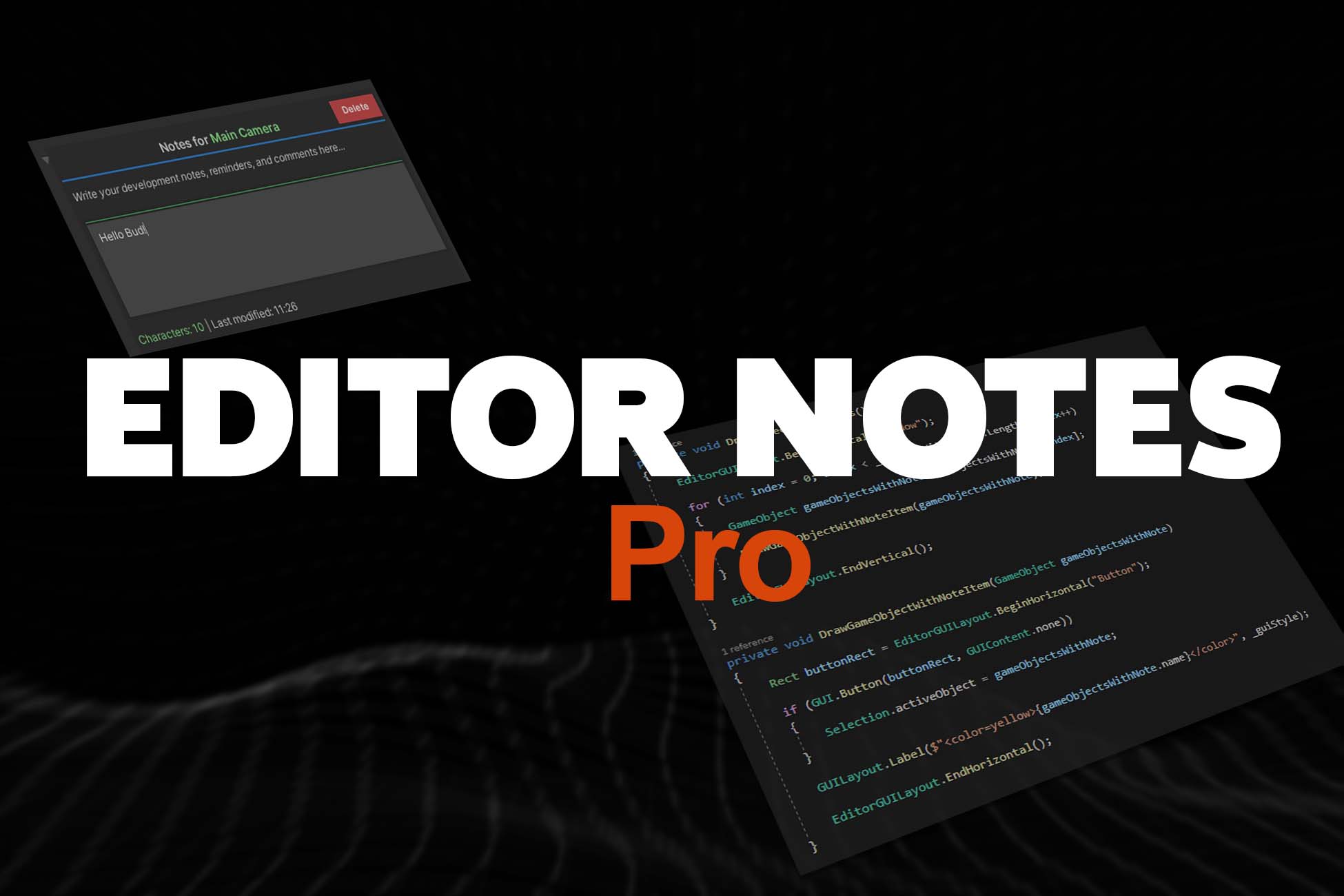
A lightweight Unity editor tool that lets you attach text notes directly to any object in your project. Think of it as digital sticky notes for your GameObjects - write reminders, document functionality, or leave notes for your team members.
Key Features
Attach notes to any GameObject in your scene or project
Persistent storage - notes save automatically and stay with your project
Clean, simple interface - no complicated setup required
Team-friendly - share project knowledge easily with collaborators
How It Helps Your Project
For Solo Developers
Never forget your ideas - document complex logic as you build
Track bugs and fixes - note issues you need to address later
Remember design decisions - explain why you set things up a certain way
Speed up development - quickly recall what each object does
For Teams
Knowledge sharing - explain your work to other developers
Onboarding - help new team members understand the project
Code documentation - add context that comments can't provide
Version control friendly - notes travel with your project files
Common Use Cases
"This enemy AI needs balancing - too aggressive on level 3"
"Door animation controller - linked to pressure plate script"
"Performance note: This spawner can lag with 50+ objects"
"Bug: Sound sometimes doesn't trigger - check audio source"
"Remember to adjust lighting when scene is finalized"
Why Choose Editor Notes?
✅ Saves time - No more digging through code to remember what things do
✅ Improves organization - Keep your project well-documented
✅ Reduces errors - Remember important details and edge cases
✅ Enhances collaboration - Clear communication within your team
✅ Zero performance impact - Editor-only tool, doesn't affect your game