About Easy UI Toolkit Progress Shaders
- Art & Visuals > VFX
- Art & Visuals > UI & GUI
- Art & Visuals > Textures & Materials
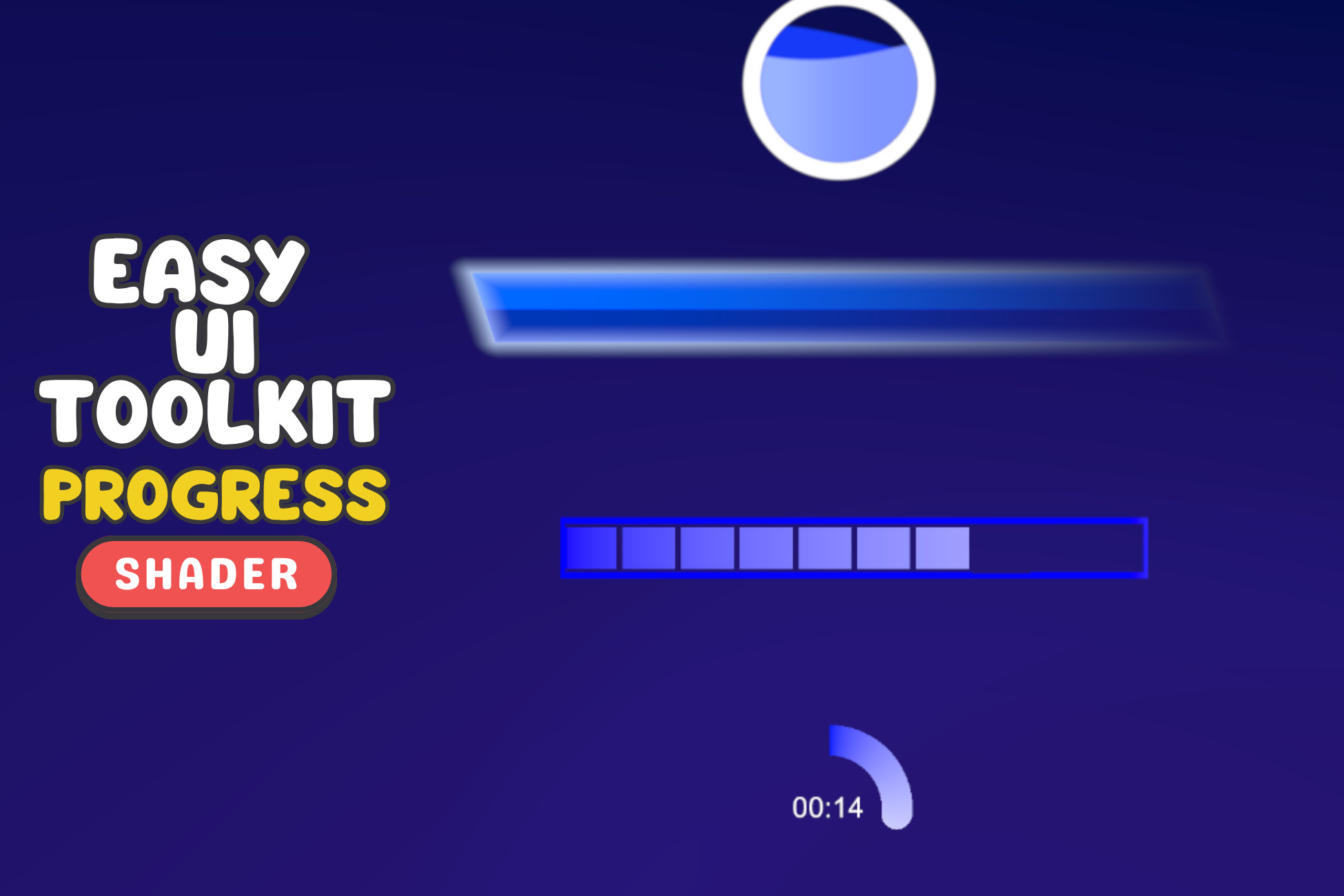
This asset is designed for UI Toolkit Panel Renderer and not legacy UI Document. It was created in Shader Graph. It contains: 1. Incremental Shader Graph, 2. Orb Shader Graph, 3. Progress (Health) Shader Graph, 4. Ring (TImer) Shader Graph. How to Use? 1. Add 1 of the 3 basic core scripts to scene (Basic, Health, Timer). (Assign Panel Renderer object), 2. Add Panel Renderer gameobject, 3. Call the HealthChange function from core script with decrease amount per function call. In summary the way to create a progress shader in your game is to create a panel renderer and UI document and reference this UI document in the panel renderer component and use one of the 3 main scripts to drive the shader’s fill amount.