Unity
Copy GameObjects for ChatGPT - AI Debug Snapshot
By CubeDroid
$4.99
Rated 0.0/5 from 1 ratings on Unity.
Price history
Recorded standalone sale prices and the latest available store price, in USD. Historical dots use the sale start date and its recorded offer price. Prices can change during a sale; this is not a daily price log. Bundle prices and upcoming offers are excluded. History covers up to the 100 most recent recorded offers.
Lowest recorded standalone price in this history: $4.99. The latest store price is $4.99, matching the lowest recorded price shown here.
View 3 recorded prices
| Sale start / price check | Price | Observation |
|---|---|---|
| $4.99 | Latest store price | |
| $4.99 | Unity Permanent Decrease 2026-07-04 2026-07-11 | |
| $15.99 | Unity First Price 2026-06-20 2026-06-27 |
Sale and bundle history
The 2 most recent recorded offers including this asset. Past offers may no longer be available. Bundle prices cover a package, not this asset alone.
About Copy GameObjects for ChatGPT - AI Debug Snapshot
- Tools, Systems & Learning > Development Tools & Automation
Stop manually copying Inspector values one component at a time.
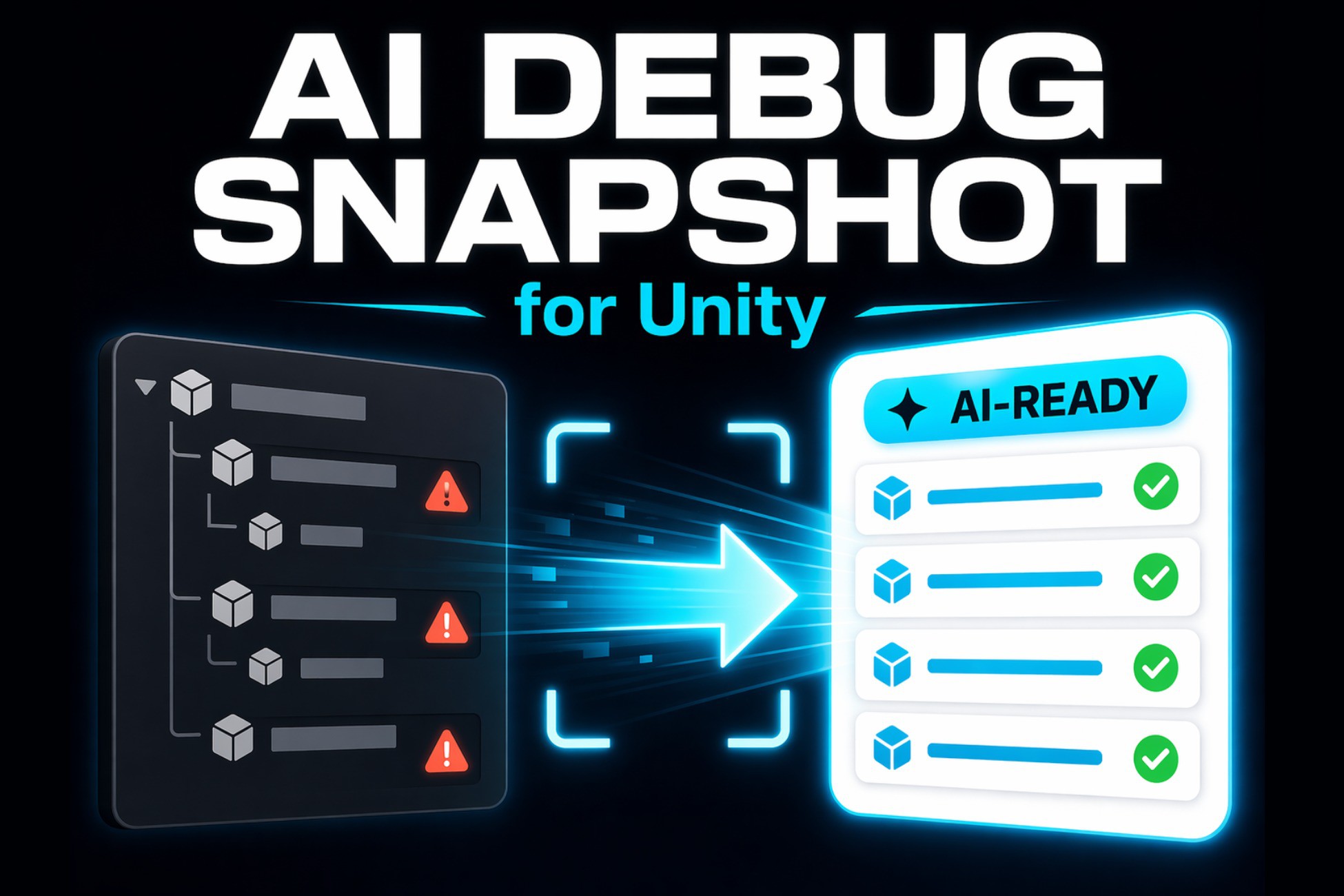
AI Debug Snapshot for Unity turns selected GameObjects, components, and hierarchies into clean, structured snapshots that you can paste into ChatGPT or any AI assistant.
Use it to debug suspicious setups, understand unfamiliar prefabs, review hierarchy structure, identify likely performance risks, or share clear technical context with teammates.
Why use AI Debug Snapshot?
• Capture useful Unity context in a few clicks
• Copy raw snapshot data or a ready-to-paste AI prompt + snapshot
• Include one GameObject, multiple selected roots, or an entire child hierarchy
• Choose exactly which objects and components should be included
• Reduce noise with Compact Mode
• Search large selections quickly inside the Editor
• Keep your workflow inside Unity without manually transcribing Inspector values
Purpose-built prompt modes
Choose the prompt type that matches your goal:
• Debug — identify likely configuration problems, rank findings, and suggest verification steps
• Explain — understand an unfamiliar GameObject, prefab, or hierarchy
• Refactor — review maintainability and get focused, low-risk improvement suggestions
• Performance — identify plausible performance risks and what to measure in Unity
• Custom — write your own multiline prompt for any workflow
The built-in prompts are designed to help AI assistants separate observed snapshot data from hypotheses and avoid unsupported assumptions.
Designed for real project hierarchies
Large hierarchies are scanned and prepared incrementally so the Unity Editor stays responsive. A compact progress indicator shows when the tool is working and why copy actions are temporarily disabled.
Clipboard exports are also generated incrementally. You can cancel an active export without replacing your existing clipboard content.
In the main window, included hierarchy objects and components are not silently omitted from the export. Unusually large individual components may be summarized with an explicit marker to keep the Editor responsive.
Simple workflow
Select one or more GameObjects in the Hierarchy.
Open Tools > AI Debug Snapshot.
Optionally include children, enable Compact Mode, or fine-tune object and component selection.
Choose a Prompt Type.
Click Copy Snapshot or Copy Prompt + Snapshot.
Paste the result into ChatGPT or another AI assistant.
You can also quickly copy the currently selected GameObject from:
GameObject > AI Tools > Copy Full Snapshot
Key features
• Editor-only utility
• Raw snapshot and prompt + snapshot output
• Multi-object and hierarchy selection
• Optional child inclusion
• Per-object and per-component selection
• Searchable object and component list
• Compact Mode for cleaner AI context
• Debug, Explain, Refactor, Performance, and Custom prompts
• Incremental scanning for large hierarchies
• Incremental clipboard export with progress and cancellation
• Resizable Selection pane
• Explicit per-component safety summaries for unusually large serialized data
• No runtime dependencies
• No API key required
• No external account required
• Does not modify your Scene, GameObjects, or component values
• Does not send project data to an external service
Ideal for
• Debugging suspicious Unity setups
• Finding missing references and unexpected values
• Reviewing large GameObject hierarchies
• Understanding unfamiliar prefabs
• Preparing context for AI-assisted troubleshooting
• Getting focused refactoring suggestions
• Identifying plausible performance risks before profiling
• Sharing structured technical context with teammates
Important note
AI Debug Snapshot formats and copies selected project data to your clipboard. It does not include an AI model and is not affiliated with or endorsed by OpenAI. ChatGPT is referenced only as an example of a compatible AI assistant.
AI Debug Snapshot for Unity turns selected GameObjects, components, and hierarchies into clean, structured snapshots that you can paste into ChatGPT or any AI assistant.
Use it to debug suspicious setups, understand unfamiliar prefabs, review hierarchy structure, identify likely performance risks, or share clear technical context with teammates.
Why use AI Debug Snapshot?
• Capture useful Unity context in a few clicks
• Copy raw snapshot data or a ready-to-paste AI prompt + snapshot
• Include one GameObject, multiple selected roots, or an entire child hierarchy
• Choose exactly which objects and components should be included
• Reduce noise with Compact Mode
• Search large selections quickly inside the Editor
• Keep your workflow inside Unity without manually transcribing Inspector values
Purpose-built prompt modes
Choose the prompt type that matches your goal:
• Debug — identify likely configuration problems, rank findings, and suggest verification steps
• Explain — understand an unfamiliar GameObject, prefab, or hierarchy
• Refactor — review maintainability and get focused, low-risk improvement suggestions
• Performance — identify plausible performance risks and what to measure in Unity
• Custom — write your own multiline prompt for any workflow
The built-in prompts are designed to help AI assistants separate observed snapshot data from hypotheses and avoid unsupported assumptions.
Designed for real project hierarchies
Large hierarchies are scanned and prepared incrementally so the Unity Editor stays responsive. A compact progress indicator shows when the tool is working and why copy actions are temporarily disabled.
Clipboard exports are also generated incrementally. You can cancel an active export without replacing your existing clipboard content.
In the main window, included hierarchy objects and components are not silently omitted from the export. Unusually large individual components may be summarized with an explicit marker to keep the Editor responsive.
Simple workflow
Select one or more GameObjects in the Hierarchy.
Open Tools > AI Debug Snapshot.
Optionally include children, enable Compact Mode, or fine-tune object and component selection.
Choose a Prompt Type.
Click Copy Snapshot or Copy Prompt + Snapshot.
Paste the result into ChatGPT or another AI assistant.
You can also quickly copy the currently selected GameObject from:
GameObject > AI Tools > Copy Full Snapshot
Key features
• Editor-only utility
• Raw snapshot and prompt + snapshot output
• Multi-object and hierarchy selection
• Optional child inclusion
• Per-object and per-component selection
• Searchable object and component list
• Compact Mode for cleaner AI context
• Debug, Explain, Refactor, Performance, and Custom prompts
• Incremental scanning for large hierarchies
• Incremental clipboard export with progress and cancellation
• Resizable Selection pane
• Explicit per-component safety summaries for unusually large serialized data
• No runtime dependencies
• No API key required
• No external account required
• Does not modify your Scene, GameObjects, or component values
• Does not send project data to an external service
Ideal for
• Debugging suspicious Unity setups
• Finding missing references and unexpected values
• Reviewing large GameObject hierarchies
• Understanding unfamiliar prefabs
• Preparing context for AI-assisted troubleshooting
• Getting focused refactoring suggestions
• Identifying plausible performance risks before profiling
• Sharing structured technical context with teammates
Important note
AI Debug Snapshot formats and copies selected project data to your clipboard. It does not include an AI model and is not affiliated with or endorsed by OpenAI. ChatGPT is referenced only as an example of a compatible AI assistant.