Unity
Command Palette
$18
Rated 0.0/5 from 1 ratings on Unity.
Price history
Recorded standalone sale prices and the latest available store price, in USD. Historical dots use the sale start date and its recorded offer price. Prices can change during a sale; this is not a daily price log. Bundle prices and upcoming offers are excluded. History covers up to the 100 most recent recorded offers.
Lowest recorded standalone price in this history: $18. The latest store price is $18, matching the lowest recorded price shown here.
View 1 recorded price
| Sale start / price check | Price | Observation |
|---|---|---|
| $18 | Latest store price |
About Command Palette
- Tools, Systems & Learning > Development Tools & Automation
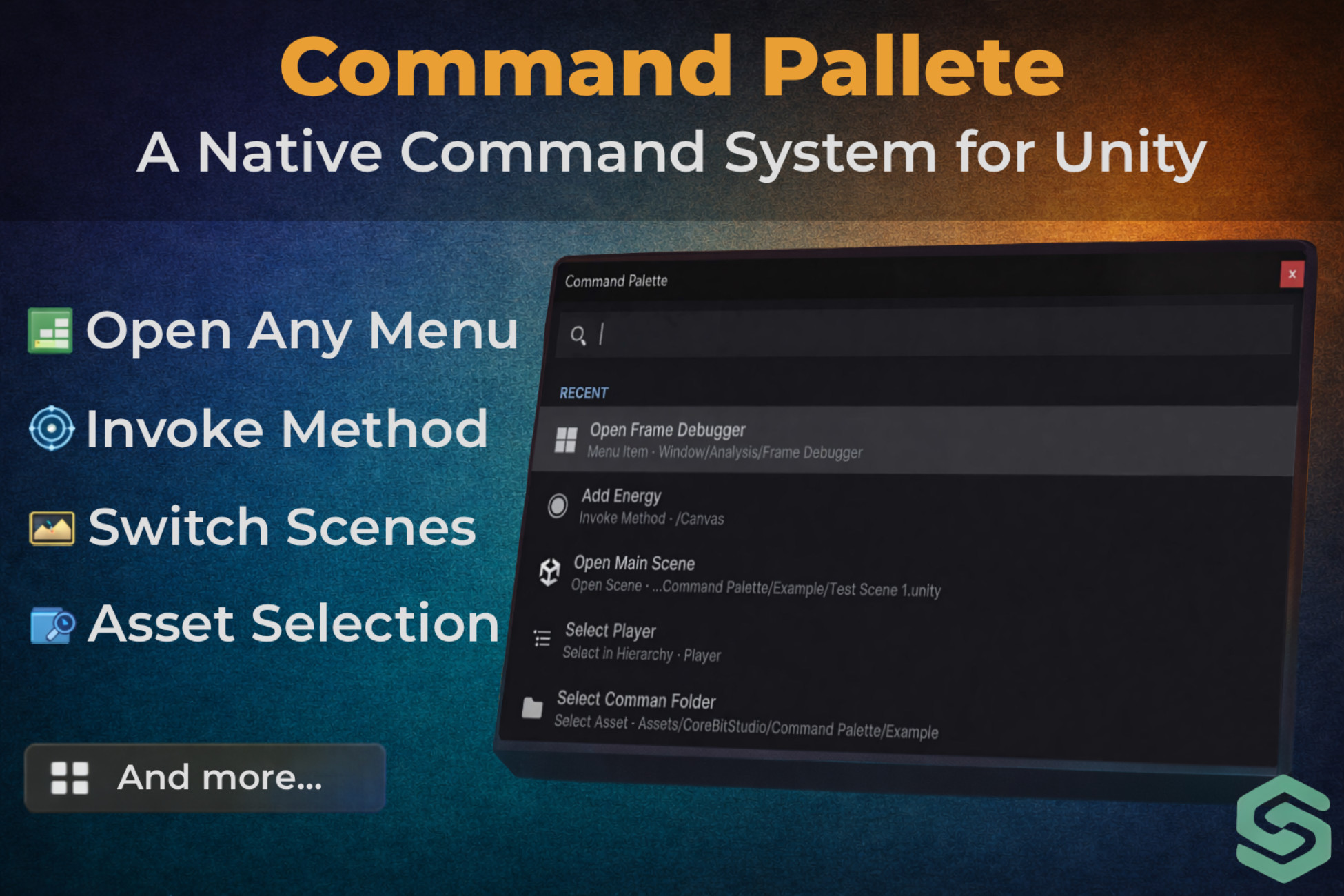
Command Palette is a powerful productivity tool that brings a modern, VS Code-style interface to the Unity Editor. Execute common actions instantly without taking your hands off the keyboard. Jump between scenes, select assets, invoke C# methods with parameters, and trigger menu items - all without breaking your flow. Key Features: Instant Execution - Searchable palette for lightning-fast command triggering. Keyboard-Driven - Fully customizable hotkey (Default: Alt + P). Smart Search - Find commands by keyword, name, or target object. Groups - Color-coded command groups for clean organization. Extensible - Works with Scenes, Assets, Scripts, Menu Items, and Methods. Native Look - Clean UI that matches Unity's modern editor theme. Supported Command Types: Invoke Method (Advanced) - Directly invoke public methods on your MonoBehaviours. Pass Parameters: Input values (float, int, string) directly from the palette. Open Scene - Instantly switch scenes without searching through project folders. Select In Project - Highlight any asset (Prefabs, ScriptableObjects, Configs) in the Project window instantly. Select In Hierarchy - Select and focus on GameObjects in the active scene. Execute Menu Item - Trigger any Unity menu command (e.g., Build Settings, Clear PlayerPrefs, General Settings) via search. Scene View Bookmark - Save camera positions in the Scene View and snap back to them instantly. Open Script - Open C# scripts directly in your default IDE (VS, VS Code, Rider). Command Groups - Organize your commands into color-coded groups for visual categorization, collapsible sections, cleaner command lists, and faster recognition. Custom Hotkey - Default: Alt + P, Fully customizable and Conflict-safe, Works anywhere in the Unity Editor. Compatibility - Fully optimized for Unity 6 and Unity 2022 LTS. Compatibility with versions older than Unity 2021.3 may be limited.