Unity
CENSOR - Screen-Space Quantization and Refraction
By Mirza Beig
FREE
Rated 0.0/5 from 1 ratings on Unity.
Price history
Recorded standalone sale prices and the latest available store price, in USD. Historical dots use the sale start date and its recorded offer price. Prices can change during a sale; this is not a daily price log. Bundle prices and upcoming offers are excluded. History covers up to the 100 most recent recorded offers.
Lowest recorded standalone price in this history: FREE. The latest store price is FREE, matching the lowest recorded price shown here.
View 1 recorded price
| Sale start / price check | Price | Observation |
|---|---|---|
| FREE | Latest store price |
About CENSOR - Screen-Space Quantization and Refraction
- Art & Visuals > VFX
Are you pro-censorship? We are.
With CENSOR ("PRO-fessional Edition"), *you* can be, too.
WARNING: Somewhat censored/pixelated/blurred content.
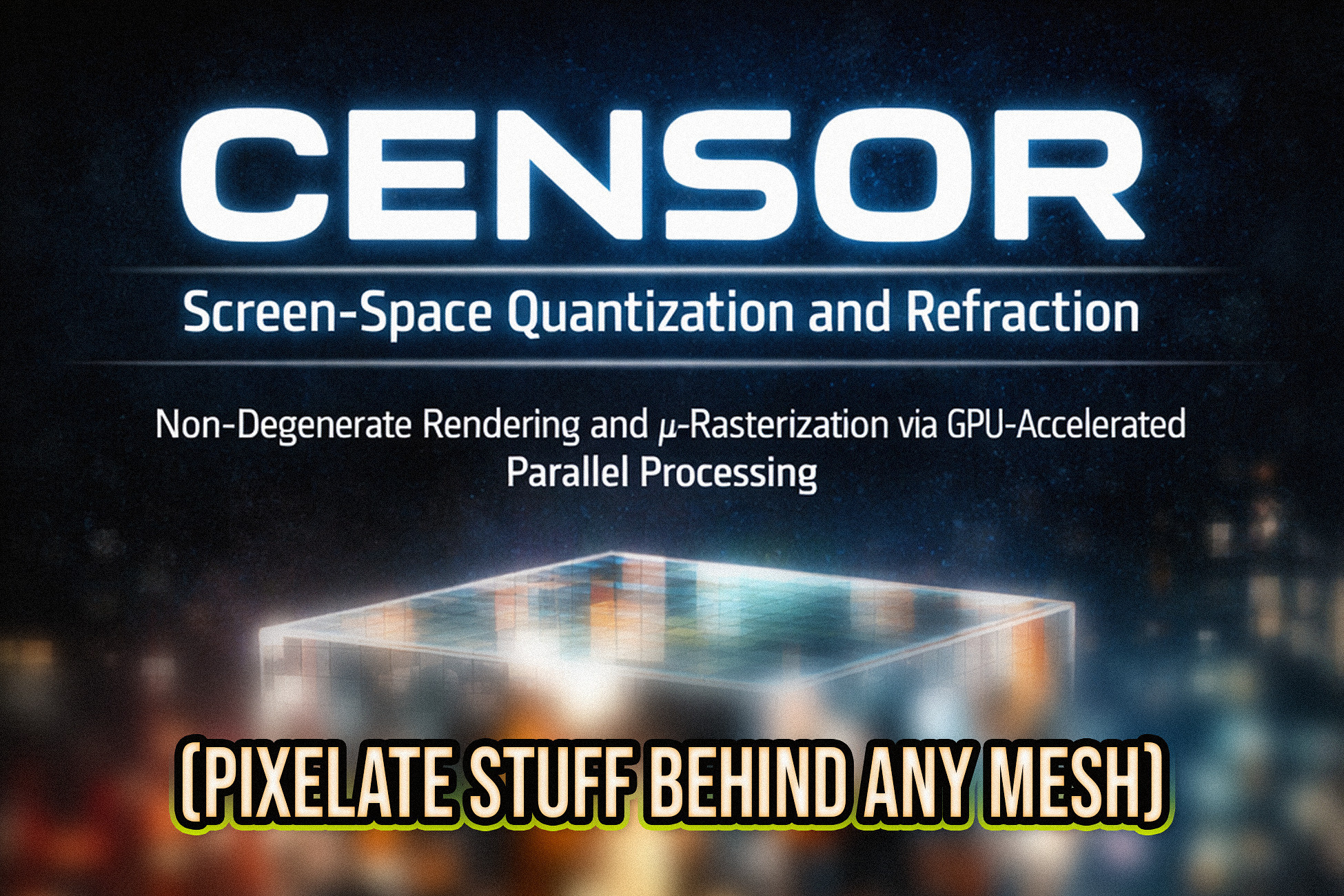
It's a pixelated glass and blur + censorship shader (visual effect).
Apply it to meshes like squares and disable refraction for a pixelating censor effect. Or, use it as an actual straightforward glass shader with complex meshes, by turning up the resolution (no performance cost for higher resolutions).
It's fast, and works on desktop, mobile, and WebGL.
(Just make sure to enable Opaque Texture rendering.)
Happy censoring!
---
Use the shader with any material, it's self-explanatory.
Adjust the resolution (aka: steps, quantization scale).
increase/decrease pixelation.
Adjust refraction strength to increase/decrease glass-like distortion.
-- Refraction can be scaled by distance, for relative quantization.
If you supply a global _CameraBlurTexture, you can use the toggle.
With CENSOR ("PRO-fessional Edition"), *you* can be, too.
WARNING: Somewhat censored/pixelated/blurred content.
It's a pixelated glass and blur + censorship shader (visual effect).
Apply it to meshes like squares and disable refraction for a pixelating censor effect. Or, use it as an actual straightforward glass shader with complex meshes, by turning up the resolution (no performance cost for higher resolutions).
It's fast, and works on desktop, mobile, and WebGL.
(Just make sure to enable Opaque Texture rendering.)
Happy censoring!
---
Use the shader with any material, it's self-explanatory.
Adjust the resolution (aka: steps, quantization scale).
increase/decrease pixelation.
Adjust refraction strength to increase/decrease glass-like distortion.
-- Refraction can be scaled by distance, for relative quantization.
If you supply a global _CameraBlurTexture, you can use the toggle.