About AquaWar – Multiplayer TPS/FPS Framework
- Tools, Systems & Learning > Game Templates & Systems
- Theme > Military & Combat
- Theme > Modern
- Art & Visuals > UI & GUI
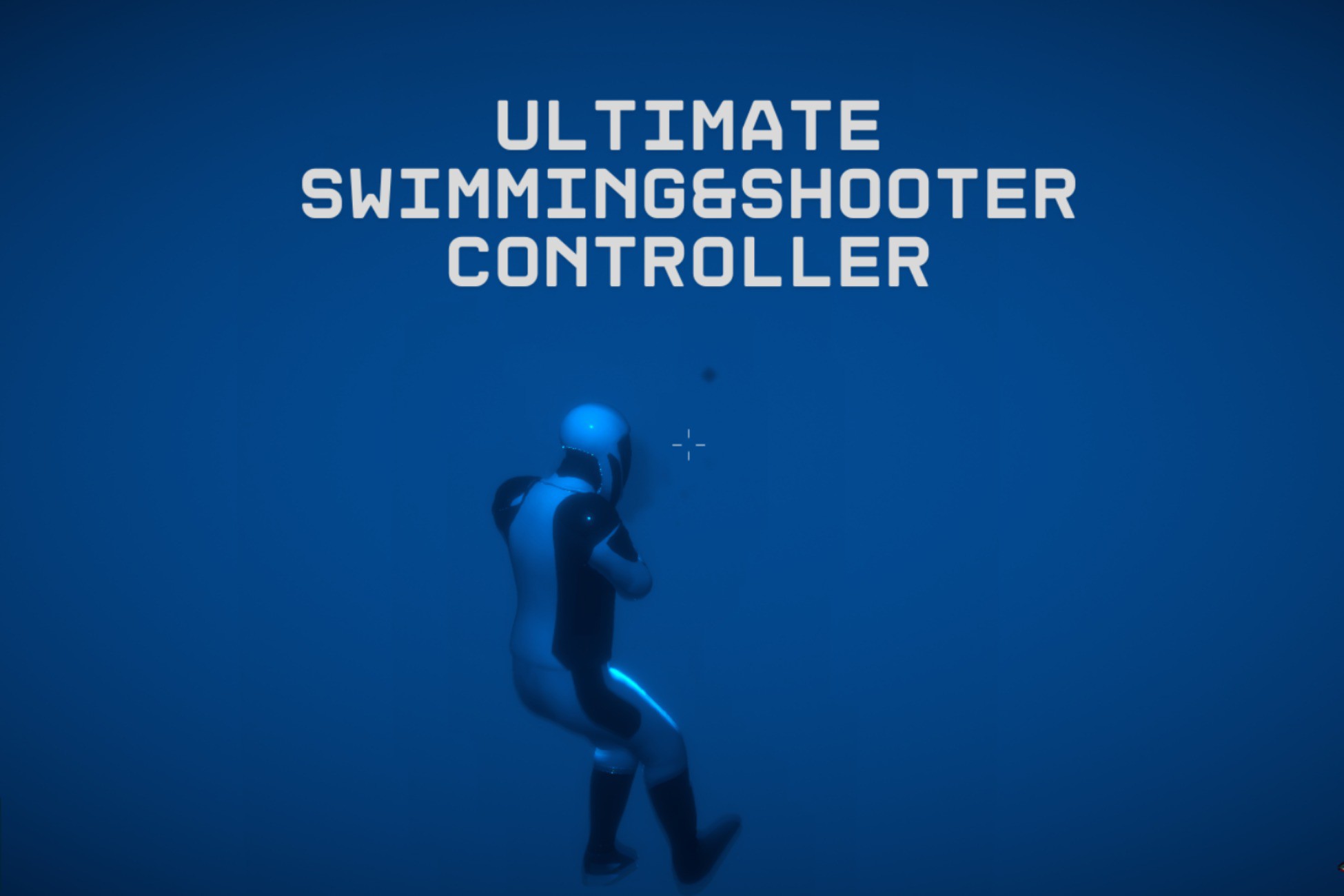
AquaWar Multiplayer is a complete production-ready Unity framework combining Third-Person, First-Person, Multiplayer, Weapon, and Advanced Swimming Systems with full Photon PUN 2 support. Designed for developers who need a powerful multiplayer foundation, AquaWar provides smooth player controls, synchronized gameplay systems, customizable characters, and easy-to-use editor tools — allowing you to focus on creating your game instead of building systems from scratch.
KEY FEATURES
Advanced Swimming System
• Realistic swimming, diving, and surfacing mechanics
• Adjustable oxygen (lungs) system
• Smooth underwater movement and controls
Complete Weapon System
• Fully functional firearms and melee weapons
Included weapons:
• AK-47
• Bazooka
• Shotgun
• AWM Sniper
• Combat Knife
• SCFI Police Stick
Dynamic Weapon Bag System
• Switch and manage weapons during gameplay
• Flexible weapon customization
Multiplayer Ready (Photon PUN 2)
• Network-synchronized player movement
• Shooting synchronization
• Swimming synchronization
• Animation synchronization
• Player state synchronization
Character Customization
• Easily replace character models
• Built-in Animator Cloner Tool
• Supports custom humanoid characters
Advanced Editor Tools
Configure your project quickly using:
Tools → Yousset Tools → Open Setup Menu
Manage:
• Player Settings
• Weapon Settings
• Match Settings
• Game Configuration
Lobby System Included
• Multiplayer lobby interface
• Room creation and joining
• Player UI system
• Camera and graphics settings
Demo Levels Included
Ready-to-play scenes featuring:
• Multiplayer gameplay
• Swimming mechanics
• Weapon systems
• Complete framework setup
DEFAULT CONTROLS
Move: W / A / S / D
Look Around: Mouse
Swim Up / Down: E / Q
Shoot: Left Mouse Button
Aim: Right Mouse Button
Shark Ability: Left Enter
Weapon Bag: Hold F
Open Map: M
Settings Menu: Escape
HOW TO GET STARTED?
1. Install the required Unity packages.
2. Import AquaWar Multiplayer into your Unity project.
3. Enter your Photon App ID in PhotonServerSettings.
4. Open a demo scene and press Play.
Required Packages:
• Cinemachine
• New Input System
• Universal Render Pipeline (URP)
Input Setup:
Go to:
Edit → Project Settings → Player → Other Settings
Set:
Active Input Handling → Both (Old + New)
WHY CHOOSE AQUAWAR MULTIPLAYER?
AquaWar Multiplayer provides a complete plug-and-play TPS/FPS multiplayer foundation with advanced swimming, combat, networking, and customization systems.
Build your next multiplayer experience faster with a flexible framework designed for exploration, survival, and action games.
KEY FEATURES
Advanced Swimming System
• Realistic swimming, diving, and surfacing mechanics
• Adjustable oxygen (lungs) system
• Smooth underwater movement and controls
Complete Weapon System
• Fully functional firearms and melee weapons
Included weapons:
• AK-47
• Bazooka
• Shotgun
• AWM Sniper
• Combat Knife
• SCFI Police Stick
Dynamic Weapon Bag System
• Switch and manage weapons during gameplay
• Flexible weapon customization
Multiplayer Ready (Photon PUN 2)
• Network-synchronized player movement
• Shooting synchronization
• Swimming synchronization
• Animation synchronization
• Player state synchronization
Character Customization
• Easily replace character models
• Built-in Animator Cloner Tool
• Supports custom humanoid characters
Advanced Editor Tools
Configure your project quickly using:
Tools → Yousset Tools → Open Setup Menu
Manage:
• Player Settings
• Weapon Settings
• Match Settings
• Game Configuration
Lobby System Included
• Multiplayer lobby interface
• Room creation and joining
• Player UI system
• Camera and graphics settings
Demo Levels Included
Ready-to-play scenes featuring:
• Multiplayer gameplay
• Swimming mechanics
• Weapon systems
• Complete framework setup
DEFAULT CONTROLS
Move: W / A / S / D
Look Around: Mouse
Swim Up / Down: E / Q
Shoot: Left Mouse Button
Aim: Right Mouse Button
Shark Ability: Left Enter
Weapon Bag: Hold F
Open Map: M
Settings Menu: Escape
HOW TO GET STARTED?
1. Install the required Unity packages.
2. Import AquaWar Multiplayer into your Unity project.
3. Enter your Photon App ID in PhotonServerSettings.
4. Open a demo scene and press Play.
Required Packages:
• Cinemachine
• New Input System
• Universal Render Pipeline (URP)
Input Setup:
Go to:
Edit → Project Settings → Player → Other Settings
Set:
Active Input Handling → Both (Old + New)
WHY CHOOSE AQUAWAR MULTIPLAYER?
AquaWar Multiplayer provides a complete plug-and-play TPS/FPS multiplayer foundation with advanced swimming, combat, networking, and customization systems.
Build your next multiplayer experience faster with a flexible framework designed for exploration, survival, and action games.