Unity
Animation Montages for Game Creator 2
$24.99
Rated 0.0/5 from 2 ratings on Unity.
About Animation Montages for Game Creator 2
- Tools, Systems & Learning > Development Tools & Automation
- Theme > Military & Combat
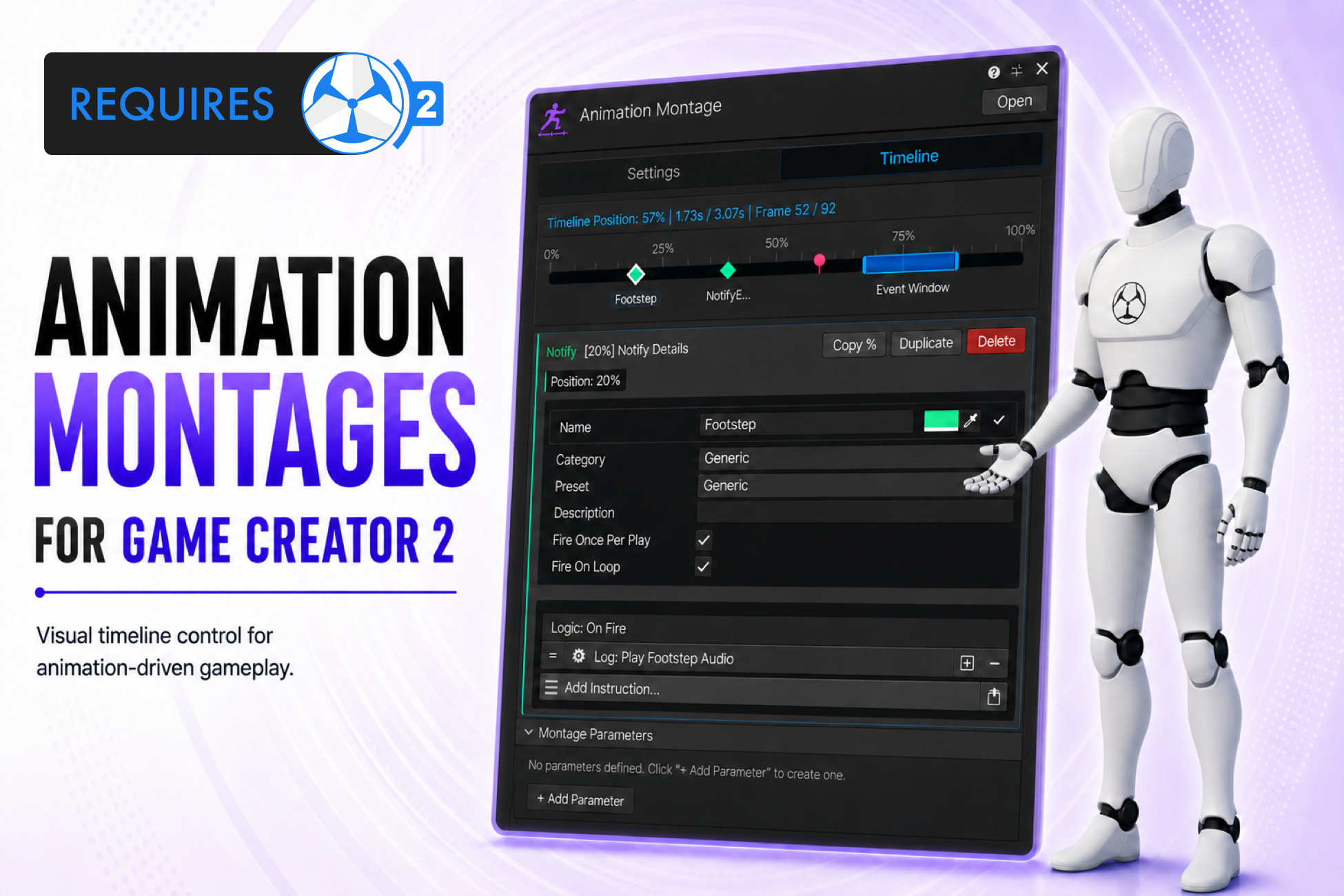
Animation Montages for Game Creator 2 is a designer-friendly animation sequencing tool for Unity that provides a visual timeline workflow for creating attacks, combo chains, hit windows, interaction animations, cinematic beats, special moves and character-specific action sequences without touching Game Creator 2 core files. Create a Montage asset, assign a Gesture clip or Game Creator State, and place gameplay logic along a clean 0–100% normalized animation timeline where timing stays consistent even if animation speed changes or clips are swapped later. Use Montages to control exactly what happens during playback: trigger notifies at precise moments, define active timing ranges such as hitboxes, parry windows or cancel windows, organize animation into named sections, handle conditional transitions and combo flow with branches, and apply timed position, rotation or offset changes via transform tracks. Runtime parameters let you drive montage behavior at integration. Everything connects directly with Game Creator 2 Visual Scripting through actions, conditions and triggers, enabling designers to play montages, wait for notifies, check active windows, jump between sections, branch on gameplay conditions, set parameters and control playback from familiar workflows. The package includes a polished custom UI Toolkit inspector for fast iteration, allowing designers to drag markers, resize windows, search and filter timeline items, preview animation timing, diagnose setup issues and debug active montages during Play Mode. Suitable for melee attacks and combo systems, hit and dodge windows, interaction animations with synced gameplay logic, cinematic character moments, character-specific action sequences and combat abilities or special moves.