Price history
Recorded standalone sale prices and the latest available store price, in USD. Historical dots use the sale start date and its recorded offer price. Prices can change during a sale; this is not a daily price log. Bundle prices and upcoming offers are excluded. History covers up to the 100 most recent recorded offers.
Lowest recorded standalone price in this history: $18. The latest store price is $18, matching the lowest recorded price shown here.
View 1 recorded price
| Sale start / price check | Price | Observation |
|---|---|---|
| $18 | Latest store price |
About Animation Control Hub
- Tools, Systems & Learning > Development Tools & Automation
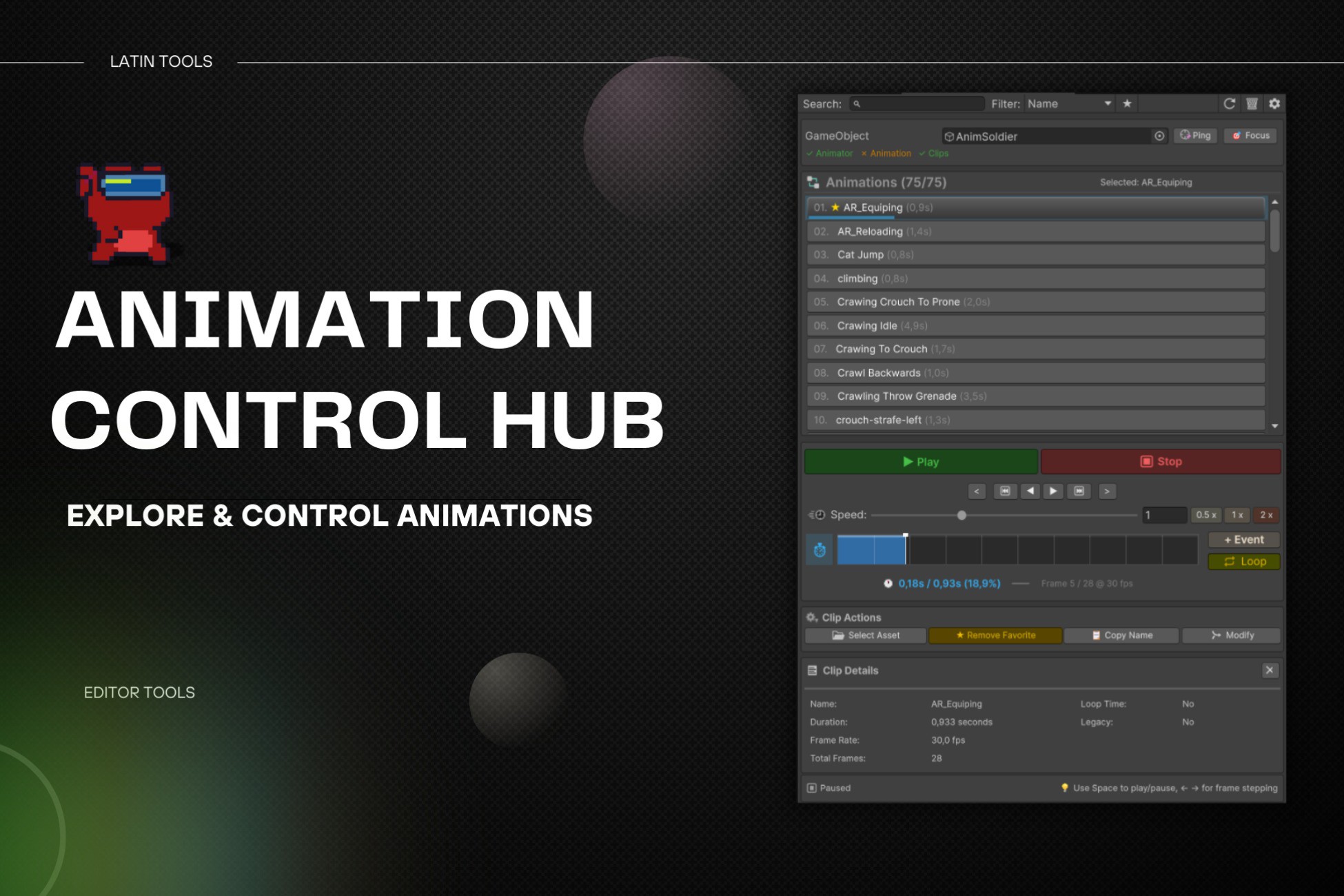
Anim Control Hub is an all-in-one tool to visualize, organize, and control animations in Unity quickly and intuitively.
It's built to speed up your workflow and give you full control over animation clips and character setup, without cluttered menus or unnecessary steps.
Key Features
Utilities Panel
A set of 4 professional tools designed to streamline character setup:
Categorized bone browserBone VisualizerEdit bones directly in the Scene View with:Mirror Mode (Normal / Inverted)Simple IKVisibility filters (hide small bones)Measure character height and auto-scale meshes to a target size (e.g. 1.80 m) with a single click.Height RulerName filtering for a cleaner viewBlend Shapes ManagerEasily manage multiple blend shapes:Master slider controlCopy / paste values between meshesAuto-rotation to inspect characters from every angleOrientation ToolInstantly snap characters to the ground (Place on Surface)Core Animation Tools
View all animations from any object using an Animator or Animation component.Animation ExplorerSave important clips and find them instantly using powerful filters.Favorites & Advanced SearchSmoothly scrub animations, adjust playback speed, or step frame-by-frame.Interactive TimelineQuickly add, edit, and assign animation events with parameters using a built-in function search.Event ManagerInstantly check clip duration, total frames, FPS, loop status, event count, and more.Detailed InsightsExport models as FBX in the exact pose of the animation at the current playback time.FBX Pose ExportLocate clips in the project, toggle slow motion, and navigate faster.Smart ShortcutsNo Animator? Simply drag and drop clips to automatically create and assign one (Animator or Legacy).Automatic AssistantPerfect for
Developers who want real productivity when working with animations.Technical artists who need precise control over bones, blend shapes, and events.Indie creators and studios aiming for a faster, cleaner Unity workflow.Compatibility
Supports Animator Controller and Legacy AnimationCompatible with URP, HDRP, and Built-in Pipeline