About Animation Tools
- Tools, Systems & Learning > Development Tools & Automation
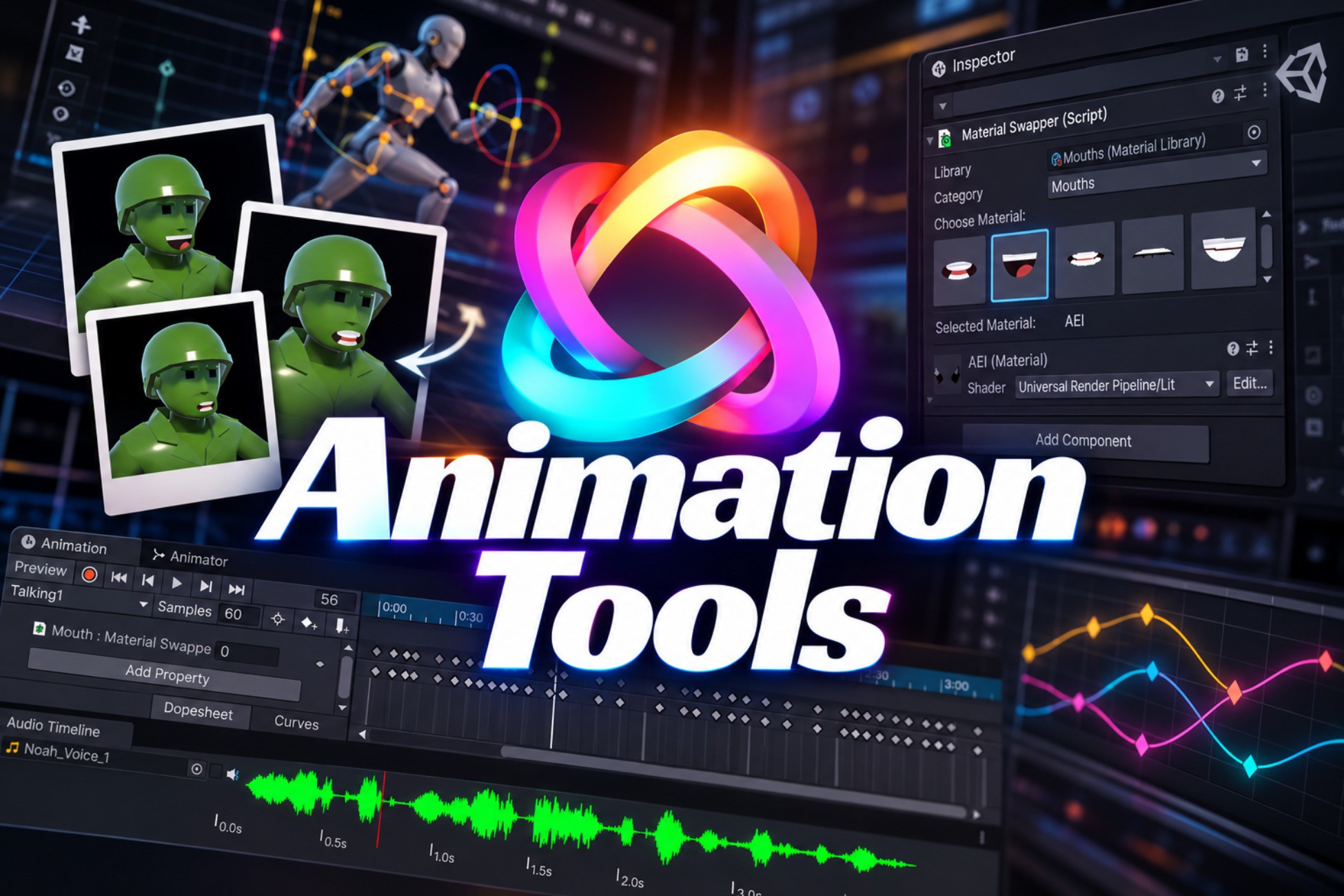
Animation Tools is a growing collection of Unity Editor tools built to streamline animation workflows — from dialogue and lip-sync to randomised idle states, animator behaviour scripting, and fixing broken animation references.
Designed for animators who want to move faster and spend less time wrestling with the editor.
Full documentation: https://ludichris000.github.io/Animation-Tools-Docs/
--------------------------------------------------------------------
🎵 AUDIO TIMELINE
--------------------------------------------------------------------
Visualise and scrub through an audio file in perfect sync with Unity's Animation window. Designed for dialogue animation and lip-sync, but works equally well for any timed action — footsteps, combat swings, gun reloads.
• Waveform display docks directly below the Animation window
• Red playhead tracks the animation scrubber in real time
• Mute toggle for silent Edit mode work
• Works with any AudioClip format Unity supports
--------------------------------------------------------------------
🖼️ MESH MATERIAL SWAPPER
--------------------------------------------------------------------
Click a thumbnail. Keyframe a mouth shape. Done. The Material Swapper displays your materials as clickable thumbnails — clicking one swaps the mesh material and automatically places a keyframe in record mode.
• Scriptable Material Library asset for organising mouth shapes, eye textures, and more
• Thumbnail previews generated automatically from your materials
• Category system for organising large material sets
• Pairs perfectly with Audio Timeline for rhythm-accurate lip-sync
--------------------------------------------------------------------
🧠 ANIMATOR BEHAVIOUR TOOLS
--------------------------------------------------------------------
A set of StateMachineBehaviour scripts that fire automatically on state enter, exit, or transition — no custom code required.
Included behaviours:
• SetAnimLayerWeight — enable or disable animator layers automatically
• SetMultipleAnimLayerWeight — control multiple layers at once with a comma-separated list
• SetBool — set a boolean parameter on state entry or exit
• SetTrigger — fire a trigger at a chosen moment in the state lifecycle
• ChooseRandomState — randomly route to one of several animations inside a Sub-State Machine, perfect for varied idles and attack variations
--------------------------------------------------------------------
🔗 ANIMATION MISSING REFERENCE FINDER (NEW)
--------------------------------------------------------------------
When a GameObject is renamed or a hierarchy is restructured, animation binding paths go yellow in the Animation window. Fixing them manually — hunting through the Animation window or editing .anim files in a text editor — is tedious.
The Animation Missing Reference Finder automates the whole process.
• Scans selected clips, all clips in the project, or the currently open clip in one click
• Groups all broken properties by path so you fix a GameObject once, not once per property
• Auto-resolve searches the active scene hierarchy and suggests the corrected path automatically
• Fuzzy matching handles renames — if the name changed slightly, it finds the closest match and flags it for review
• Editable suggested-fix field lets you type a path manually when auto-resolve can't find it
• Fix All, Fix Selected, or Apply per-row — full Undo support throughout
• Read-only asset detection prevents accidental edits to package clips
Open via: Tools → Animation Tools → Animation Missing Reference Finder
Designed for animators who want to move faster and spend less time wrestling with the editor.
Full documentation: https://ludichris000.github.io/Animation-Tools-Docs/
--------------------------------------------------------------------
🎵 AUDIO TIMELINE
--------------------------------------------------------------------
Visualise and scrub through an audio file in perfect sync with Unity's Animation window. Designed for dialogue animation and lip-sync, but works equally well for any timed action — footsteps, combat swings, gun reloads.
• Waveform display docks directly below the Animation window
• Red playhead tracks the animation scrubber in real time
• Mute toggle for silent Edit mode work
• Works with any AudioClip format Unity supports
--------------------------------------------------------------------
🖼️ MESH MATERIAL SWAPPER
--------------------------------------------------------------------
Click a thumbnail. Keyframe a mouth shape. Done. The Material Swapper displays your materials as clickable thumbnails — clicking one swaps the mesh material and automatically places a keyframe in record mode.
• Scriptable Material Library asset for organising mouth shapes, eye textures, and more
• Thumbnail previews generated automatically from your materials
• Category system for organising large material sets
• Pairs perfectly with Audio Timeline for rhythm-accurate lip-sync
--------------------------------------------------------------------
🧠 ANIMATOR BEHAVIOUR TOOLS
--------------------------------------------------------------------
A set of StateMachineBehaviour scripts that fire automatically on state enter, exit, or transition — no custom code required.
Included behaviours:
• SetAnimLayerWeight — enable or disable animator layers automatically
• SetMultipleAnimLayerWeight — control multiple layers at once with a comma-separated list
• SetBool — set a boolean parameter on state entry or exit
• SetTrigger — fire a trigger at a chosen moment in the state lifecycle
• ChooseRandomState — randomly route to one of several animations inside a Sub-State Machine, perfect for varied idles and attack variations
--------------------------------------------------------------------
🔗 ANIMATION MISSING REFERENCE FINDER (NEW)
--------------------------------------------------------------------
When a GameObject is renamed or a hierarchy is restructured, animation binding paths go yellow in the Animation window. Fixing them manually — hunting through the Animation window or editing .anim files in a text editor — is tedious.
The Animation Missing Reference Finder automates the whole process.
• Scans selected clips, all clips in the project, or the currently open clip in one click
• Groups all broken properties by path so you fix a GameObject once, not once per property
• Auto-resolve searches the active scene hierarchy and suggests the corrected path automatically
• Fuzzy matching handles renames — if the name changed slightly, it finds the closest match and flags it for review
• Editable suggested-fix field lets you type a path manually when auto-resolve can't find it
• Fix All, Fix Selected, or Apply per-row — full Undo support throughout
• Read-only asset detection prevents accidental edits to package clips
Open via: Tools → Animation Tools → Animation Missing Reference Finder