About 3D Navball System
- Art & Visuals > UI & GUI
- Art & Visuals > Textures & Materials
3D Navball System
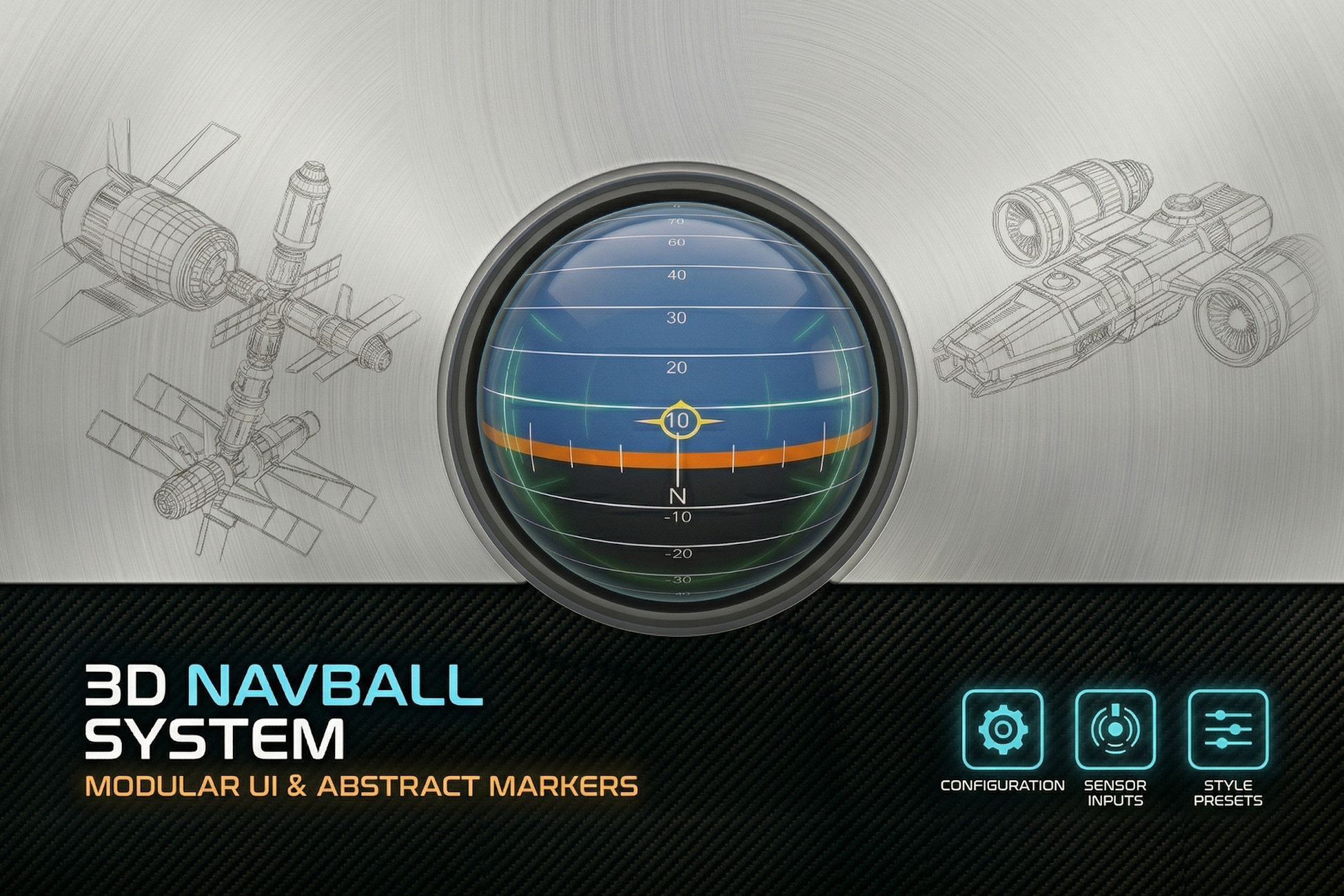
The 3D Navball System is a high-performance, flexible orientation tracking solution for Unity. Designed for space simulators, flight engines, and complex physics environments, it provides a high-fidelity 3D reference point that can be anchored to any transform or coordinate basis.
By utilizing a dedicated render target, the system projects a seamless 3D element directly onto your UI, offering the depth of a physical instrument with the convenience of a lightweight interface component.
Features
- Adjustable basis. The math works for flat worlds or spherical bodies simply by adjusting the basis.
- Configurable target. Track the orientation of any Transform relative to the basis.
- Icon Controller. Manages icons for things like 'Prograde', 'Retrograde', 'Target', etc.
- Rigidbody Velocity Icon Driver. Drives an Icon Controller to manage a 'Prograde' icon showing the direction of travel of a tracked Rigidbody on the Navball.
- Many materials to choose from. Includes a variety of pre-configured styles to fit your project's aesthetic right out of the box.
- Pipeline agnostic. Uses a shaderless approach ensuring seamless compatibility across Built-in, URP, and HDRP using the automated upgrade tools in Unity.
- Ultra-lightweight. Optimized for performance with minimal overhead, making it suitable for both mobile and high-end PC titles.
- Great for beginners and professionals.
- Hand written documentation and auto-generated API reference included.
- Fast support anytime by contacting us at [email protected]
Looking for a different color scheme/layout of the Navball materials? Don't hesitate to reach out, using math-driven texture generation techniques we may be able to help quickly make a custom texture that fits your projects needs.
The 3D Navball System is a high-performance, flexible orientation tracking solution for Unity. Designed for space simulators, flight engines, and complex physics environments, it provides a high-fidelity 3D reference point that can be anchored to any transform or coordinate basis.
By utilizing a dedicated render target, the system projects a seamless 3D element directly onto your UI, offering the depth of a physical instrument with the convenience of a lightweight interface component.
Features
- Adjustable basis. The math works for flat worlds or spherical bodies simply by adjusting the basis.
- Configurable target. Track the orientation of any Transform relative to the basis.
- Icon Controller. Manages icons for things like 'Prograde', 'Retrograde', 'Target', etc.
- Rigidbody Velocity Icon Driver. Drives an Icon Controller to manage a 'Prograde' icon showing the direction of travel of a tracked Rigidbody on the Navball.
- Many materials to choose from. Includes a variety of pre-configured styles to fit your project's aesthetic right out of the box.
- Pipeline agnostic. Uses a shaderless approach ensuring seamless compatibility across Built-in, URP, and HDRP using the automated upgrade tools in Unity.
- Ultra-lightweight. Optimized for performance with minimal overhead, making it suitable for both mobile and high-end PC titles.
- Great for beginners and professionals.
- Hand written documentation and auto-generated API reference included.
- Fast support anytime by contacting us at [email protected]
Looking for a different color scheme/layout of the Navball materials? Don't hesitate to reach out, using math-driven texture generation techniques we may be able to help quickly make a custom texture that fits your projects needs.